To safely fix a phone charger cord, you must first understand that the only manufacturer-supported solution for a damaged cable is replacement, not repair. The official support pages for Google Pixel and Samsung devices document only how to connect a charger correctly, not how to repair a frayed or broken cord, and the Apple community advises that debris in the charging port is often the real cause of charging problems.
Can you safely fix a phone charger cord?
Manufacturers do not provide repair instructions for damaged cables, and DIY electrical repairs carry risks of short circuits, fire, or damage to your phone.
First, rule out a dirty charging port
Debris in the charging port can block charging and is often mistaken for a broken cord. Based on community advice, inspect the port on your phone using a bright light. If you see lint or debris, gently remove it with a clean, dry toothbrush or a small non-conductive brush. Damaged port pins may require service, but cleaning is the first safe step before assuming the cord itself is faulty.
Check the basics: connection order and power source
Both Google’s Pixel help page and Samsung’s support page document the same correct connection order: connect the USB cable to the charging adapter, then plug the adapter into the wall outlet, and finally connect the other end to your phone. If charging fails, test with a different adapter or a different wall outlet.
Inspect the cord for visible damage
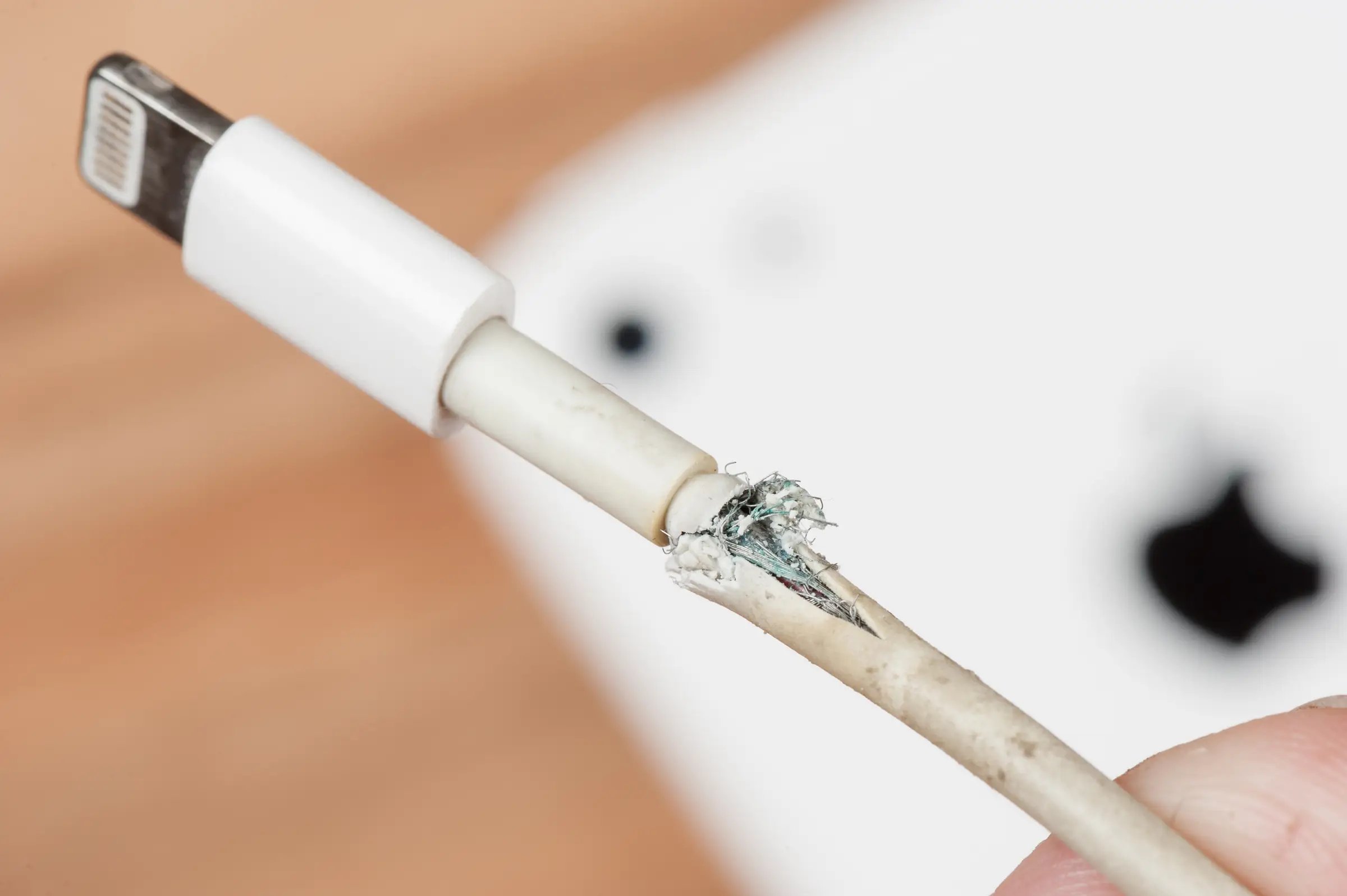
Identify fraying, exposed wires, bent connectors, or loose ends. These signs indicate the cord is failing and needs replacement, not repair. Overheating can be caused by a faulty charger, a damaged cord, or an incompatible power source. Slow charging can be caused by a worn-out cord or a faulty connector. Intermittent charging can be caused by a loose connection, damaged cord, or an issue with the phone's charging port. If you see any of these issues, the cord is no longer safe to use.
When to replace your charger cord
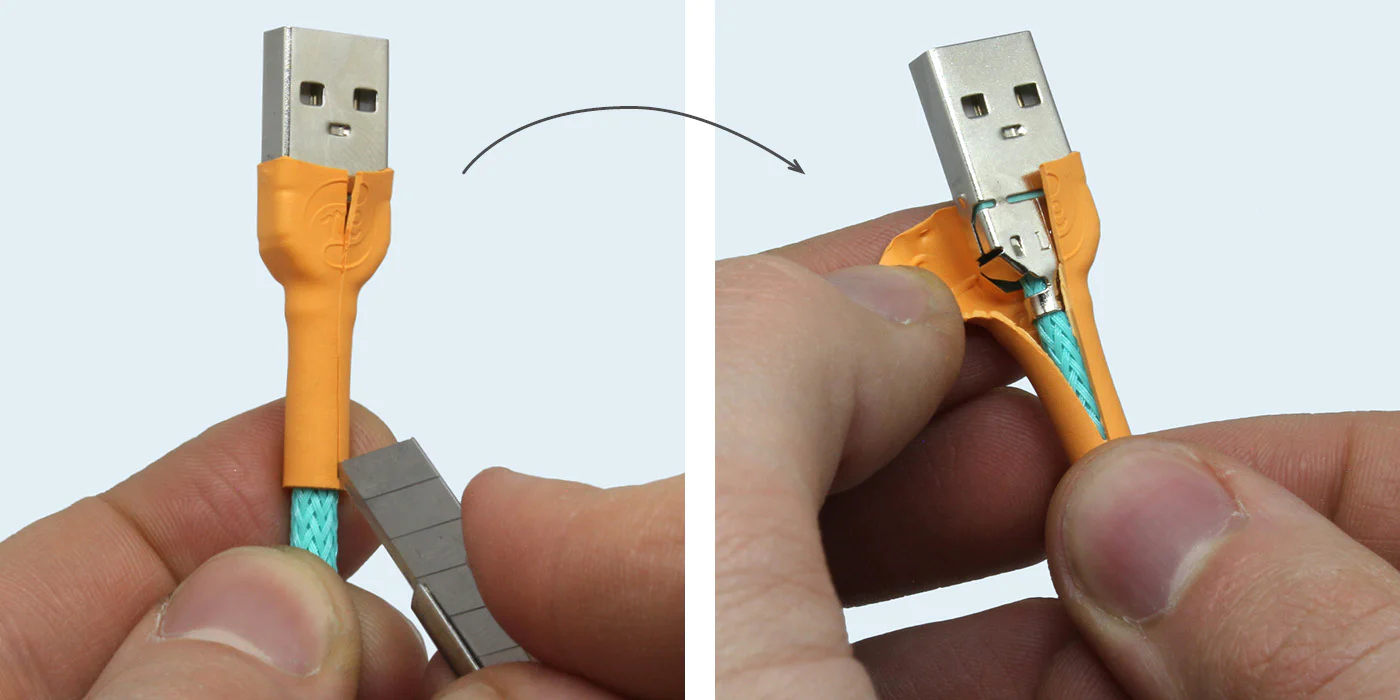
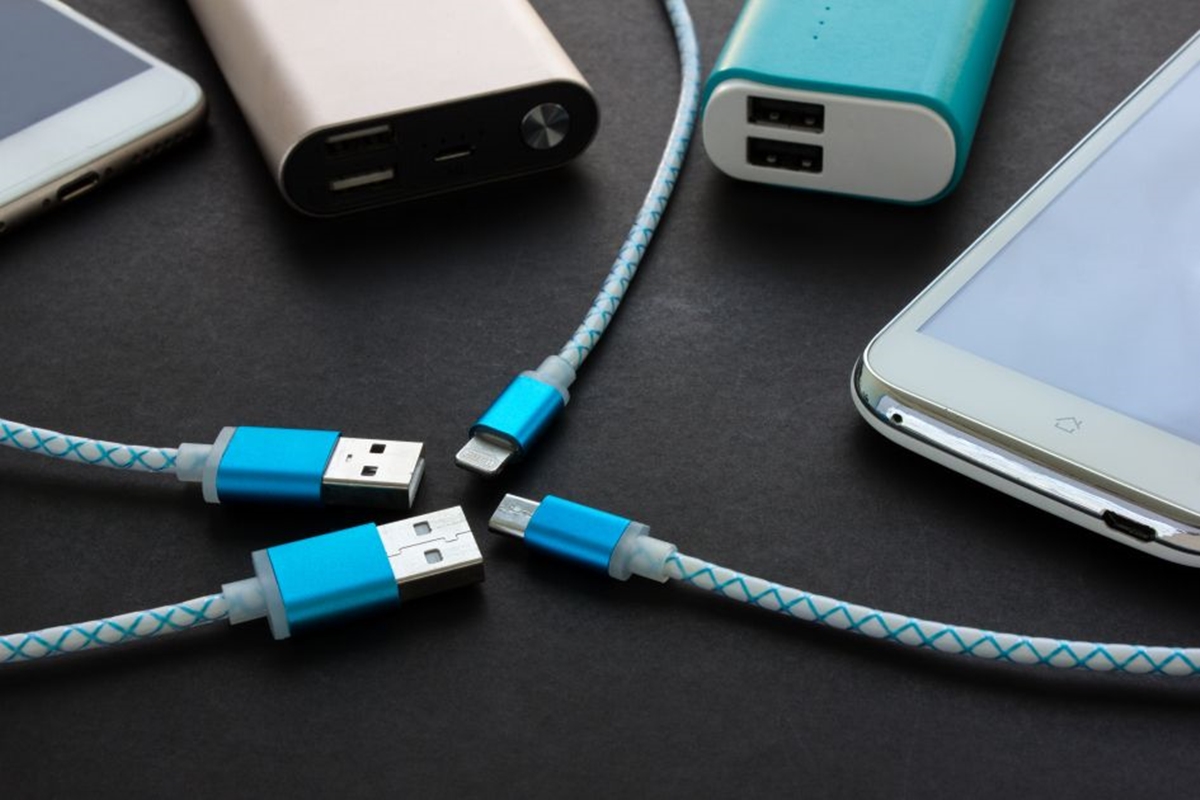
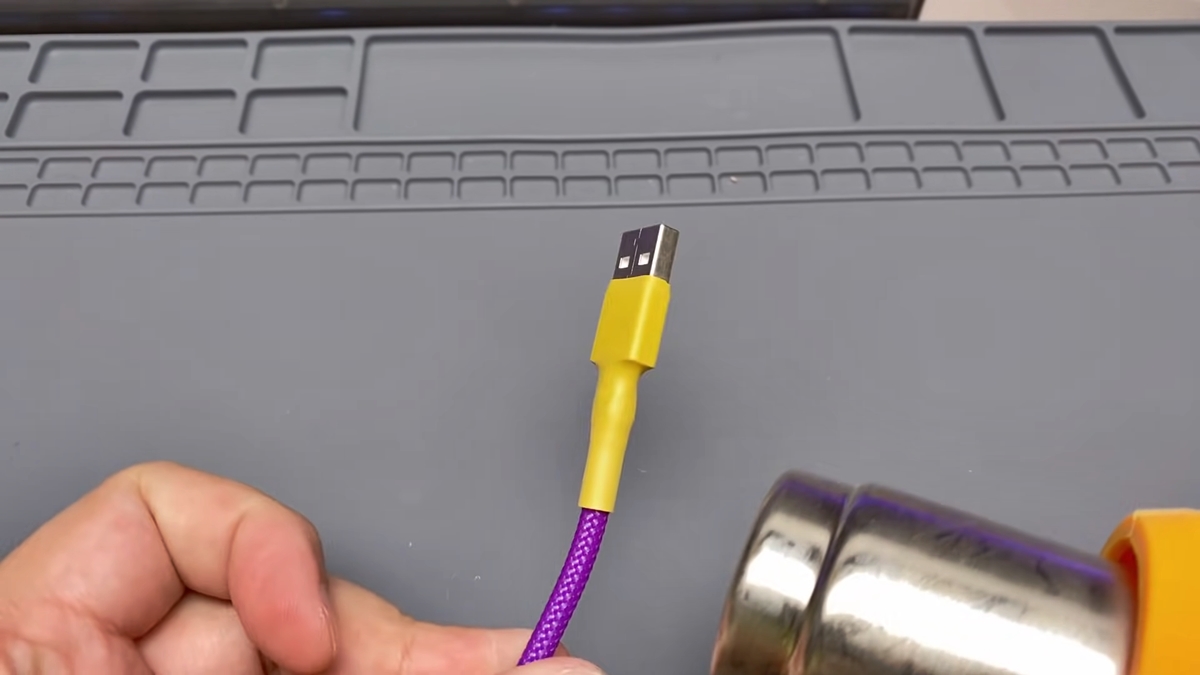
Replacement is the only safe and manufacturer-supported solution for a damaged cable. A frayed charger cord can be temporarily reinforced by wrapping electrical tape around the damaged area to cover exposed wires. Use heat shrink tubing to reinforce and protect the repaired area of the cord. Use a soldering iron and solder if the repair involves soldering wires together. When choosing a new charger, look for compatibility with your phone model. For Pixel phones, Google recommends using the USB-C cable and power adaptor that came with the device or a compatible replacement. For Samsung devices, the support page says to connect a USB cable to a charging adapter, but does not specify a repair method. Understanding phone charger types and cables helps you select the correct replacement, for example, Qi-wireless-compatible models for Pixel phones include Pixel 4 through Pixel 9 Pro XL.
Frequently Asked Questions
Can a phone charging cord be repaired using official instructions?
No. They only provide normal connection steps for charging and advice on cleaning the port.
Which phones are covered by the retrieved charging pages?
Google’s cable-charging page is for Pixel phones generally, and its Pixel Stand page lists Qi-wireless-compatible models including Pixel 4 through Pixel 9 Pro XL. Samsung’s page covers its phones and tablets generally, but does not specify individual models.
What cable does Samsung recommend?
The retrieved Samsung page says to connect the USB cable to a charging adapter and then to the phone or tablet, but it does not specify a repair method or supported repair limits.
What if the problem is the phone port, not the cord?
The Apple Community thread states that lint or debris may block the port and that damaged pins may require service. This is not an official Apple support page, but cleaning the port is a safe first step before replacing the cord.
How do I identify the right replacement cable for my phone model?
Check your phone’s manufacturer support page for compatible charger types. For Pixel phones, use the USB-C cable that came with the device. For Samsung, any compatible USB-C cable that works with your charging adapter should function correctly.
For the wider topic, see phone charger types and cables.
Related reading: How To Protect Your Phone Charger Cord and How To Fix Broken IPhone Charger Tip.