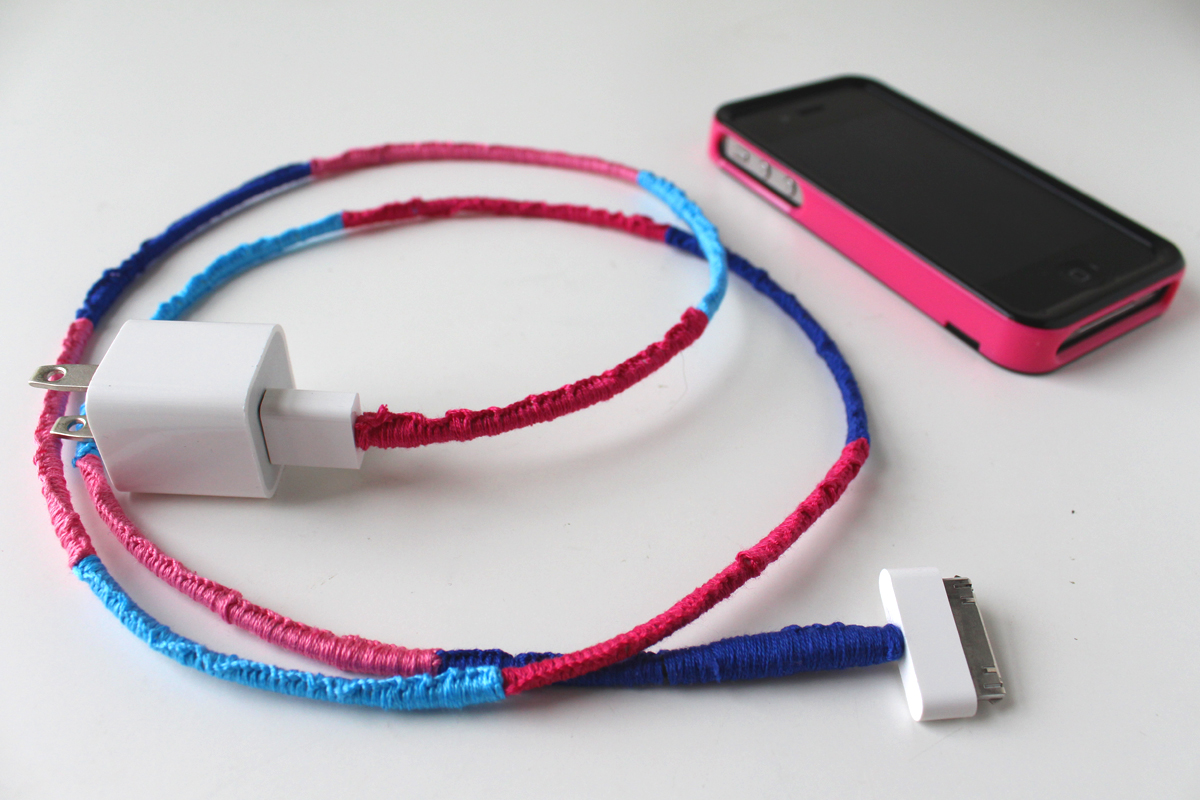
To protect your phone charger cord, always unplug it by gripping the connector at the end of the cable, not the cable itself, and avoid sharp bends that can weaken the wire over time. This single habit prevents the internal stress that leads to fraying, breaks, and eventual safety hazards, making it the most effective way to protect your phone charger cord from damage.
Why protecting your cord is a safety issue
Apple states that damaged power adapters and cables should not be used because they can create fire, electric shock, injury, or damage to your device. Cables become weak or brittle when repeatedly bent in the same spot, so protecting your cord is not just about saving money, it is a critical safety practice that prevents electrical hazards.
Handle the connector, not the cable
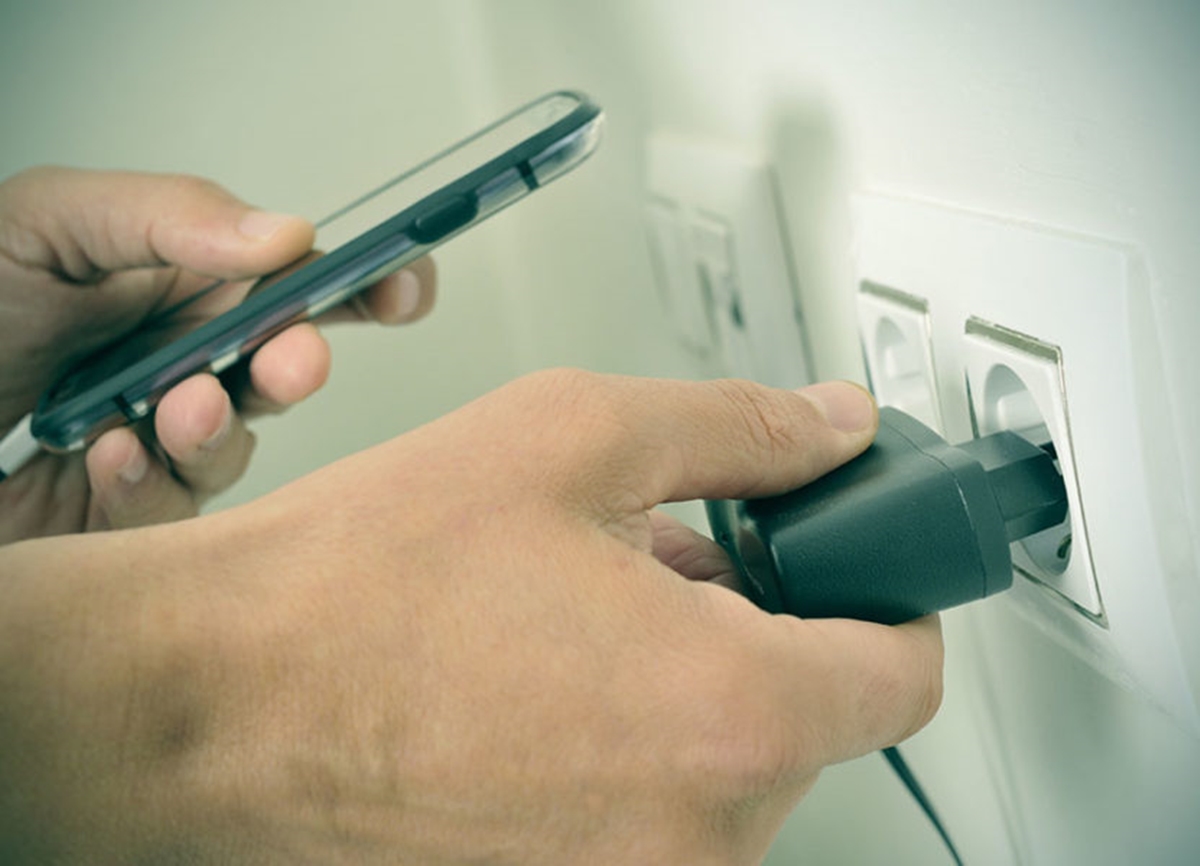
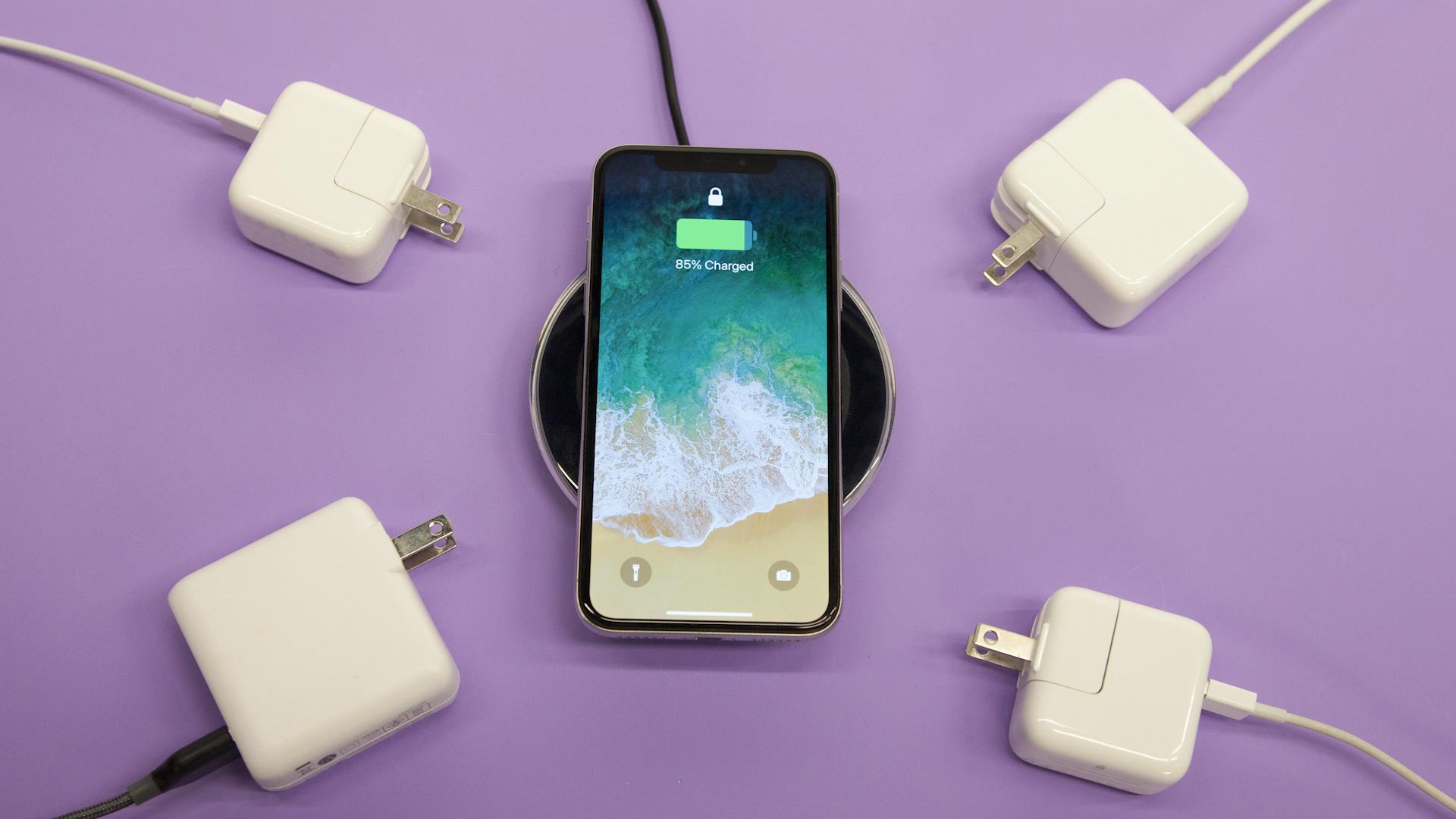
Apple instructs users to always hold the connector at the end of the cable when unplugging from a device, power source, or adapter. Pulling the cord itself puts stress on the internal wires and the connection point, which is the most common cause of premature failure. Make this your default motion every time you disconnect. Plugging into a wall adapter provides a stable power source, which reduces electrical stress on the cord compared to some USB ports that may deliver inconsistent power.
Avoid sharp bends and repeated stress
Repeated bending in the same spot weakens a cable, so Apple recommends using gentle curves instead of sharp angles. When storing or wrapping your cord, create loose loops rather than tight folds. This simple change prevents the internal conductors from fracturing over time.
Inspect regularly and stop using damaged cords
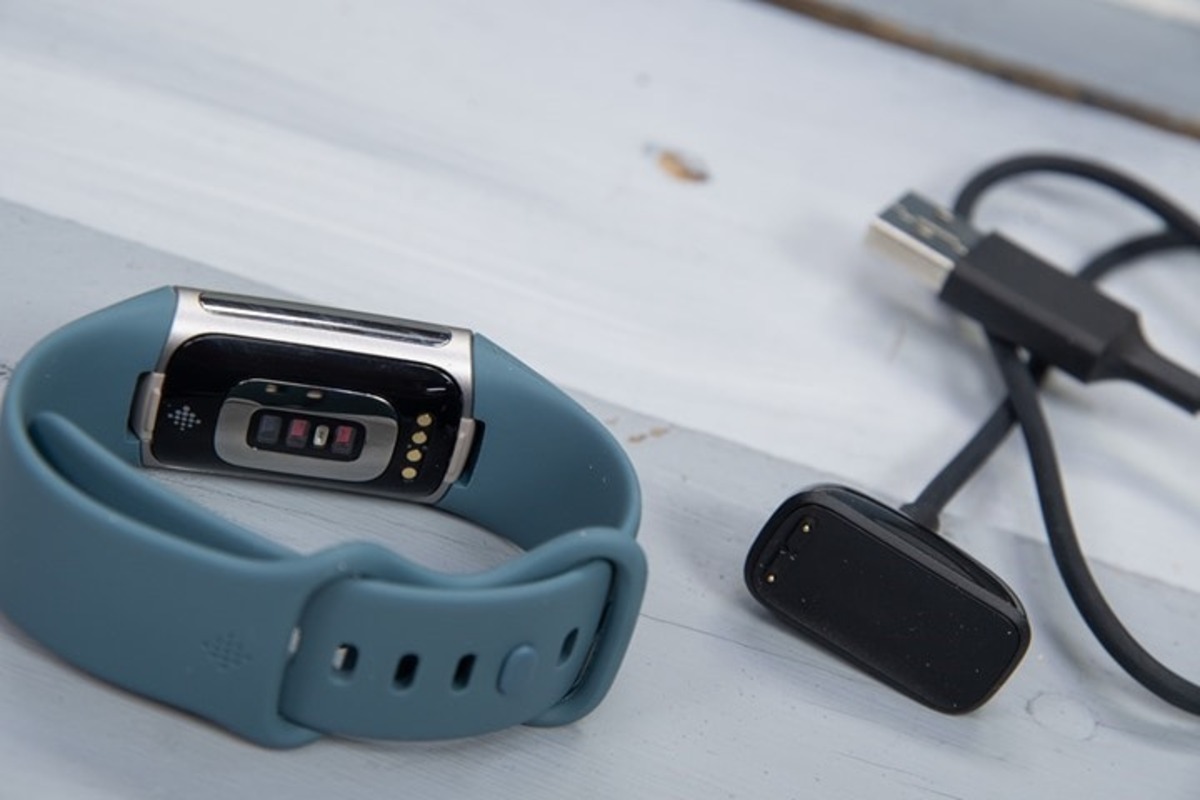
Regularly inspect the cable and connector for kinks, breaks, bends, or other damage. If you notice any of these signs, Apple says to stop using the cable immediately. A damaged cord cannot be safely repaired and must be replaced to avoid fire or shock risks.
Keep your charging gear dry and ventilated
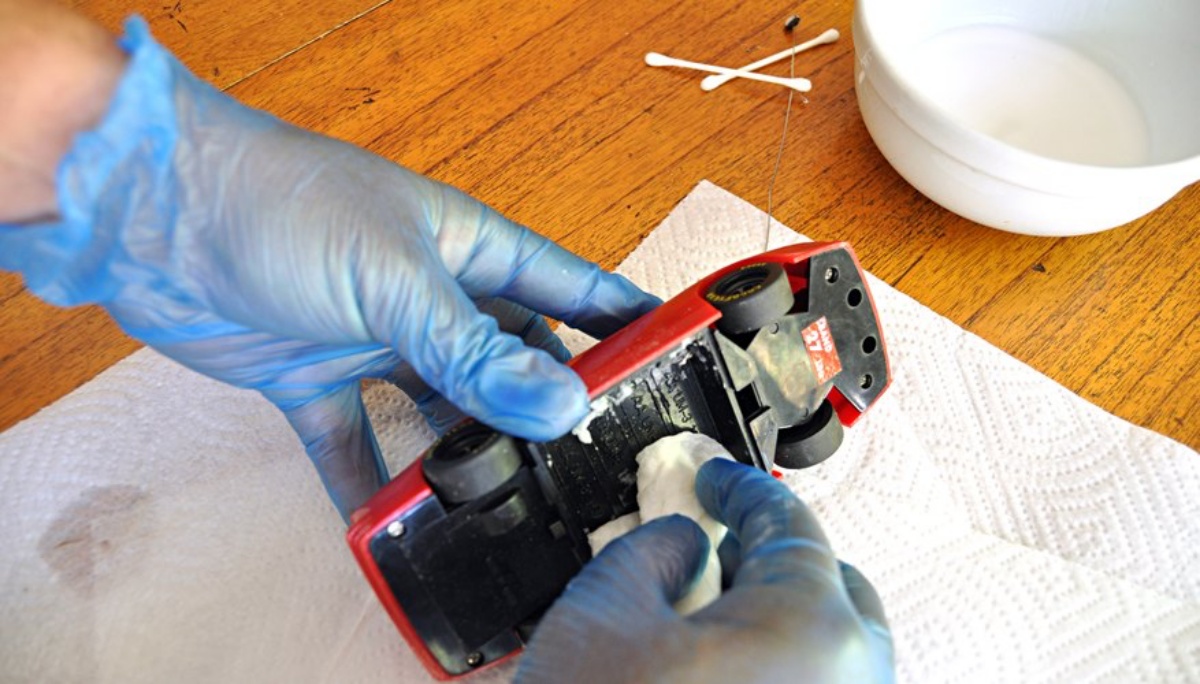
Keep the charging cable, power adapter, and device in a well-ventilated area while charging. If liquid is present, do not charge until the connector, cable ends, and accessory are completely dry. Drying can take up to 24 hours, and charging or accessory connection will remain unavailable during that time. If an iPhone shows a liquid-detection alert every time you connect a certain cable or accessory, Apple says that cable or accessory might be damaged and recommends contacting the manufacturer.
Frequently Asked Questions
Can a wet charger cord be used again right away?
No. Apple says do not plug it back in until the iPhone and cable are completely dry.
What if a cable keeps triggering the liquid alert?
Apple states that the cable or accessory might be damaged. Stop using it and contact the manufacturer for a replacement.
Is there an iPhone or Android setting that prevents cord damage?
No.
What should I do if my charger cord frays at the connector end?
Stop using the cord immediately. Apple warns that damaged cables can cause fire or electric shock. Replace it with a new, certified cable from the manufacturer or a reputable brand.
How does using a wall adapter help protect the cord?
This helps prevent internal damage over time.
Are cable protectors or sleeves effective?
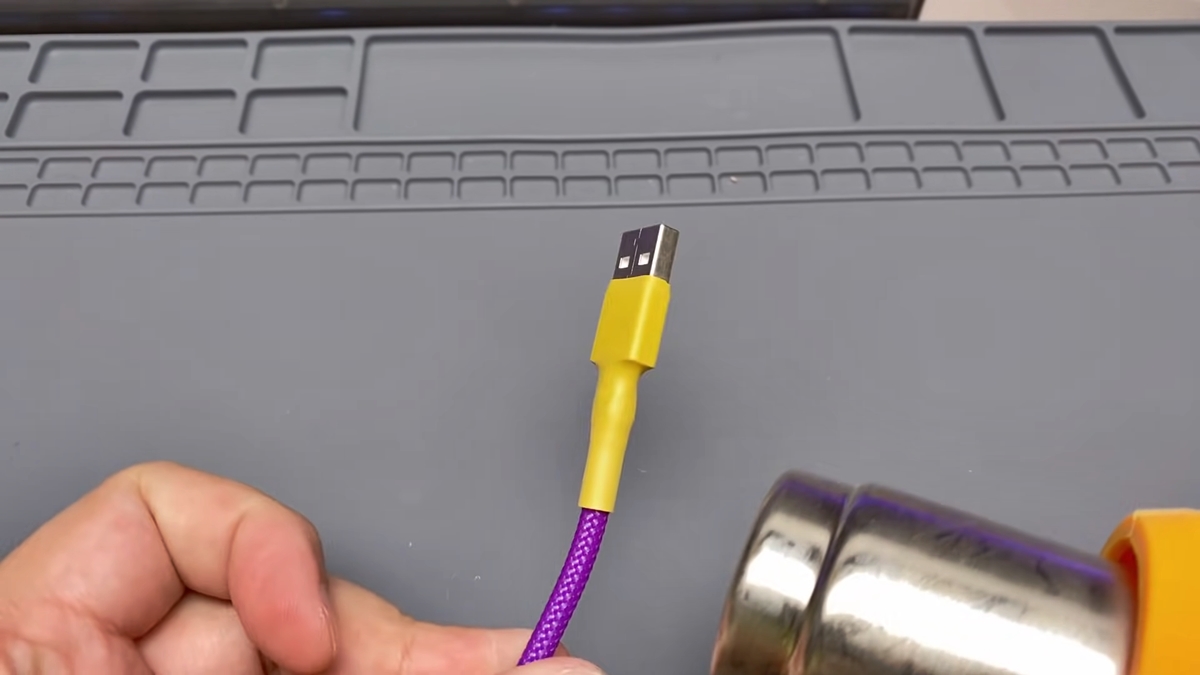
Cable protectors can reduce fraying at stress points, but they do not replace proper handling. The most effective protection comes from unplugging by the connector, avoiding sharp bends, and inspecting regularly for damage.
For the wider topic, see phone charger types and cables.
Related reading: Phone Charger Buzzing When Plugged In and How To Fix A Phone Charger Cord.