The best mobile number tracker for you depends on whether you need to identify an unknown caller or keep tabs on a family member who has consented to share their location. For identifying spam and scam calls, a caller ID and spam-blocking app is the right tool, while for tracking a child or loved one, you need a consent-based family location tracker installed on their device.
What is the best mobile number tracker for you?
There are two main types of apps that fall under the category of mobile number tracker. The first type, caller ID and spam blockers, work by searching a phone number against a large database to show you the caller's name, location, and whether the number is associated with scams. These apps do not track a phone's real-time location without the owner's permission. The second type, consent-based family trackers, require you to install the app on the target device and have the user agree to share their location. These apps show a family member's real-time location on a map. It is important to set realistic expectations: no app can secretly track a stranger's phone number by simply entering it into a search bar.
Best caller ID and spam-blocking apps
These apps identify unknown callers and block scams by searching a number against a community-driven or commercial database. TrueCaller is one of the most popular options, offering caller ID and automatic spam blocking, though it requires an internet connection to work. Mobile Number Location app claims to work 100% offline without an internet connection to search numbers and discover caller ID names. Caller ID & Number Locator app only works with Android versions later than 4.0. Mr. Number Lookup & Call Block can identify whether an unknown number is a scammer's tool and lets you read other users' feedback before blocking the contact directly from the app. CallerSmart goes beyond showing a caller's name and location by also telling you who has looked up your number, and it stays updated through its user community. CallerSmart app can provide you with data about who has been looking up your number using the app. Number Finder: Real Caller ID can identify both unknown callers and scam text messages, and it shows a "threat level" and the type of fraudulent scheme associated with the number. Phone Number Tracker app doubles as a speed dialer for quickly returning an unknown call. Free Phone Tracer is a US-based website that can only trace US mobile, landline, and toll-free numbers. Free Phone Tracer website requires you to create an account before you can use its service.
Best consent-based family location trackers
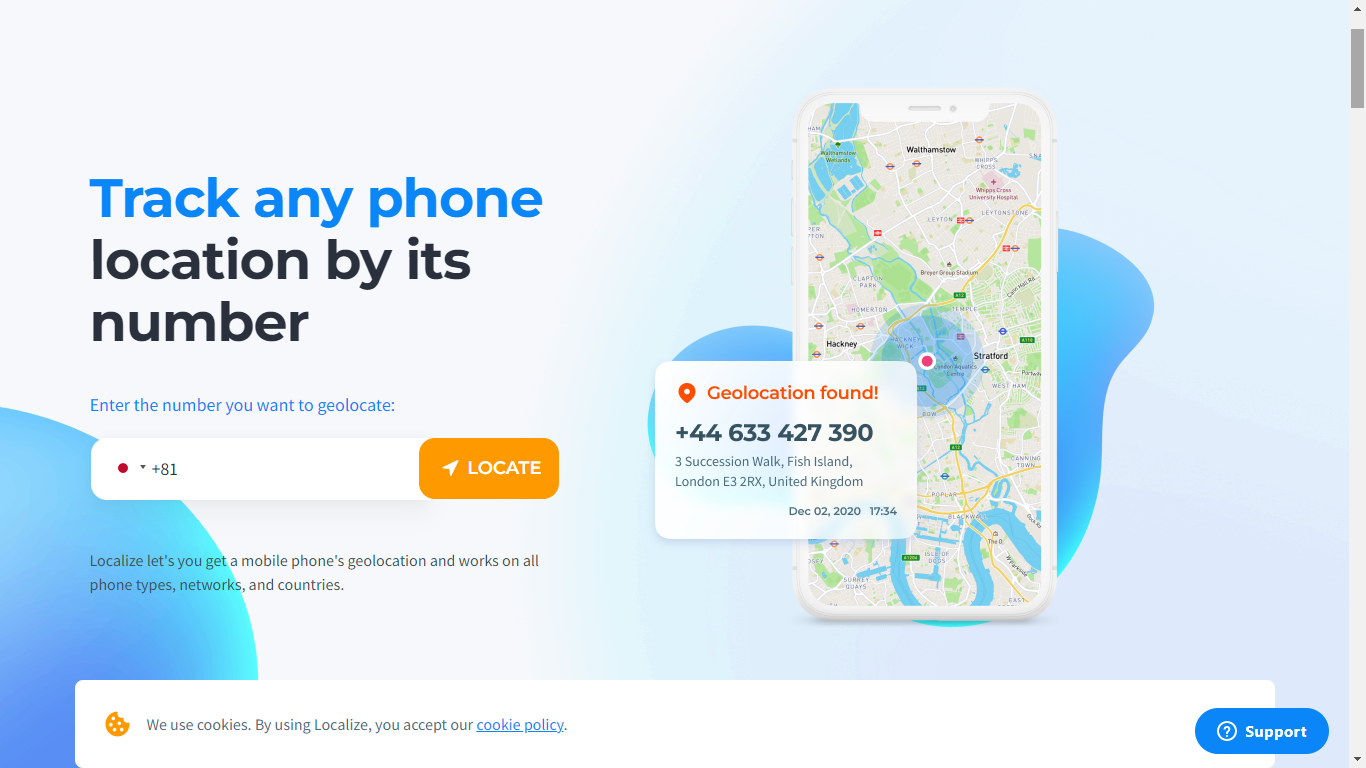
These apps require installation on the target device and the user's consent to share their real-time location. FamiSafe provides real-time location tracking, a detailed history of places visited, and a geofencing feature that sends notifications when a person enters a dangerous area. Find My Kids is designed for parental control and child safety, offering location history, mobile activity monitoring, and even the ability to record sounds around the child's device. Find My Kids app can record the noises around the child's surroundings. Localize app works by sending an SMS link to the stranger's number; tracking only begins if the stranger clicks the link to consent. These apps are not for tracking strangers; they are built for family safety with the knowledge and permission of the person being tracked.
How to share your location with family on iPhone
Apple's built-in Find My app is the official, consent-based method for sharing your location with family members. To turn on sharing from the device that will be tracked, open the Find My app, tap Me, then turn on Share My Location. If needed, tap Use This iPhone as My Location to make that specific iPhone the source device. To share with a person, open Find My, tap People, tap the + button, then choose Share My Location. Enter a contact in the With field, tap Send, and choose the sharing duration. You can also share location from iPhone, iPad, Mac, and Apple Watch through Find My. In Family Sharing, the organizer's location is automatically shared with the family group after location sharing is turned on. Alternatively, you can open Settings, tap Family, tap Location Sharing, and under Share Your Location With, choose which family members to share with.
How to find your child's Android device with Family Link
Google's Family Link is the official, consent-based method for locating a child's Android device. A parent can find a child's Android and compatible watch device location in Family Link once device location sharing is turned on. To use this feature, turn on Location sharing for the child, and if there are multiple children, choose which children to enable it for. This method requires the child's consent and the app to be installed on their device.
Stay safe from unwanted calls and texts
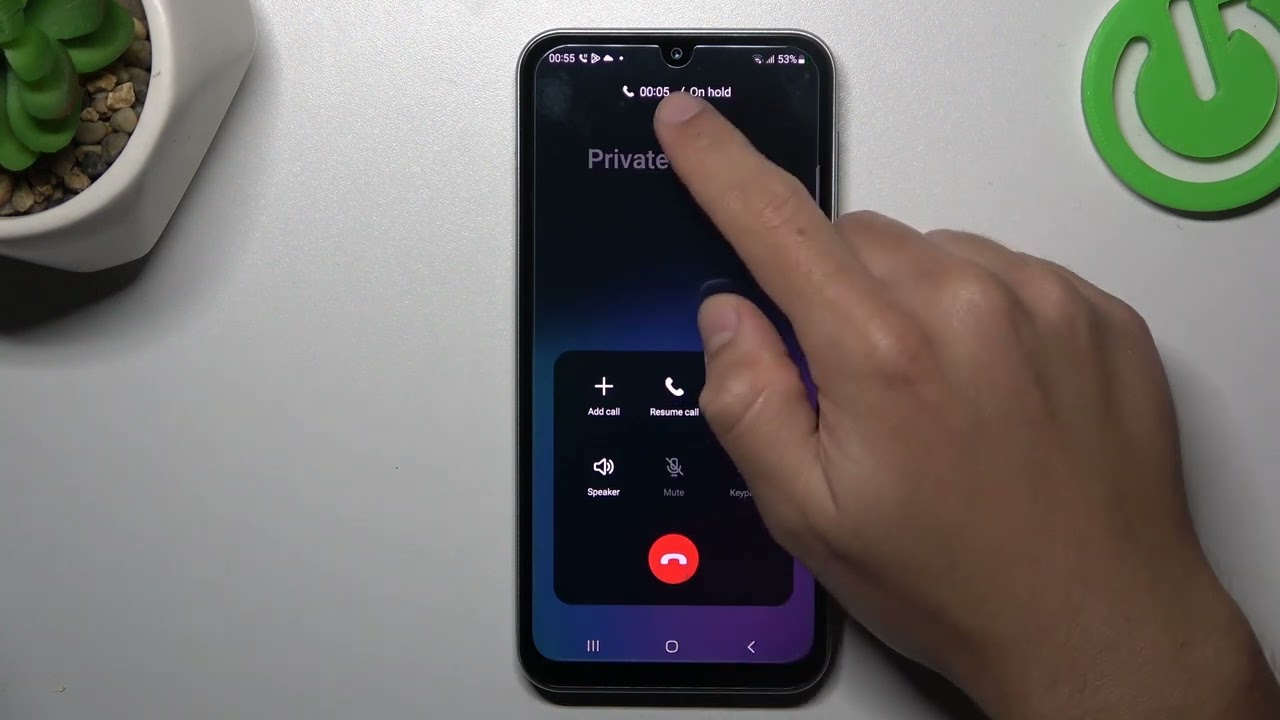
The best defense against unwanted calls and texts is a combination of tools. Use a trusted caller ID and spam-blocking app to identify and block unknown numbers from strangers. For keeping track of family members, rely on official, consent-based tools like Apple's Find My or Google's Family Link. If you have received a call from a private number and need to return it, you can use the information from these apps to help you call back in 5 easy ways.
Frequently Asked Questions
Can a mobile number tracker app find the exact location of any phone number?
No. Apps that claim to track any phone number by just entering the number can only show the general area where the number is registered, such as a city or state. They cannot provide a real-time GPS location without the phone owner's consent and a location-sharing feature installed on that device.
Are free mobile number tracker apps safe to use?
Many free caller ID apps are safe, but you should always check the app's permissions and privacy policy. Some free apps may collect and sell your data. Stick to well-known apps with large user bases and clear privacy practices, and avoid apps that ask for unnecessary permissions like access to your contacts or messages.
What is the difference between a mobile number tracker and a reverse phone lookup?
A mobile number tracker typically shows the general location or service provider of a number, while a reverse phone lookup identifies the name and other contact information of the person who owns that number. Some apps combine both features, but they are distinct services.
Can I track my child's phone without them knowing?
No. For ethical and legal reasons, tracking a child's phone requires their consent and the installation of a location-sharing app on their device. Apple's Find My and Google's Family Link are designed for this purpose and require the child's knowledge and agreement to share their location.
Do these apps work for landline numbers?
Some caller ID and spam-blocking apps, such as Trace Mobile Number, can also trace landline and toll-free numbers. However, most apps are optimized for mobile numbers, and their databases may not include landline information. For landline tracking, a dedicated reverse phone lookup service is often more effective.
16 Best Mobile Number Tracker Apps You Should Download Now
1. Mobile Number Locator - Phone Caller Location
Mobile Number Locator - Phone Caller Location is one of the best mobile number tracker apps available on the Google Play Store. You can input the mobile number and tap on the search button to see the information on where the phone number is registered. Users must consider that this app is not a cell phone tracker but a mobile number tracker only.
2. Mobile Number Location
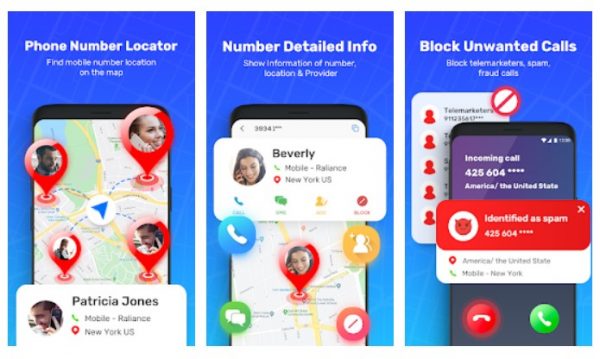
Mobile Number Location is a 100% free mobile number tracker app that helps you search mobile numbers, STD and ISD codes, and mobile phone locations without using the internet. This best mobile number tracker app provides you with the state, city, STD and ISD codes, and live caller ID for unknown or private numbers offline.
3. Phone Tracker By Number
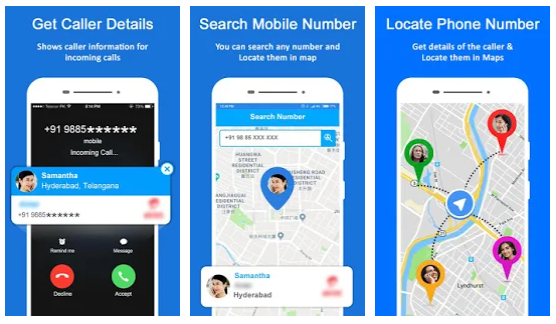
Phone Tracker By Number is an accurate and solid GPS tracker that allows you to locate your mobile phones, and even your children. It is developed to assist you in finding your children's location via the mobile number in a quick, accurate, and convenient method.
4. Phone Number Tracker
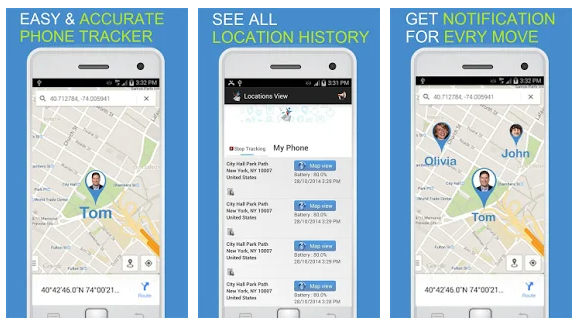
Phone Number Tracker has nearly the same functions as the previous entry, Phone Tracker by Number. Apart from the number, it can share with you the user's name, location, and mobile network carrier information. Best of all, the Phone Number tracker doubles as a speed dialer for when you want to quickly return an unknown call you've received.
5. Mobile Number Locator by SriApps
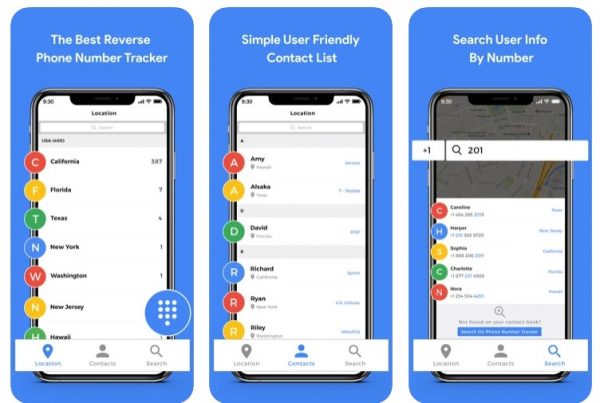
Mobile Number Locator by SriApps is one of the best Android mobile number tracker apps that let you find any phone number's location easily and which state operator and the service provider it belongs to. This app also provides you with the caller location of every incoming and outgoing call over the mobile phone screen.
6. Trace Mobile Number
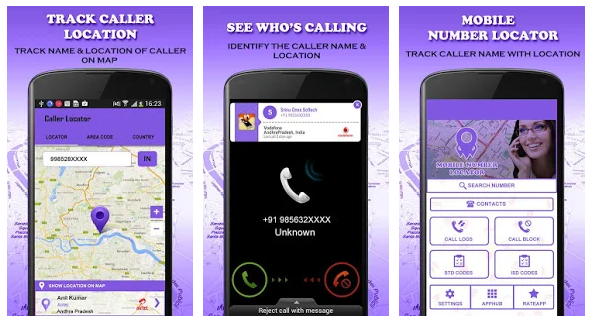
The Trace Mobile Number app displays the caller information such as the location and the service provider at the time of incoming phone calls. With the Trace Mobile Number app, you can also trace landline and toll-free numbers.
7. FamiSafe
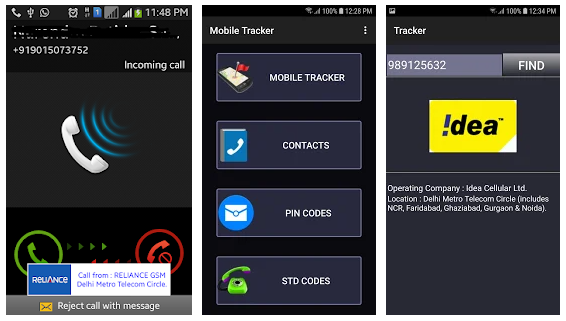
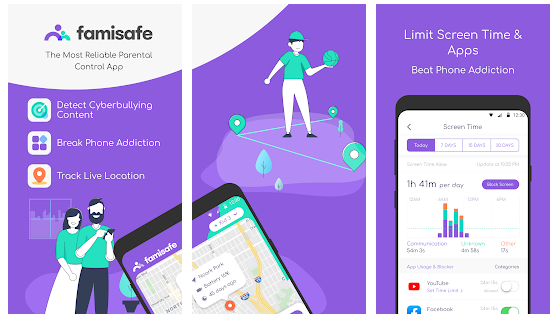
FamiSafe is one of the best mobile number tracker options that can be utilized to track the location of a smartphone. The app provides you with a detailed report about the whole history of where the person has visited and integrates a geofencing feature where you can set boundaries and get notifications whenever an individual has visited or entered a dangerous location.
8. Find My Kids: Parental Control
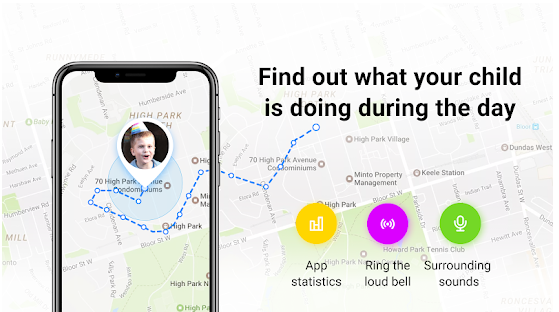
Find My Kids is a family GPS location tracker that is specifically designed for parental control and child safety. The app is used to track the locations and history of previously visited places and check your children's mobile activities, and it can record the noises around their surroundings too.
9. Number Finder: Real Caller ID
Number Finder: Real Caller ID doesn't only give you the name of the caller or texter. It can even show you the "threat level" and type of fraudulent schemes the said number is known for. Number Finder: Real Caller ID is free to obtain from the App Store, though you'll need a paid subscription to experience its best perks.
10. CallerSmart: Caller ID + Block
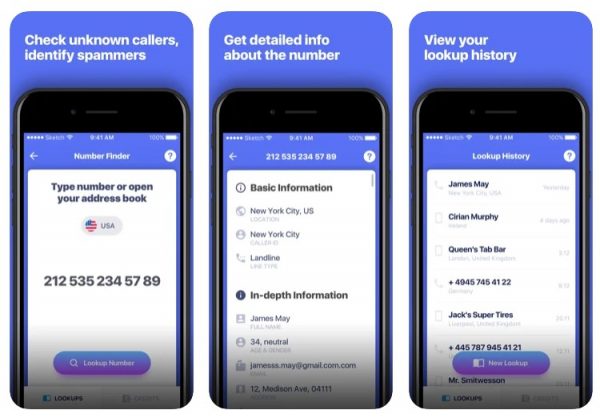
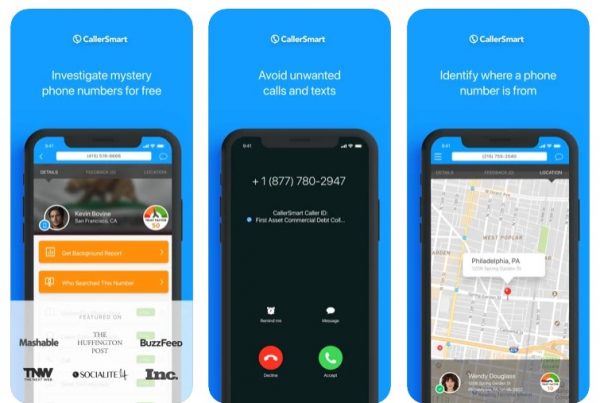
CallerSmart: Caller ID + Block is a favorite among Apple device users for it goes beyond giving you the name and location of an unknown caller.
11. Caller ID & Number Locator
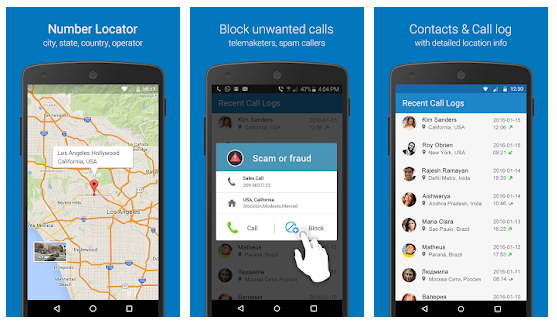
Caller ID & Number Locator app is 100% free and you can obtain the caller's location and identity on one central platform. The app has 12,985 cities in the database and makes mobile tracking and searching easier and faster with a comprehensive list of contacts, though it works with Android versions later than 4.0 only.
12. Mr. Number Lookup & Call Block
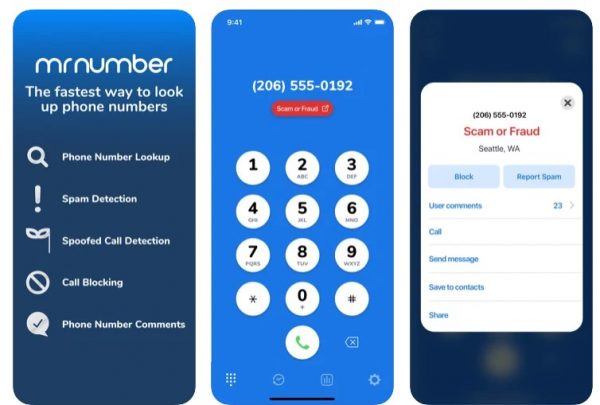
Mr. Number Lookup & Call Block can identify on the spot whether the unknown number you are searching for is a scammer's tool or not. You can read on the app other users' feedback about the number to verify that it is indeed a fraud, and if it is, you can opt to block the contact directly from the app.
13. TrueCaller: Caller ID & Block
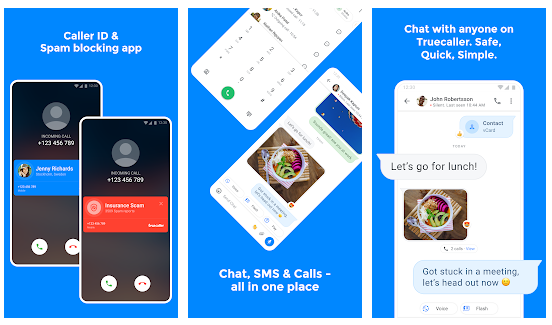
TrueCaller is one of the popular mobile number trackers available on the market. You can track a mobile number using the app's 3D actions and see the caller ID before picking up the phone. The only drawback is that it doesn't work if there is no internet connection.
14. Free Phone Tracer
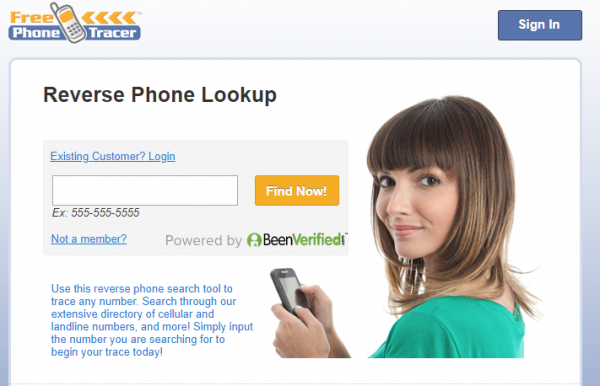
Free Phone Tracer isn't an app but is one of the best mobile number tracker websites to check out. It is 100% free and its user interface design is simple and straightforward, though you need to create an account before you can enjoy its service and it is US-based, so you can only trace US mobile, landline, and toll-free numbers.
15. Online GPS Phone Tracker
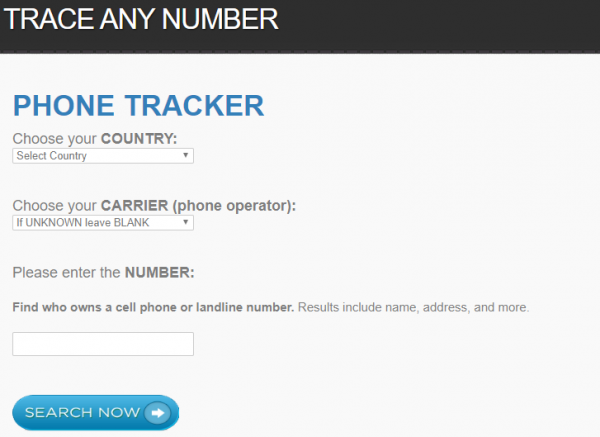
Online GPS Phone Tracker is also among the best free mobile number tracker websites. It provides you with the specific location of the target mobile number. All you need to do is select the country and carrier, input the number, then hit the Search Now button for the page to generate results.
16. Localize
Localize is primarily being sold to families who want to keep a check on the location of their loved ones through cell phone numbers. For this to work, the stranger should click on the link that Localize will send to their number via SMS. The link serves as your request to track their number, and only if they click on it that the tracking will begin.