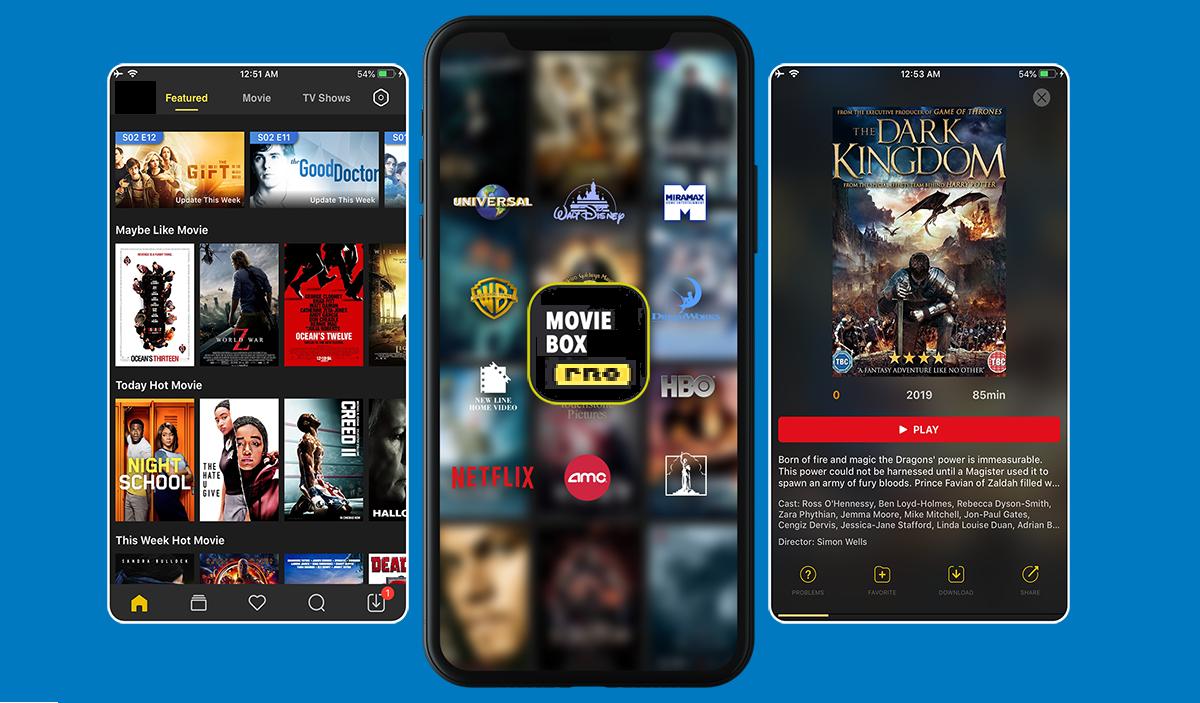
MovieBox Pro is a movie-and-TV app that raises immediate safety concerns because its official documentation is minimal and does not confirm malware status, content licensing, or a verified security review. To answer whether MovieBox Pro is safe, the available facts show no authoritative source fully documents its safety, supported devices, or login model, making it impossible to recommend as a secure streaming choice.
What is moviebox pro safe to use?
MovieBox Pro presents itself as a free streaming app for movies and TV shows, but the central safety question remains unanswered by its developers. MovieBox Pro is considered the replacement for the discontinued MovieBox app (2018), which was a BitTorrent client. The official FAQ page is the clearest primary source, yet it provides only basic support contact information and one Apple TV page. No official documentation addresses malware status, content licensing, or app-store security review results, leaving users to evaluate safety without verified facts. MovieBox Pro uses a Content Delivery Network (CDN) for high-speed downloads, with examples like Cloudflare, Akamai, Fastly, KeyCDN, and CloudFront.

What the official MovieBox Pro pages actually document
The only verified facts come from the official MovieBoxPro FAQ page and Apple TV page. MovieBox Pro claims on its official website not to rely on torrenting, but this claim is unverified. MovieBox Pro has more than 15,000 movies and TV shows with switchable subtitles, audio, 360-pixel resolution, and H.265 compression. Content can be streamed online or saved for offline viewing. VIP plans are available in one, six, or 12-month options and provide higher resolutions, ad-free experience, and compatibility beyond mobile devices. The FAQ states that users with technical problems should email support@movieboxpro.app and include a screen recording, the device used, the specific video, and the problem encountered. The Apple TV page documents that MovieBox Pro is “a standalone APP on apple TV that you don’t need to use your phone to control it.” No other safety reviews, malware status, or content licensing details are documented on these official pages.
What the official pages do not document
Without these specifics, users cannot verify how the app handles personal information or whether it functions on their device.
Why app store listings add to the confusion
Multiple App Store and Google Play listings use the MovieBox Pro name but show different developers, support emails, and privacy-policy links. These inconsistencies mean the public listings cannot be treated as one verified product identity. The official website shows only a locked dungeon door logo with the words 'Private Garden' and instructions to log in to a Google Account, preventing evaluation without signing in. A user searching for “MovieBox Pro” may find several apps with conflicting feature sets, support channels, and safety profiles, making it impossible to confirm which version is legitimate.
How to evaluate any streaming app before you download
- Be wary of red flags such as unknown content sources, required account logins that seem unnecessary, or apps that are not available on official app stores.
- Read the terms, conditions, and privacy policies carefully. If anything is unclear or missing, consider the app unsafe.
- Make sure the app comes from a trusted source like the Google Play Store or Apple App Store, which verify that apps meet standards and do not contain malicious files.
These steps apply to MovieBox Pro and any similar streaming app. The app can be downloaded directly from the MovieBox Pro website and does not require rooting the mobile device.
Safer alternatives to consider
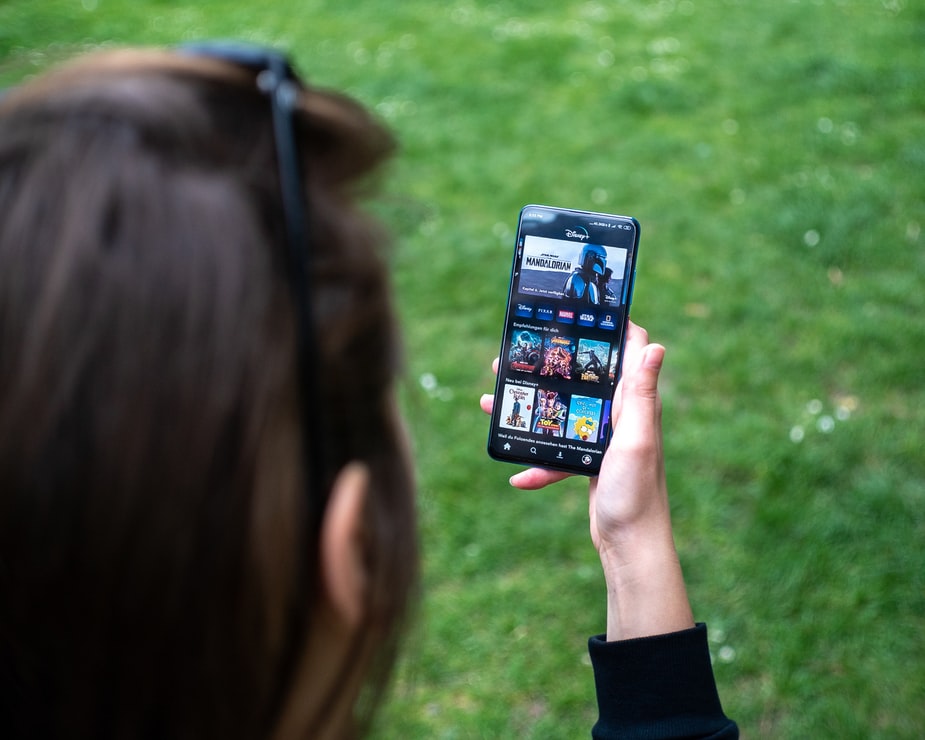
Instead of using an app with unverified safety, choose verified, legitimate free and paid streaming apps with clear terms and licensed content. For a curated list of options, check our guide to the 15 best free TV streaming apps that are legit and safe (100% no cash out). Paid services like Netflix, Hulu, Disney Plus, and Amazon Prime Video are safer because their content comes from official distributors and content owners are paid appropriately.
Frequently Asked Questions
Does MovieBox Pro require a Google account to log in?
However, the original article states that the app requires a Google account sign-in for data recovery features such as restoring saved movies and watch history. The app requires a Google account sign-in to use all free or paid features, specifically for data recovery of saved movies, TV shows, and watch history. Without official confirmation, users should treat this claim cautiously.
Is MovieBox Pro available on the Google Play Store or Apple App Store?
The official website suggests using downloader apps from official stores to install MovieBox Pro, meaning it is not directly available on the Google Play Store or Apple App Store. This is a common red flag because apps from third-party websites may contain malware or cause device issues.
What data does MovieBox Pro collect from users?
The original article indicates that MovieBox Pro can collect billing and credit card information for paid services, email addresses for support, and IP addresses if a VPN is not used. MovieBox Pro can collect billing, credit card, and contact information when purchasing services, and email addresses when contacting support or subscribing to newsletters. The official privacy policy is referenced but was not retrieved in verified facts, so users should review it directly before using the app. The privacy policy states that when required by authorities with a legal basis, handing over client data can happen.
Can MovieBox Pro be used on iPhone or Android without a VIP subscription?
The official pages only document Apple TV compatibility. The original article states the app is compatible with Android and iOS devices, with Apple TV and Chromecast support reserved for VIP subscribers. No specific version limits are documented on official pages.
Why do multiple apps use the MovieBox Pro name on app stores?
Different developers have submitted apps with the MovieBox Pro name, each with its own support email and privacy policy. This inconsistency means there is no single verified product identity, and users cannot assume any one listing represents the official app.
Related reading: How to Change Your Netflix Icon and Customize Your Profile and 13 BEST Free Anime Apps for Offline Viewing (Android & iOS).