The best apps for couples are the ones that solve real problems without adding friction: Apple Shared Albums for sharing photos, Google Calendar for coordinating schedules, and Regain for professional relationship support. Below you’ll find step‑by‑step instructions for setting up each one, so you can start using them today.
Best apps for couples: what to use and how to set them up
Modern couples need tools that make sharing moments, coordinating calendars, and accessing support feel natural. The verified options covered here, Apple Shared Albums, Google Calendar, and Regain, come directly from Apple, Google, and BetterHelp’s own documentation. Each section walks you through the exact setup steps so you can put them to work immediately.
Shared photo albums for couples
Apple Shared Albums lets two people share photos, videos, and comments in the Photos app. It is the verified option for couples who want a private, collaborative photo collection. Apple Shared Albums can be joined and contributed to on the web even without an Apple Account or Apple device.
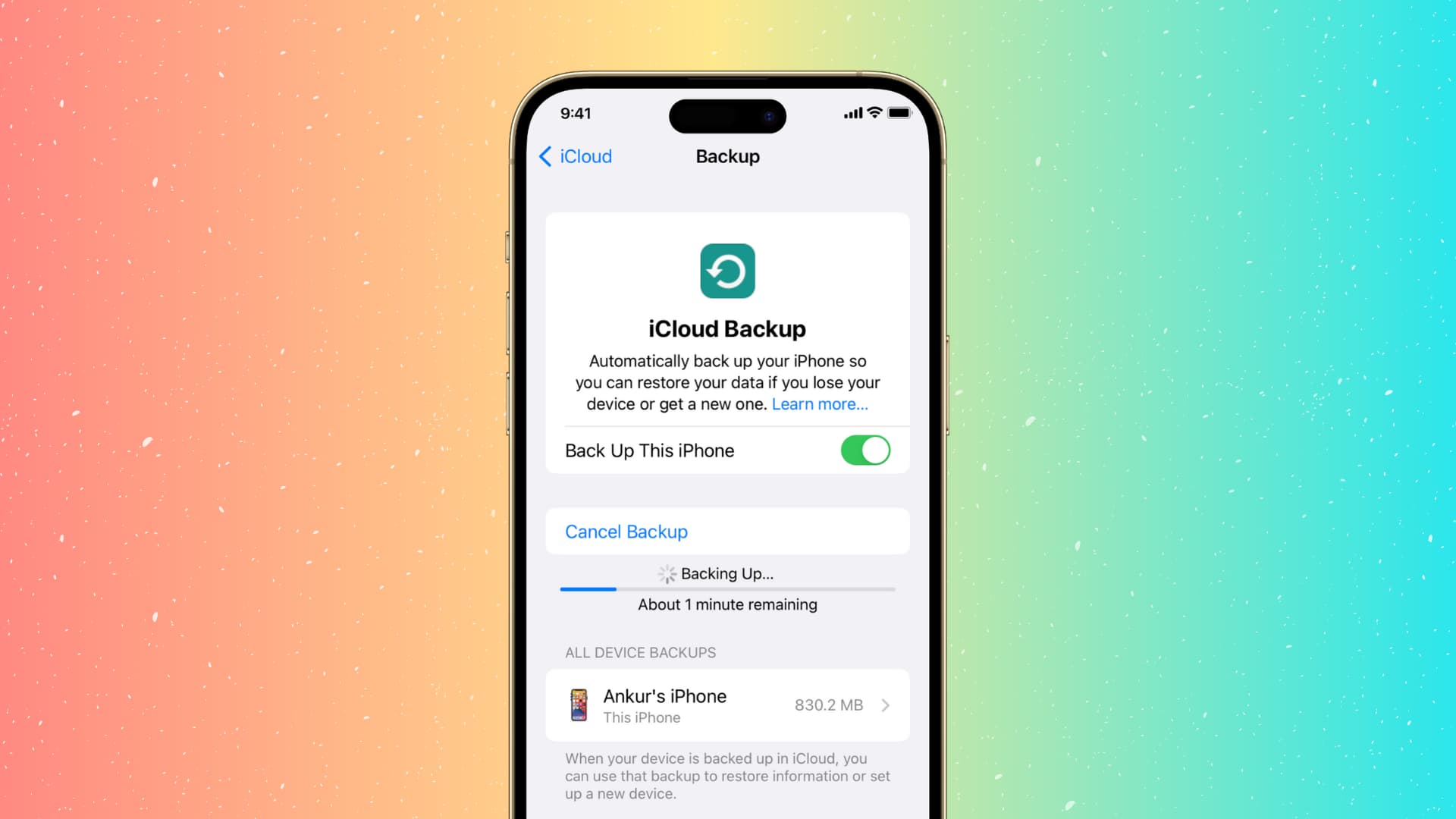
- On an iPhone, turn on Shared Albums: go to Settings > [your name] > iCloud > Photos > Shared Albums and toggle it on.
- Open Photos > Collections > Shared Albums > + to create a new album.
- Add photos, name the album, and choose sharing permissions.
- Invite your partner. If they do not have an Apple device, they can join and contribute on the web without an Apple Account.
- To accept an invitation on iPhone, go to Settings > [your name] > iCloud > Photos, then check Notification Center or Photos > Collections > Shared Albums > Activity > Accept.
Shared calendar and planning for couples
Google Calendar is the verified shared planning tool for couples using Android. It allows you to share a calendar, set permissions, and coordinate events.
- Open the Calendar app > Menu > Settings and select the calendar you want to share.
- Tap Shared with > Add people or groups.
- Enter your partner’s email address. You can add more than one person at a time in the search box.
- Choose the permission level by tapping the person or group and selecting the permission.
- For a family calendar, select the family calendar in Settings, then Shared with > Add people or groups > Save.
- To remove someone later, return to the same Shared with area and tap Remove next to their name. To change permissions, tap the person or group and select a new permission.
Relationship counseling and therapy options
BetterHelp does not offer couples counseling. Its own help content says couples are directed to its sister site, Regain, for online counseling services.
Fun and interactive ways to connect
Apple Shared Albums works as a fun, collaborative tool. Both partners can add their own photos and videos to albums they are invited to join, and they can leave comments on shared content. You can share an album with People You Choose or Anyone with the Link. This interactivity, adding media and commenting together, makes it more than a static gallery.
Frequently Asked Questions
Can both partners use Apple Shared Albums if one has an iPhone and the other does not?
Yes. Apple says invitees can join and contribute on the web without an Apple Account or Apple device.
Where do I turn on Shared Albums on iPhone?
Where do I share a calendar on Android?
Open the Calendar app > Menu > Settings, select the calendar, then tap Shared with > Add people or groups.
Can Google Calendar sharing permissions be changed later?
Yes. Return to the same Shared with section, tap the person or group, and select a new permission.
Does BetterHelp offer couples counseling?
No. BetterHelp says it does not provide couples counseling and routes couples to its sister site, Regain.
For the wider topic, see social, messaging and account apps.
Related reading: 11 Best Watermark Remover Apps for Android and iPhone Photos, How To Disconnect Google Photos From IPhone, and How To Send Long Videos On Phone.