When your phone displays "Restricted" instead of a number, the caller has deliberately blocked their caller ID information from being transmitted. A restricted call is simply a call made with caller ID blocking enabled, meaning the network does not show the caller's phone number to you.
Should you answer a restricted call?
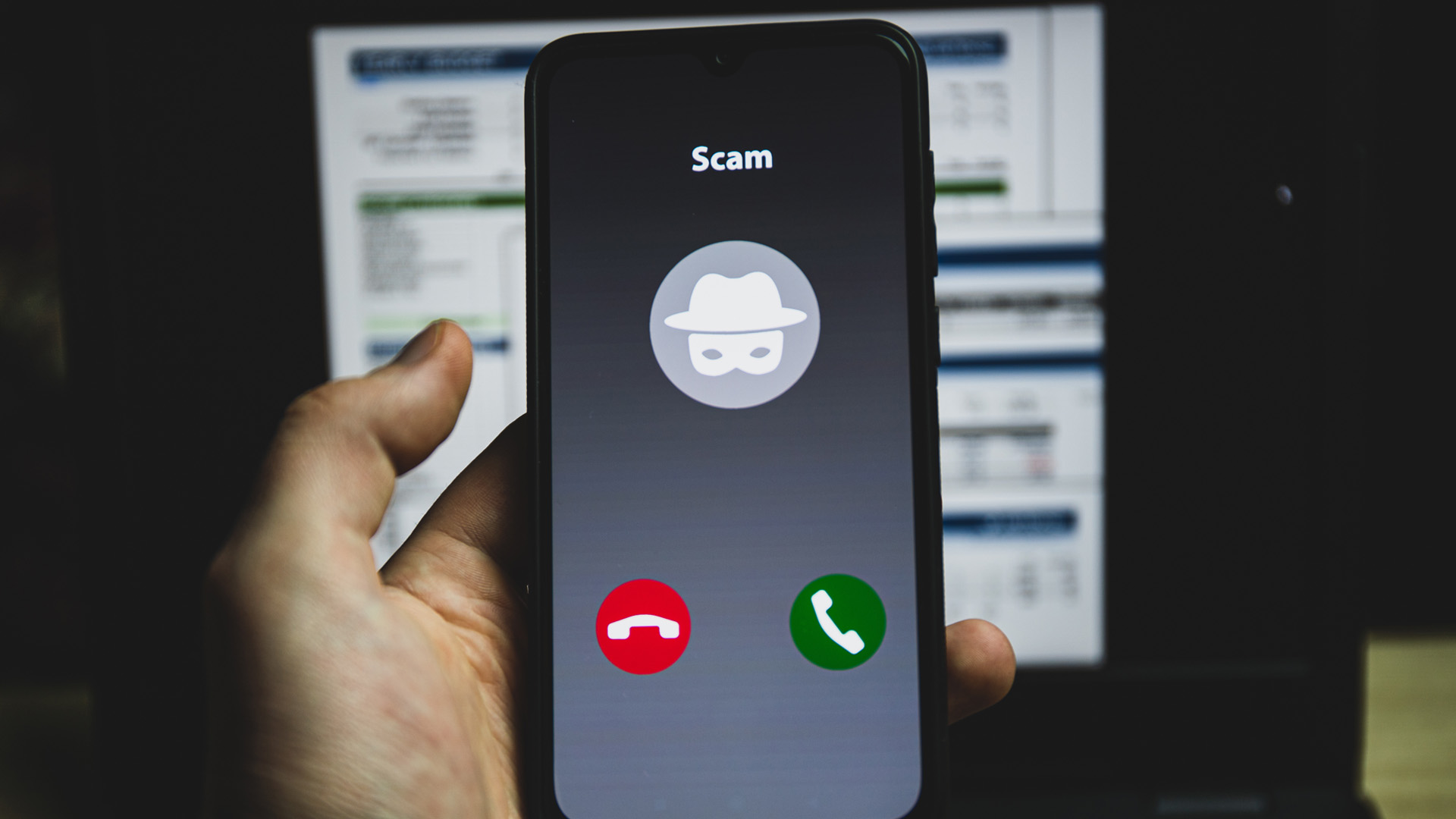
While not every restricted call is malicious, caution is advised as they are commonly used for scams, phishing attempts, and harassment. Answering restricted calls can confirm your number is active, potentially leading to more spam or robocalls. If you are not expecting a call from a known legitimate source that might restrict their number (like a hospital or government office), it's generally best to let restricted calls go to voicemail, as legitimate callers usually leave a message.
Who is making these restricted calls?
Both legitimate organizations and malicious actors use restricted calls. On the legitimate side, hospitals, government agencies, and some doctors' offices may block their caller ID for privacy or security reasons. Debt collectors and solicitors sometimes use restricted numbers to prevent recipients from tracking their location. On the malicious side, scammers, telemarketers, and harassers frequently use restricted calls to conceal their identities while attempting fraud or nuisance calls.
How to block a restricted call on a landline
Blocking restricted calls on a landline is straightforward using vertical service codes. To activate blocking, pick up your phone and dial *77. Wait until you hear a confirmation message. Moving forward, any restricted call you receive will get an automated message prompting the caller to unblock their caller ID and try again. To disable this feature later, dial *87 and wait for a confirmation message.
How to block a restricted call on a smartphone
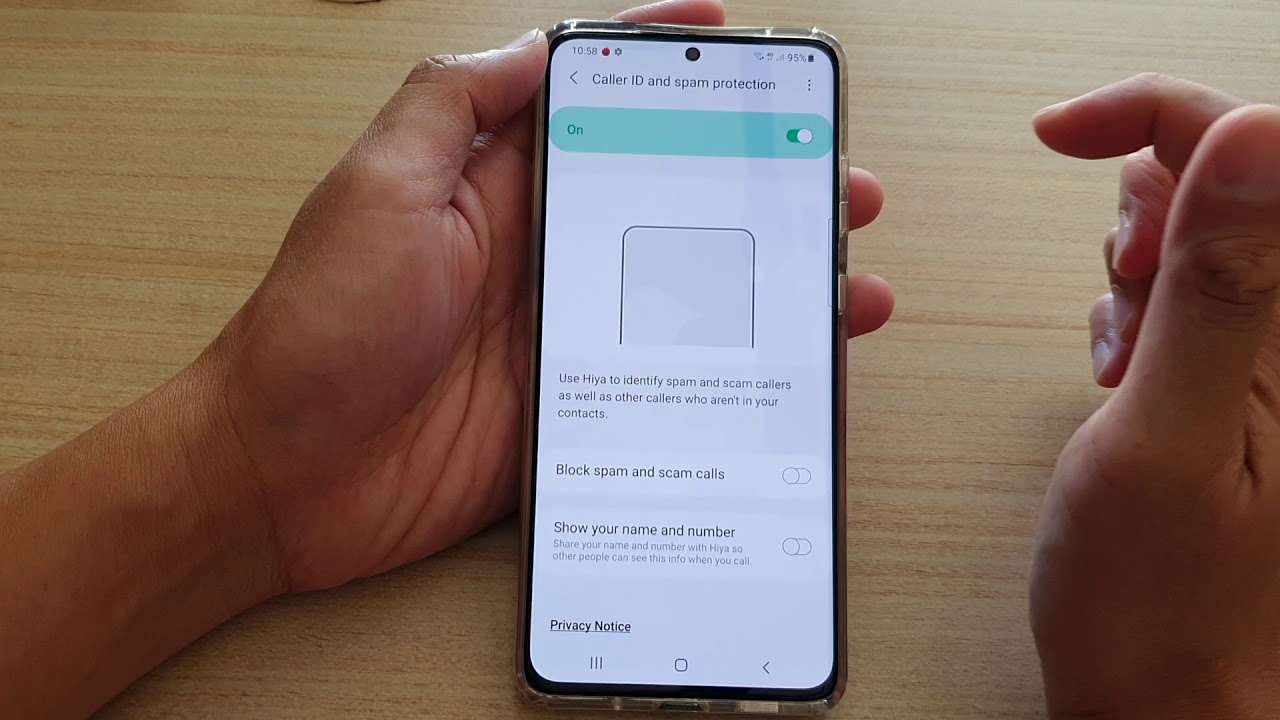
To block calls from unknown numbers on Android, open the "Phone" app, tap "More options" (the vertical ellipsis), then "Settings" > "Block numbers," and turn on "Block calls from unknown numbers." For iPhone, the general principle is to navigate to Settings > Phone > Silence Unknown Callers, which sends calls from numbers not in your contacts to voicemail. On iPhone, you can block an individual restricted call by tapping the blue question mark (?) symbol next to it in the Phone app and selecting 'Block this caller'. On Android, you can block an individual restricted call by selecting it in the Phone app, tapping its 'i' icon, and choosing 'Block' at the bottom of the screen. Verizon Wireless requires a Smart Family Plan to block restricted calls; AT&T offers anonymous call blocking only as a paid add-on; T-Mobile and Sprint do not offer anonymous call blocking at all.
Using call blocking apps
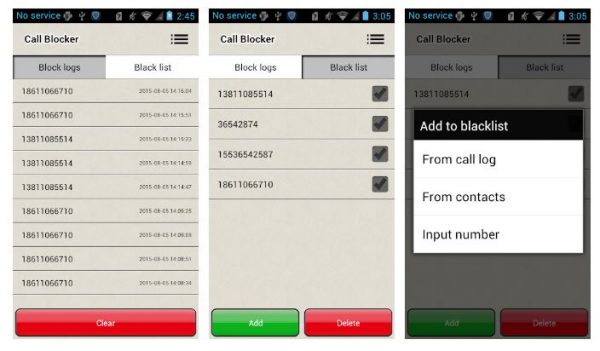
In addition to built-in phone settings, third-party call blocking apps provide another effective method for managing restricted calls. These apps offer advanced filtering and can automatically block or screen calls based on your preferences. For a list of recommended apps, read our detailed guide on the best call-blocking apps for Android and iOS devices.
Can you call back a restricted number?
Yes, you can attempt to call back a restricted number using the last call return feature. Dial *69 on landlines or #69 on smartphones to return the most recent call. Some providers only allow this within 30 minutes of the last call. However, calling back a restricted number carries risks: you could alert a scammer that your number is active, potentially leading to more harassment. If you need to call back a restricted number for legitimate reasons, see our guide on Private Numbers: How to Call Back in 5 Easy Ways.
Other ways to handle a restricted call
For persistent issues, several advanced methods exist. You can trace restricted calls through your phone bill by noting the time and date of the call, then matching it to the detailed call records on your bill. Reverse phone lookup services can reveal information about the caller once you obtain their number. For ongoing harassment, report the calls to your local police department, as both state laws and the Federal Communications Act protect you from repeated, threatening, or lewd calls. Toll-free lines using Automatic Number Identification (ANI) can override caller ID blocking to reveal restricted numbers, but this requires paying a monthly fee.
Frequently Asked Questions
Can a restricted call be traced by law enforcement?
Yes, law enforcement can trace restricted calls through legal procedures such as subpoenas or court orders, which compel phone companies to reveal the originating number from their call records.
Is there a charge for using *69 to call back a restricted number?
Most phone providers do not charge an additional fee for using the *69 or #69 last call return feature, though some older landline plans may apply a small per-use charge. Check with your carrier for specific details.
Do restricted calls show up on my phone bill?
While the restricted number itself will not appear on your caller ID, your phone bill may show the time, duration, and a generic entry for the call, which can sometimes be matched to the actual number through your carrier's internal records.
What is the difference between "Restricted" and "No Caller ID"?
Both terms mean the caller has blocked their number from being displayed.
Can I permanently block all restricted calls on my smartphone?
Related reading: Ultimate Guide: How To Spoof A Phone Number [Updated].


![Ultimate Guide: How To Spoof A Phone Number [Updated]](/wp-content/uploads/2019/09/smartphone-564155_1920.jpg)