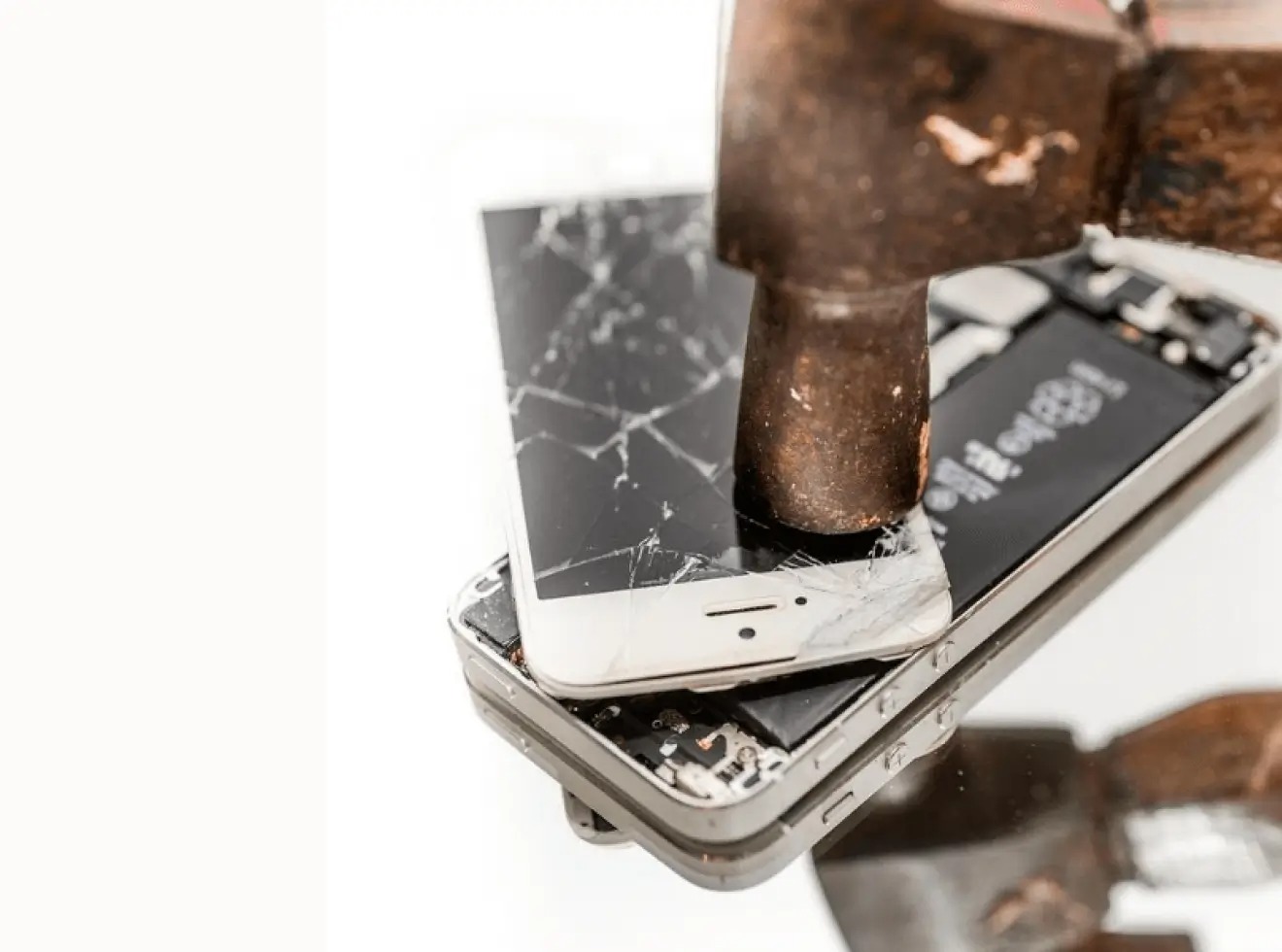
To permanently destroy a cell phone and protect your data, you must first perform a software wipe, a factory reset, before any physical destruction. This two-step process ensures that even if the phone is later accessed by someone attempting to retrieve deleted messages in phone memory, your personal information remains unrecoverable, preventing identity theft.
Why a factory reset is key to destroy a cell phone
Personal data remains vulnerable even on a broken phone. A smashed screen or shattered circuit board does not guarantee that the storage chip is destroyed, and specialized tools can still extract contacts, photos, and passwords. A factory reset is the only way to securely erase the device’s internal storage before you proceed with physical disposal. Without this step, your private information could be recovered from the phone’s memory.
How to wipe your iPhone before destruction
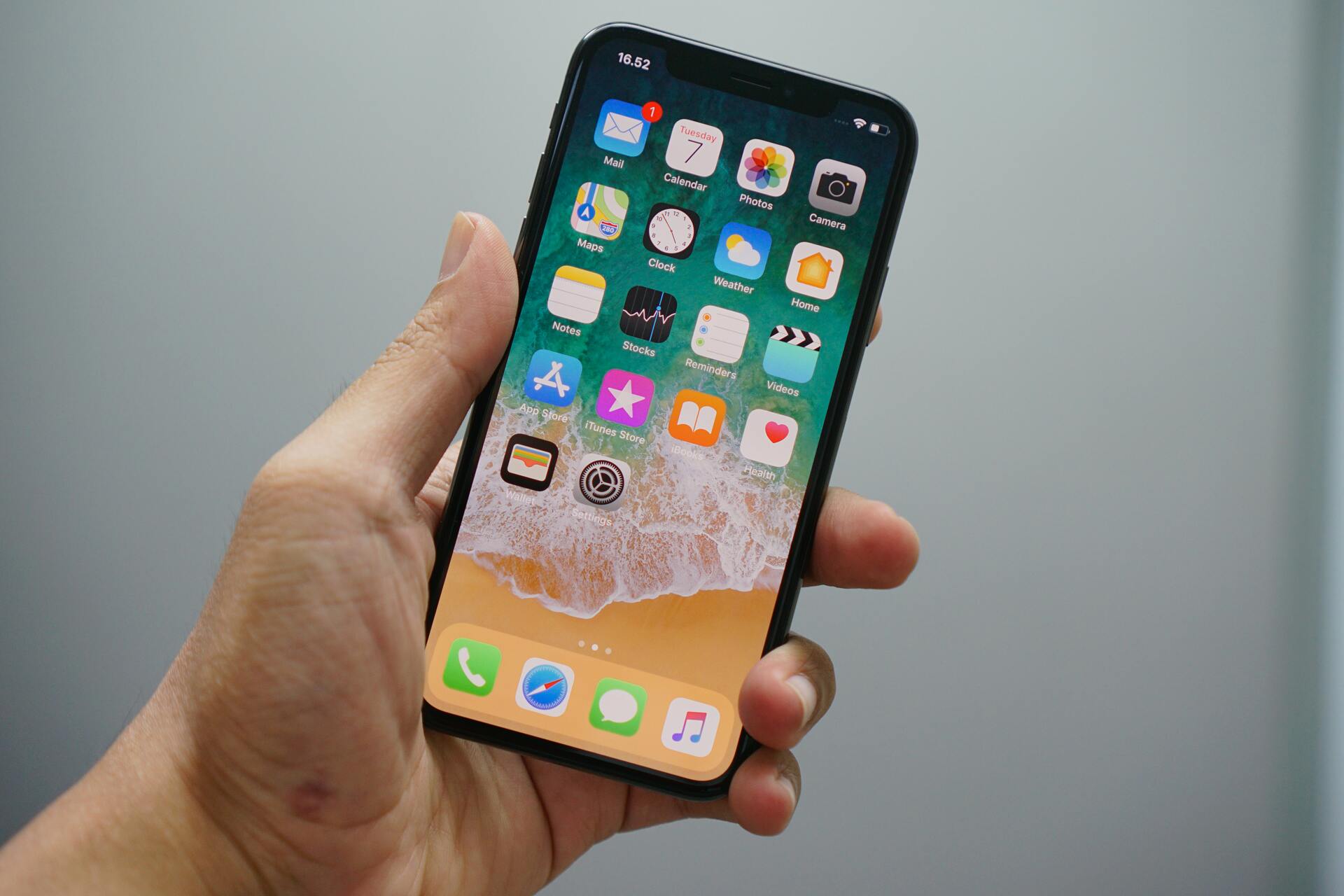
To erase an iPhone, open Settings and navigate to General > Transfer or Reset iPhone > Erase All Content and Settings. On some older iOS versions, the menu path appears as Settings > General > Reset > Erase All Content and Settings. The process restores the iPhone to factory settings, removing personal information, content, and settings. After the reset completes, the setup assistant appears.
If you prefer to erase from a computer, connect the iPhone with a USB or USB-C cable, open Finder on a Mac (or Apple Devices on Windows, or iTunes if the Mac is on macOS 10.14 or earlier or the Windows PC does not have Apple Devices), then choose Restore iPhone.
Be aware that erasing the iPhone also removes credit or debit cards added for Apple Pay. If you choose to erase the eSIM, you will need to contact your carrier to reactivate the cellular plan. The erase process may ask for the iPhone passcode and Apple Account password. iCloud content does not delete from iCloud when the device is erased.
How to wipe your Pixel or Samsung Galaxy before destruction
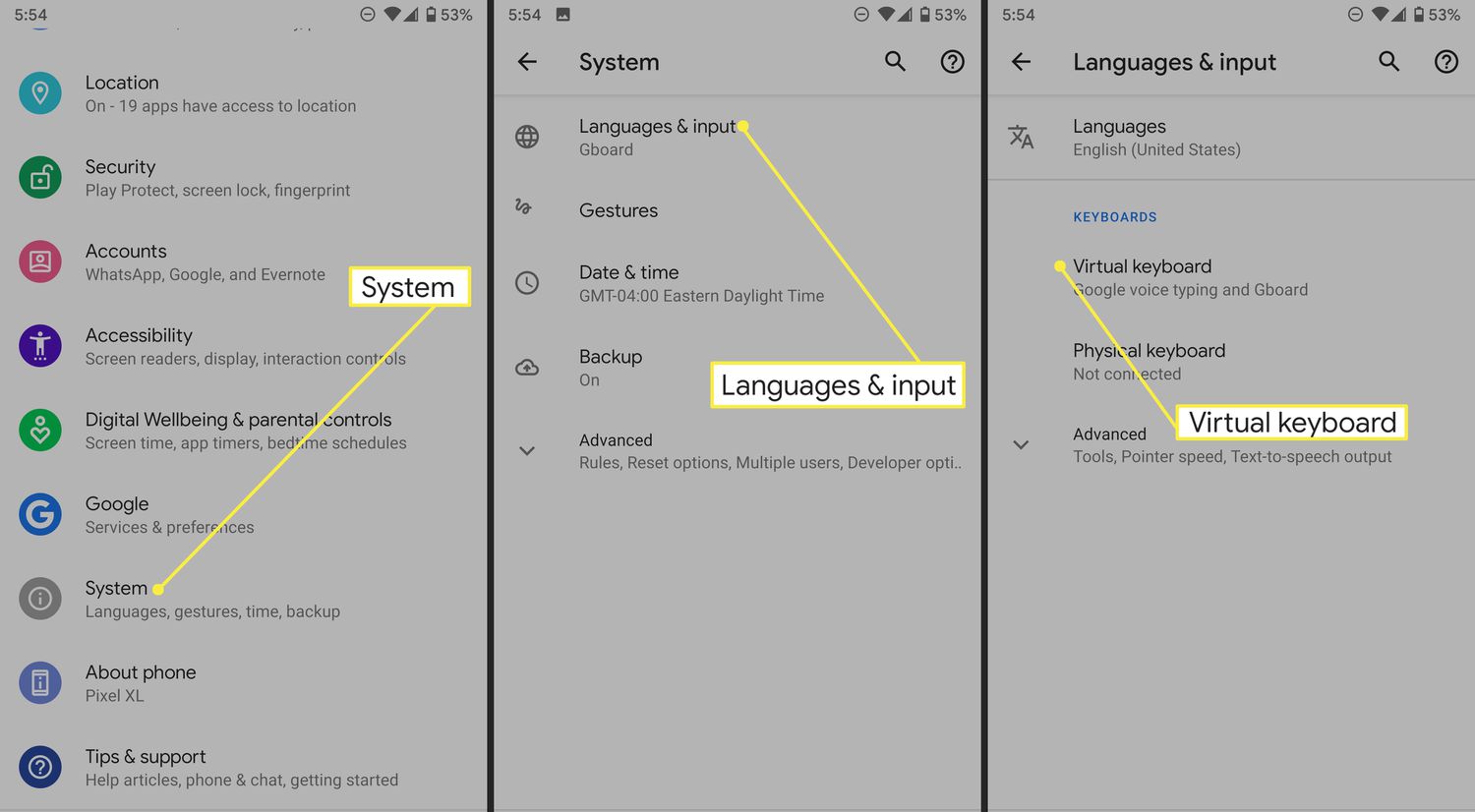
For Google Pixel phones, go to Settings > System > Reset options > Erase all data (factory reset). This returns the device to factory settings and removes all personal information.
For Samsung Galaxy phones and tablets, navigate to Settings > General management > Reset > Factory data reset. Some regional Samsung pages may use slightly different wording, but the factory-reset purpose is the same. Confirm the reset on-screen; you may see Reset and Delete all as the final confirmation labels.
What to do after the software wipe
Once the factory reset is complete, remove the SIM card and any SD card from the phone. These removable components may still contain personal data and should be destroyed or stored separately.
For physical disposal, the most responsible option is to use a certified recycling program or a professional destruction service. These services follow environmental and security standards to ensure the phone is dismantled and its components are recycled or disposed of safely. DIY methods such as smashing with a hammer, shredding, or burning are not recommended because they can cause battery fires, release toxic materials like lead, mercury, and cadmium, and may not fully destroy the storage chip. If you choose to physically damage the phone yourself, wear protective gloves and goggles, but understand that professional services provide a more reliable and environmentally sound outcome. Physical destruction methods include dismantling the cell phone. Some cell phone manufacturers have take-back programs for proper disposal.
Frequently Asked Questions
Can data be recovered after a factory reset?
A factory reset overwrites the device’s encryption keys, making the data unrecoverable through standard methods. However, if the reset is not performed correctly or the phone is physically damaged before the reset, some data may remain accessible to forensic tools. Always complete the software wipe before any physical destruction.
How do I dispose of a phone that won't turn on?
If the phone cannot be powered on to perform a factory reset, the data on the internal storage may still be recoverable. In this case, professional destruction services that physically shred the storage chip are the safest option. Do not attempt to reset the phone through hardware buttons unless you are certain the process will succeed.
Is it safe to recycle a phone after a factory reset?
Yes, recycling through a certified e-waste recycler is safe after a factory reset. These recyclers have processes to further ensure data destruction. However, if you have concerns about sensitive data, use a professional destruction service that provides a certificate of data destruction.
What should I do with the SIM card and SD card?
Remove both cards before disposal. The SIM card contains personal information and should be physically cut or shredded. The SD card can be wiped using a computer or physically destroyed. Do not leave them in the phone when recycling or destroying it.
Are there environmental concerns with destroying a phone?
Yes. Cell phones contain hazardous substances such as lead, cadmium, and mercury. Improper disposal, especially burning or dumping, can contaminate soil and water. Certified recycling or professional destruction services handle these materials safely and minimize environmental impact.
Can I sell or trade in a damaged cell phone?
Yes, some buyback and trade-in programs accept damaged phones, though the value will be reduced. Always perform a factory reset first if the phone powers on to protect your data before handing it over.
Why would someone want to destroy a cell phone?
To prevent refurbishment or resale, preventing potential misuse of personal information.
Related reading: How To Reset A Cricket Phone and Bypassing Phone Lock Screens.