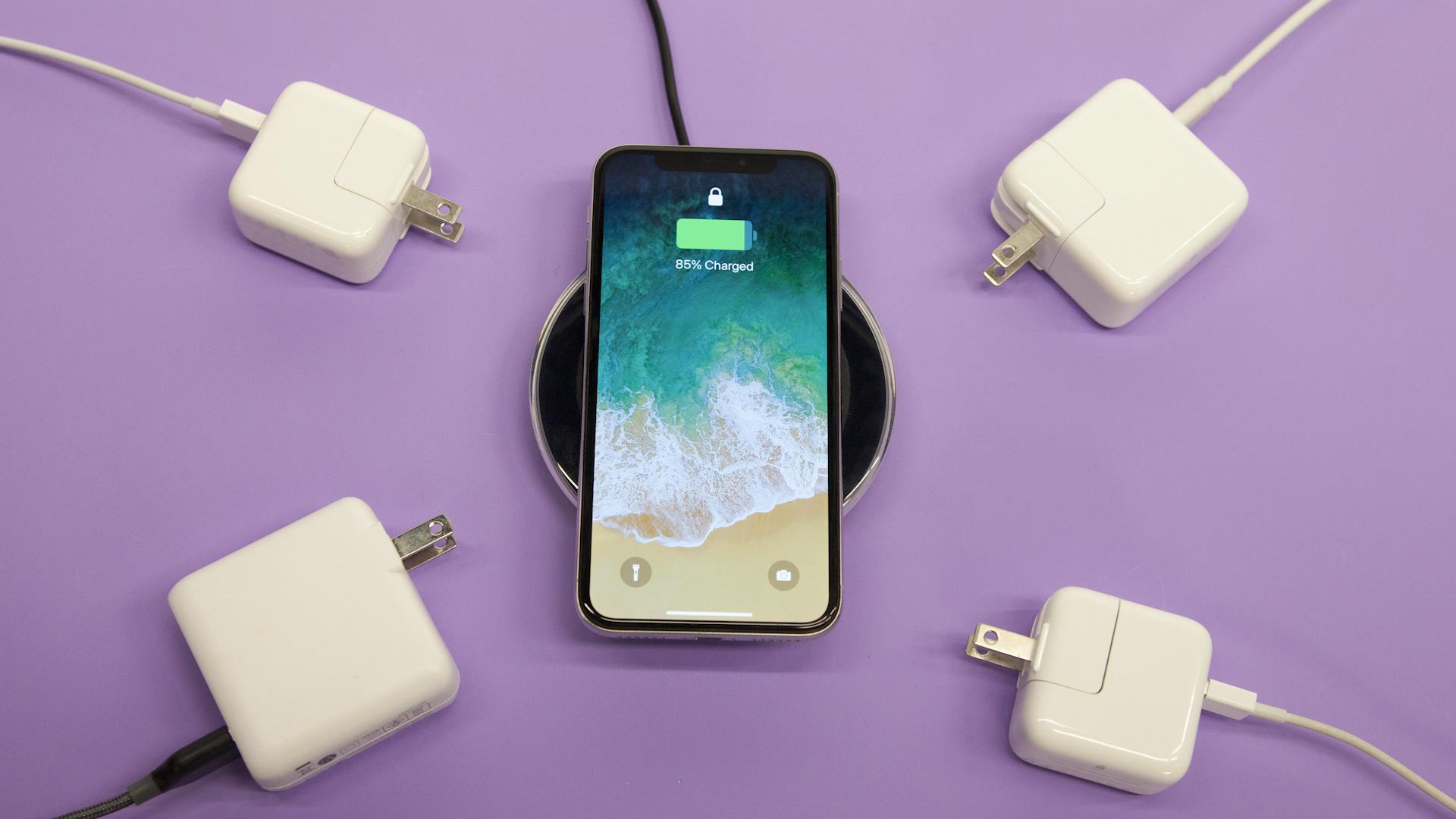
If your phone charger is buzzing when plugged in, it is a sign of a potential fault and not a normal condition to ignore. The most common causes are a loose connection, electrical interference, or physical damage to the charger, and you should stop using it immediately if it is damaged or overheating.
Why is my phone charger buzzing when plugged in?
A buzzing phone charger is a clear indicator that something is wrong. While a faint hum from the internal components of some chargers can be normal, a distinct buzzing or vibrating sound is not. The most common causes include a loose connection between the charger and the outlet or your phone, electrical noise from a power source with unstable voltage, or physical damage to the cord or plug. It is essential to treat this as a warning sign that the charger may be faulty and could pose a safety risk.
Immediate safety warning
If your charger is buzzing, damaged, or overheating, stop using it immediately. Continuing to use a faulty charger can lead to electric shock or fire. The official guidance is to replace a damaged or overheating charger right away. Do not attempt to use it until you have confirmed it is safe.
Common causes of a buzzing charger
There are four primary reasons a phone charger might buzz:
- Loose connection: A loose fit between the charger plug and the power outlet, or between the charging cable and your phone, can cause vibrations that result in a buzzing sound.
- Physical damage to cord or plug: Frayed wires, bent prongs, or a cracked power brick can disrupt the electrical flow and create noise.
- Power overload or voltage fluctuation: Unstable power from your wall outlet, or using the charger on a circuit with other high-power devices, can cause electrical interference and buzzing.
- Using an incompatible charger: A charger not designed for your specific device may not regulate power correctly, leading to buzzing and potential damage.
How to fix a buzzing phone charger
Follow these steps in order to troubleshoot and resolve the buzzing issue. Always prioritize safety and replace the charger if any step reveals damage.
- Replace with a known-good, genuine or certified charger. The most effective fix is to swap your current charger and cable with a known-good, genuine or certified accessory. If the buzzing stops, the original charger was faulty. For Apple devices, use certified Apple or MFi (Made for iPhone) accessories.
- Check for grounding issues (for laptops). If you are charging a Mac laptop and hear a buzzing noise, it can be caused by a grounding issue. Using a three-prong grounded extension cable can often make the noise go away.
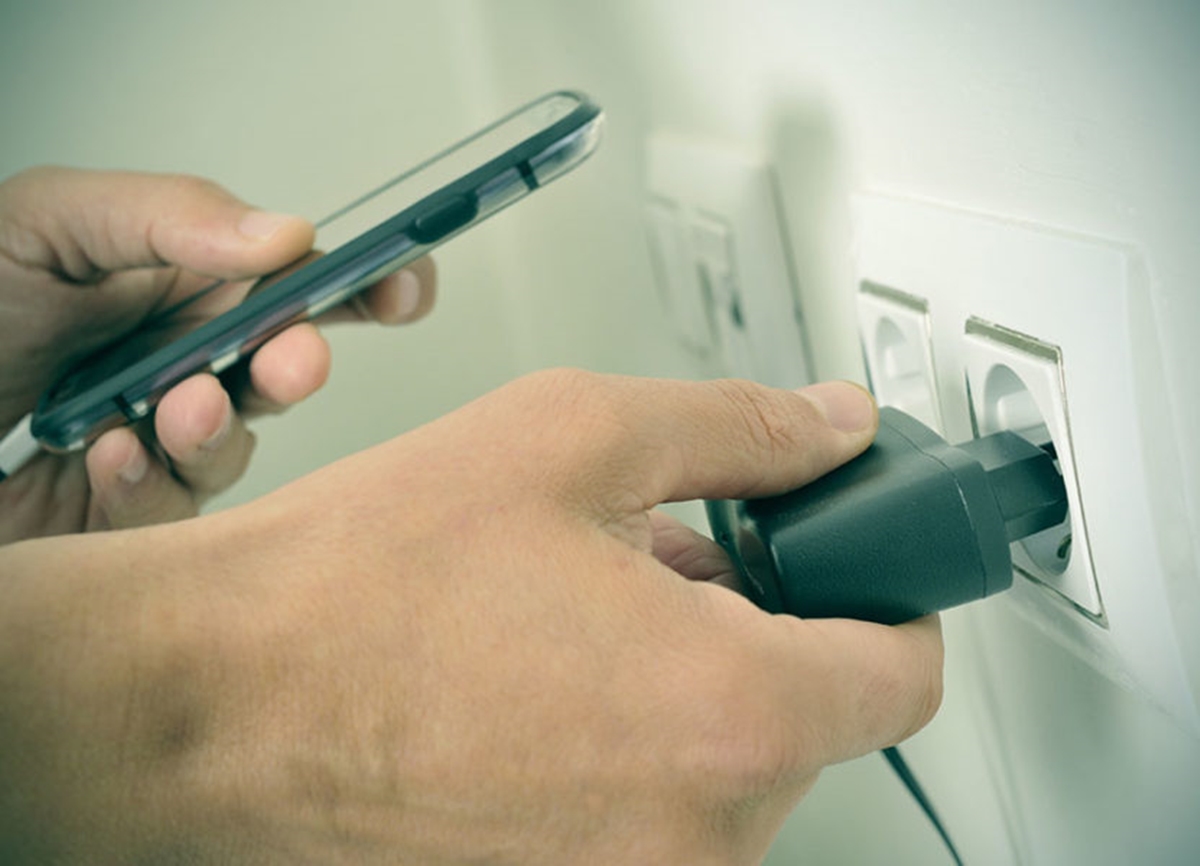
- Inspect for and secure loose connections. Ensure the charger is firmly plugged into the wall outlet and the cable is securely connected to both the power brick and your phone. Try a different outlet to rule out a problem with the original one.
- Try a different outlet. Plug the charger into a different power outlet. If the buzzing stops, the original outlet may have a wiring issue or unstable voltage.
When to contact support or replace your charger
You should replace your charger if any of the following are true:
- The buzzing persists after switching to a certified or genuine charger and cable.
- There is any visible physical damage to the cord, plug, or power brick, such as fraying, cracks, or bent pins.
- An Apple Store, Apple Support, or an Apple Authorized Service Provider identifies a fault in the adapter or cable.
If you have tried the steps above and the buzzing continues, have your device, cable, and adapter checked by Apple Support, an Apple Store, or an Apple Authorized Service Provider. The only explicit limit-like detail retrieved is that one Apple community post references a one-year limited warranty, but it does not define a general charger-buzzing policy. For a comprehensive look at what you need, see our Phone Charger Types and Cable Guide.
Frequently Asked Questions
How can I tell a normal faint hum from a dangerous buzz?
A normal faint hum is very quiet and consistent, often from the charger's internal transformer. A dangerous buzz is usually louder, may be accompanied by a vibration you can feel, and can change in pitch or intensity. If you are unsure, treat any noticeable buzzing as a potential fault and replace the charger.
Can a buzzing charger damage my phone?
Yes, a faulty charger can send inconsistent voltage to your phone, which can damage the battery or internal components over time. This is another reason to stop using a buzzing charger and replace it with a certified accessory.
Are there any phone settings to fix a buzzing charger?
No. There are no settings on an iPhone, iPad, or any documented Android device that can fix a hardware issue like a buzzing charger. The problem is with the charger, cable, or power source, not the phone's software.
Is it safe to use a buzzing charger if my phone is charging normally?
No. Even if your phone appears to charge normally, a buzzing sound indicates a potential electrical fault. This can worsen over time and lead to overheating, fire, or damage to your phone. It is safest to replace the charger.
Why does my charger only buzz in certain outlets?
This usually points to a grounding issue or unstable voltage in that specific outlet. Try a different outlet, and if the buzzing stops, have the original outlet checked by an electrician. For Mac users, a grounded extension cable can resolve this.
For the wider topic, see phone charger types and cables.
Related reading: How To Protect Your Phone Charger Cord and What Happens If You Lick A Phone Charger.