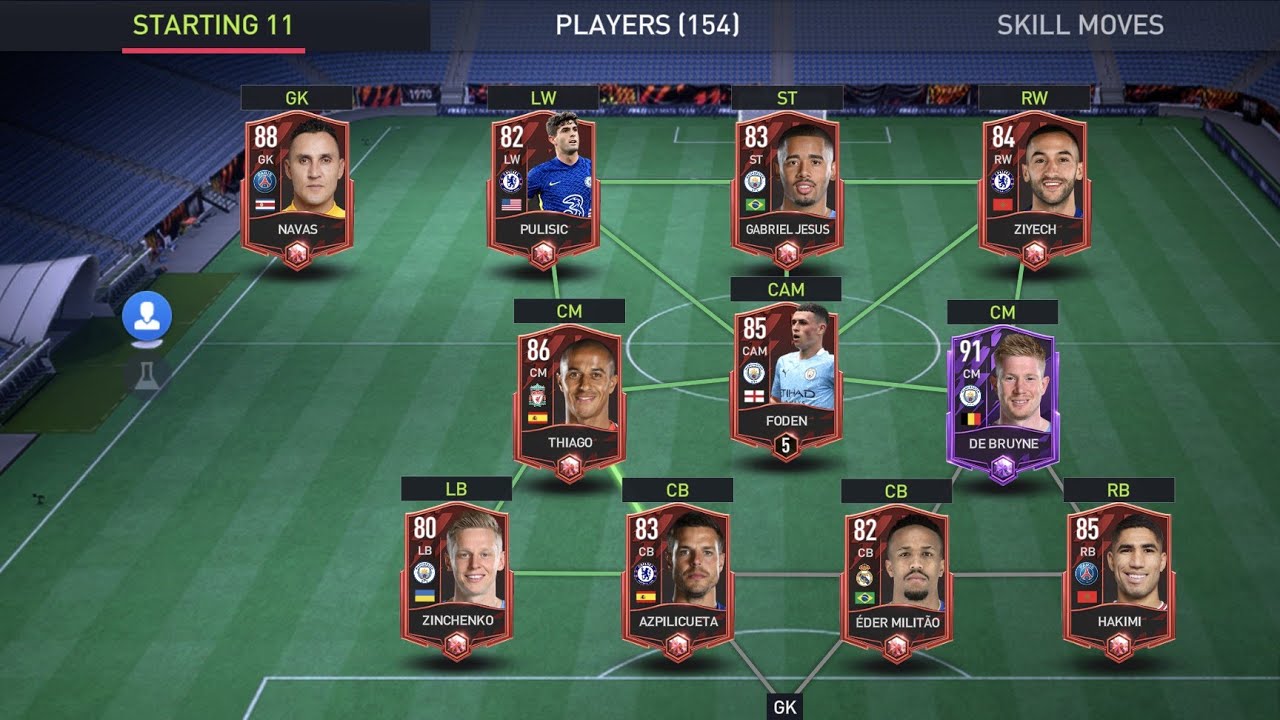
To get FC Points in FC Mobile, you have three official options: buy them in-game, buy them from the EA SPORTS FC Mobile Webstore, or earn them through Daily Activities. EA confirms these are the only three ways to obtain the premium currency, so any other method you see online is not officially supported.
Buying FC Points In-Game
The most direct way to get FC Points is through the game itself on your iPhone or Android device. The process is the same on both platforms.
- Open FC Mobile on your device.
- Tap the green FC Points logo at the top right of the screen to open the Store.
- Purchase FC Points in the in-game Store.
After you complete the purchase, the points are sent to your account. You can then use them to buy packs, players, and other items in the game.
Buying FC Points from the EA SPORTS FC Mobile Webstore
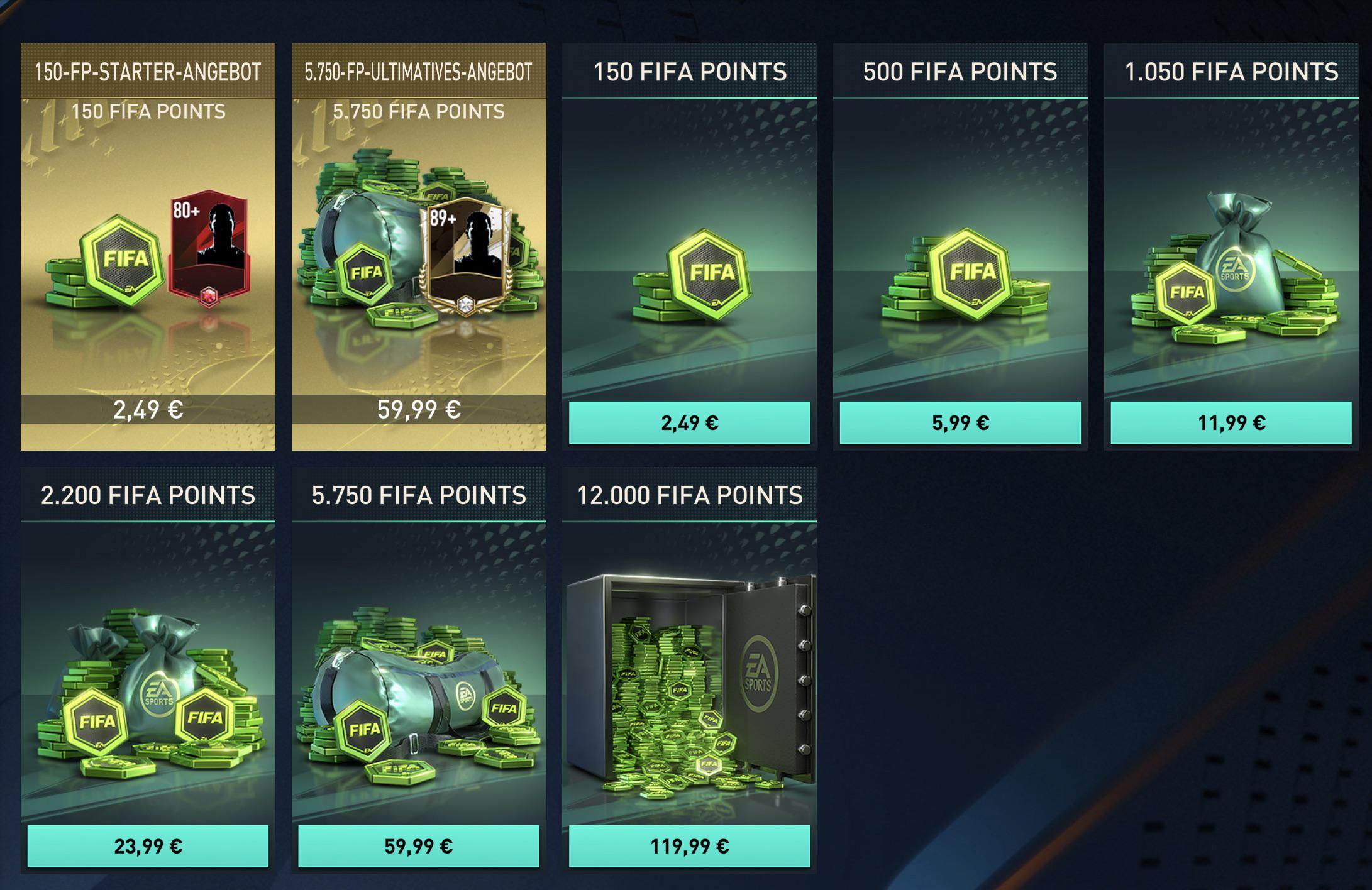
If you prefer to buy on a computer or just want another purchasing option, the official webstore works just as well. Purchases made there are delivered to your game account.
- Go to the EA SPORTS FC Mobile Webstore and sign in to your EA account.
- Choose FC Points and select the amount you want.
- Select a payment method and review your order.
- Complete the payment.
Once the purchase is complete, EA sends the FC Points to your account, and they appear in your game inbox.
Earning FC Points from Daily Activities
Daily Activities are the only free way to earn FC Points in FC Mobile. EA confirms this method exists, but the official help page does not list the exact number of points each activity gives you, nor does it document the specific in-game menu path to find Daily Activities on iPhone or Android. To access daily objectives, simply navigate to the objectives tab in the game's menu. Daily objectives can range from playing a certain number of matches, scoring a specific number of goals, or even completing certain in-game challenges. Some objectives may have specific requirements, such as playing a certain game mode or using specific players. Daily objectives reset on a daily basis. In practice, you will want to check the Daily Activities section in the game each day and complete whatever tasks are shown there to collect your FC Points. The rewards can be a useful supplement to purchased points, but the lack of official documentation means you should not rely on a specific daily amount.
What About Other Methods?
EA is clear that there are no other ways to get FC Points. The longer your streak of consecutive logins, the more FIFA Points you will receive. Some campaigns and events may offer bonus challenges or objectives that, when completed, provide even more FIFA Points. If you see a guide claiming otherwise, it is based on older versions of the game or unofficial sources. The only three paths are the in-game store, the webstore, and Daily Activities. If you purchase FC Points and they do not appear after payment, EA advises contacting the payment platform you used for support. For older FIFA Mobile versions, EA has noted that points purchased before a game reset are credited back when you first log in after the update, and that linked Facebook accounts may need to reconnect to see the balance.
Frequently Asked Questions
Can I earn FC Points by winning matches?
No. The only free method is Daily Activities, and all other earning methods require a purchase.
How long does it take for webstore FC Points to arrive in the game?
EA states that completed webstore purchases are sent to your account and appear in your game inbox, but the help page does not specify a delivery time. If you do not see them, contact the payment platform you used.
Are there any free FC Points codes or generators?
No. EA confirms there are only three ways to get FC Points, and none of them involve codes or third-party generators. Any site offering free points is not official and should be avoided.
Do Daily Activities reset every day?
Check the Daily Activities section in the game to see what is currently available.
What should I do if my FC Points purchase does not show up?
Contact the relevant payment platform support, as EA advises. For older FIFA Mobile versions, points purchased before a game reset are credited back on your first login after the update, and reconnecting a linked Facebook account may be necessary.
Can I use FIFA Points to buy players in FIFA Mobile?
Yes, FIFA Points can be used to buy players in FIFA Mobile. You can use them to purchase packs that contain random players, or you can use them in the transfer market to bid on specific players listed by other users.
For the wider topic, see FIFA and Madden Mobile guides.
Related reading: How To Rank Up Players In FIFA Mobile and How To Get Cp In Call Of Duty Mobile.