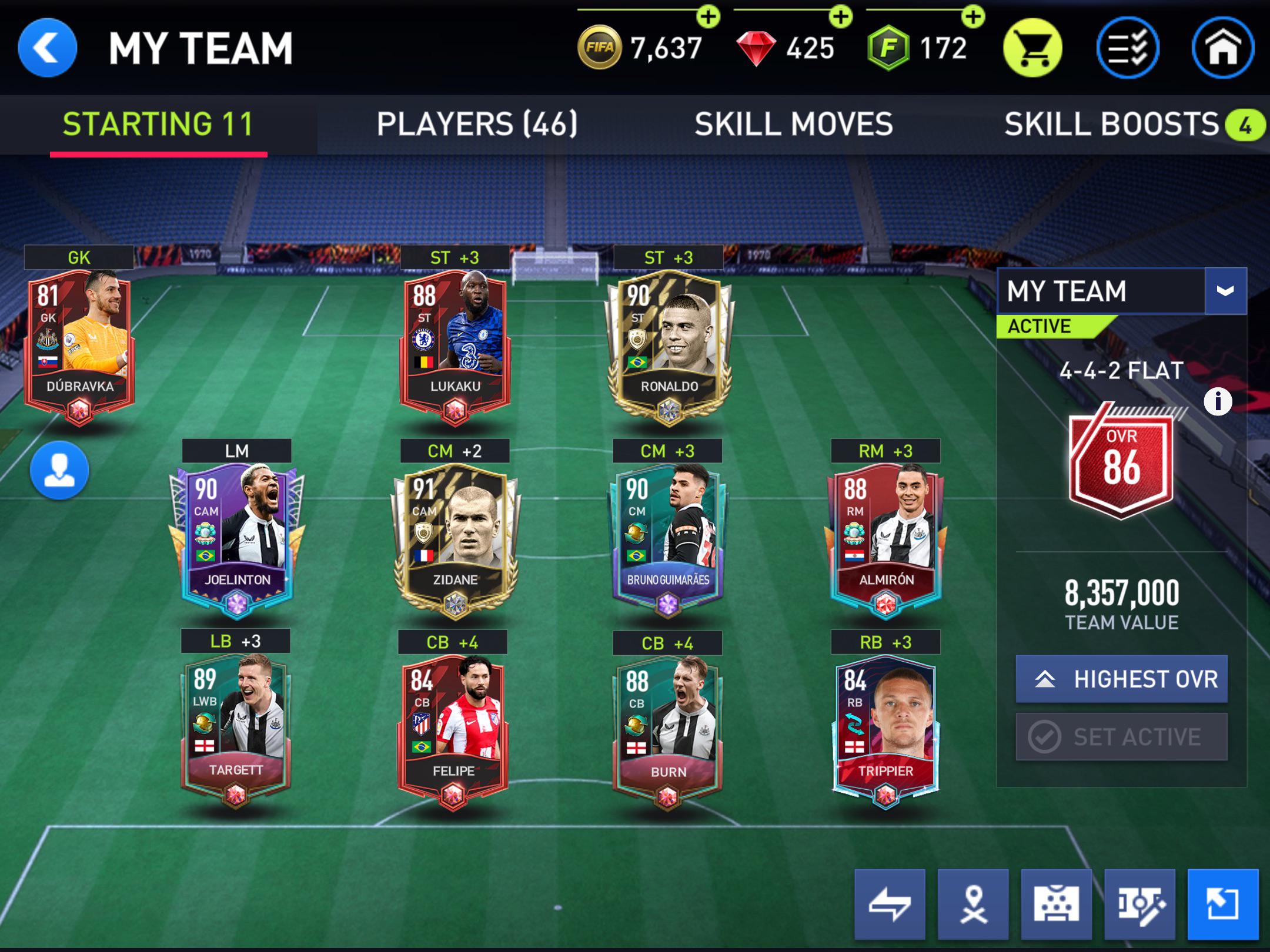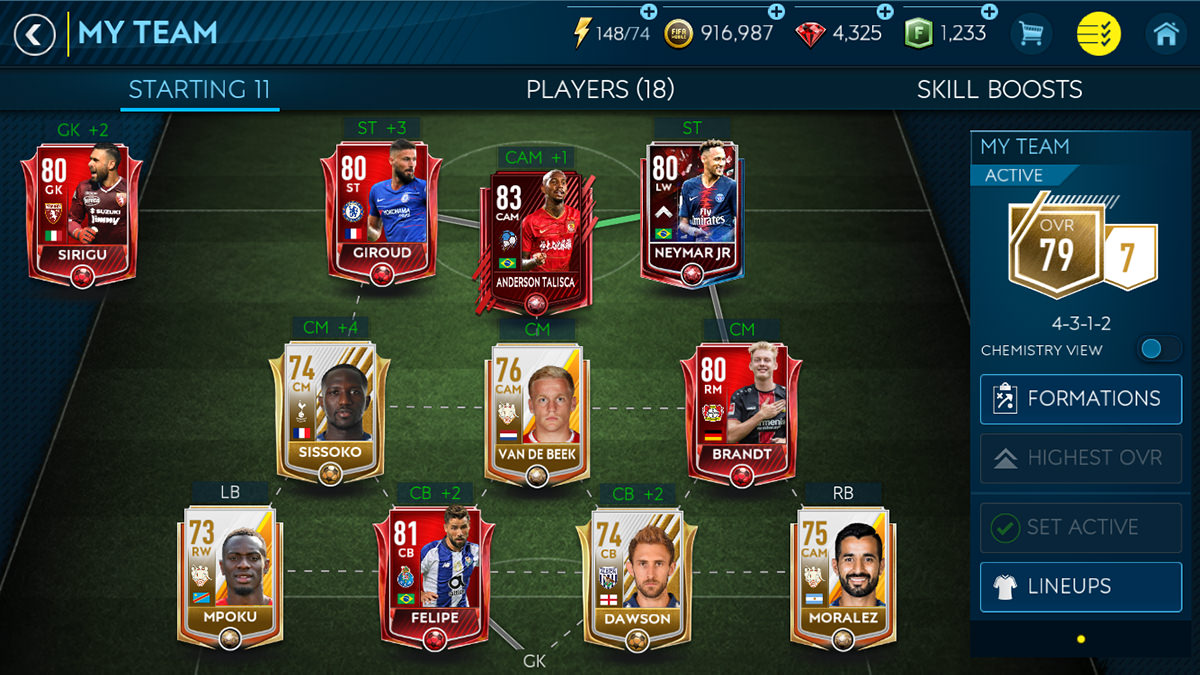
To rank up players in FIFA Mobile, you start from your Club menu, tap My Team, select the player you want to upgrade, and then tap Rank Up on their profile. On the Rank Up screen, if you have enough Rank Up Points, tap Rank Up again to confirm the upgrade, this is a separate action from training your player.
How to rank up players in FIFA Mobile: the exact steps
- Open the Club tab from the main menu.
- Go to My Team and select the player you want to upgrade.
- On the player’s profile screen, tap Rank Up.
- On the Rank Up screen, check that you have enough Rank Up Points (the cost for the next rank is shown at the bottom middle of the screen).
- Tap Rank Up again to confirm the upgrade.
This process is the only verified step-by-step ranking flow available from community guides, as official EA support pages currently only confirm device requirements for the app.
What ranking up does: OVR, training level, and skill points
Ranking up a player provides three verified benefits. First, each rank increases the player’s overall rating (OVR) by 1. Second, a player can be ranked up a maximum of five times. Third, ranking up raises the player’s maximum training level and earns one Skill Point, which you can assign to improve specific attributes. These effects stack with training, but ranking up and training are separate systems in current FC Mobile versions. Some players start with a higher rank than others, reflecting their real-life performances and reputation, often referred to as 'elite' or 'legendary' players.
How to get Rank Up Points for your players
The primary strategy for acquiring Rank Up Points is to participate in Live Events and Campaigns. Live events are time-limited challenges that refresh daily or weekly and often require completing specific objectives within a timeframe. Campaigns provide a storyline-driven experience where you progress through stages, facing various opponents and unlocking better rewards at higher difficulty levels. Some events may require energy or stamina to participate; be mindful of your resources and allocate them wisely. Check for event-specific bonuses or boosts that can further enhance your players' performance during events. Players earn experience points (XP) by performing well in games, scoring goals, making assists, and completing certain objectives. Rotate your squad regularly, especially in non-essential games, to ensure all players get valuable playing time and have a chance to improve. These in-game activities reward you with the currency needed to rank up players. While official EA pages do not detail specific event steps or limits, community guides confirm that consistently completing live events and campaign stages is the reliable method for gathering Rank Up Points. The app is available on iPhone and iPad running iOS/iPadOS 13.0 or later, and on Android devices running Android 6.0 or later, so you can farm these events on any supported device.
Ranking up vs. training: key differences
Ranking up and training are distinct systems in current FC Mobile versions. Training improves a player’s base attributes using training XP and items, while ranking up increases OVR, raises the training level cap, and grants Skill Points. Build a team with strong chemistry by paying attention to players' positions, clubs, nationalities, and leagues, as this can greatly improve individual player performance. Some players have unique special abilities that can give them an edge on the field; identify and invest in these players to unlock their full potential. A common point of confusion is treating them as the same action, they are not. For detailed steps on transferring training progress between players, you can refer to dedicated training transfer guides. If you need more help across other sports games, you can check FIFA and Madden Mobile guides for similar upgrade mechanics.
Frequently Asked Questions
How do I know if a player can be ranked up?
Only certain players, typically those with higher base ratings or special program cards, display a Rank Up icon on their card. If you don’t see the Rank Up option on a player’s profile, that player cannot be upgraded.
What happens if I don’t have enough Rank Up Points?
The Rank Up button will be grayed out or unresponsive on the confirmation screen. You need to earn more Rank Up Points through Live Events and Campaigns before you can complete the upgrade.
Can I rank up a player more than five times?
No. Community guides confirm that a player can be ranked up a maximum of five times. Each rank adds +1 OVR, so the total possible OVR increase from ranking up is +5.
Does ranking up affect a player’s trade value?
Yes. Higher-ranked players generally have increased value in the transfer market, which can help you earn more coins if you decide to sell them later.
Do I need to train a player before ranking them up?
No. Ranking up and training are separate systems. You can rank up a player without training them first, though training can further boost their attributes after the rank cap is raised.
Related reading: How To Change Team In FIFA Mobile and How To Get Better At FIFA Mobile.