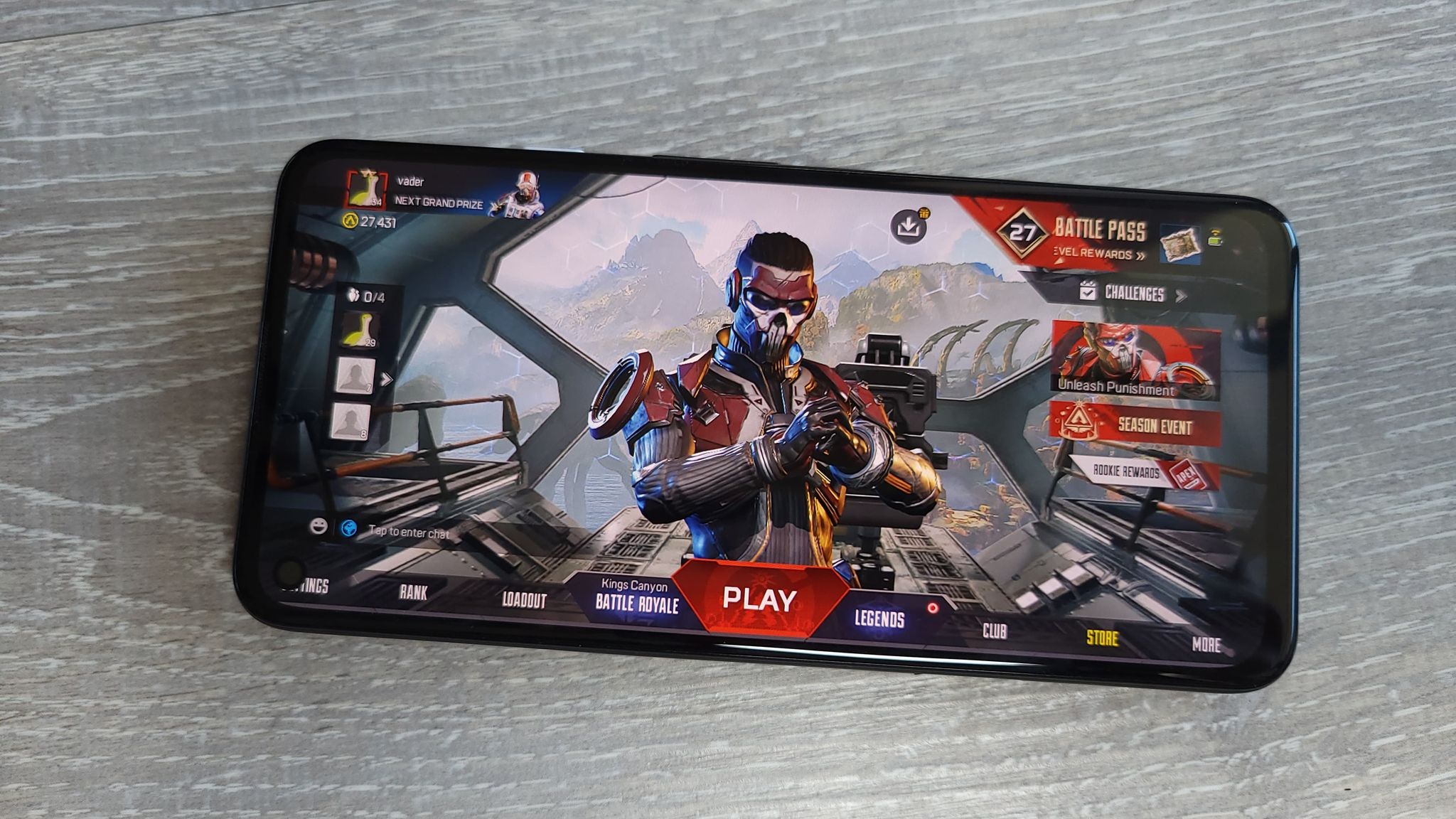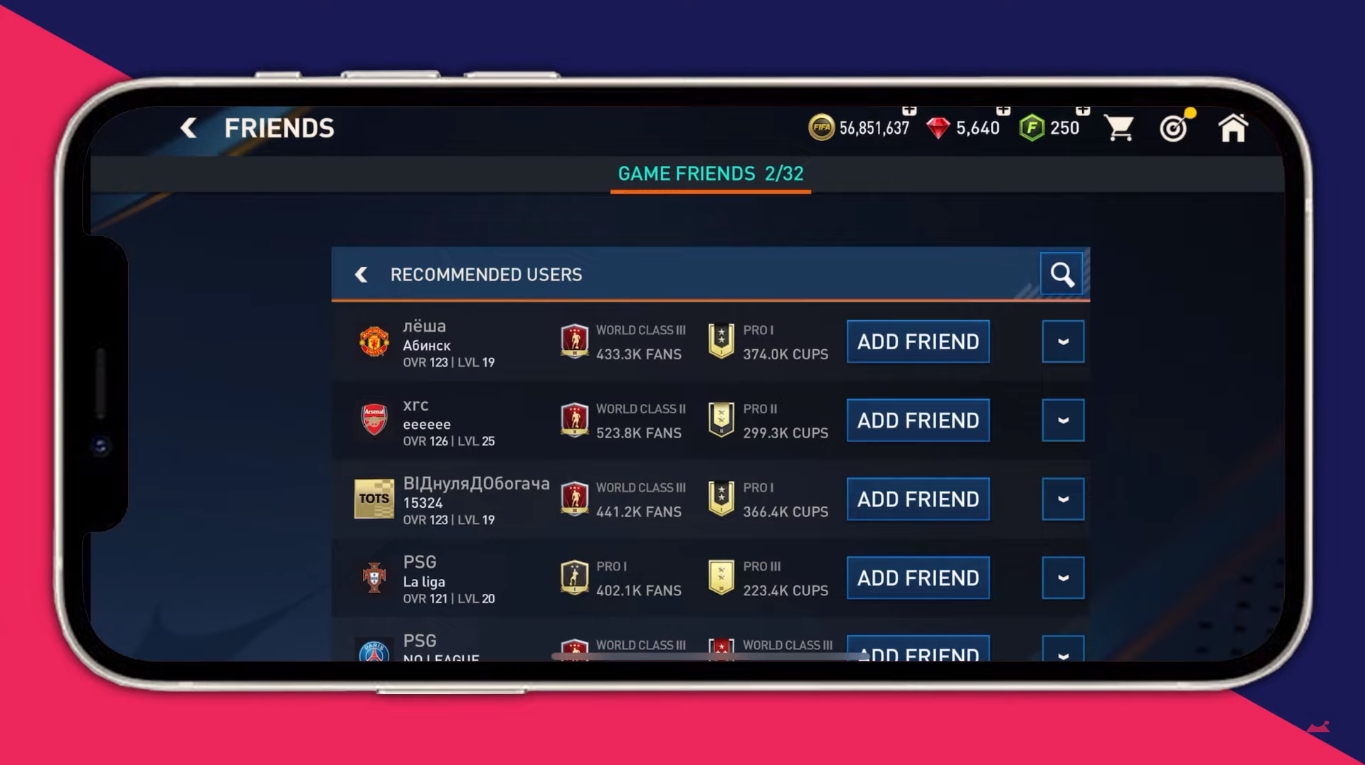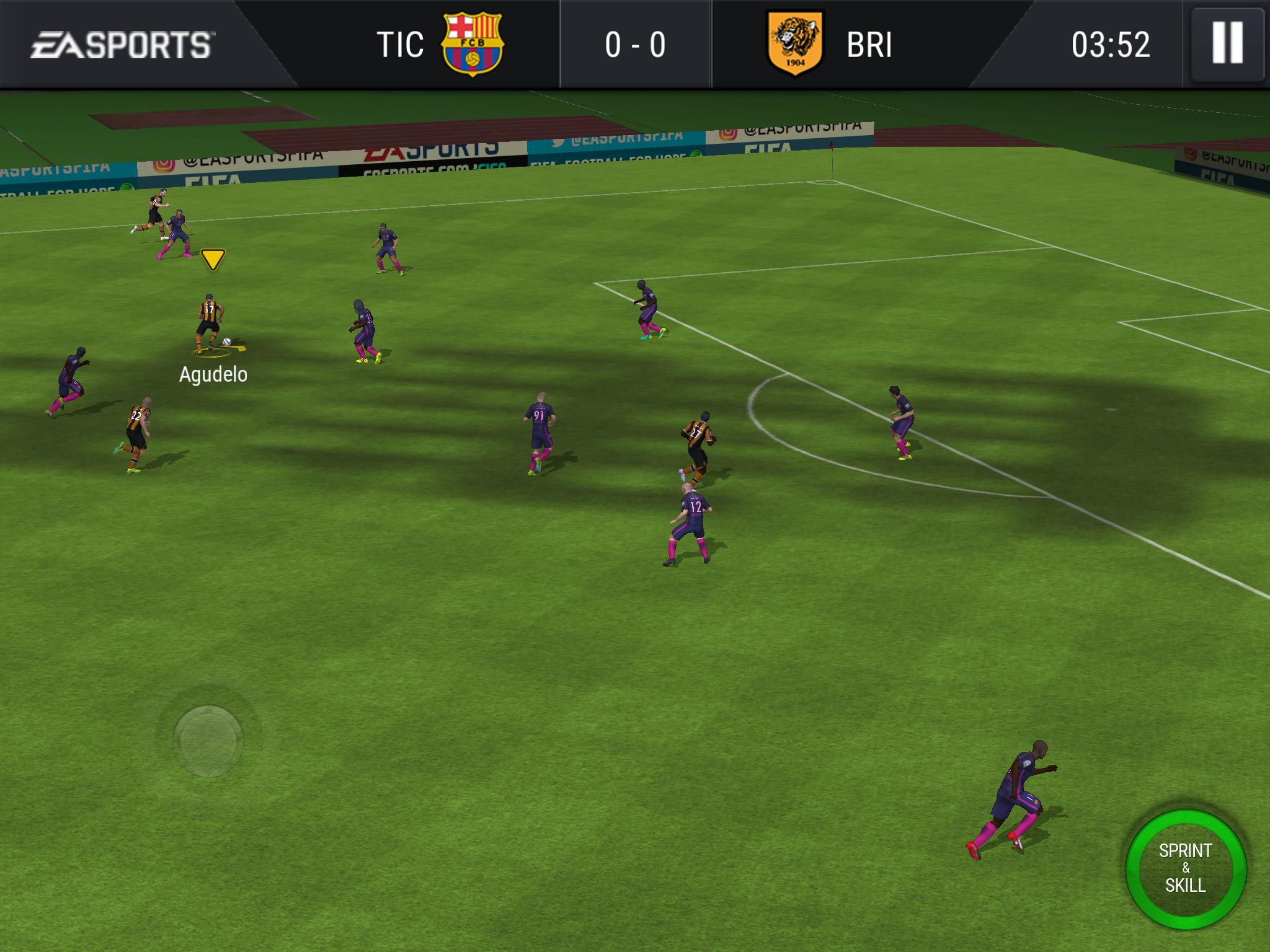
To play FC Mobile, you download the free game on your iPhone or Android device and use touch controls to build a squad of real-world players and compete in matches.
Before you play: is your device compatible with FC Mobile?
Your device must meet EA's current minimum requirements to run FC Mobile. For iPhone and iPad, the minimum is an iPhone 6s or later, iPod Touch (7th Gen) or later, iPad Mini 4 or later, or iPad Air 2 or later, all running iOS 13.0 or later. After the Fall update, the minimum OS will be iOS 15.0 or higher. For Android, the minimum OS is Android 6.0, rising to Android 7.0 or higher after the Fall update. Your device also needs at least 1.7 GB RAM and a quad-core 1.5 GHz or higher CPU. Unsupported GPU models include ARM Mali-400 MP, Mali-T720, Mali-T820, Mali-T628, Mali-G52 MC1, and Qualcomm Adreno 304/305/306/308/320/330/405/418/420. Supported Samsung families include the Galaxy S9 series, Galaxy S21 series, Note 9-20, and Tab S3-S6.
Where to find the official FC Mobile controls guide
EA maintains an official Gameplay Controls Guide titled “FIFA Mobile - Gameplay Controls Guide - Gesture Controls.” Because EA updates the exact gesture inputs and button labels with each release, you should learn the controls directly from that source rather than from an unofficial walkthrough. The guide covers all touch gestures and virtual button configurations for iPhone and Android.
Starting your Ultimate Team
Ultimate Team is the core mode where you collect player cards and build your squad. You earn player cards through gameplay rewards, events, and in-game purchases, and each card has attributes such as speed, shooting, passing, and defense. You can train players to improve those attributes and equip gear and boosts to further enhance performance. A balanced lineup with strikers, midfielders, defenders, and a goalkeeper is essential, and chemistry between players from the same league, nation, or club boosts overall squad cohesion.
Troubleshooting common issues on Android and iPhone
EA provides separate troubleshooting paths for iPhone/iPad and Android devices. For Android, a verified step is to press and hold the Power and Volume Down buttons simultaneously until the reboot animation appears. For both platforms, visit EA's official support page for FC Mobile to find device-specific fixes for crashes, connection problems, or performance issues.
Frequently Asked Questions
Does the official support page confirm iPhone and Android support?
Yes, EA's support page separates troubleshooting for iPhone/iPad and Android devices, confirming both platforms are officially supported.
What is the current minimum iPhone model?
The current minimum is iPhone 6s and later, as listed on EA's system requirements page.
What is the current minimum Android version?
The current minimum is Android 6.0, with Android 7.0 or higher required after the Fall update.
Can I use a controller in FC Mobile?
Where can I find FIFA and Madden Mobile guides?
EA's official support site hosts FIFA and Madden Mobile guides, including the gameplay controls guide and troubleshooting pages for both games.
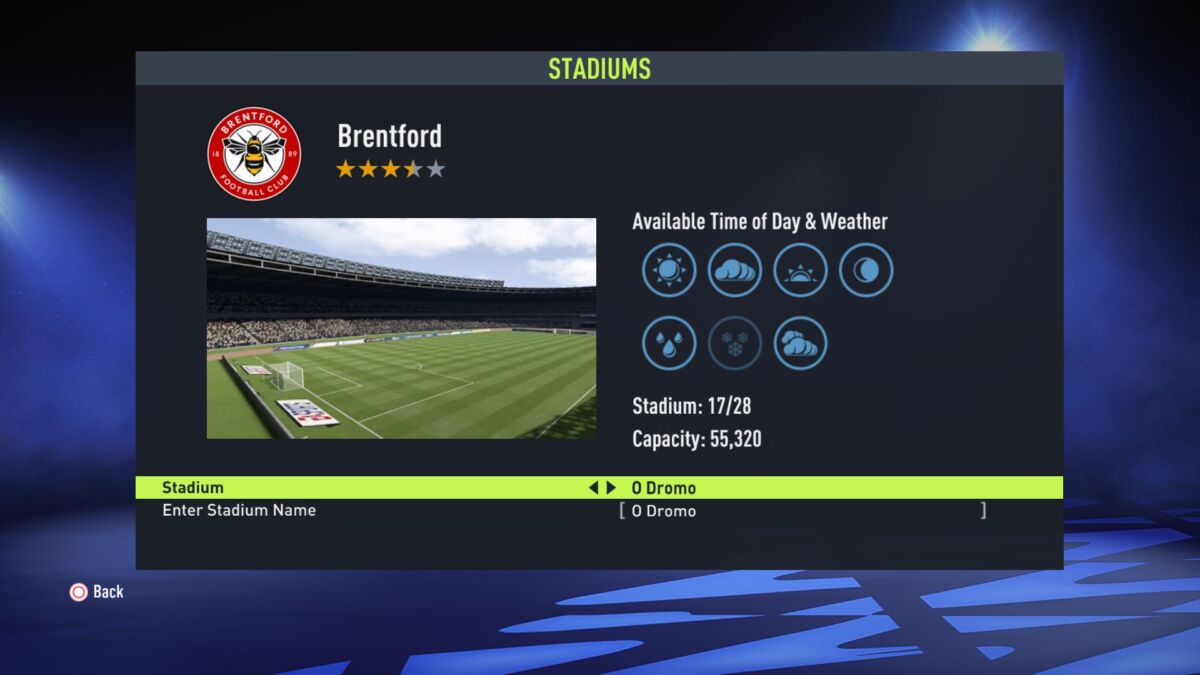
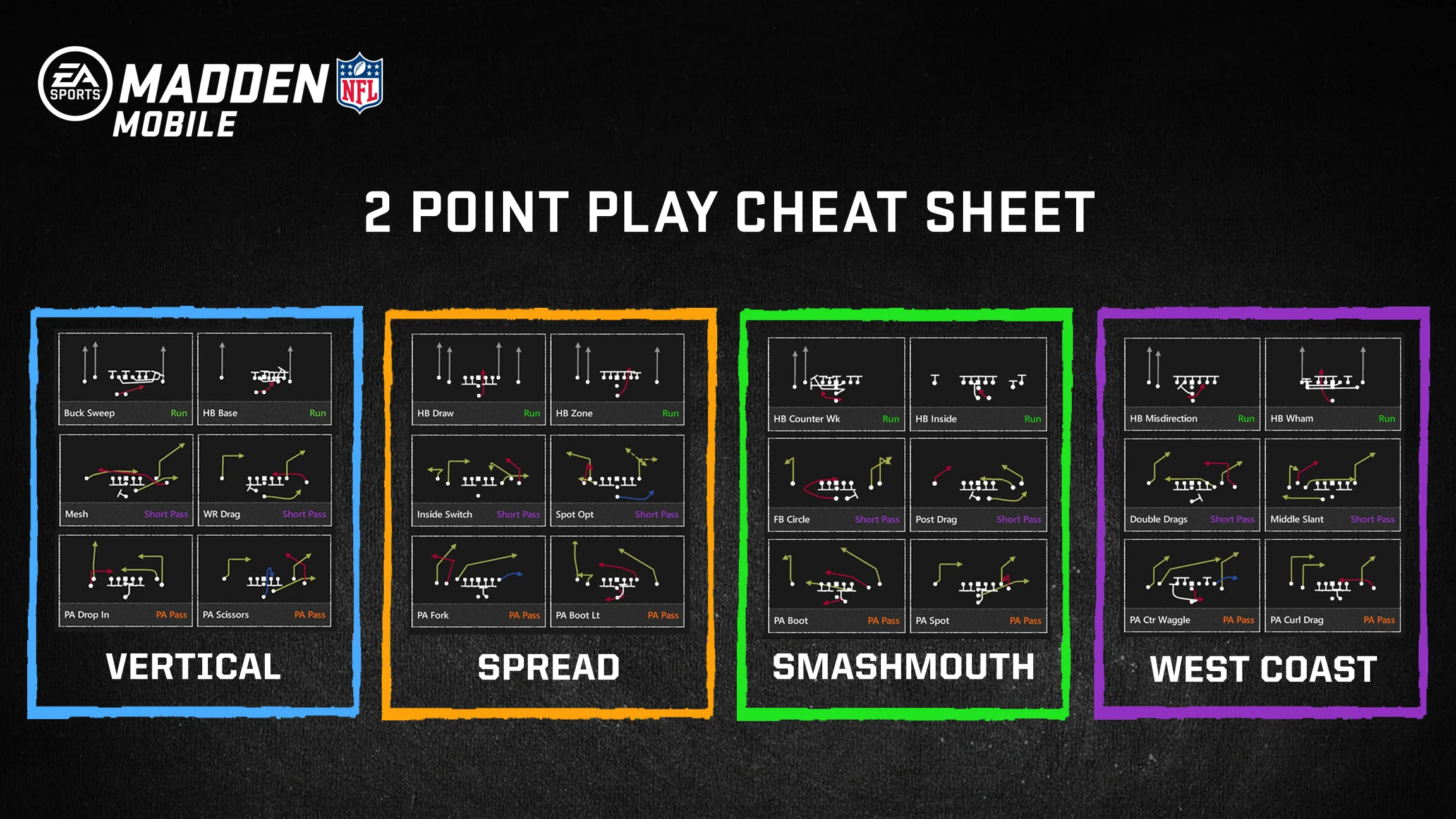
Related reading: How To Change Your Stadium In FIFA Mobile 22 and How To Cheat On Madden Mobile.