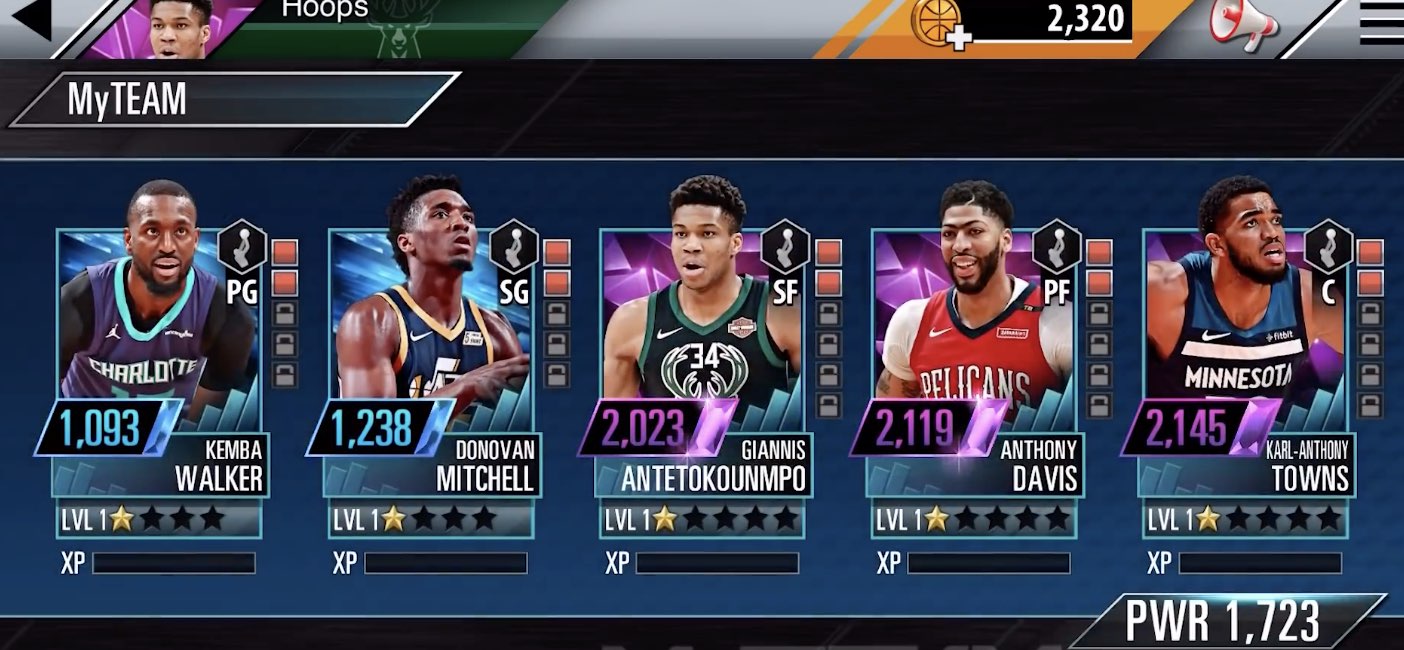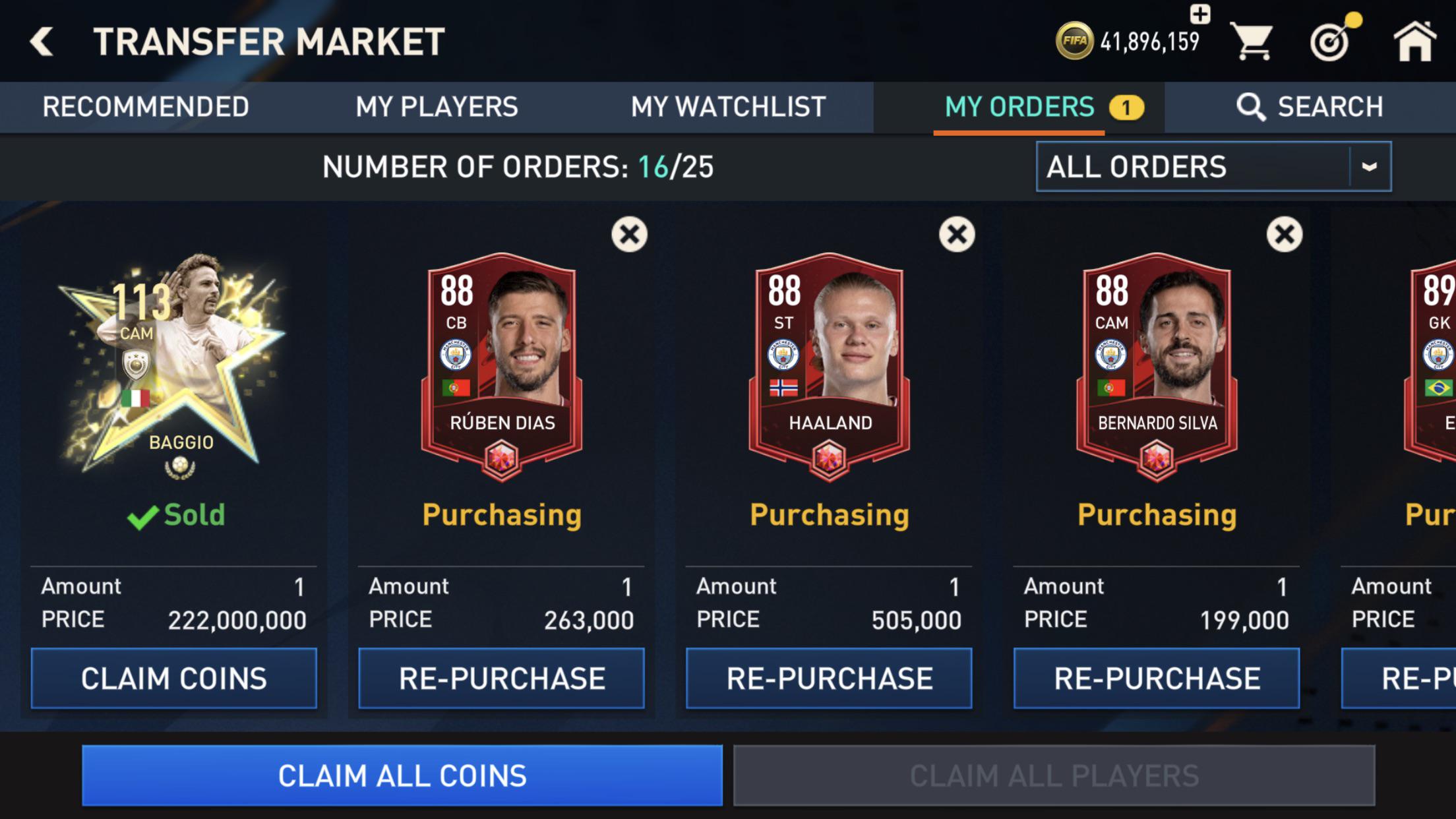
To sell players in FC Mobile, open the Market tab from the main menu, tap My Players, select the player you want to sell, and tap Sell. You must set a price within the game's allowed range and confirm the listing to place your player on the open market for other users to purchase.
How to sell players in fc mobile: the quick answer
Open the game and go to Market from the main menu. Tap My Players, then select the player you want to sell. If the player is locked, unlock them on the player details screen in My Team first. Tap Sell, enter a sale price within the market’s allowed range, and confirm the sale. After the order is confirmed, the item is removed from your inventory, and you claim the coins once the sale completes.
Understanding the fc mobile player market
The in-game market is an open listing system with no negotiation or buyer-to-seller bargaining. When you list a player, the game shows a sale range based on the current highest and lowest prices for that card. You can only set a price between those two numbers. After you create a sale order, the player becomes available for purchase by other users. You do not need to manually accept an offer; coins are claimed automatically after the order completes.
Step-by-step: listing a player for sale
- Tap My Players.
- Select the player you want to sell.
- Tap Sell.
After you confirm, the player is removed from your inventory and listed on the open market.
What happens after you list a player
Once you confirm the sale order, the player is removed from your inventory and becomes available for purchase by any other user on the market. There is no manual acceptance or negotiation step, the listed player is simply available for purchase. When the sale completes, you receive the coins automatically. A transaction fee is deducted from the sale price by the game. No official pages document a separate “accept offer” step or payment retrieval beyond claiming coins after the sale finishes.
Tips for pricing your players competitively
The game only documents the allowed price range based on the current highest and lowest prices. To set a competitive price within that range, consider factors like the player’s overall rating, rarity, and current demand. Higher-rated and rarer players typically command prices near the top of the range, while more common cards may sell faster near the bottom. Monitor the range shown on the Sell screen and adjust your price accordingly. For pricing strategy beyond the range, you can consult resources like FIFA and Madden Mobile guides (FIFA and Madden Mobile Tips) to see how experienced players approach market timing and demand trends.
Frequently Asked Questions
Can I sell players in FIFA Mobile?
Yes, it is possible to sell players in FIFA Mobile through the in-game market.
How do I determine the price to sell my players?
Evaluate similar players on the transfer market and adjust your price based on overall rating, skill boosts, and current demand.
Is there a limit to the number of players I can sell?
There is no specific limit, but you have a maximum roster size. Selling players creates space for new acquisitions.
Can I sell players for real money in FIFA Mobile?
No, selling players for real money violates the terms of service and can lead to penalties or permanent bans.
Can I sell locked players?
No. A player must be unlocked before you can list them for sale. Unlock them on the player details screen in My Team first.
Is there a limit to how many players I can list at once?
No official page documents a hard cap on the number of players you can list simultaneously. However, you must have enough inventory slots to hold the players you intend to sell.
Can I sell players for real money?
No. Selling players for real money is against the terms of service and can result in penalties or a permanent ban.
Can I negotiate the price with a buyer?
No. The market operates as an open listing system with no negotiation or bargaining. You set a price within the allowed range, and buyers purchase at that price or not at all.
What happens if I set a price outside the allowed range?
The game will not let you confirm the sale. You must enter a price between the current highest and lowest price shown on the Sell screen.
Do I need to accept an offer after listing a player?
No. There is no separate “accept offer” step. Once you list the player, they are available for purchase by any user, and coins are credited automatically when the sale completes.
Related reading: Mobile Game Cheats and Passes and How To Get Infinite Monkey Money In Btd6 Mobile.