To get out of a Verizon phone plan, you have three documented paths: port your number to a new carrier, disconnect the line online in My Verizon, or transfer billing responsibility to another person. Porting out is the simplest method because initiating a number transfer with a new carrier automatically cancels the line with Verizon, you do not need to call Verizon first.
Step 1: Port your number to get out of Verizon phone plan
Porting your number to another carrier is the easiest way to cancel a Verizon line. When you start the transfer with your new provider, Verizon treats the port as a cancellation request for that number. You do not need to notify Verizon beforehand. The new carrier handles the coordination, and your Verizon service will end once the port completes. This method also lets you keep your existing number, making the switch seamless when activating phones and SIM cards on any carrier.
Step 2: Cancel your line online in My Verizon
If you are not porting your number, you can disconnect a mobile line directly through My Verizon. Sign in to your account at Verizon.com and navigate to the mobile disconnect page. From there, follow the disconnect or cancel flow to submit your request. Not all lines may be eligible for online cancellation, the mobile disconnect page will show you which lines can be disconnected this way. This is a self-service path that avoids a phone call. Verizon says you can manage your service at Verizon.com, including canceling service.
Step 3: Transfer your service to someone else
Instead of canceling, you can move a line’s billing responsibility to another person’s Verizon account. In My Verizon, submit a “Transfer Your Service” request. This moves the line and its associated billing from your account to another Verizon account. The recipient must accept the transfer, and the line continues under their account without interruption. This option is useful if you want to give a line to a family member or friend rather than cancel it. Verizon's My Verizon support page says you can use My Verizon to submit a "Transfer Your Service" request to move lines and billing responsibility from one account to another.
What to expect on your final bill
When you cancel a line, whether by porting out, disconnecting online, or transferring service, you remain responsible for all charges through the end of the current billing cycle. Verizon’s customer agreement states that fees and charges for that cycle are still owed. If you cancel within 30 days of accepting a new agreement, you can return any purchased equipment within the applicable return period to avoid device costs, but you still owe service charges through the date of cancellation. There is no prorated credit for partial months after cancellation. Verizon says you can cancel a line within 30 days of accepting the agreement only if you return any purchased equipment within the applicable return period. If you are moving service to a new address and want to keep service, Verizon says you must submit a move order for approval and the new address must be re-qualified.
Frequently Asked Questions
Can you cancel Verizon online?
Yes. Verizon’s support pages confirm that mobile lines can be disconnected in My Verizon, and the customer agreement states you may manage service, including canceling, at Verizon.com.
Does porting out cancel the line?
Yes. Porting a number from Verizon is treated as a cancellation for that number. The line is automatically closed once the port completes.
Can you move a Verizon number to eSIM?
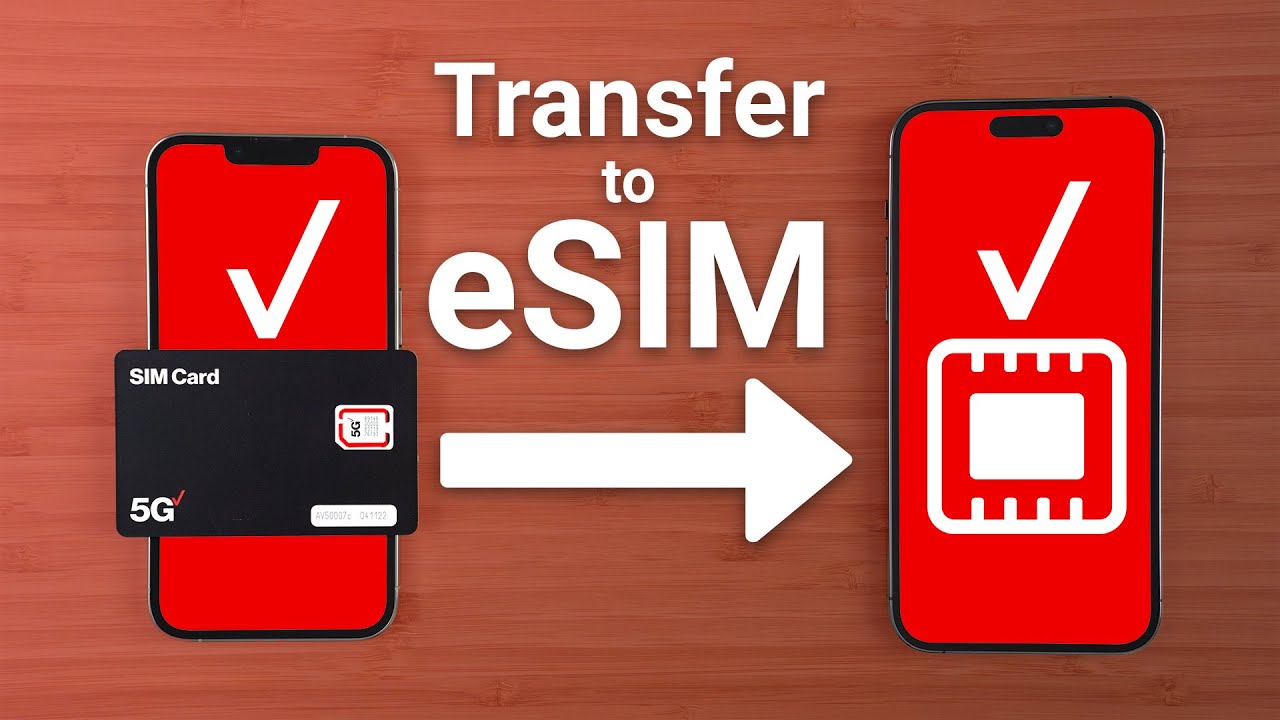
Yes. Use the My Verizon app to move your Verizon mobile number to an eSIM-enabled device. For some device-to-device moves, you will need the new device’s IMEI. If you encounter issues, contact Verizon support at 1.800.922.0204.
What happens if I move to a new address?
If you want to keep your Verizon service at a new address, you must submit a move order for approval. The new address must be re-qualified by Verizon before the move is authorized.
Are there early termination fees?
Verizon’s documented policy does not specify a flat early termination fee. Instead, you are responsible for charges through the end of the billing cycle.
For the wider topic, see activating phones and SIM cards.
Related reading: How To Cancel Cricket Phone Plan and How To Cancel Verizon Phone Plan.