To check Verizon data usage, use the My Verizon app, dial #DATA (#3282) from your phone, log in to the My Verizon website, or call customer service. These four methods let you see how much data you have used and how much remains in your current billing cycle, helping you avoid overage charges.
Ways to check Verizon data usage
Verizon documents four ways to monitor your data: the My Verizon app, the online My Verizon website, the #DATA (#3282) short code, and a call to customer service. Each method works for checking data usage and balance on carriers, so you can pick the fastest option for your situation.
Method 1: Use the My Verizon app
Download the My Verizon app from your device's app store and sign in with your Verizon account credentials. The app shows your current data usage for the current bill period and a data use summary for all mobile lines for the past 90 days. You can also generate data consumption reports. Note that exact menu labels may vary by app version.
- Open the My Verizon app.
- Sign in to your account.
- Navigate to the usage section to view current data usage and remaining allowance.
Method 2: Dial #DATA (#3282) on your phone
Dial #DATA (which is #3282) from your Verizon phone and press the call button. Verizon sends a free text message with an estimate of the data and messaging used during the current bill cycle. If you stay on the line, you can hear the information verbally.
- Open your phone's dialer.
- Enter
#3282. - Press the call button.
- Read the text message or listen to the verbal estimate.
Method 3: Check data usage online at My Verizon
Sign in to the My Verizon website and go to the My Usage page. You can view your current data usage, scroll to View previous usage for an 18-month history, and set usage alerts when you near your monthly allowance. You can also choose View or Save printable bill (PDF) for detailed records.
- Go to the My Verizon website and sign in.
- Navigate to My Usage.
- Review current usage and access historical data.
Method 4: Contact Verizon customer service
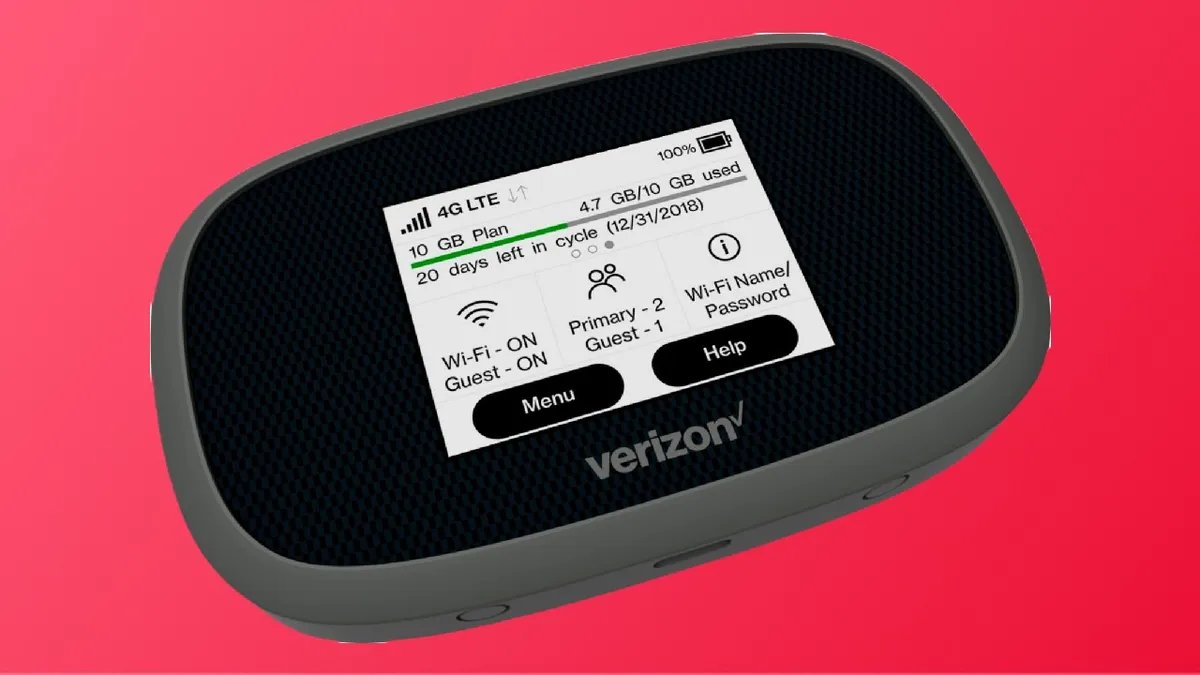
Dial *611 from your Verizon phone to reach customer service. For Mobile Broadband devices, call 1.800.922.0204 for monthly plans or 1.800.786.8419 for prepaid plans. A representative can provide your current data usage details. For Mobile Broadband devices, VZAccess Manager usage checks require Windows version 6.7 or higher and Mac OS X version 4.0 or higher, and Intelligent Mobile Hotspot must be connected by USB to check usage in VZAccess Manager.
- Call
*611from a Verizon phone or the appropriate toll-free number. - Speak with a representative to get your data usage information.
Frequently Asked Questions
Can I check my Verizon data usage without logging into my account?
Yes, you can dial #DATA (#3282) from your Verizon phone to receive a free text message with your usage estimate without logging in.
Will checking my Verizon data usage incur additional charges?
No, checking your data usage through any of the four methods is free. However, if you are nearing or exceeding your data limit, you may incur overage charges depending on your plan.
What can I do if I'm running out of data on my Verizon plan?
You can upgrade to a higher data plan, connect to Wi-Fi whenever possible, use data-saving features on your device, and monitor your usage regularly to avoid exceeding your plan's limits.
How far back can I see my data usage history?
The My Verizon app shows a data use summary for the past 90 days, while the My Verizon website provides an 18-month data usage history.
Does Verizon have different steps for iPhone versus Android when checking data usage?
No, Verizon's documented methods for checking data usage, the My Verizon app, the website, and dialing #DATA, do not differ between iPhone and Android devices.
Related reading: How To Check AT&T Data Usage Text and How To Check Mint Mobile Data Usage.