You can pay off your Verizon phone at any time with 0% APR and no finance charges, and doing so lets you own the device outright or become eligible for an upgrade. The three main ways to pay off your Verizon phone are through the My Verizon app, the Verizon website, or in person at a Verizon store.
Before you start: check your payoff amount
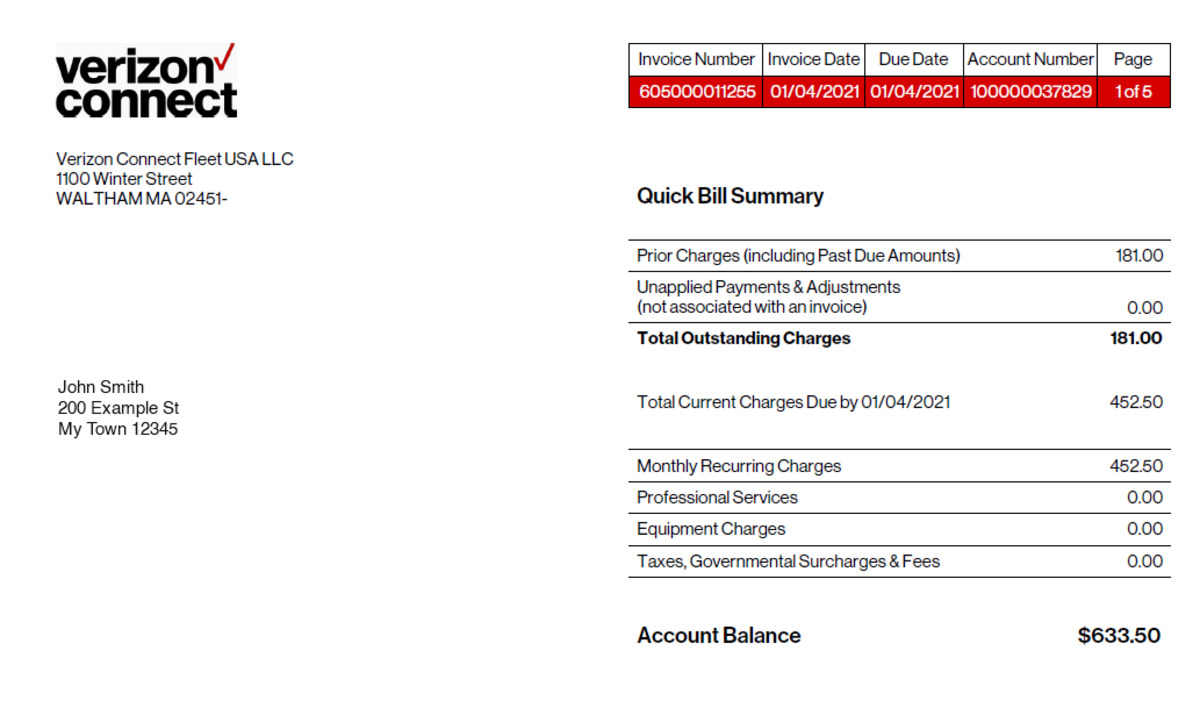
Before making a payment, view your current device payment plan status. In the My Verizon app, open the “Device payment” section to see your remaining balance, the number of monthly bills left, and the total amount you need to pay in full. The Verizon Up loyalty program offers device payment credits that can be applied toward phone payments.
Method 1: pay off your device with the My Verizon app
- Open the My Verizon app and tap the “Mobile” tab.
- Tap “Manage devices.”
- From the “Device payment” section, tap “Pay off device.”
- Review the information shown, then tap “Pay off device” again.
- Review “Here's what you need to know,” then tap “Continue.”
- Select your payment type and tap “Continue.”
- Enter your card's 3-digit security code and tap “Continue.”
- Review the payment details, then tap “Confirm.”
Method 2: pay off your device on the Verizon website
- Sign in to My Verizon on the website.
- Navigate to the “Bill” section.
- Select “Payment options,” then choose “Pay in full.”
Method 3: pay off your device in a Verizon store
You can pay off your device payment agreement in person at any Verizon store. Bring your device and a valid form of payment to complete the transaction.
Accepted payment methods and fees to avoid
Verizon accepts credit cards, debit cards, and checking accounts for device payoff. Payments made through the My Verizon app, the My Verizon website, or by dialing #PMT from a mobile phone are free. Avoid paying by calling Customer Service, as a $10 Agent Assistance Fee applies. You can make a one-time payment over the phone with a customer service representative (though a $10 Agent Assistance Fee applies). This fee also applies when canceling mobile orders and carrier service by phone.
Payoff vs. early upgrade: what's the difference?
Paying off 100% of your device means you own it outright and can upgrade at any time. You can direct extra payments toward the highest-interest phone first if you have multiple devices (debt avalanche method). Backup and reset your phone before trading it in to protect personal information. Verizon's device trade-in program accepts smartphones, tablets, and smartwatches. Verizon's Early Upgrade Program is a separate option: you pay at least 50% of your device's retail price, return the device in good working condition, and start a new 36-month device payment agreement for a qualifying device. Both the eligible device and the new device must be purchased under 36-month agreements for the Early Upgrade Program.
Frequently Asked Questions
Is there a penalty for paying off my Verizon phone early?
No. Verizon does not charge any penalty or fee for paying off your device payment agreement early.
Can I pay off my Verizon phone in installments?
Your device payment agreement already breaks the cost into monthly installments. Paying off the full remaining balance is a single payment, but you can make extra payments at any time through the app, website, or store.
What happens after I pay off my Verizon phone?
You own the phone outright, and the monthly device payment charge stops appearing on your bill. You become immediately eligible to upgrade to a new device under a new payment agreement.
Can I pay off a Verizon phone that is not on my account?
Only the account owner or an authorized manager can make payments on a device payment agreement. You will need to sign in to the My Verizon account associated with the device.
Related reading: How To Change My Phone Number On Verizon and How To Check Phone Balance Verizon.