To track a phone on T-Mobile, you have three main options: T-Mobile's paid FamilyMode or FamilyWhere services, or your phone's free built-in tracking tools. The right choice depends on whether you need ongoing family location features or a one-time way to find a lost device.
How to track a phone on T-Mobile: your options
T-Mobile offers two subscription-based family tracking services, FamilyMode and FamilyWhere, each costing $10 per month. For a free alternative, you can use Google's Find My Device on Android or Apple's Find My on iPhone. FamilyMode provides real-time location sharing and digital parenting controls, while FamilyWhere is an older service that offers approximate location tracking. The built-in tools are best for locating a lost or stolen phone without any subscription. The T-Life app can collect both phone-based (GPS) and network-based location data, requiring user permission. Disabling network-based location sharing through the T-Life app requires contacting T-Mobile Customer Care. GPS tracking devices can be attached to a T-Mobile phone for full control, providing real-time location updates through a dedicated app or website.
Track a phone with T-Mobile FamilyMode
FamilyMode is T-Mobile's primary family location service, designed to locate family members' phones in real time and manage digital parenting. It costs $10 per month and requires a qualifying T-Mobile plan, installation of the app on all devices, and compatible iOS or Android devices.
- Install the T-Mobile FamilyMode app on your device and on the phone you want to track.
- Open the app and set up your family group, then grant the required permissions on each device.
- For the phone being tracked, ensure location services are enabled and the permission is set to "Always Share" for optimal performance.
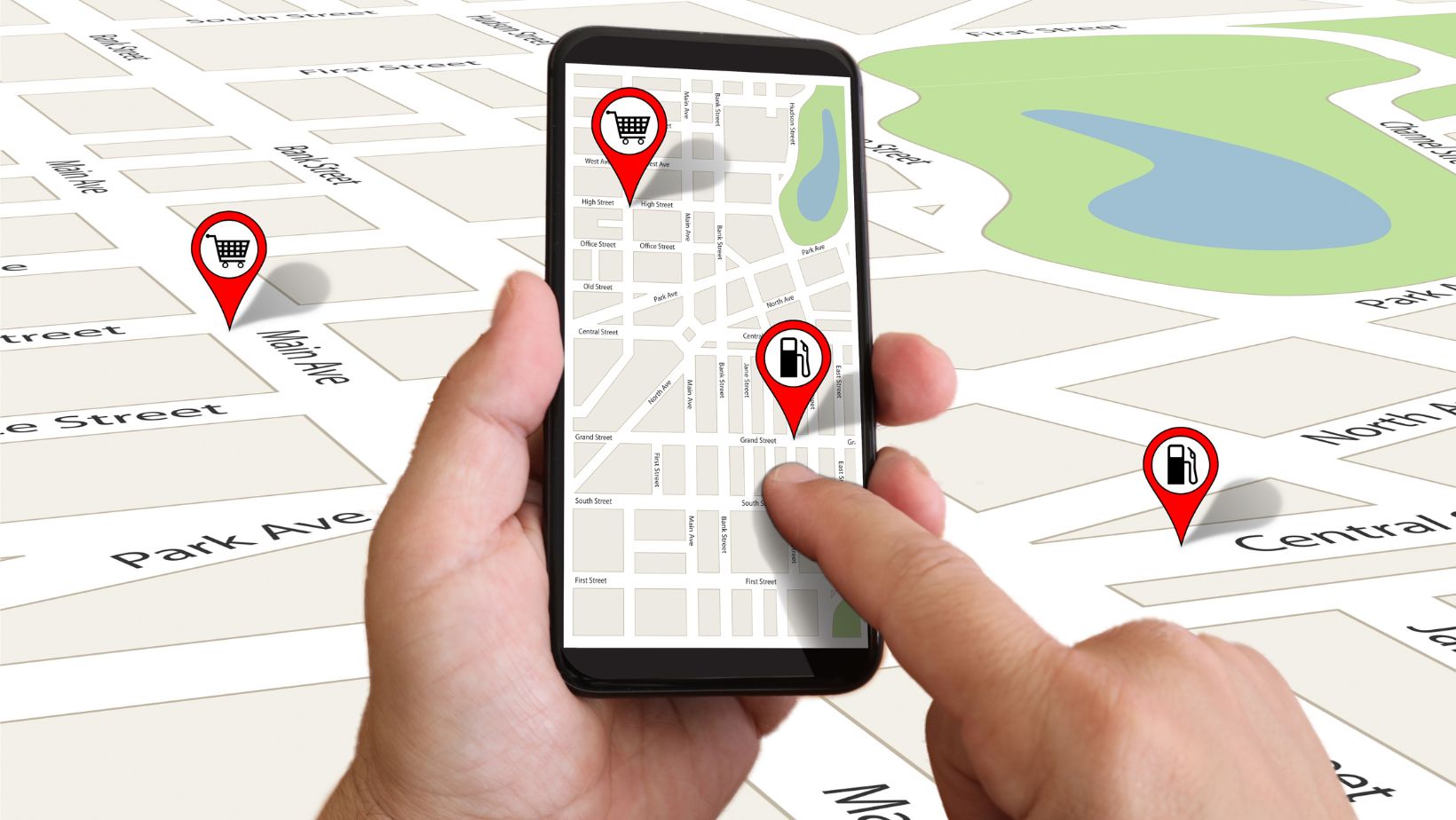
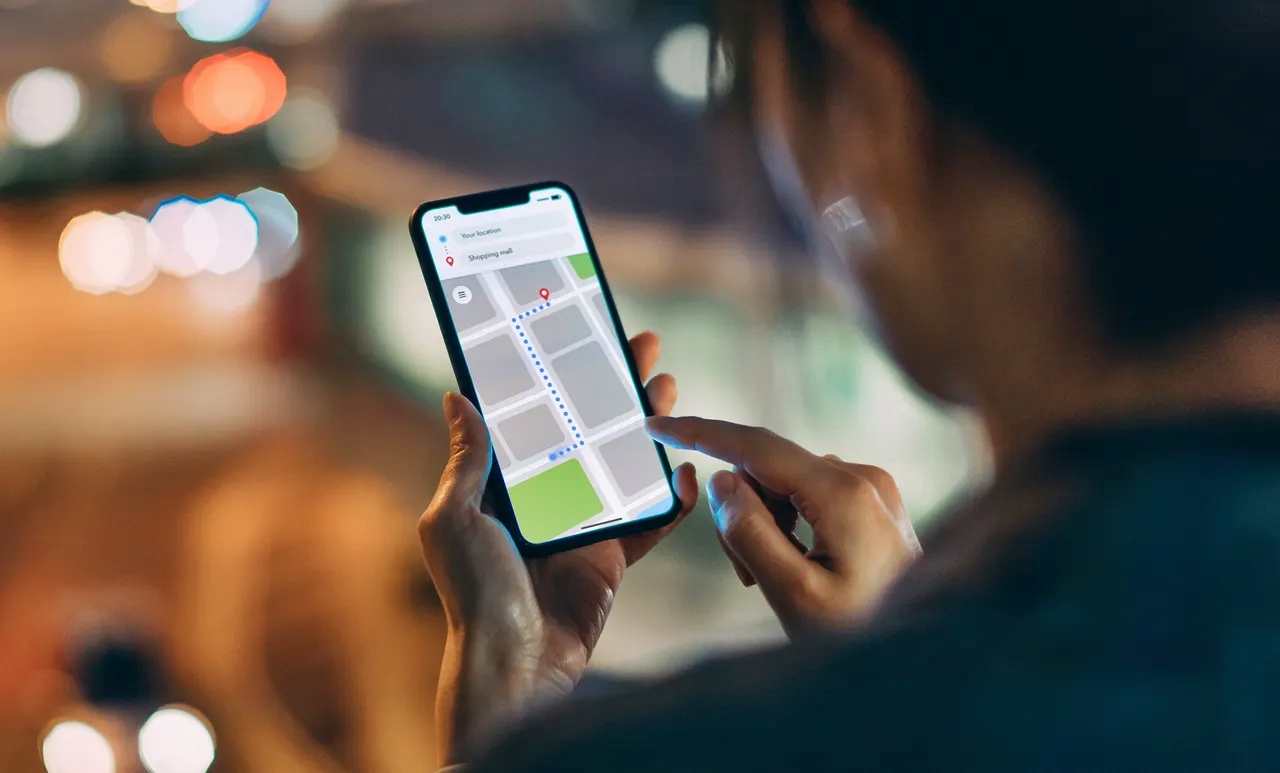
- View the current location of every family member on a real-time map, and access a timeline of past locations for up to 7 days.
- Create "safety areas" (geofences) to receive push notifications when a family member enters or leaves those zones.
- Use the "Find a device" feature to make a lost phone ring, for Android, it rings even on silent; for iPhone, it will not ring if the phone is on silent or vibrate.
The monitored phone must be turned on, connected to the network, and have location services enabled for tracking to work.
Track a phone with T-Mobile FamilyWhere
FamilyWhere is an older T-Mobile service that enables the primary account holder to locate any phone on their plan that is active on the T-Mobile network. FamilyWhere provides a 30-day free trial before the $10/month charge. It is billed directly to your T-Mobile account. The FamilyWhere app is only available for Android devices; for non-Android devices, tracking is managed by logging into your T-Mobile account on T-Mobile.com. A critical limitation is that FamilyWhere provides only the approximate location (the nearest cell tower) for iOS devices, not GPS-level accuracy. Devices being tracked receive regular notification reminders that their location is being monitored, as required by FCC regulations and T-Mobile's privacy policy.
Use your phone's built-in tracking for free
For Android phones, T-Mobile recommends using Google's Find My Device to locate, ring, lock, or remotely erase a lost phone. To use it, the lost device must be turned on, signed into a Google Account, connected to mobile data or Wi-Fi, visible on Google Play, and have Location and Find My Device settings enabled. Access it by visiting android.com/find or using the Find My Device app. For iPhones, T-Mobile advises using Apple's Find My service, which requires the device to be signed into an Apple ID with location services enabled. If a phone is turned off, live tracking is generally not possible, though a last known location may be available. For IMEI tracking: you can contact T-Mobile and provide the IMEI number to report a phone stolen, though only authorized individuals like law enforcement can access such information.
Legal considerations for tracking a phone
Tracking a phone without consent is illegal in most jurisdictions. Obtain explicit permission from the phone's owner before using any tracking method. Parents are generally allowed to track their minor children's phones, but you should familiarize yourself with local laws. If tracking a company-issued device, check your organization's policy on phone monitoring. For insurance claims, providing the location of a lost or stolen device can speed up the process and increase the chances of a successful claim. Always use these services responsibly and within the law.
Frequently Asked Questions
Can I track my T-Mobile phone if it's lost or stolen without a subscription?
Yes, you can use Google's Find My Device for Android or Apple's Find My for iPhone at no cost. These built-in tools let you locate, ring, lock, or erase your phone remotely as long as it is turned on and connected to the internet.
Is there a way to track a T-Mobile phone without GPS?
If GPS is disabled, FamilyWhere can provide an approximate location using cell tower triangulation for Android devices, and only the nearest cell tower location for iOS devices. Built-in tracking tools like Find My Device require GPS and location services to be enabled for accurate results.
Can I track a T-Mobile phone that is turned off?
Live tracking is not possible when a phone is off. However, the last known location before the device was turned off may be available through Find My Device, Find My, or FamilyMode location history.
Does T-Mobile notify someone when I track their phone?
FamilyMode does not send such notifications to the tracked device, but the app requires consent during setup.
What is the difference between FamilyMode and FamilyWhere?
FamilyMode offers real-time GPS location tracking, 7-day location history, safety area geofencing, and digital parenting controls. FamilyWhere is an older service that provides approximate location (cell tower level for iOS) and sends notification reminders to tracked devices. Both cost $10 per month.
For the wider topic, see tracking a phone location.
Related reading: How To Track A Phone On My Verizon Account and Easy Guide: How to Find Someone's Location by Cell Phone Number.