T-Mobile's standard shipping takes 3 to 7 business days, but if you choose free shipping on new devices, your order typically arrives in 2 to 3 business days. This direct answer to how long does T-Mobile take to ship covers the most common timeframes, though expedited and same-day options can get your device to you even faster.
How long does T-Mobile take to ship?
T-Mobile offers several shipping speeds. Standard shipping delivers in 3 to 7 business days. Free shipping on new devices generally takes 2 to 3 business days. Expedited shipping, available for an additional fee, delivers within 2 to 3 business days from the date of shipment. Overnight shipping gets your order to you the next business day. Same-day delivery is available in most major cities for in-stock devices and accessories at eligible T-Mobile stores within 20 miles of the delivery address.
T-Mobile shipping options explained
Each shipping method has specific costs and eligibility. Free shipping is offered on new devices and typically delivers in 2 to 3 business days. Expedited shipping, which costs extra, also delivers in 2 to 3 business days from shipment. Overnight shipping, for an additional fee, guarantees next-business-day delivery. You can choose a delivery window and will receive a unique delivery code for secure completion. Same-day delivery costs vary and may be free for eligible new accounts, but it is not available in all areas and can be affected by order cutoff times, weather, traffic, and driver availability.
Order processing time
Before your order ships, T-Mobile requires 1 to 2 business days for processing. This period includes verifying your payment information, preparing your order, and conducting security checks. After processing, your order is handed to the carrier for delivery.
Factors that affect shipping time
Several factors can influence when your package arrives. Your location matters: remote or rural areas may take longer. Weather conditions like storms or hurricanes can cause delays. Inventory availability is key, if a device is out of stock or on backorder, shipping may take longer, and T-Mobile will notify you of any delays. For same-day delivery, order cutoff times, weather, traffic, and driver availability all play a role. During peak seasons like holidays or promotional events, high order volume may also slow processing and shipping.
Signature requirements for delivery
High-value orders, especially those including a smartphone, typically require a signature upon delivery to protect against theft. T-Mobile will inform you if a signature is required in the order confirmation and order shipped notifications sent via email or SMS. If no one is available to sign, the carrier will usually make multiple attempts to deliver the package. If delivery fails after several attempts, the package may be returned to T-Mobile or held at a local facility for pickup. You should track your package and contact the carrier directly for further instructions if you are unable to receive the delivery.
How to track your T-Mobile shipment
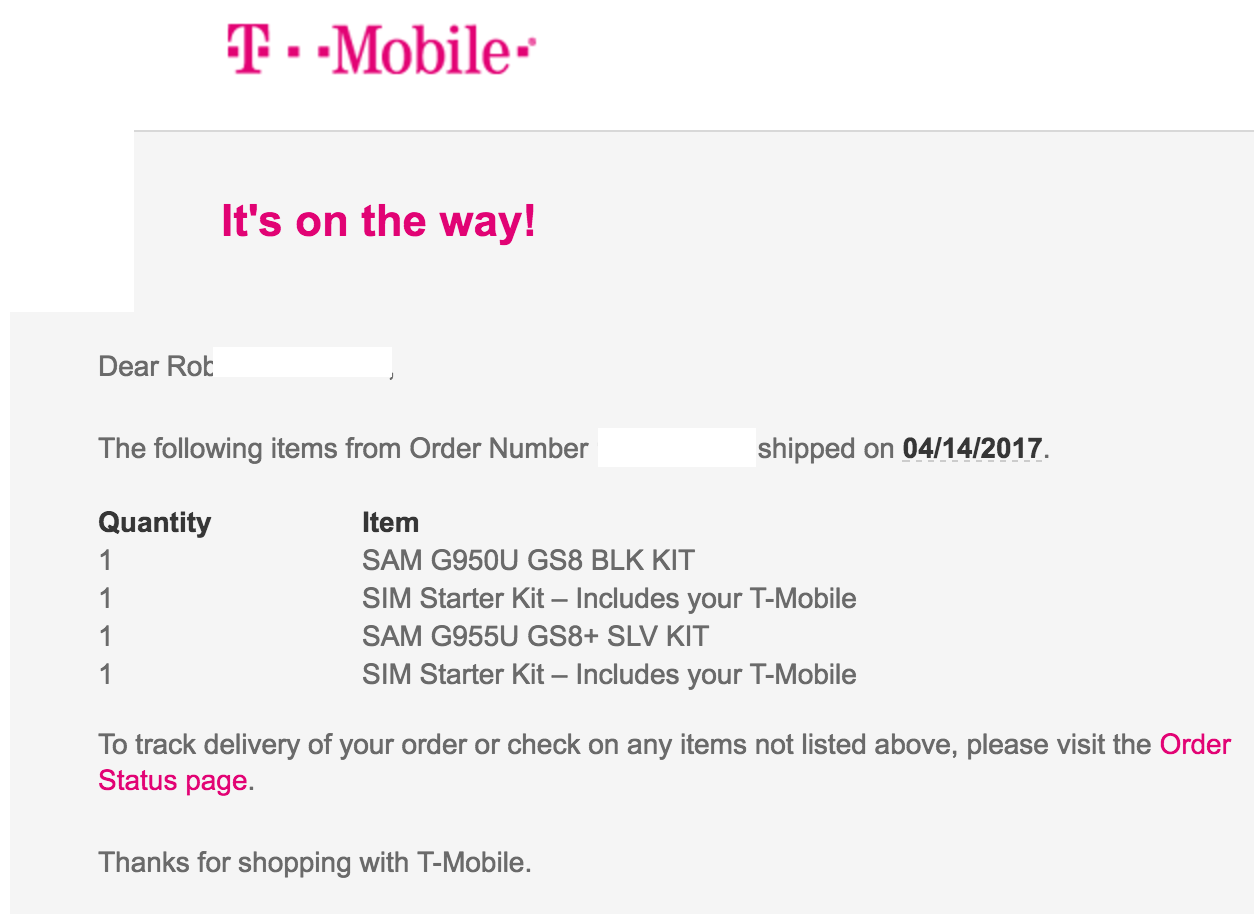
After placing an order, you will receive an order confirmation email or notification that includes your order number and an estimated delivery timeframe. To track your order online, new T-Mobile customers can use their order number, billing zip code, and last name on the T-Mobile order status page. Existing T-Mobile.com account holders can log in to their account or use the T Life app (Home tab) to check their order status. You can also opt-in for text message notifications to receive updates directly on your phone. For more details on T-Mobile purchases and billing, including payment verification and account management, see T-Mobile Billing, Insurance and Purchases Explained.
Trade-in device shipping process
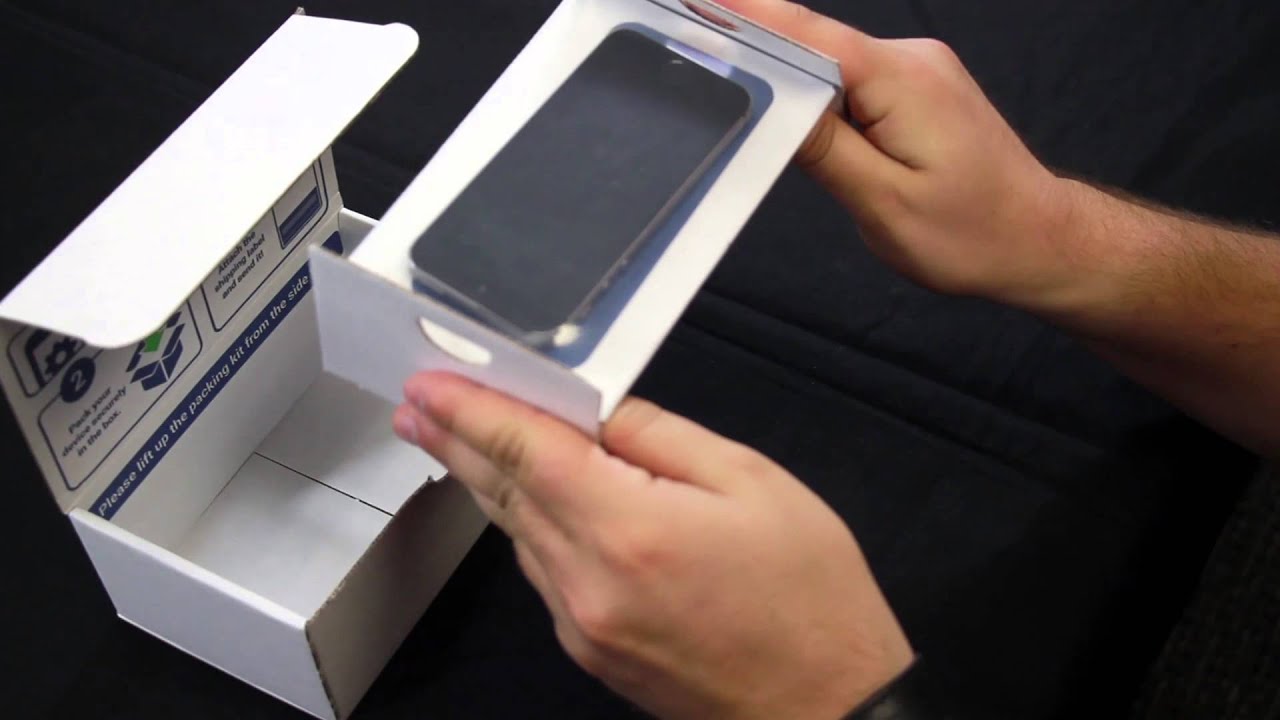
When you trade in a device, T-Mobile first ships your new device. Then, they send a separate trade-in ship kit with prepaid shipping and instructions. You have 30 days to send in your trade-in device after your new device has shipped. For iPhones, "Find My iPhone" must be turned off before sending the device.
Frequently Asked Questions
Can I change the shipping address for my T-Mobile order?
If you need to change the shipping address, contact T-Mobile's customer service as soon as possible. They can update the address provided the order has not already shipped.
What if I miss my delivery?
If you are not available to receive the package, the carrier will usually make multiple attempts. Track your package and contact the carrier for instructions.
How much does expedited shipping cost?
The cost of expedited shipping varies depending on your location and the weight of the package. T-Mobile will provide the exact cost at checkout.
What should I do if my package is delayed?
If your package is delayed, check the tracking information on the T-Mobile order status page or the T Life app. If the delay is due to a backorder or inventory issue, T-Mobile will notify you. Contact customer support for further assistance if needed.
For the wider topic, see T-Mobile purchases and billing.
Related reading: How Long Does It Take For Boost Mobile To Ship Phones and How Long Does It Take AT&T To Ship A Phone.