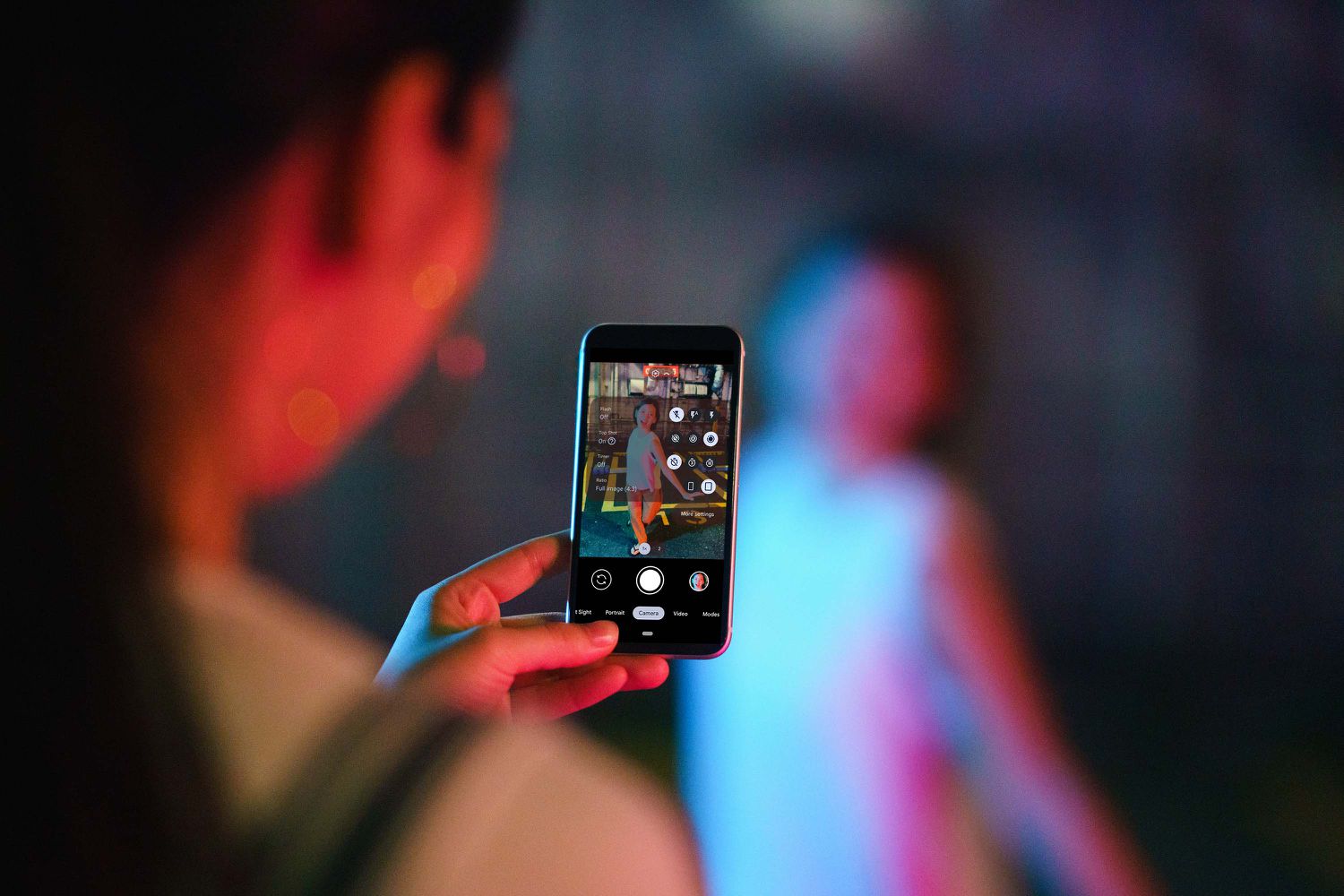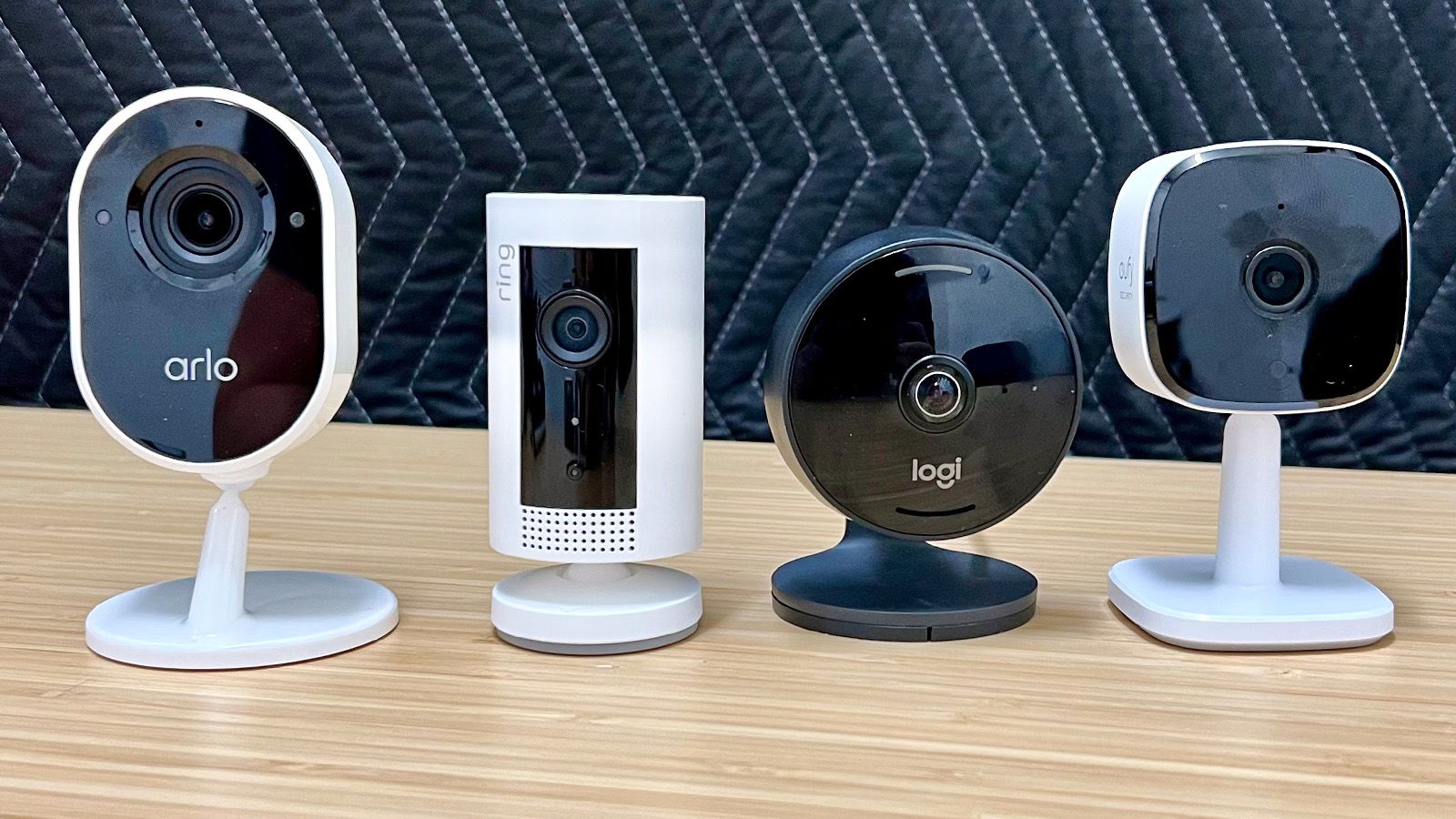
To block wireless camera signal on your phone, the only documented methods are to revoke camera permissions on Android or turn off Continuity Camera on iPhone; no phone setting can block signals from external wireless cameras.
How to block wireless camera signal on your phone
While no phone setting can block external wireless camera signals, you can stop your own device from being used as a wireless camera using documented controls. The steps below cover Android and iPhone separately, as each platform has its own specific settings.
Stop wireless camera use on Android
Android lets you control which apps can use the camera. You can revoke permissions per app or use a system-wide toggle. These settings stop apps from transmitting video from your camera, but they do not block signals from other wireless cameras.
- Open Settings and go to Apps.
- Select the app you want to control, then tap Permissions.
- Tap Camera and change it to Don’t allow.
On some devices and Android versions, you may also see Allow only while using the app or Ask every time as options. To manage camera access for all apps at once, go to Settings > Security & Privacy > Privacy > Permission manager > Camera. On some Android versions, a system-wide toggle is available at Settings > Security & privacy > Privacy > Privacy controls, where you can turn off Camera access. On Pixel phones, the same app-permission path is under Settings > Apps > [app] > Permissions, and the Permission manager path is under Settings > Security & Privacy > Privacy > Permission manager.
Stop wireless camera use on iPhone
The only documented iPhone control for stopping wireless camera functionality is turning off Continuity Camera. This prevents your iPhone from being used as a wireless camera or microphone for a Mac.
- Open Settings.
- Go to General > AirPlay & Continuity.
- Turn off Continuity Camera.
Apple documents that this setting prevents the Mac from recognizing the iPhone as a camera or microphone, including when the iPhone is plugged in and mounted. On iPhone, you can mute the shutter sound with the Ring/Silent switch or adjust shutter volume in Control Center, but that does not block any wireless signal.
What these settings can and cannot do
These controls prevent apps or Continuity Camera from using the camera on your own device. They do not block signals from external wireless cameras. No carrier feature exists for blocking wireless camera signals. No official source documents or recommends signal jammers for camera blocking, nor does any official source document physical blocking methods as a phone setting or carrier feature. For topics like location tracking and NFC, separate controls exist in device settings, but they do not affect wireless camera signals. RF scanners can detect wireless cameras by identifying the frequency at which the camera is operating. Signal blocking apps work by flooding the Wi-Fi network with data to disrupt camera transmission. A wireless camera jammer is a portable device that emits a powerful radio frequency signal to overwhelm the camera's frequency. Physical obstacles like furniture, plants, curtains, metal objects, aluminum foil, metal sheets, metal mesh, metallic curtains, reflective materials on Windows, electromagnetic shielding paint, wallpaper, or film can obstruct or weaken wireless camera signals. Professional companies specializing in RF signal detection and blocking can help identify and neutralize wireless cameras.
Frequently Asked Questions
Can an iPhone block a nearby wireless camera signal?
No documented iPhone setting was found for that; Apple documents only Continuity Camera control, which stops your iPhone from being used as a wireless camera for a Mac.
Can Android block wireless camera use?
Android can block app access to the camera by changing Permissions or Camera access, but that is not the same as blocking a wireless signal from an external camera.
Is there a carrier setting for this?
No carrier help page was found that documents a camera-signal blocking setting.
Can I use a signal jammer to block wireless cameras?
No official source documents or recommends signal jammers for camera blocking. The documented methods are permission controls and Continuity Camera controls.
Will physical obstacles block wireless camera signals?
No official source documents physical blocking methods as a phone setting or carrier feature.
Why do people want to block wireless camera signals?
Reasons include privacy concerns, preventing unauthorized surveillance, disabling hidden cameras, and preventing data leakage in sensitive areas.
Do RF signal jammers block other wireless devices too?
Yes, they can interfere with Wi-Fi networks, Bluetooth devices, and other wireless communication systems.
Can I use other methods to detect and block wireless cameras?
Wireless camera detectors can identify the presence of wireless signals emitted by cameras; manipulating Wi-Fi or communication networks may also disable them.
Are there any legal implications to blocking wireless camera signals?
Legality varies by jurisdiction; RF signal jammers may be regulated or prohibited, and illegal use can result in severe penalties.
Related reading: How To Detect Data Exfiltration, How To Turn Off Microphone On IPhone 13, and How To Connect Wireless Camera.