To locate wireless earbuds, use the built-in tracking app on your phone, such as Apple's Find My, Google's Find My Device, or Samsung's SmartThings Find, to see their location on a map, play a sound, or get precise guidance. These tools work with most major brands, so you can quickly find a lost earbud or charging case without buying a replacement.
How to locate wireless earbuds using your phone
Your smartphone is the primary tool for finding misplaced wireless earbuds. Apple, Google, and Samsung each provide a dedicated app that can map the last known location, play a ringing sound, or, for newer models, offer precise directional tracking. These apps work with your earbuds' Bluetooth connection and, in many cases, leverage a network of nearby devices to locate them even when offline. The specific steps depend on your earbud brand, but the process always starts with opening the correct app on your phone, tablet, or computer.
Find lost Apple AirPods with the Find My app
To locate your AirPods, open the Find My app on your iPhone, iPad, Apple Watch, or Mac, or visit iCloud.com/find. The app displays the current or last known location of your AirPods on a map. If they are nearby and out of their case, you can play a sound to help find them. For AirPods Pro (2nd generation) and later models, you can use Precision Finding on an iPhone or iPad with Ultra Wideband to get exact directions to each earbud and the charging case. The Find My network can also help locate AirPods when they are offline by using other nearby Apple devices.
Locate Google Pixel Buds with Find My Device
For Google Pixel Buds, use the Google Pixel Buds app or the Find Hub app, which is part of Android's Find My Device network. Pixel Buds Pro 2 and 2a can be located, including their charging case, through the Find Hub app, where you can activate a loud chime. To use Find My Device, your Pixel Buds must be paired with an Android device running Android 9 or newer, with location services enabled.
Track Samsung Galaxy Buds via SmartThings Find
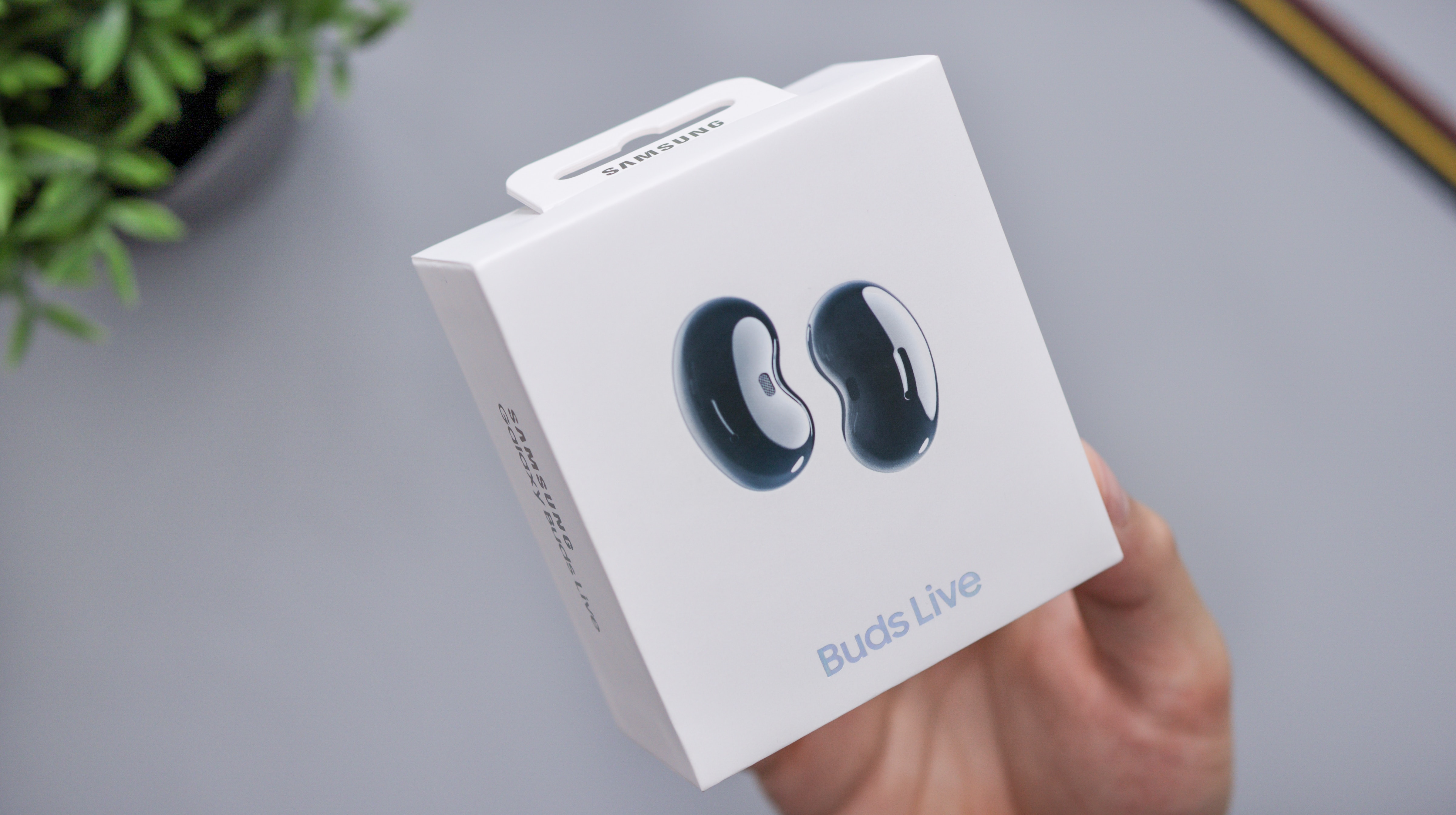
To find your Samsung Galaxy Buds, open the Galaxy Wearable app, or go to the SmartThings app and tap the Life tab, then select Find. You can also use the Samsung Find app or visit the Samsung Find website. These tools show the last known location and can play a sound to help you locate your earbuds.
Use a Bluetooth scanner app for other earbud brands
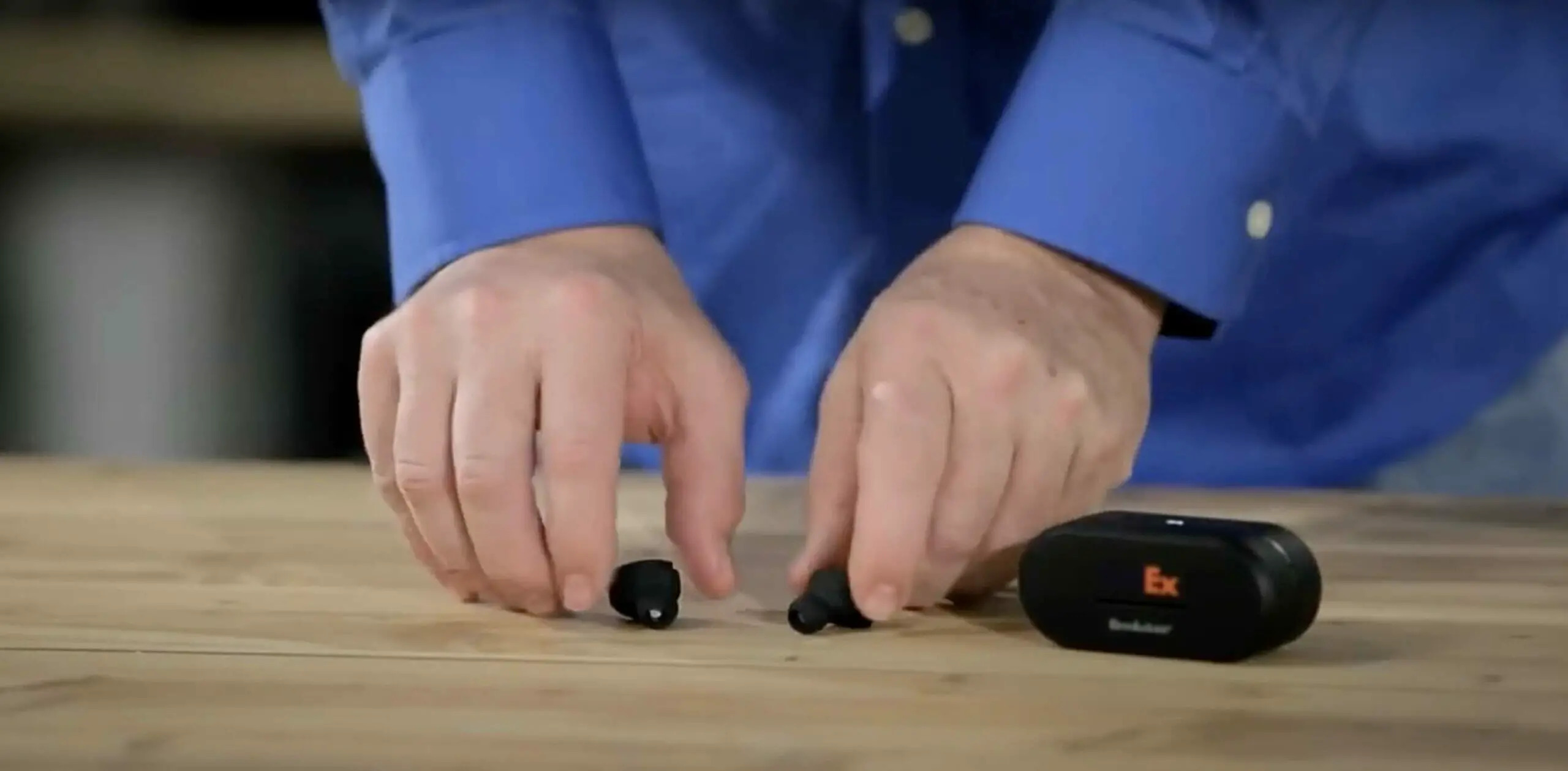
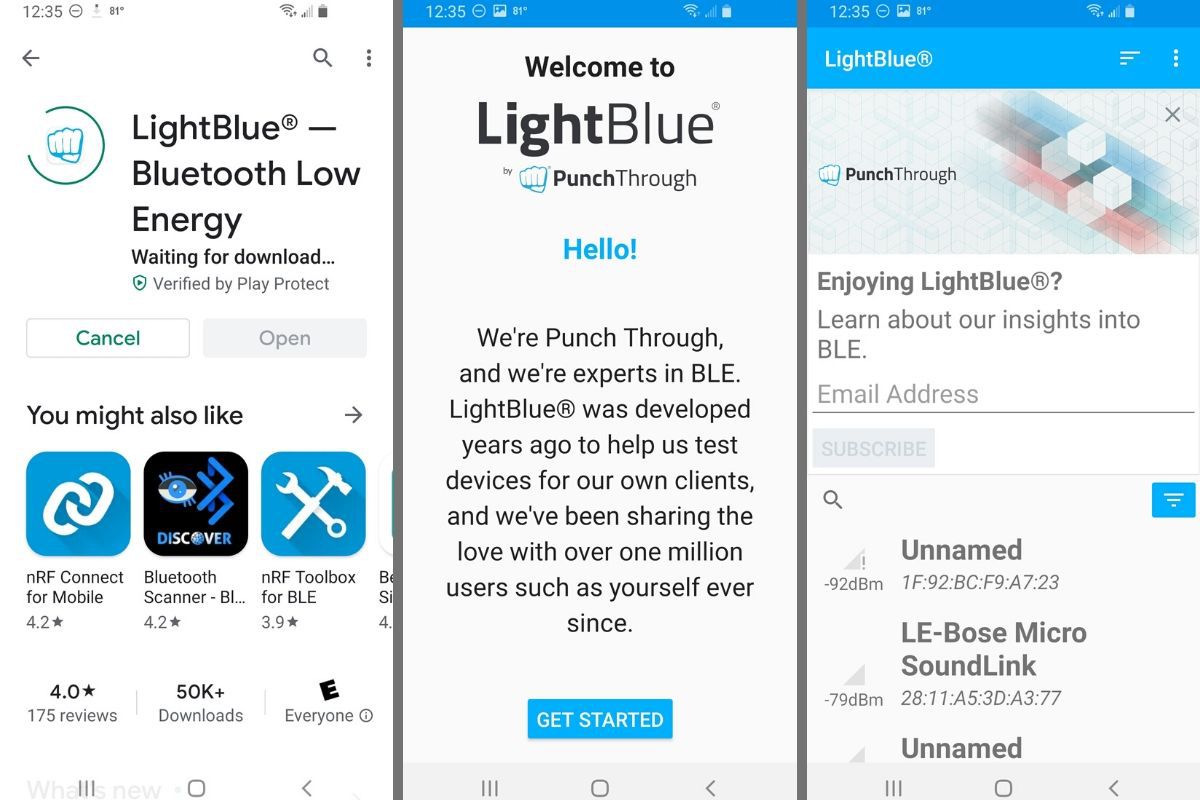
If your earbuds lack a first-party tracking app, generic Bluetooth scanner apps can help. These apps display real-time signal strength, using indicators like "Cold, Warmer, Hot" to guide you toward your earbuds as you move closer. This method works with any Bluetooth earbuds, including those from brands like Jabra, Sony, or Anker, and is a useful fallback when you are troubleshooting wireless earbuds that don't have their own finder feature. For example, the 'Now You Know' earbud model includes a 'Find My Earbuds' feature that works with these scanner apps.
What to do when your earbuds are offline or dead
Most tracking features will only show the last known location if your earbuds are out of range, offline, or have a depleted battery. This means you can still see where they were last connected, but you won't be able to play a sound or get live tracking. Also, the charging case for many earbuds, except specific models like AirPods Pro (2nd generation) and Pixel Buds Pro 2/2a, cannot be tracked independently via Bluetooth. If your earbuds are dead, check the last known location and search that area thoroughly.
Tips for preventing earbud loss
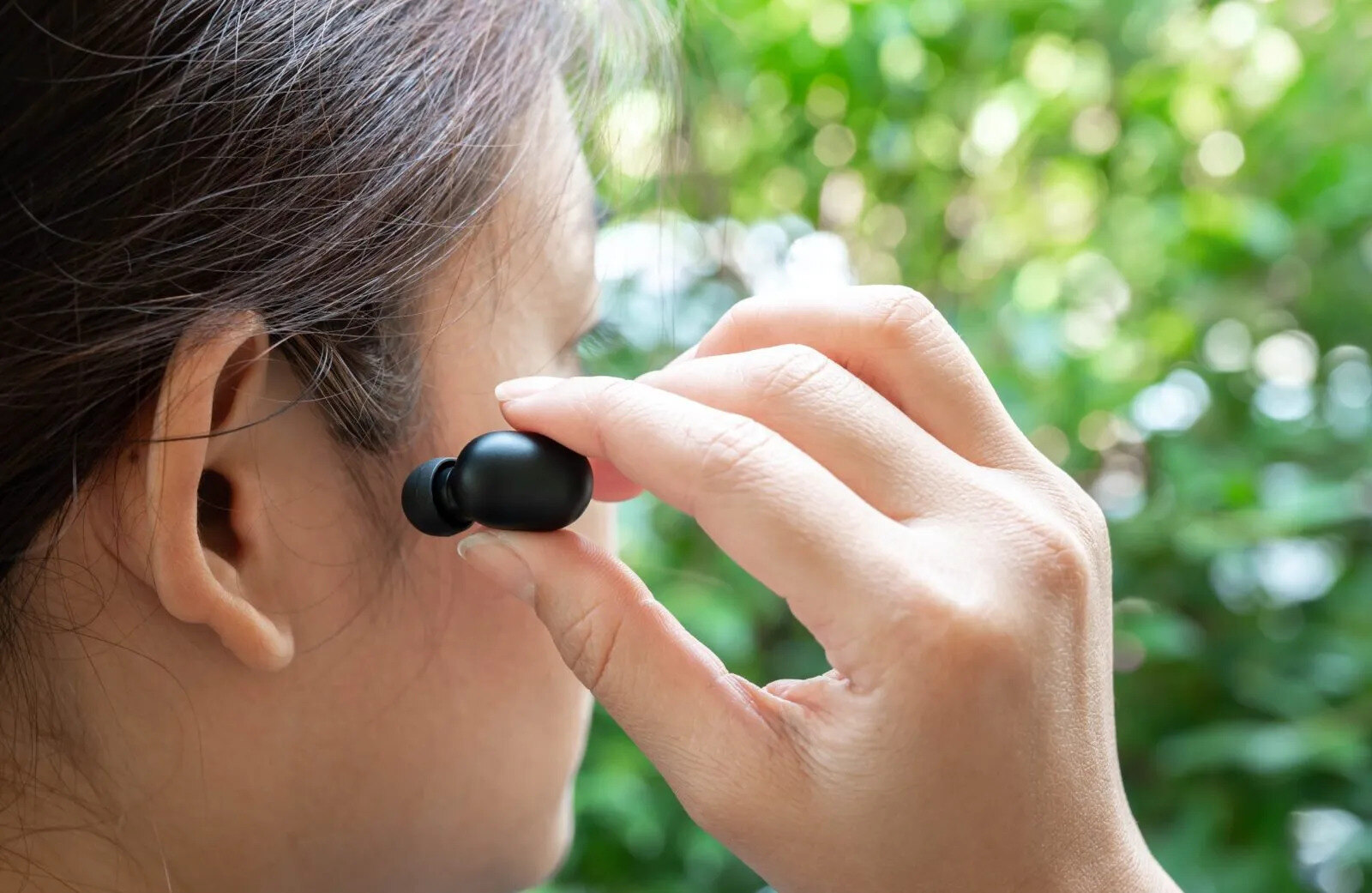
Preventing loss starts with good habits. Designate a specific storage spot for your earbuds when they are not in use, such as a small pouch or a dedicated compartment in your bag. Consider using a retractable case that keeps the earbuds secured. If you frequently misplace things, attach a Bluetooth tracker to the case. Establish a daily routine of checking for your earbuds before leaving a location. Also, make sure you know how to wear wireless earbuds properly so they stay securely in your ears and are less likely to fall out unnoticed. When pairing true wireless earbuds for the first time, take a moment to confirm the connection is stable, which reduces the chance of one earbud disconnecting and being left behind.
Frequently Asked Questions
Can I track my earbuds if they are inside the charging case?
For most earbuds, the charging case does not have its own Bluetooth transmitter, so it cannot be tracked independently. However, if the earbuds are inside the case and the case has a Bluetooth connection (like AirPods Pro 2), you may be able to see the case's location on the map.
What if my earbuds are in a different city?
The tracking app will show the last known location on the map, even if it is far away. You cannot remotely move or retrieve them, but the map gives you a starting point to search or contact someone who might be able to help.
Do I need an internet connection to use the find feature?
Your phone needs an internet connection to load the map and communicate with the tracking network. However, once the map is loaded, you can often use the sound or proximity features without a live connection if the earbuds are nearby.
Can I use a third-party tracker like a Tile on my earbuds?
Yes, you can attach a Bluetooth tracker like a Tile or Chipolo to the charging case. This is a good option for earbuds that do not have built-in tracking, as it gives you a separate way to locate the case.
Why won't my earbuds play a sound when I try to find them?
The earbuds must be powered on and within Bluetooth range of your phone to play a sound. If they are dead or out of range, the app will only show the last known location. Check the battery level in the app first.
What are some popular brands of wireless earbuds with tracking features?
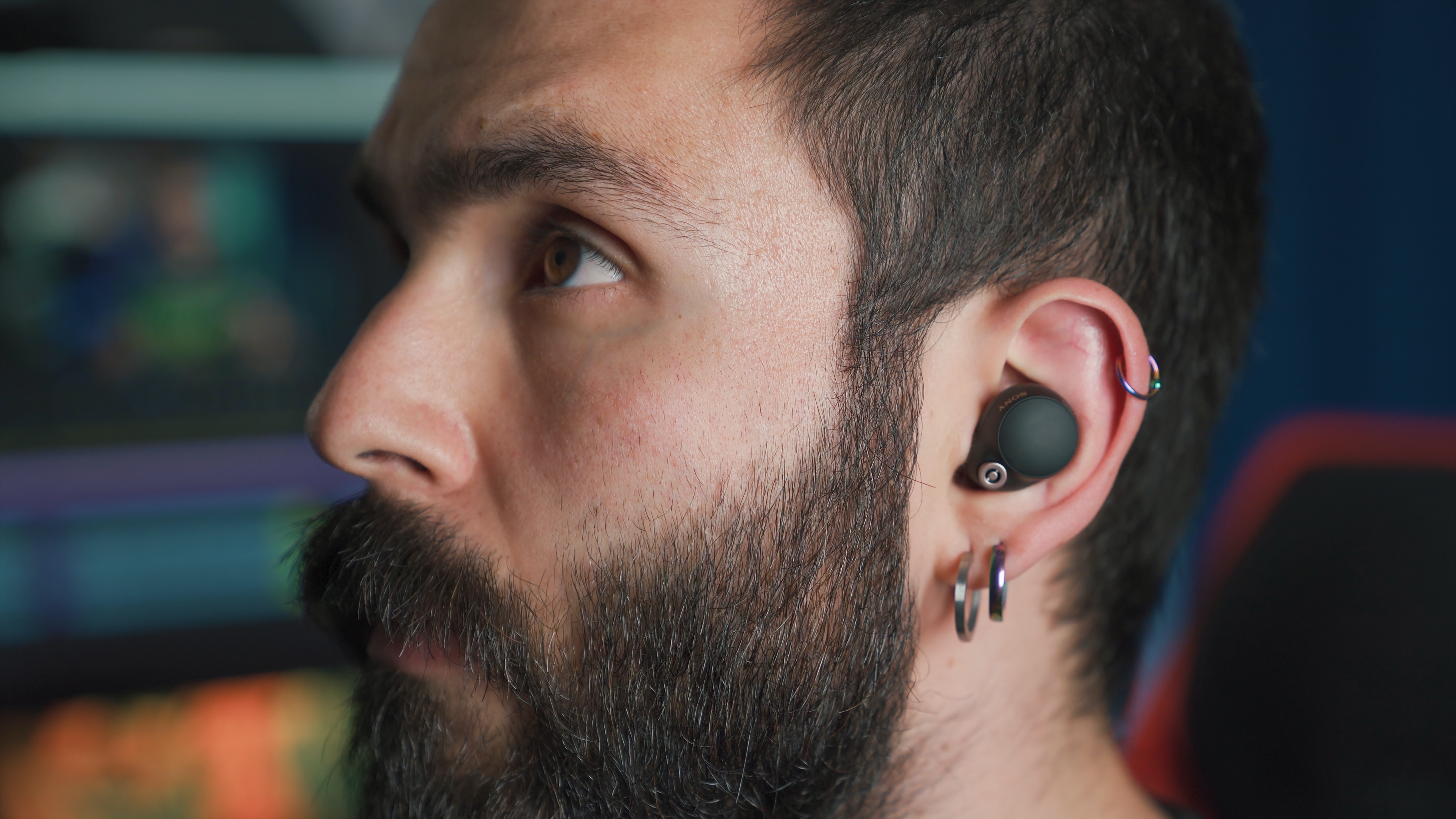
Popular brands with tracking features include Apple AirPods Pro, Samsung Galaxy Buds Pro, Jabra Elite 75t, and Sony WF-1000XM4.
How does the tracking feature in wireless earbuds work?
The tracking feature works through a connection between the earbuds and your smartphone, exchanging location data so the app can show where they are on a map.