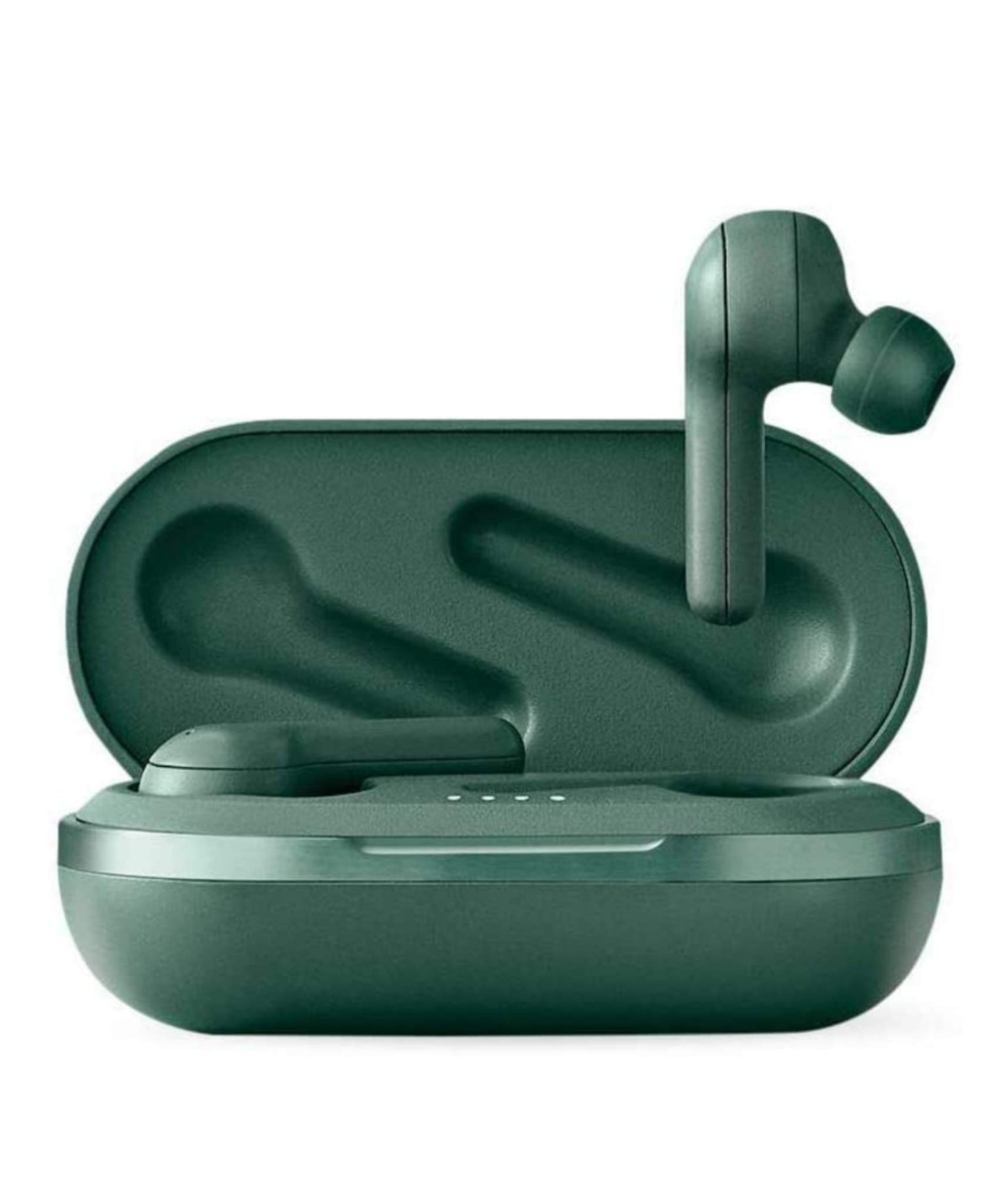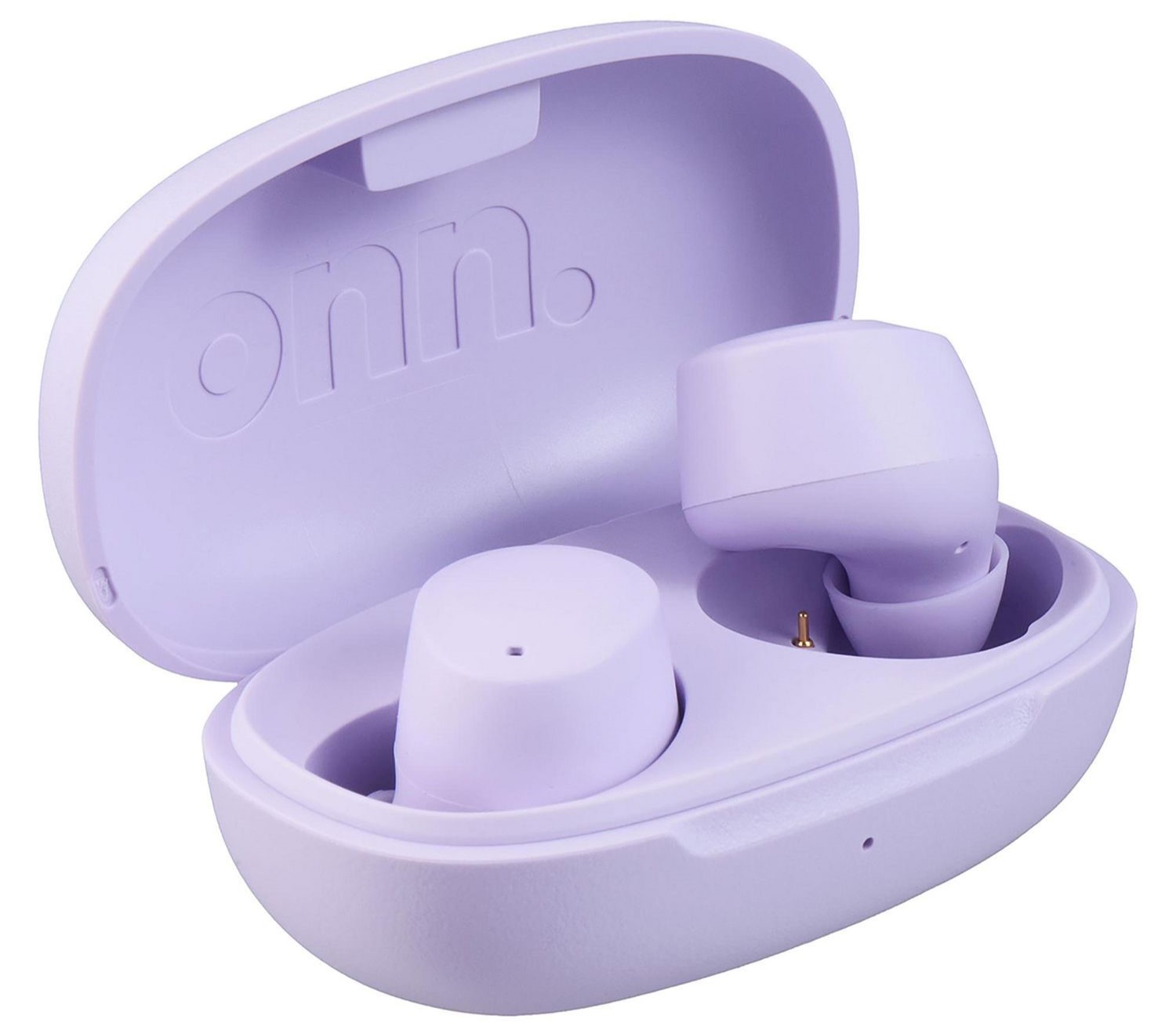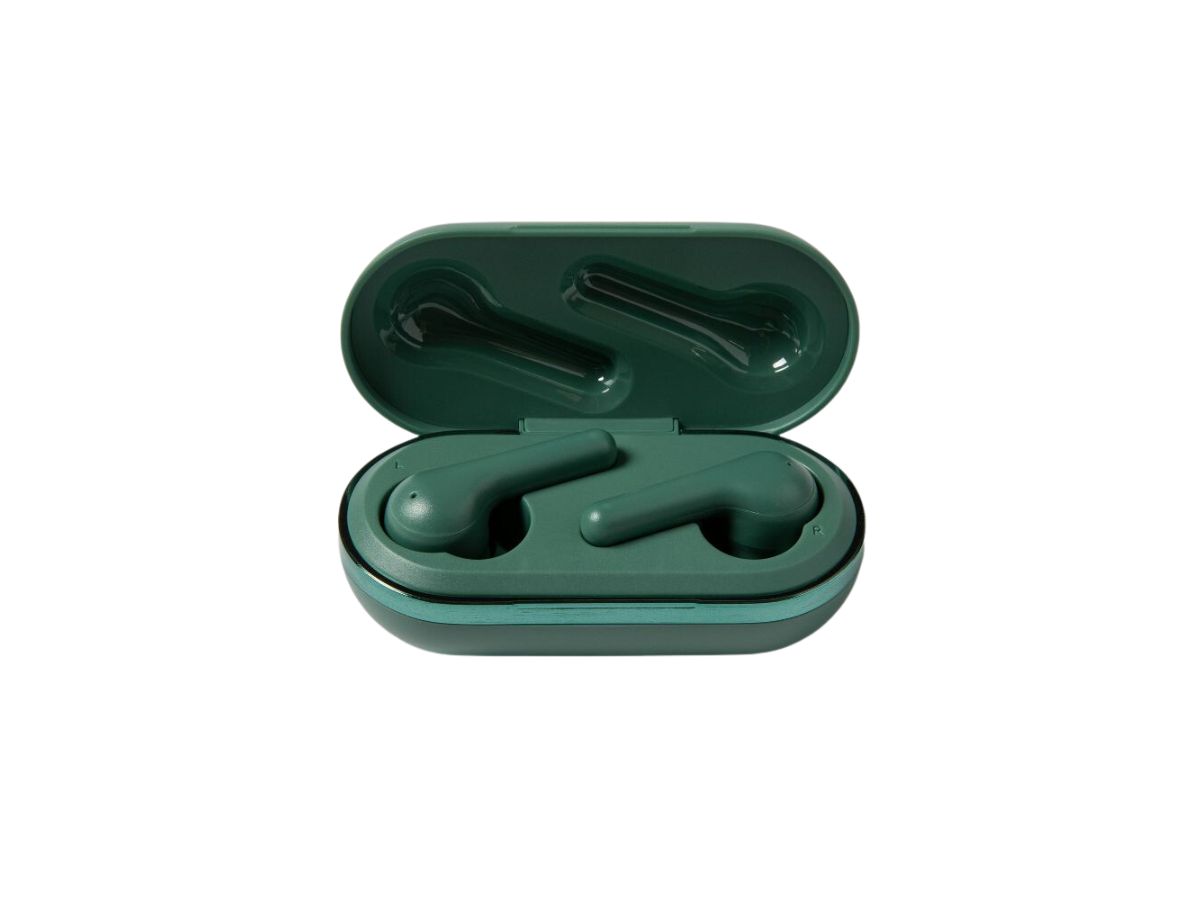
To turn off Heyday wireless earbuds, the primary method is to simply place them back into the charging case, which immediately powers them down and begins charging them. If you need to turn them off without the case, you can press and hold the button on both earbuds simultaneously to force a power-off.
How to turn off Heyday wireless earbuds: The primary method
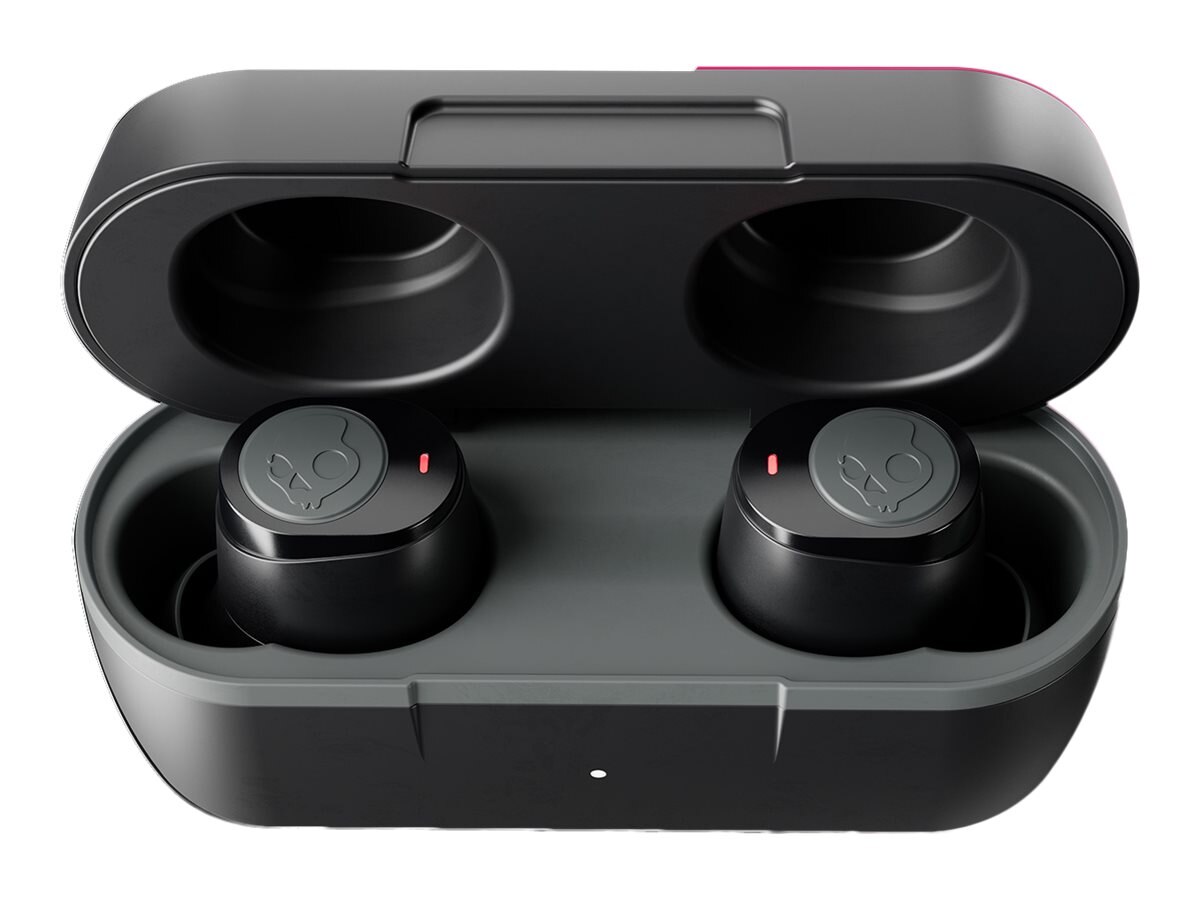
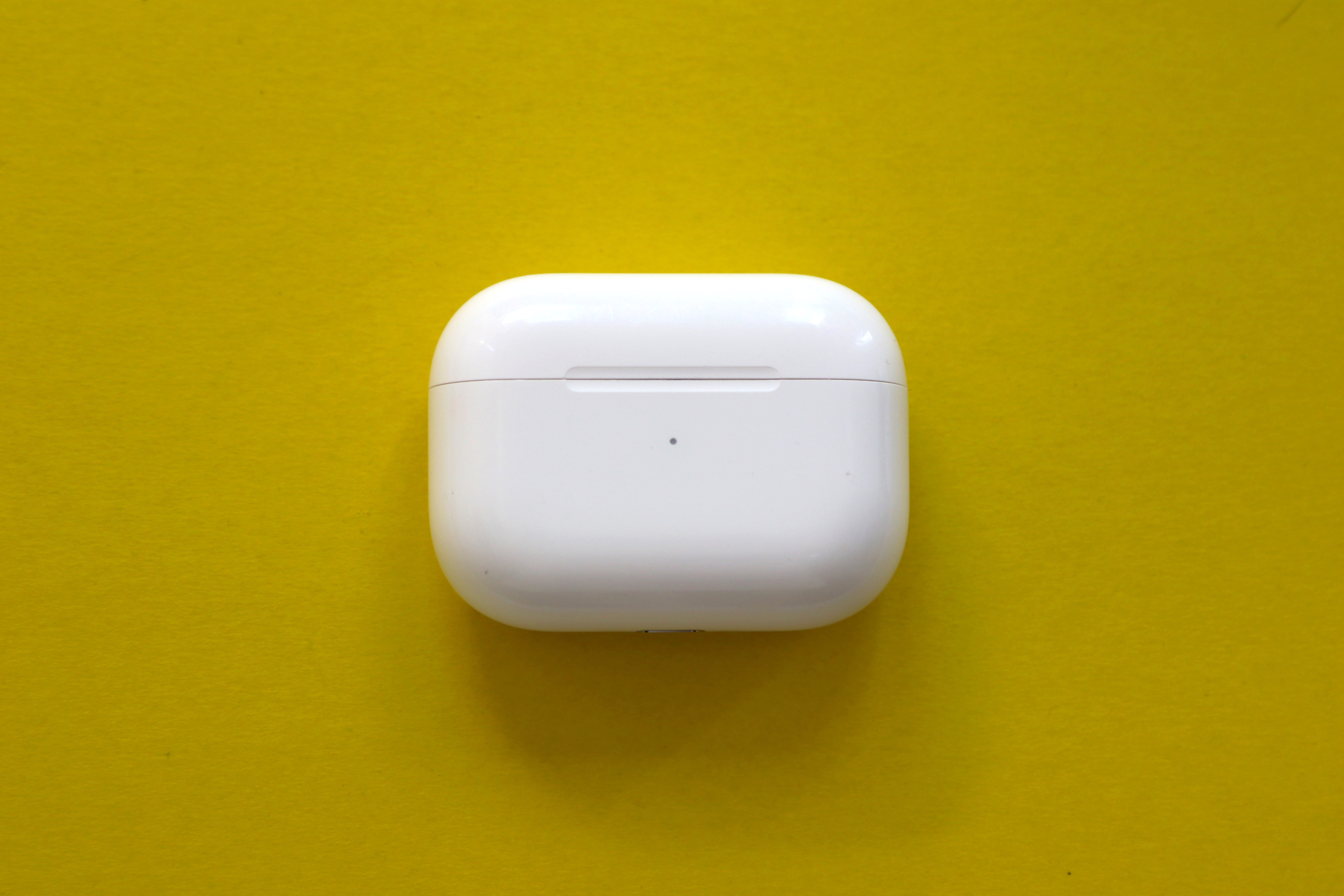
The most reliable way to turn off your Heyday wireless earbuds is to return them to the charging case. As soon as you place each earbud into its designated slot and close the lid, the earbuds power off automatically and begin charging. This method is the simplest and most effective for saving battery, as it ensures the earbuds are not left on and draining power when not in use.
Using the button hold method
If you do not have the charging case handy, you can manually power off the earbuds using the built-in buttons. This is useful when you need to conserve battery immediately, such as when you are away from the case or want to stop the earbuds from connecting to your device without waiting for an automatic timeout.
- Locate the button on each earbud.
- Press and hold the button on both earbuds at the same time.
- Continue holding until the earbuds power off.
This method forces a manual shutdown and is a reliable alternative when the charging case is not available.
Automatic power-off behavior
Your Heyday wireless earbuds are designed to conserve battery automatically when not in use. If the earbuds lose their Bluetooth connection and are not reconnected within about 5 minutes, they will turn off on their own. Similarly, if the earbuds detect no activity or use for approximately 5 minutes, they will power down automatically. One manual says the unit powers off after 2 minutes of no use, which conflicts with the 5-minute statements and appears to refer to a different Heyday headphone model rather than the same earbuds. This automatic feature helps prevent battery drain when you forget to manually turn them off.
Frequently Asked Questions
How do I know if my Heyday wireless earbuds are turned off?
When the earbuds are powered off, they will no longer appear as an available Bluetooth device on your phone, and you will not be able to hear audio or connect to them. The LED indicators on the earbuds will also stop showing any light, confirming they are off.
Can I turn off my Heyday wireless earbuds using my phone?
No, there is no official Heyday app or phone setting that allows you to power off the earbuds. The only ways to turn them off are by placing them in the charging case, using the button hold method on the earbuds themselves, or waiting for the automatic power-off feature.
What should I do if my Heyday wireless earbuds won't turn off?
If the earbuds do not turn off when placed in the charging case, ensure the case has battery power and that the charging contacts on both the case and the earbuds are clean. If the button hold method does not work, try pressing and holding both buttons for a longer duration. As a last resort, simply leave the earbuds disconnected from your phone; they will turn off automatically after about 5 minutes of inactivity.
Does powering your phone on and off help if the earbuds are stuck on?
Powering your phone on and off will not turn off the earbuds themselves, as they are independent devices. However, restarting your phone can help resolve a Bluetooth connection issue if the earbuds appear to be stuck connected, but the earbuds will still need to be powered down using one of the manual or automatic methods described above.
How can I conserve battery life on my Heyday wireless earbuds?
The best way to conserve battery is to always store the earbuds in their charging case when not in use, which automatically powers them off and charges them. You can also manually turn them off using the button hold method if you are away from the case. The automatic power-off feature will help, but manually ensuring they are off provides the most reliable battery savings.
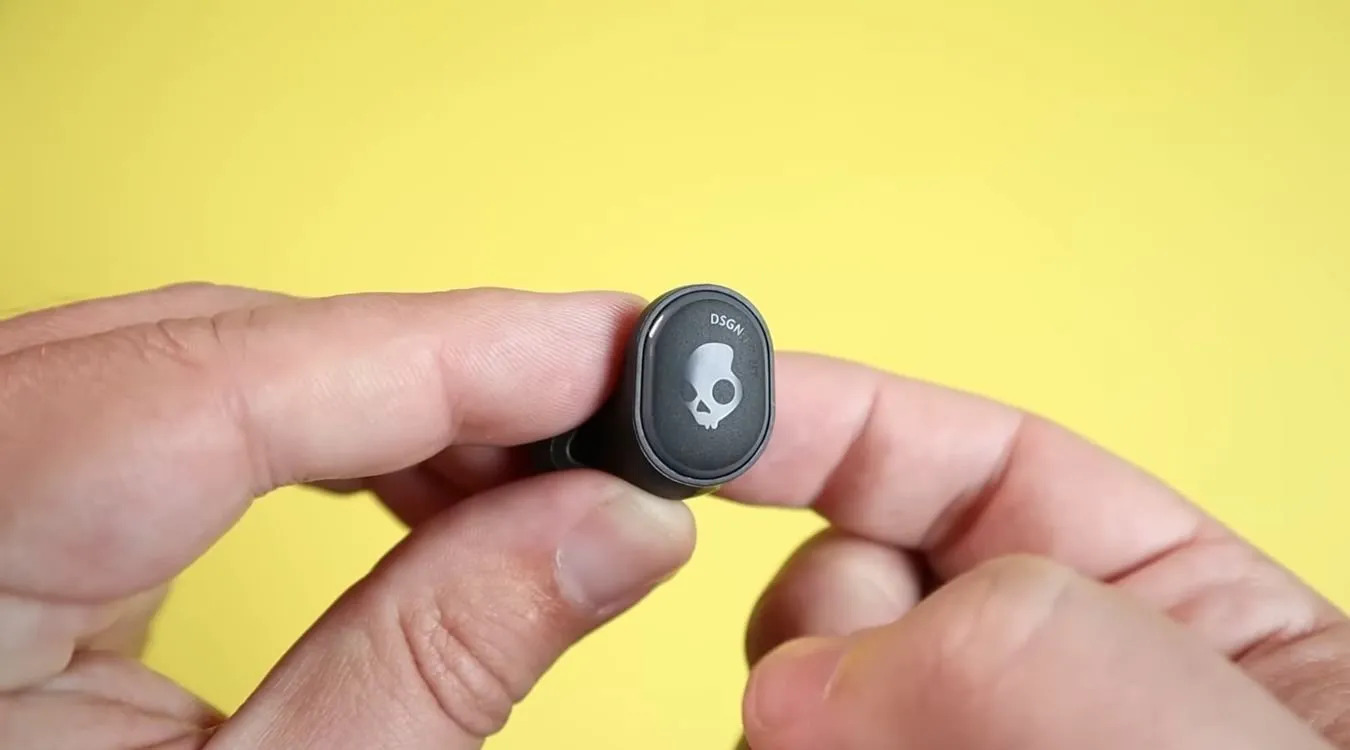
Related reading: How To Turn Off Skullcandy Wireless Earbuds.