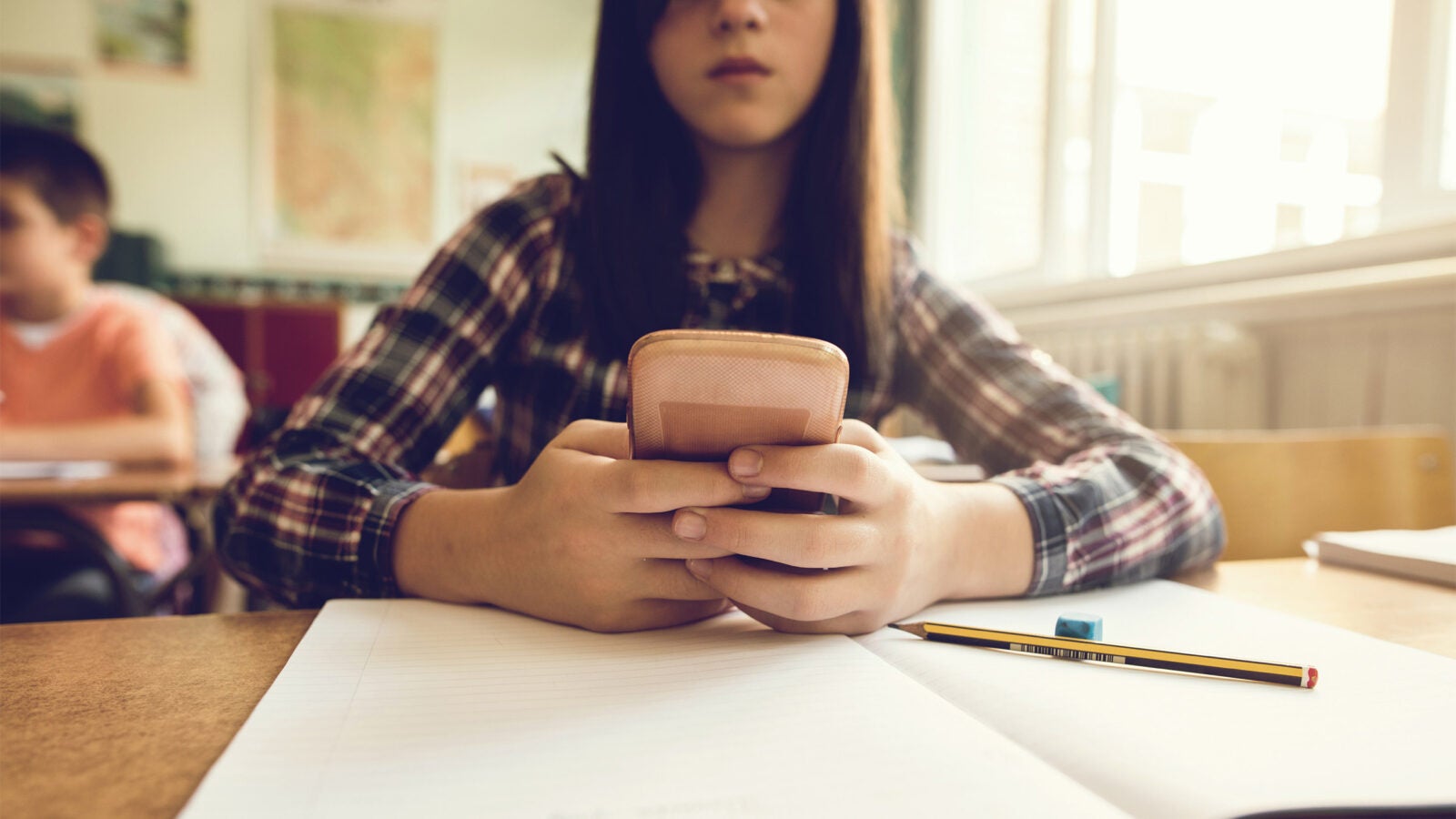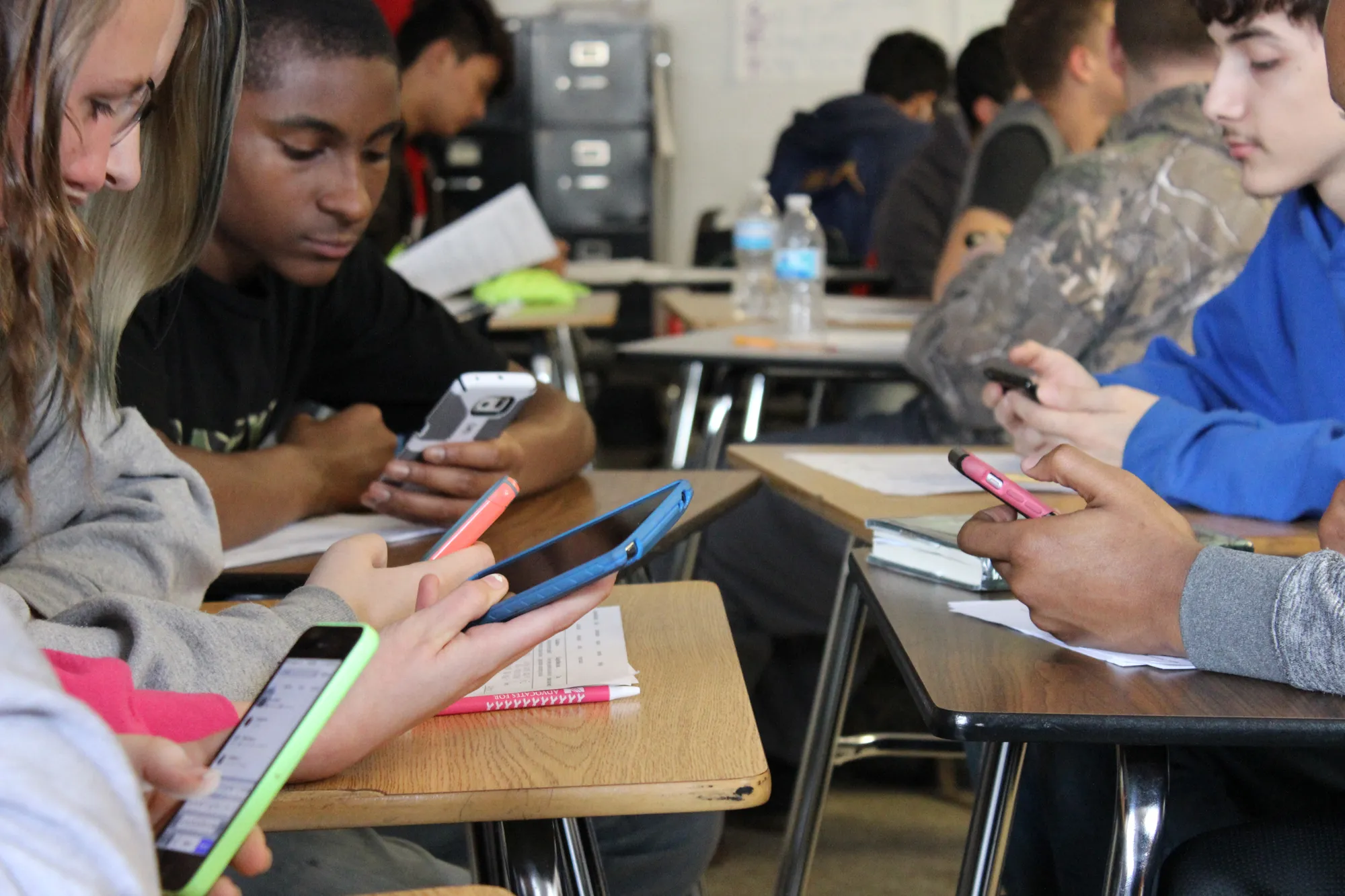
Here are the reasons why phones should be allowed in school: they provide faster access to information, improve communication and collaboration, and prepare students for real-world digital use. These three evidence-backed reasons show how smartphones, when managed with built-in parental controls, can become powerful educational tools rather than distractions.
Why phones should be allowed in school for information access
Phones give students instant internet access for research, fact-checking, and educational apps, turning any classroom into a connected learning environment. Instead of waiting for a library period or a shared computer cart, a student can look up a primary source, verify a statistic, or explore an interactive simulation in seconds. This immediate access supports deeper understanding and critical thinking.
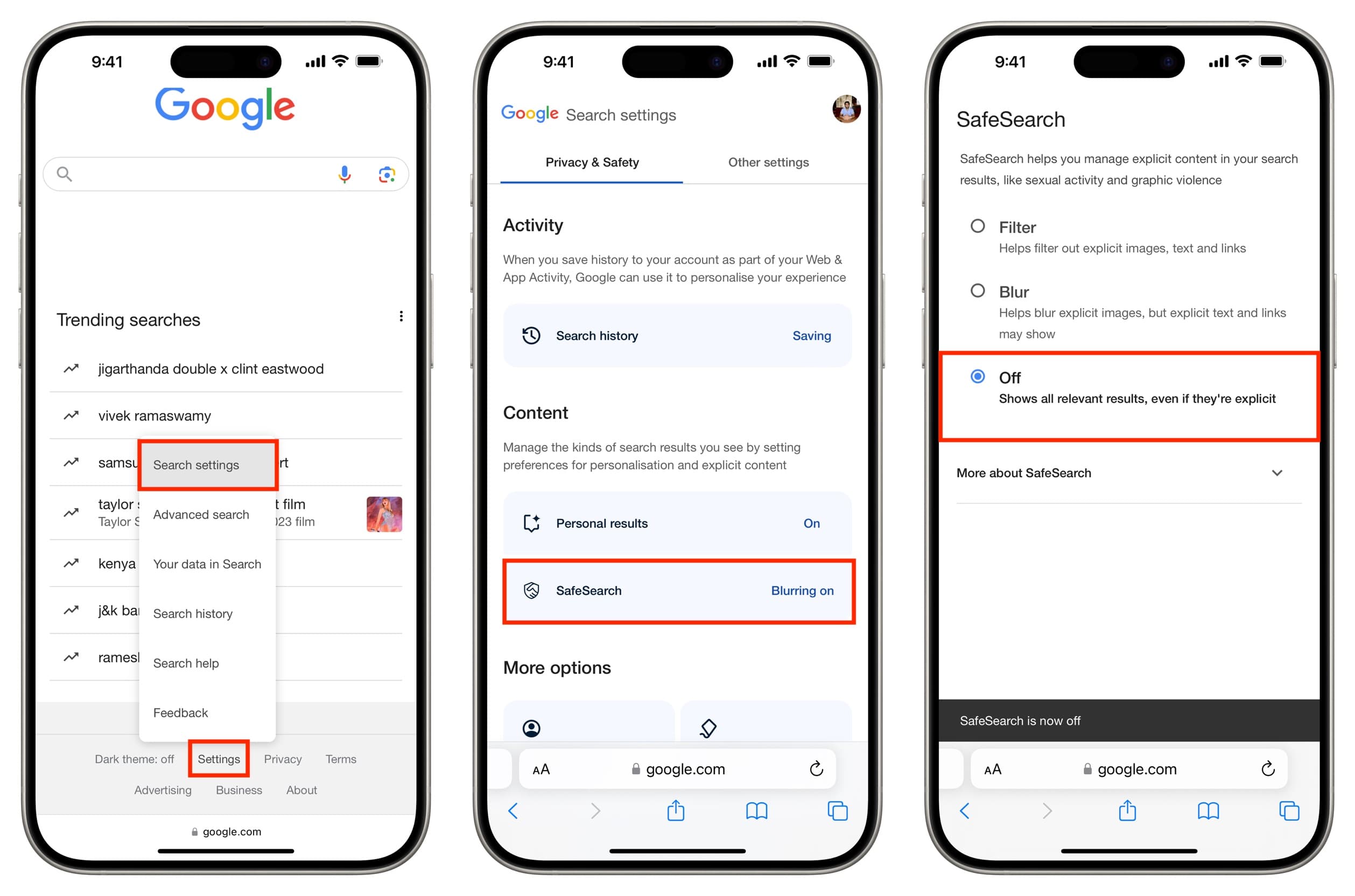
To manage this access during school hours, parents can use Google’s Family Link feature called School time on Android phones and tablets. School time is documented by Google for Android phones and tablets. In the Family Link app, a parent selects the child, then chooses Screen time > Schedules > School time. This puts the child’s device on a dedicated home screen with limited functionality, allowing only approved educational apps during class. Samsung says Family Link works on Galaxy phones, and Samsung Kids Mode adds more parental control settings. This structure lets students benefit from instant information without the risk of off-task browsing.
2. Improved communication and collaboration
Phones enable students to coordinate group projects, ask teachers questions outside class, and keep parents informed of school updates. A student can share a document link with a teammate, message a teacher about a missed assignment, or receive a parent’s reminder about an after-school activity, all from the same device. This constant but controlled connectivity builds teamwork and accountability.
Parents can manage who their child communicates with using Apple’s Screen Time Communication Limits. On an iPhone, the path is Settings > Screen Time > Communication Limits. This lets parents set approved contacts during both allowed screen time and downtime. For added safety, Communication Safety can be turned on in Settings > Family > [child’s name] > Communication Safety, which helps protect children from sharing or receiving sensitive photos and videos. These settings ensure that phone-based communication remains focused on learning and safety, not distraction.
3. Real-world preparedness
Allowing phones in school teaches digital literacy, responsible tech use, and critical thinking, skills essential for the modern workforce and digital citizenship. Students learn to manage notifications, prioritize tasks, and evaluate online sources, mirroring the self-management expected in college and careers. When phones are part of the school day, students practice using technology ethically and productively.
Apple documents that Screen Time can manage a child’s app use, websites, content ratings, and who they can communicate with, supporting responsible and ethical tech use on iPhone. On iPhone, go to Settings > Screen Time > App & Website Activity > Turn On App & Website Activity to view usage summaries. Similarly, Google’s School time on Android is designed to keep a child on a limited home screen with scheduled access to selected apps, matching the kind of digital self-management used in school and later in the workplace. These tools turn a phone from a potential distraction into a training device for real-world digital habits. For parents and educators seeking reliable cell phone facts and usage guidance, these built-in controls provide a practical framework for teaching responsible phone ownership.
Frequently Asked Questions
How can phones enhance the learning experience beyond basic research?
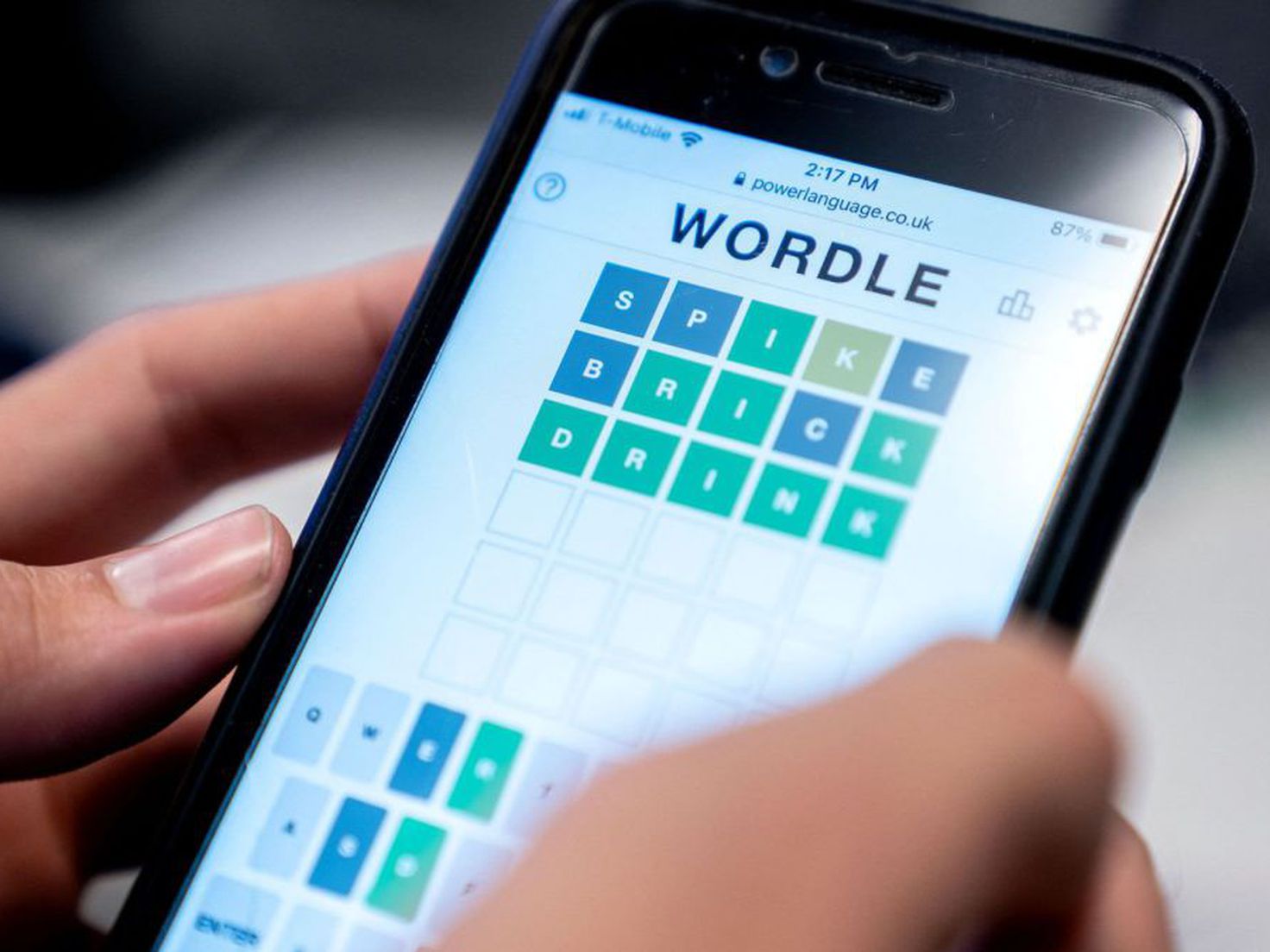
Phones allow students to use subject-specific apps for interactive simulations, language learning, and flashcard reviews. They also enable quick access to digital textbooks, video tutorials, and collaborative documents that adapt to different learning styles.
What measures can be taken to minimize distractions caused by phones?
Schools can implement clear policies for phone use during specific activities, such as allowing phones only for research or group work. Built-in parental controls like School time and Screen Time let parents schedule focused periods, while teachers can use classroom management apps to monitor device use.
Can phones help improve student engagement and participation?
Yes, phones can increase engagement through live polls, quiz apps, and real-time discussion platforms. Students who are hesitant to speak in class often participate more actively through typed responses or collaborative digital tools.
What are the potential drawbacks of allowing phones in schools?
Potential drawbacks include off-task use, cyberbullying, and unequal access to devices. These risks can be mitigated through consistent policies, parental controls, and digital citizenship lessons that teach responsible use from the start.
For the wider topic, see cell phone facts and usage.
Related reading: Why Should Cellphone Be Allowed In School and The Safest Phones For Kids.