This tag collects all of CellularNews’s articles about APN settings, the configuration your phone uses to connect to your carrier’s data network. Whether you are on a major network like T-Mobile or a prepaid provider like Straight Talk, these guides are written for anyone who has lost their mobile data, can’t send picture messages, or sees their hotspot option grayed out. If your phone is not connecting the way it should, you are in the right place.
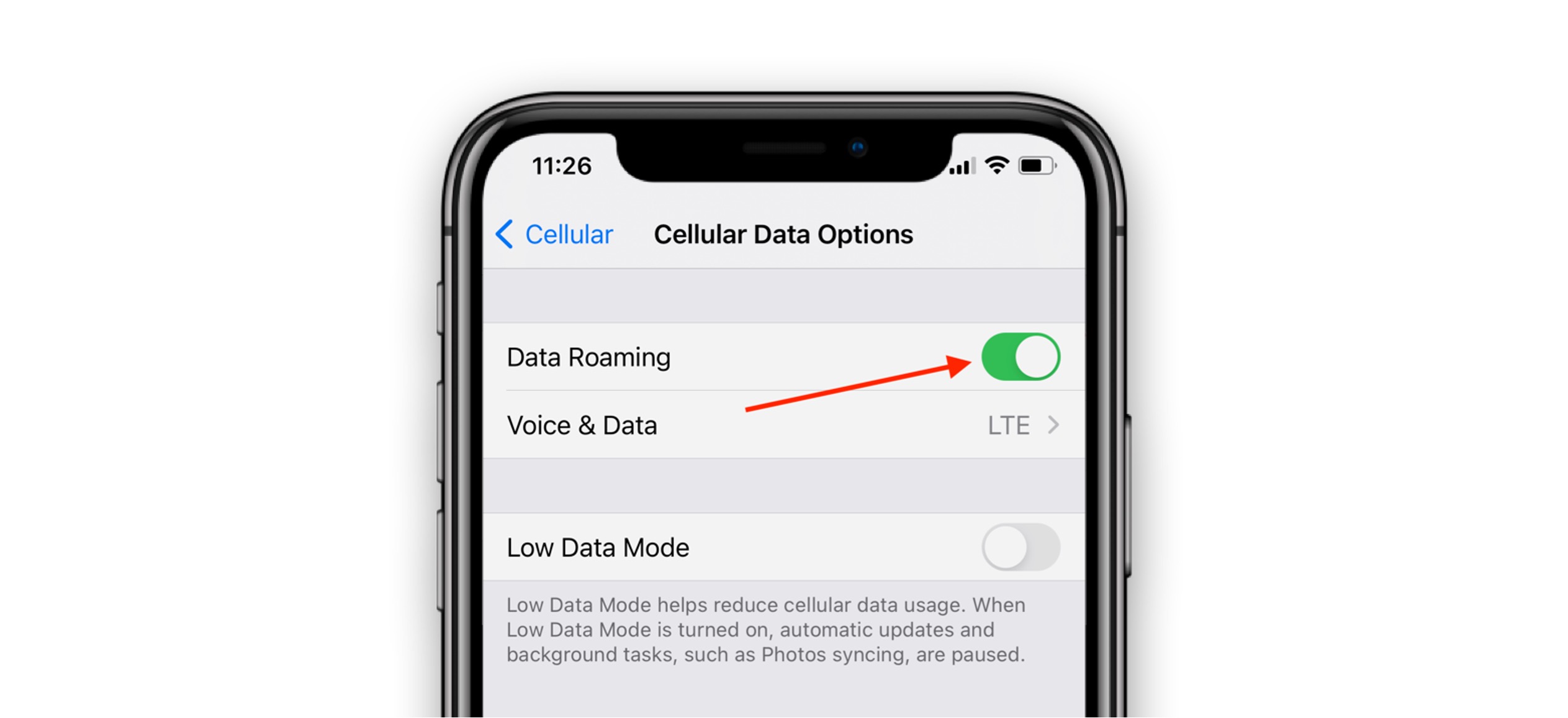
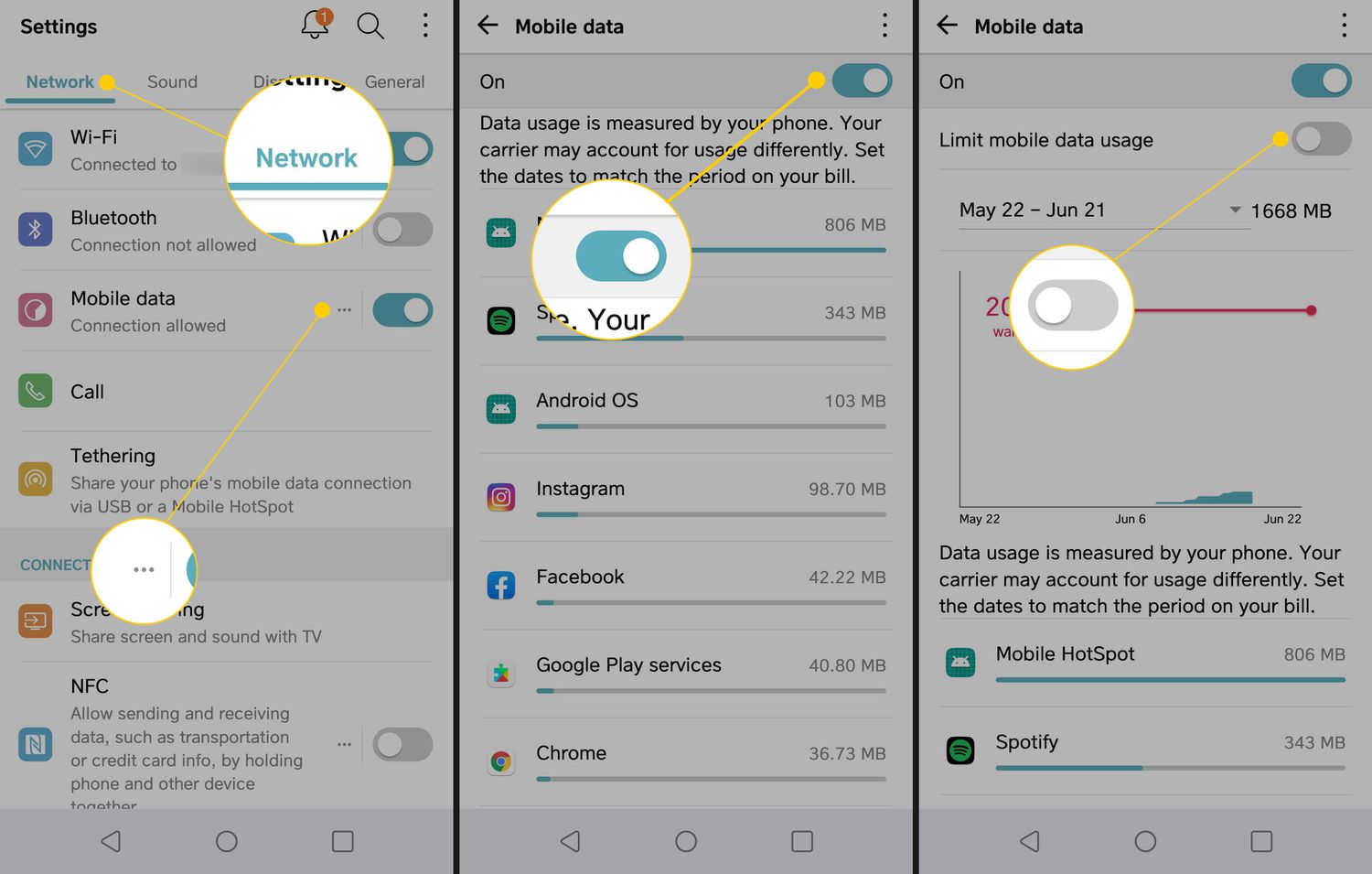
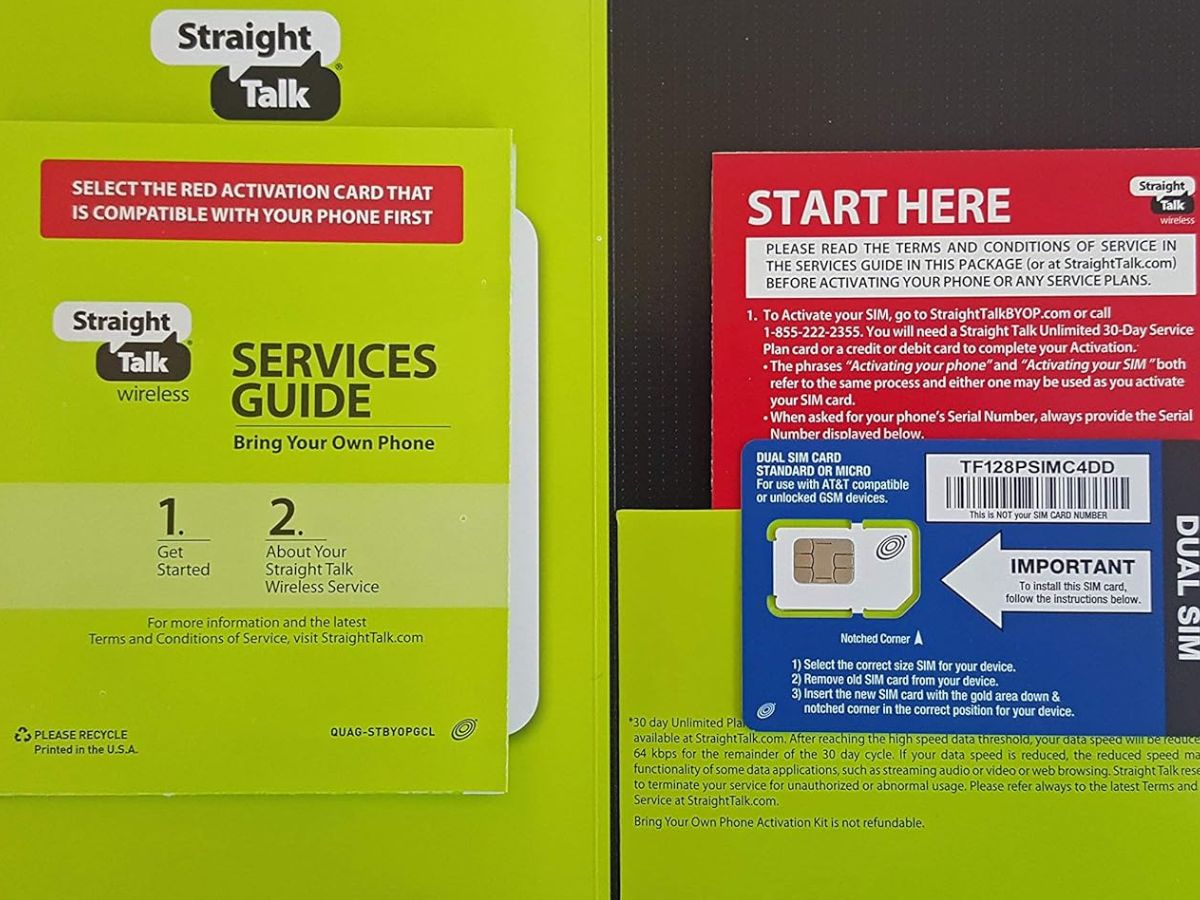
The articles here solve two main kinds of problems: missing data connections and broken messaging features. For example, you will find step-by-step help for getting data to work on Straight Talk and for fixing T-Mobile Edge when the network seems stuck on a slow mode. Other articles tackle why your MMS is not working on Android and why your hotspot is grayed out, which are often caused by incorrect APN fields. A few pieces also cover the first step of the process, like how to get a SIM card from Straight Talk or how to turn cellular data on Android, so you can start troubleshooting from the beginning.
Each article helps you do one specific thing: check your APN settings, enter the correct values for your carrier, and restore full cellular functionality. Whether your goal is to send a photo, use your phone as a hotspot, or simply load a webpage, these guides walk you through the exact settings you need to adjust.