Solving common software glitches and performance issues that affect your phone’s apps and system storage. This page is for anyone who uses a smartphone regularly and has run into frustrating problems like an app suddenly refusing to work, a game freezing unexpectedly, or the device running out of space for no clear reason. The solutions here are practical, step-by-step fixes you can apply directly to your own device.
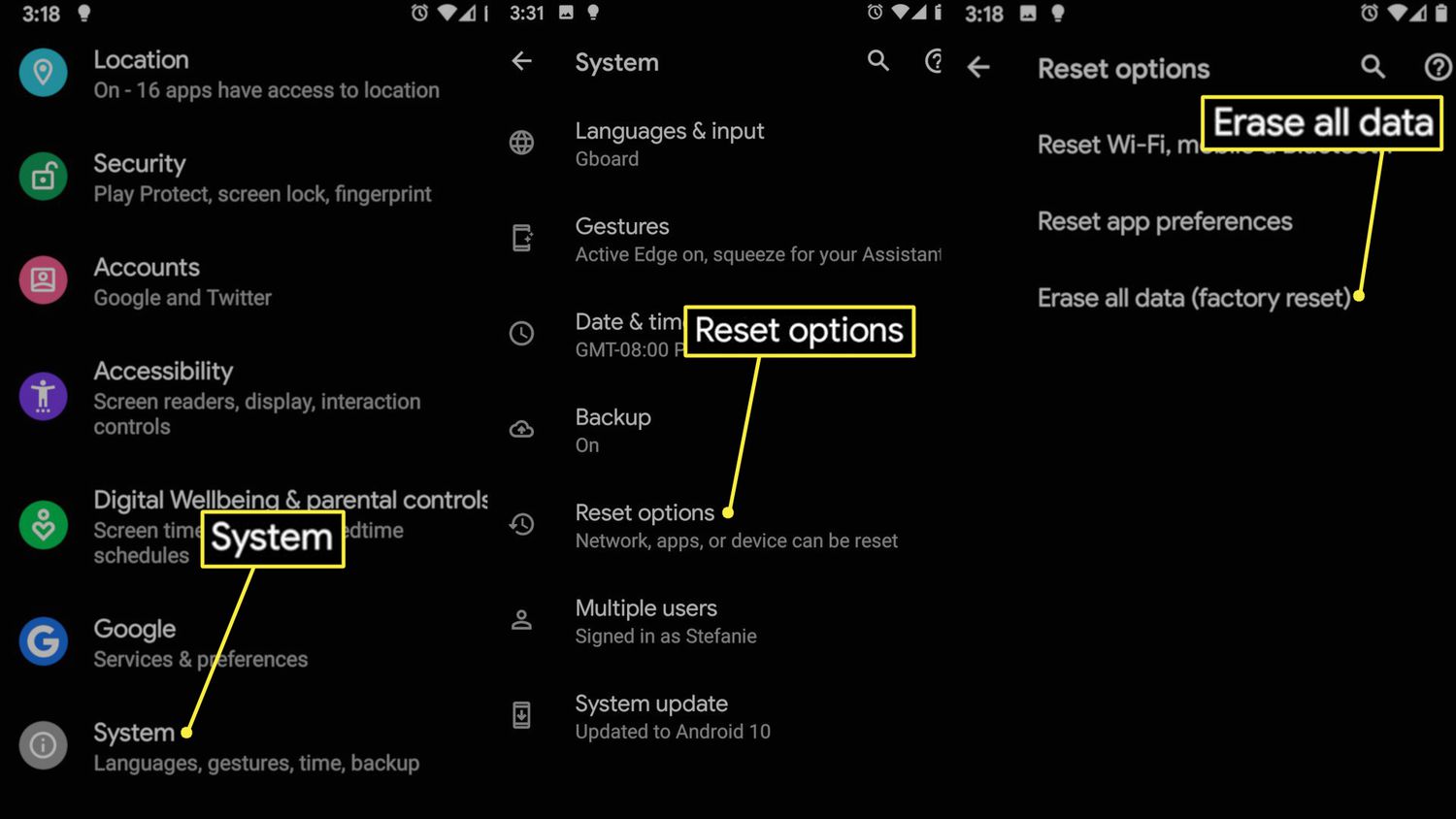
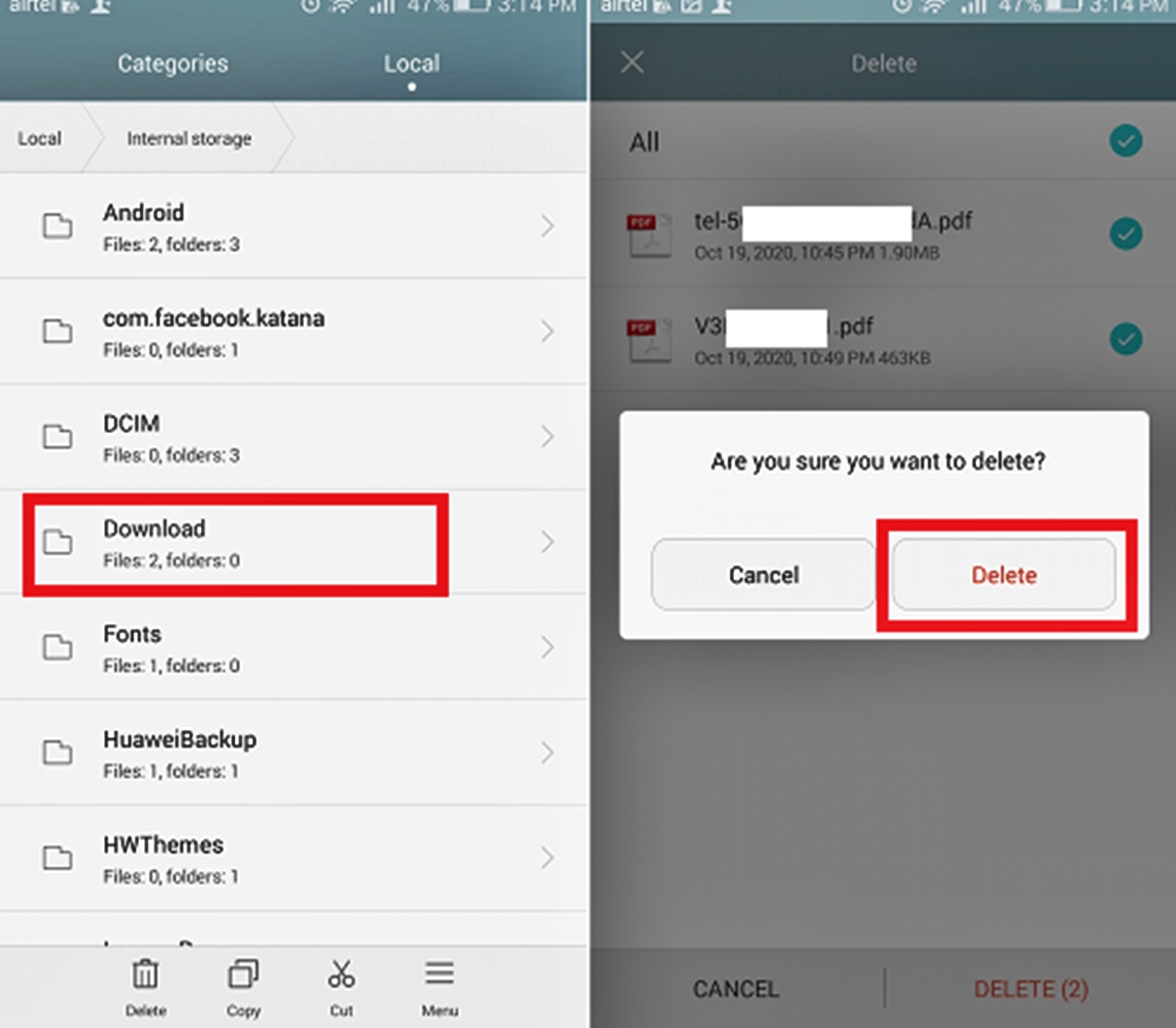
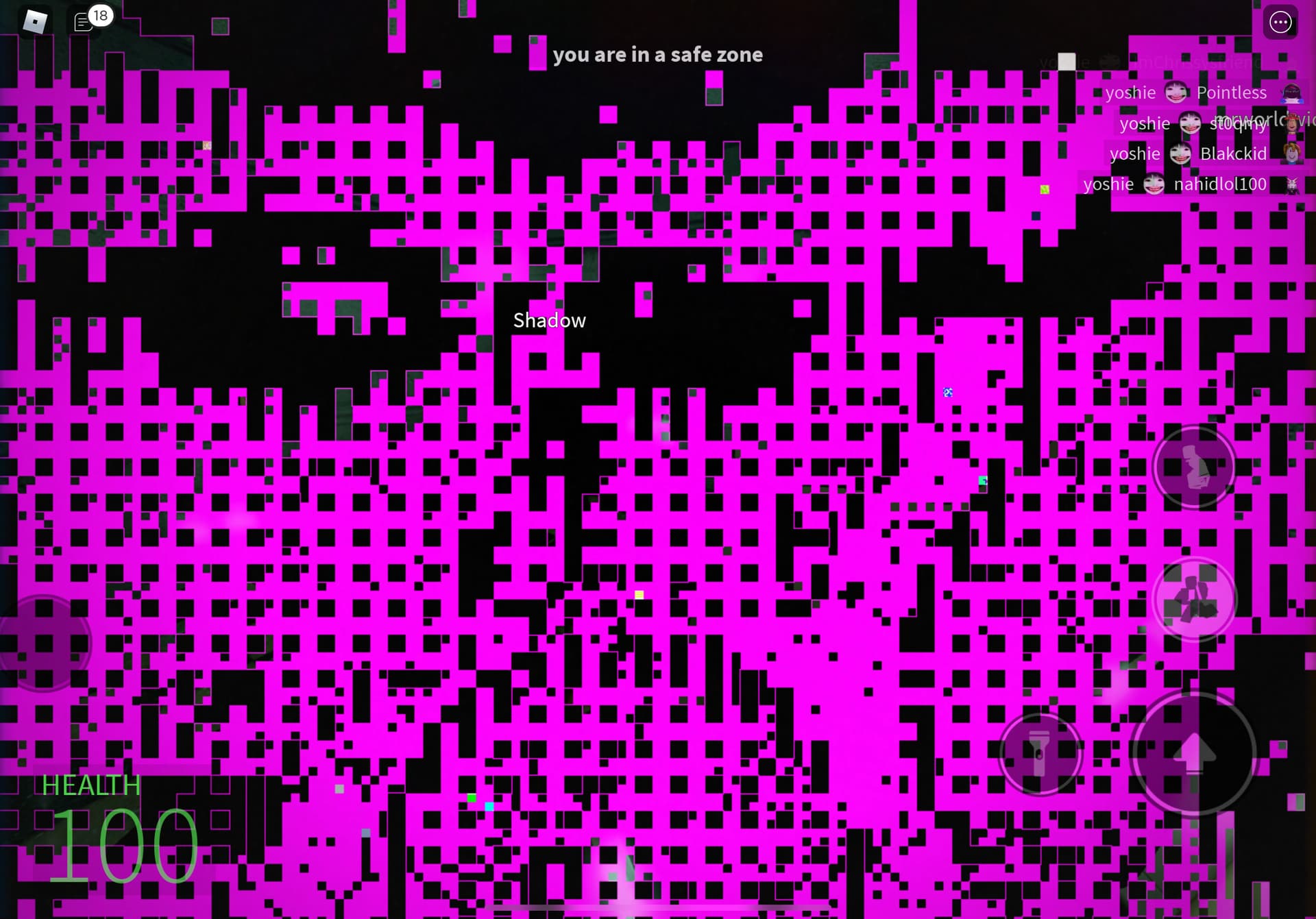
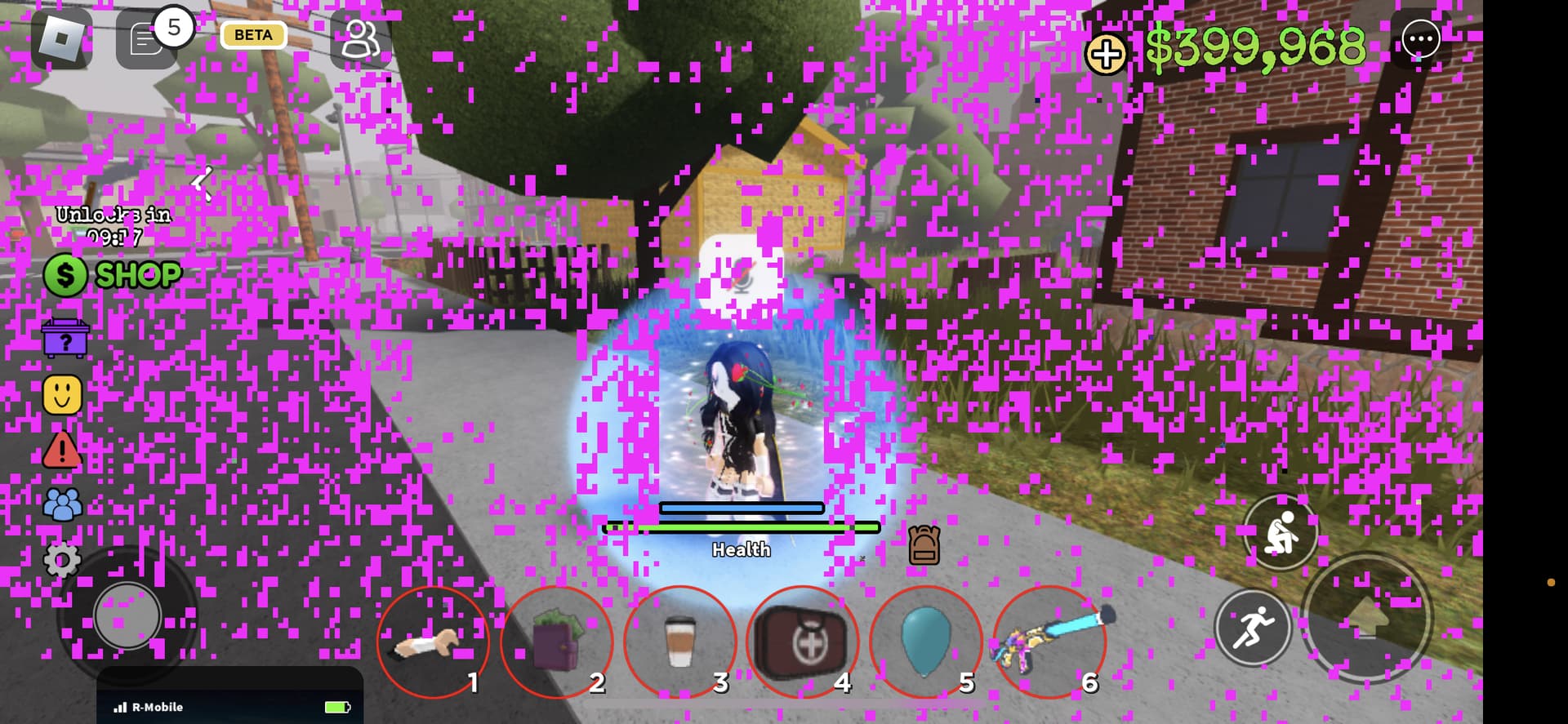
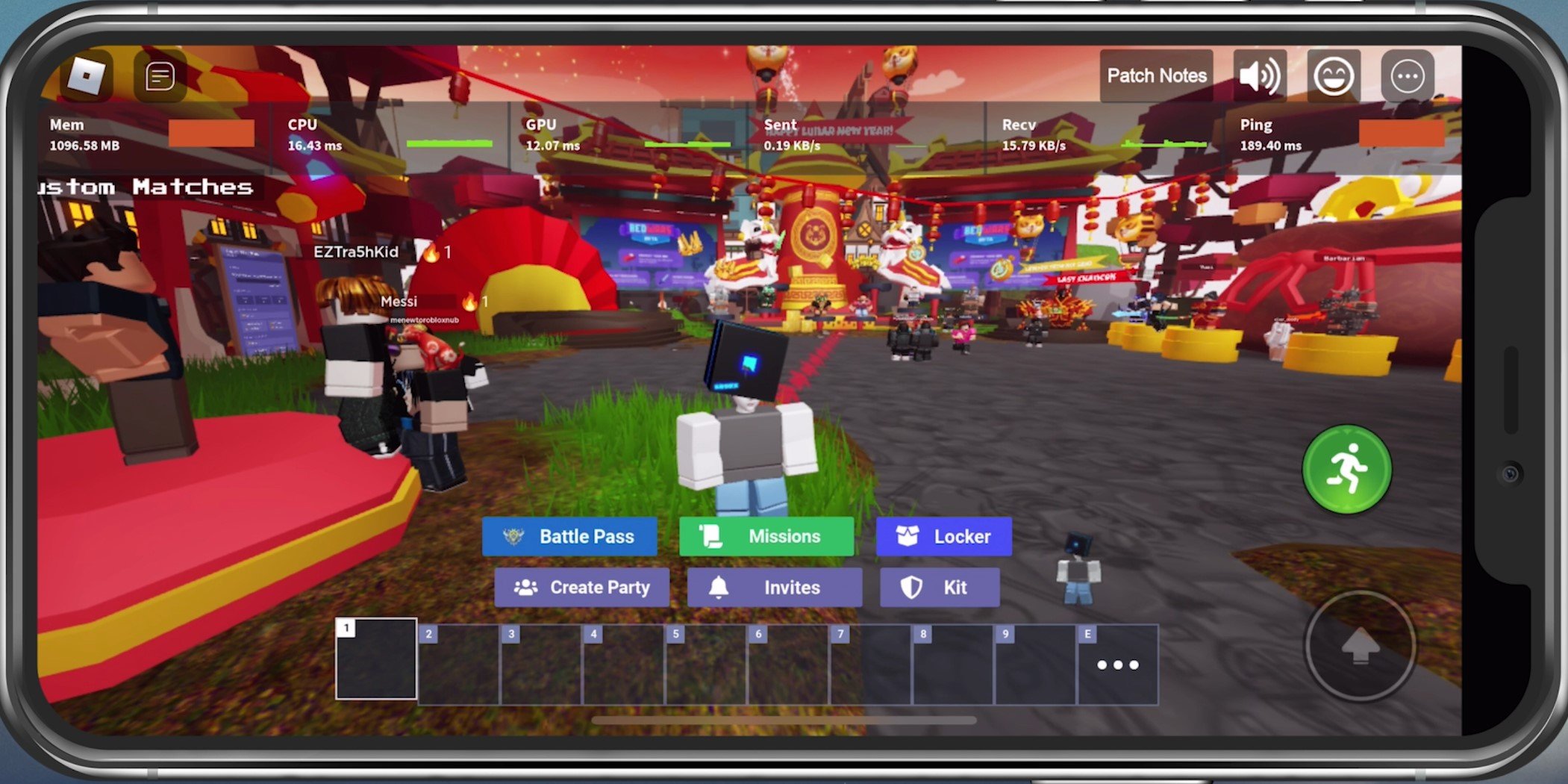
Looking at the articles listed, the problems they solve fall into two main themes. The first is fixing broken app behavior, especially in social media and gaming apps. For instance, you can learn why you can’t post on Instagram and what to do about it, or how to stop Roblox from crashing on mobile, as well as how to fix specific visual issues like the Roblox mobile camera glitch or screen glitch. The second theme is cleaning up and managing your phone’s internal storage. Articles here show you how to delete system data on Android and how to remove trash from your phone, which helps free up space and can also resolve app slowdowns. You will also find a guide on how to fix YouTube on your phone when it stops playing videos or loads incorrectly.
Overall, these articles help you take direct action: they show you how to clear out corrupted or unnecessary data, restore normal function to misbehaving apps, and reclaim storage that was being eaten by hidden files. Whether you are troubleshooting a specific app error or just trying to keep your phone running smoothly, the content here gives you clear steps to follow.