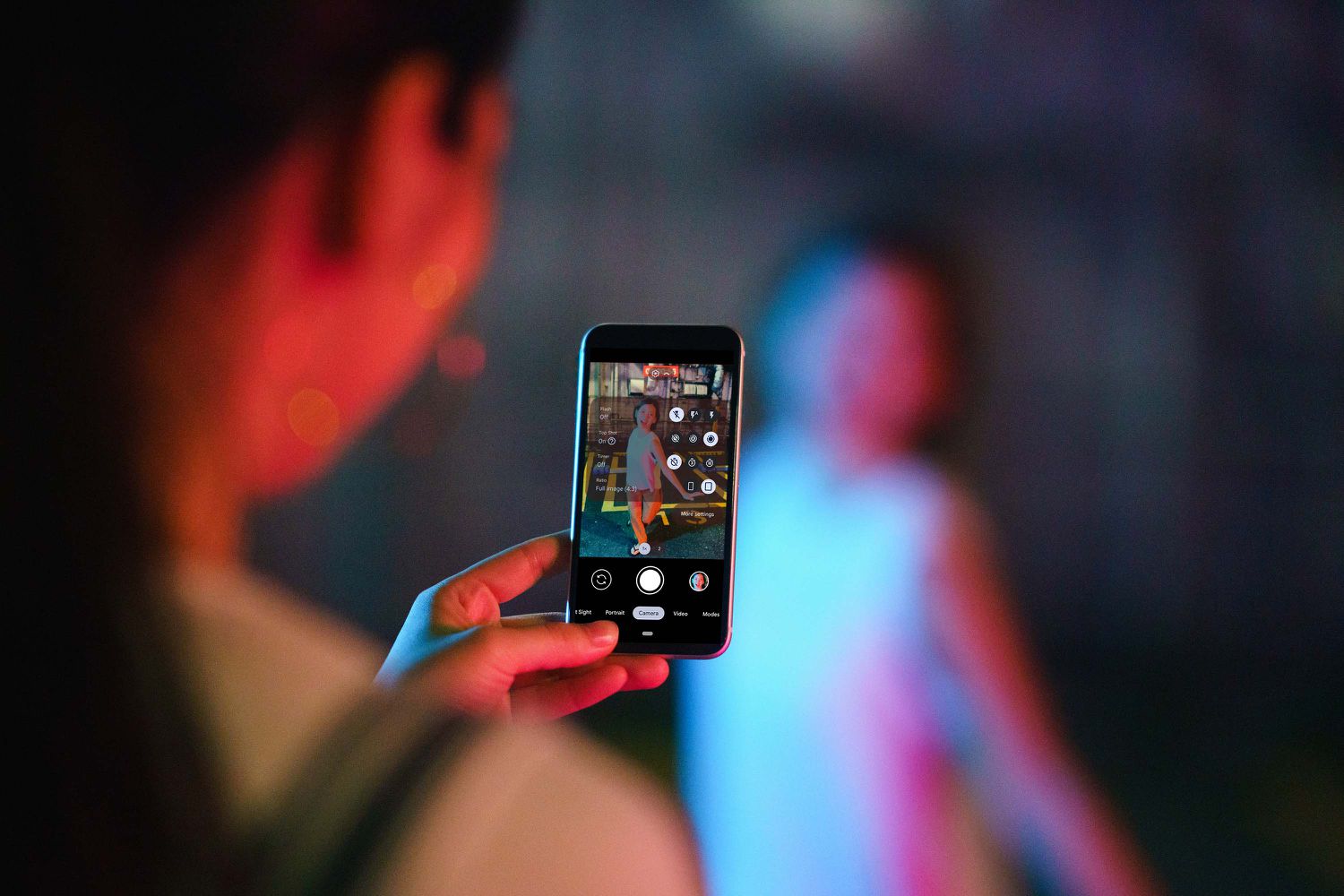
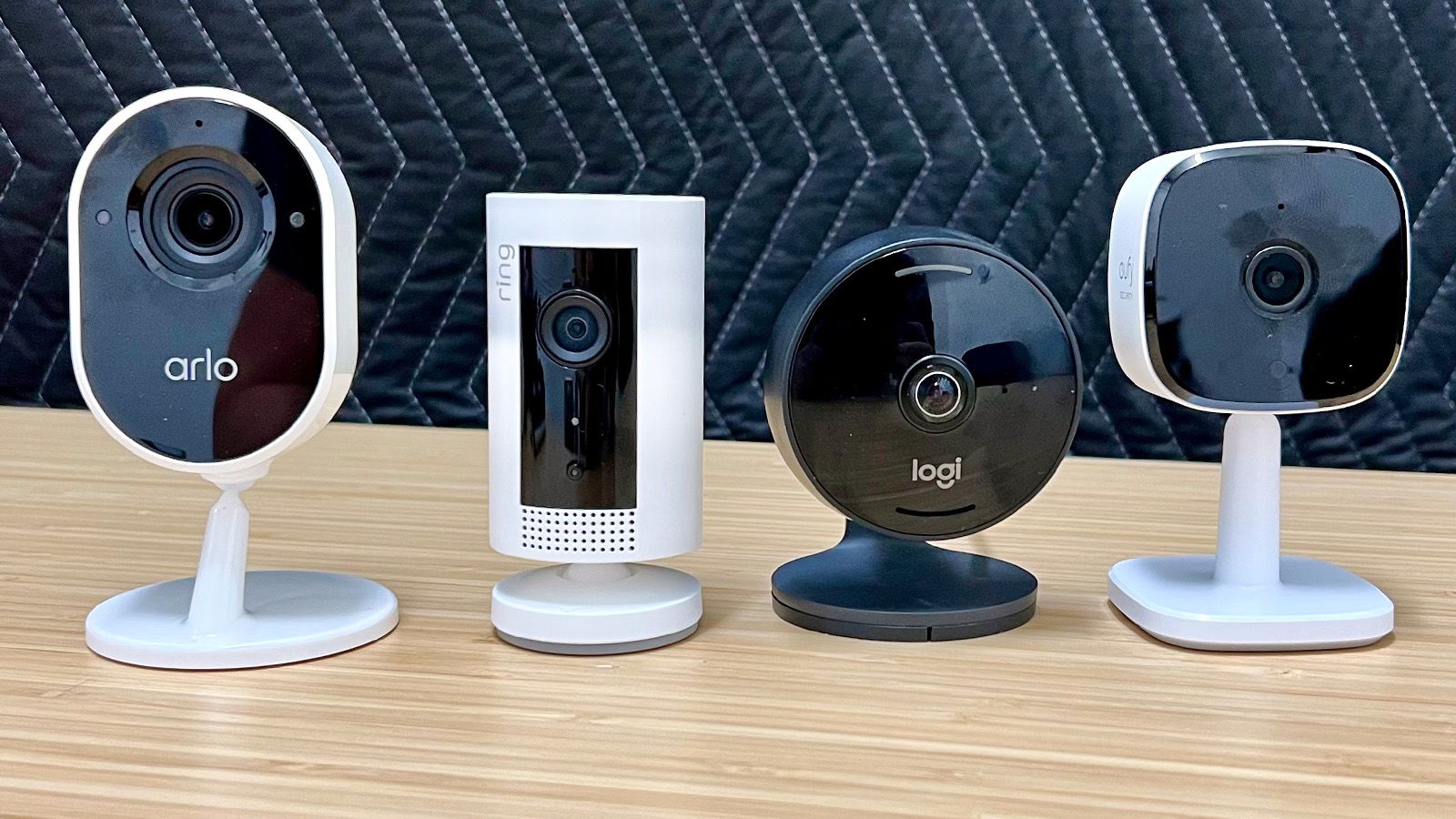
This tag collects articles about app permissions, the controls that decide what apps on your phone can access, like your camera, microphone, or data. It is for anyone who wants to understand, manage, or troubleshoot these settings on Android and iPhone devices, as well as on accessories like the Fitbit. The problems these articles solve fall into two main themes: protecting your privacy by restricting or monitoring access, and fixing app features that stop working because of permission issues.

For privacy and security, the articles help you check if your phone is tapped and being tracked, detect data exfiltration, and block a wireless camera signal. They also show you how to block an app on Android and turn off the microphone on an iPhone 13. On the troubleshooting side, the articles guide you through enabling push notifications on Android, enabling the camera on an Android phone, and resolving why your Fitbit app is not showing steps or not working at all. They also help you fix why your mic isn’t working on Discord Mobile.

Overall, these articles help you take direct action: you can lock down specific sensors, verify that no one is secretly accessing your device, or restore a feature that has stopped functioning. Whether you are adjusting settings for security or just trying to get an app to work again, the content here gives you clear steps to solve the problem.
Why Isn't My Mic Working On Discord Mobile

If your Discord mobile mic is not working, the most likely culprit is a simple setting you can fix in seconds. First, ensure you are not muted or deafened within...

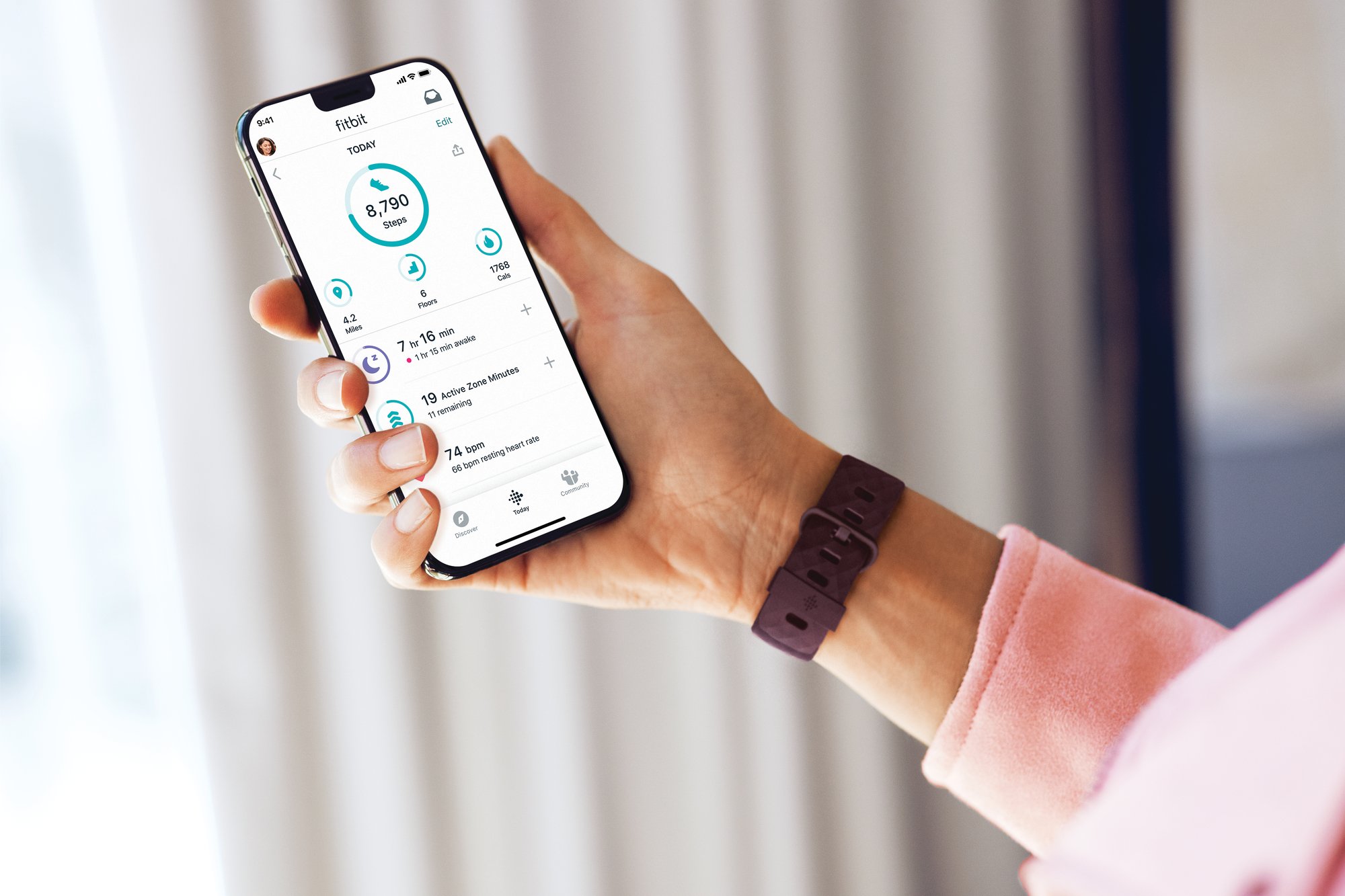
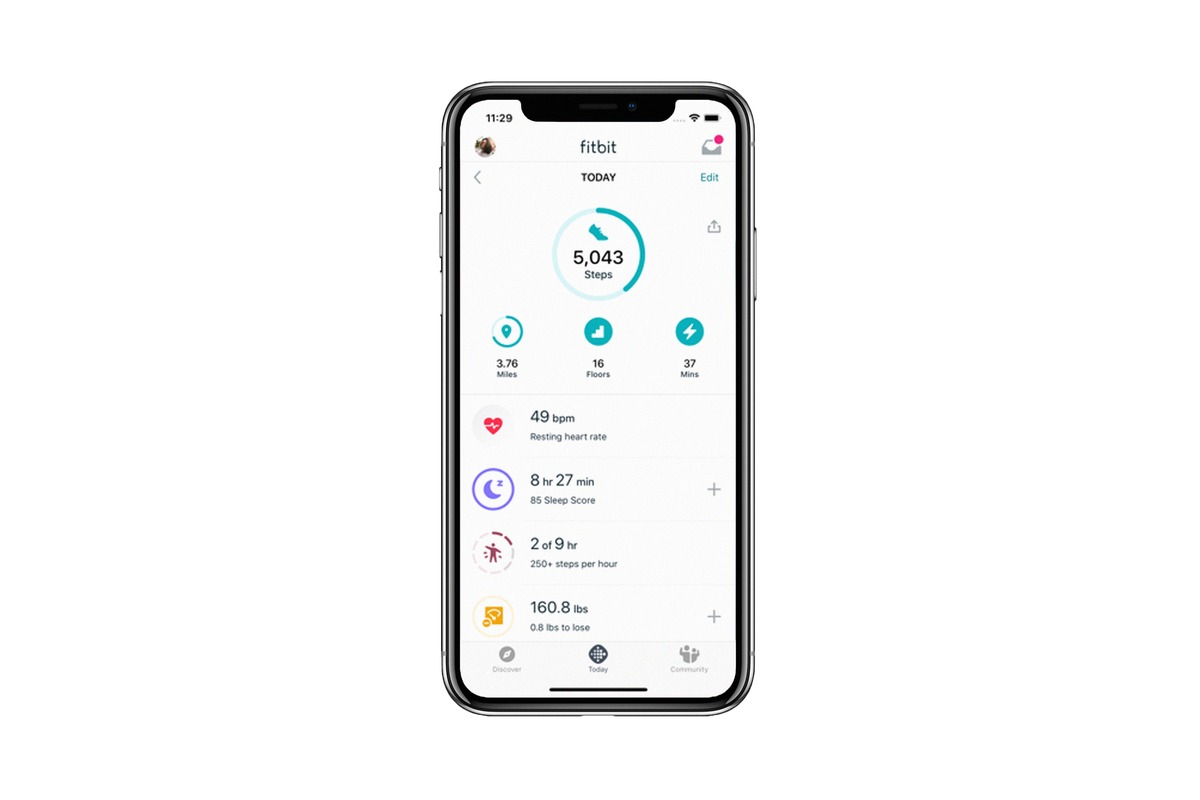
Why Is My Fitbit App Not Working

If your Fitbit app is not working, the problem is almost always a Bluetooth conflict, missing phone permissions, or an outdated software version. The two most common causes are another...

How To Turn Off Microphone On IPhone 13

To turn off the microphone on iPhone 13, you must disable access per app in Settings, because there is no system-wide microphone kill switch. The only way to turn off...

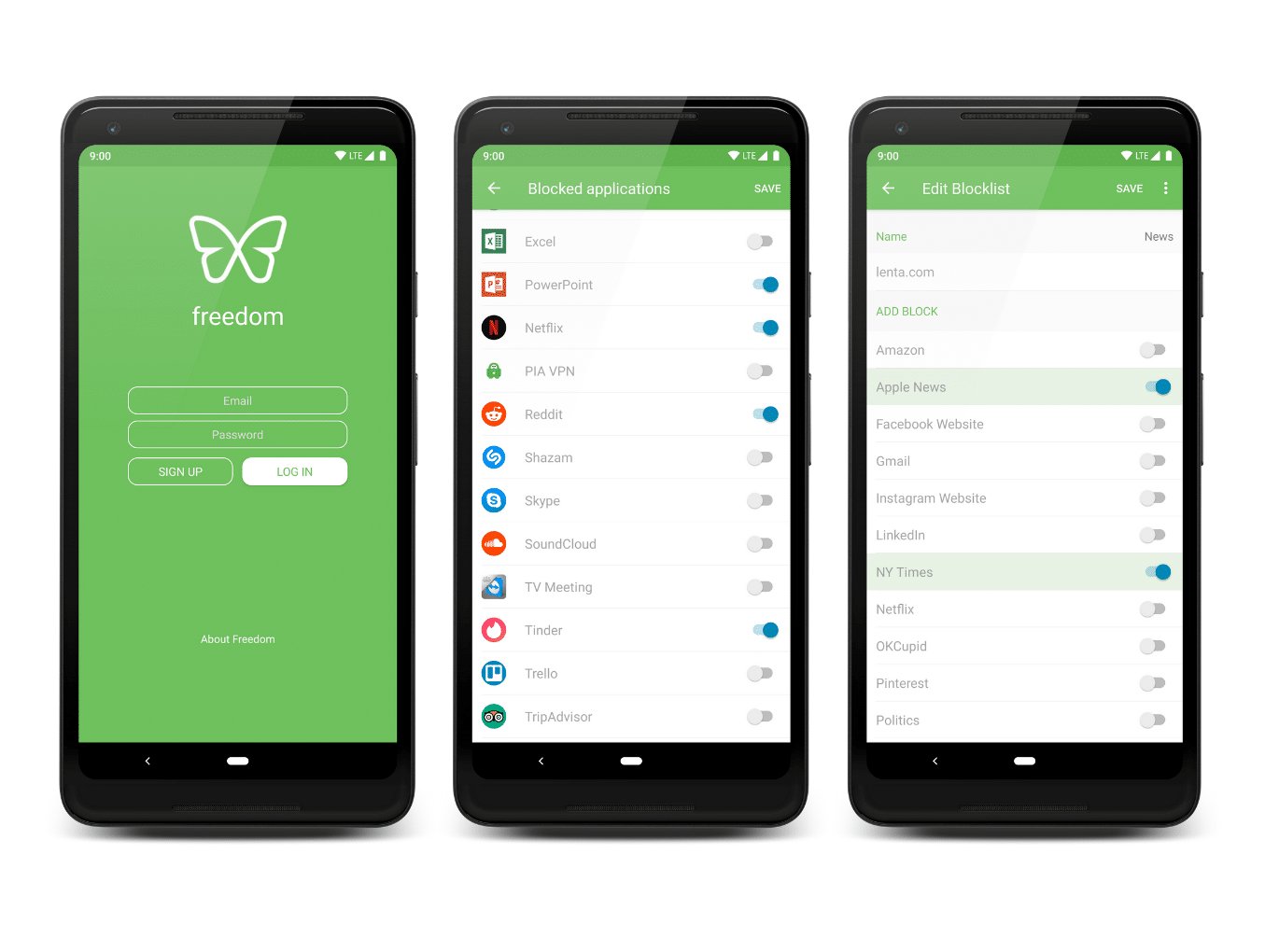
How To Block An App On Android

To block an app on Android, you use Google Family Link, which is the only documented official method for restricting access to specific apps or setting individual time limits. This...

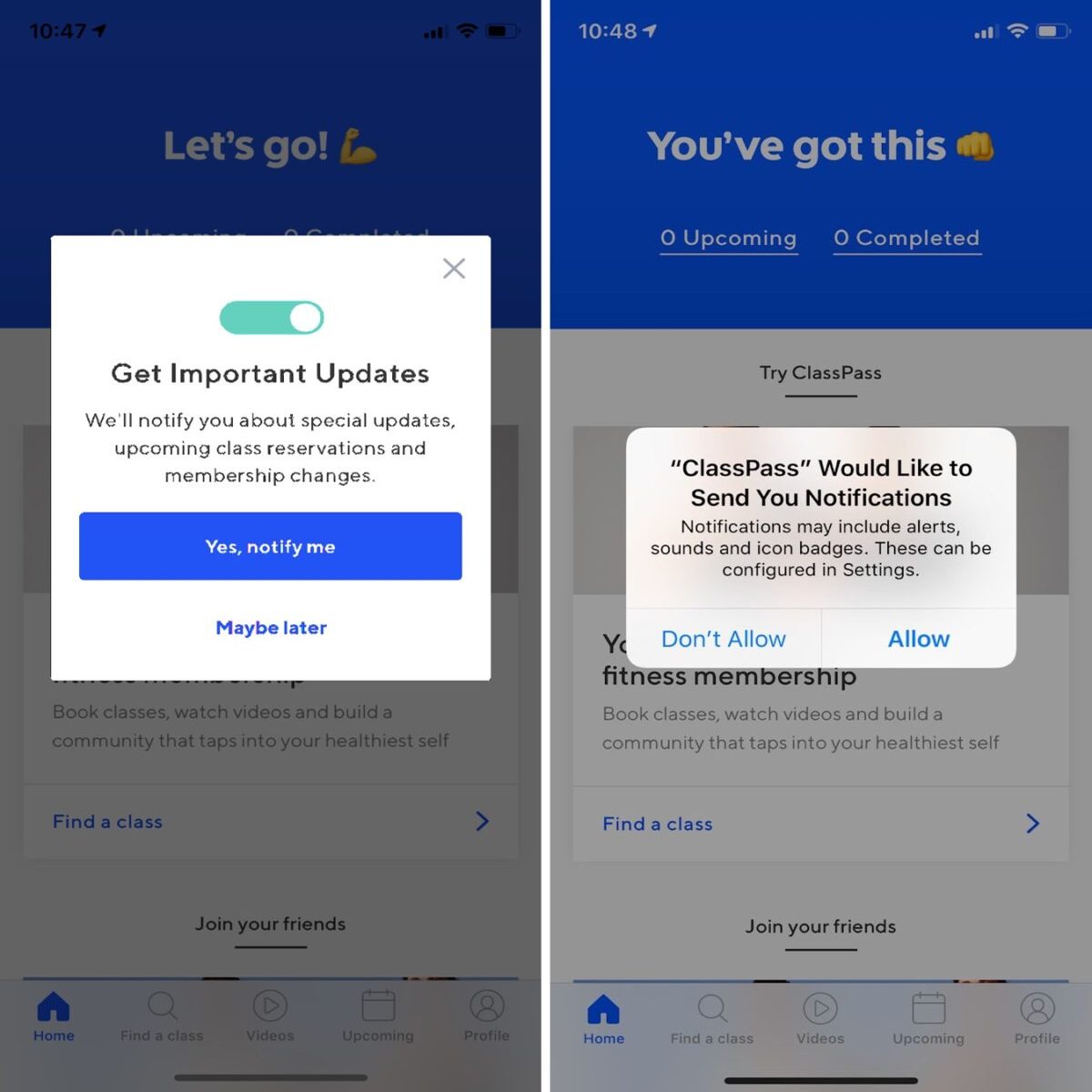
How To Enable Push Notifications On Android

To enable push notifications on Android, open your device's Settings app, then go to Notifications > App notifications, select the app, and turn its notifications on. This is the definitive...

How To Enable Camera On Android Phone

To enable camera on Android, open Settings, tap Apps, select the app that needs camera access, choose Permissions, tap Camera, and select Allow. If the app is not listed, tap...

How To Block Wireless Camera Signal

To block wireless camera signal on your phone, the only documented methods are to revoke camera permissions on Android or turn off Continuity Camera on iPhone; no phone setting can...

How To Detect Data Exfiltration

To detect data exfiltration on your phone, check whether an app is secretly sending out your private data like photos, location, or contacts by reviewing app permissions, network activity, and...