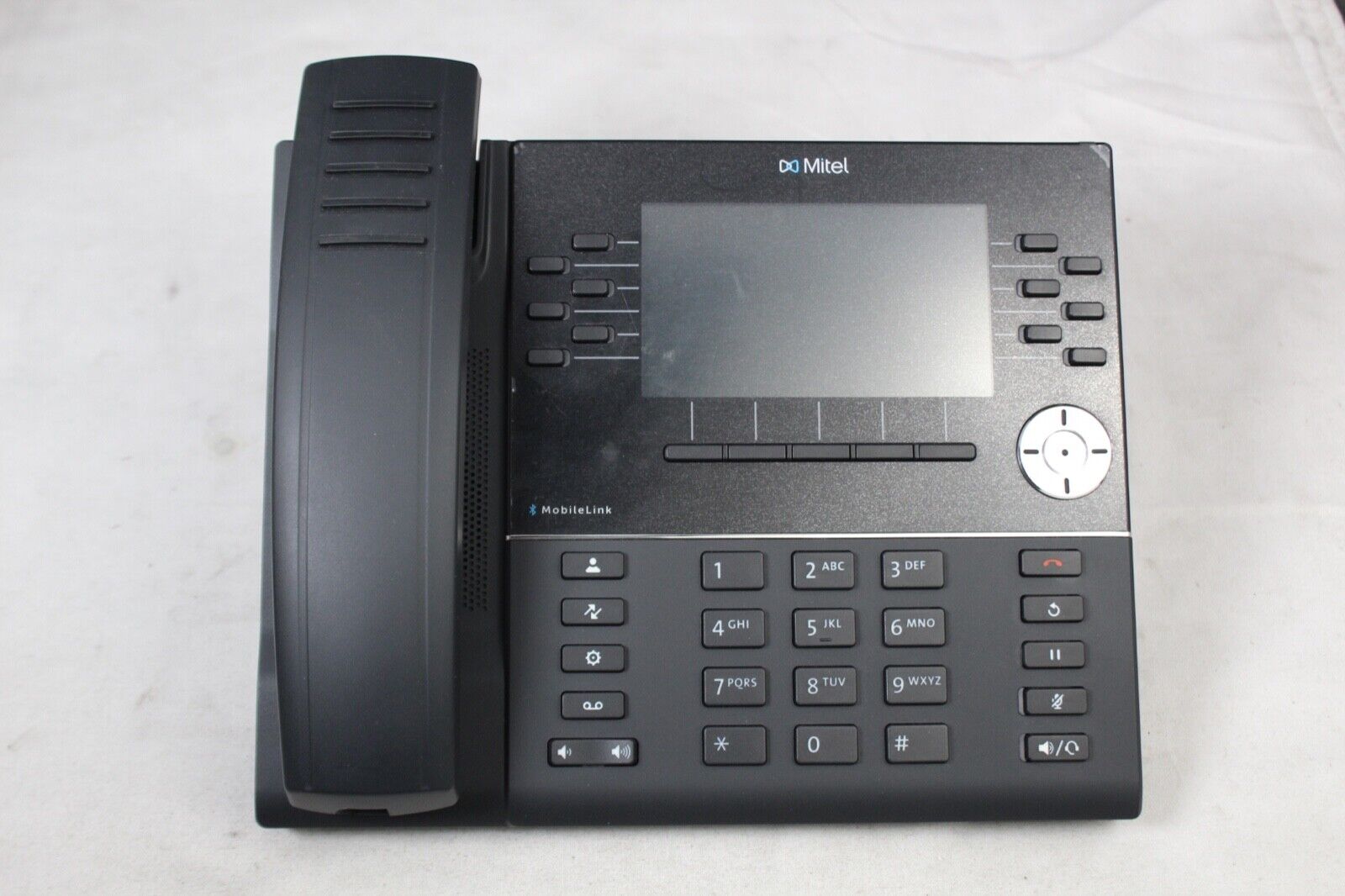
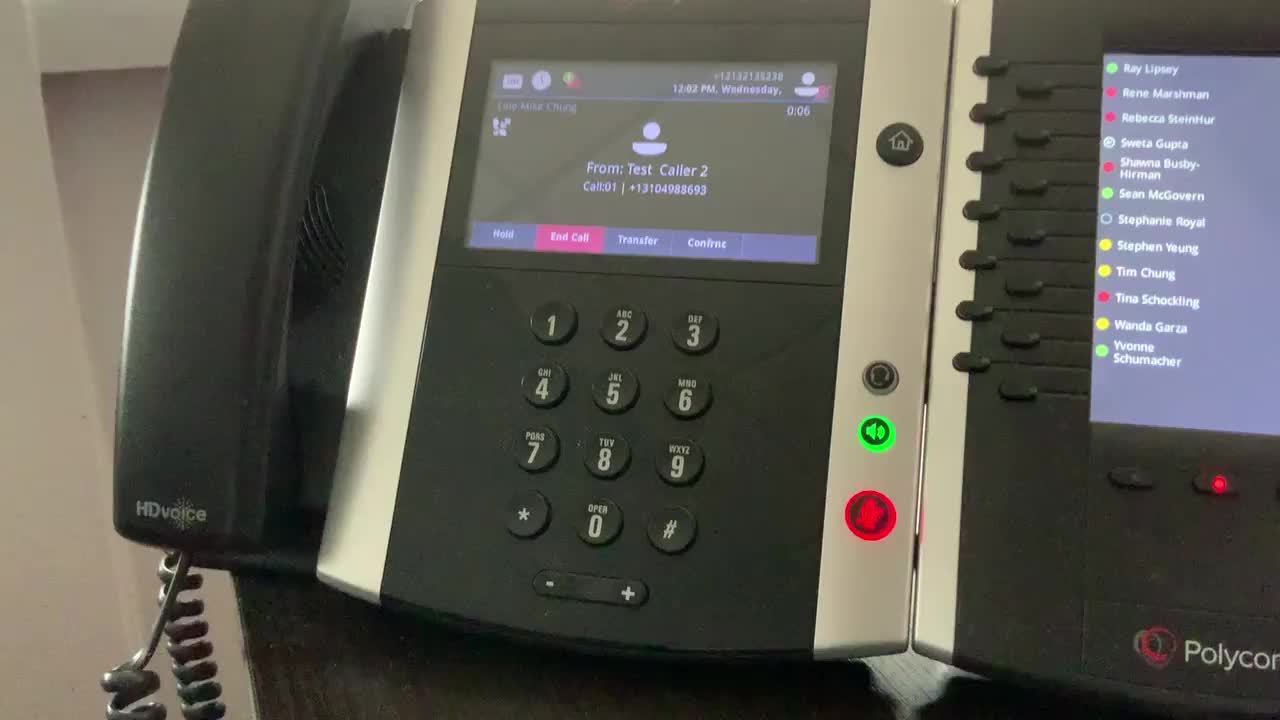
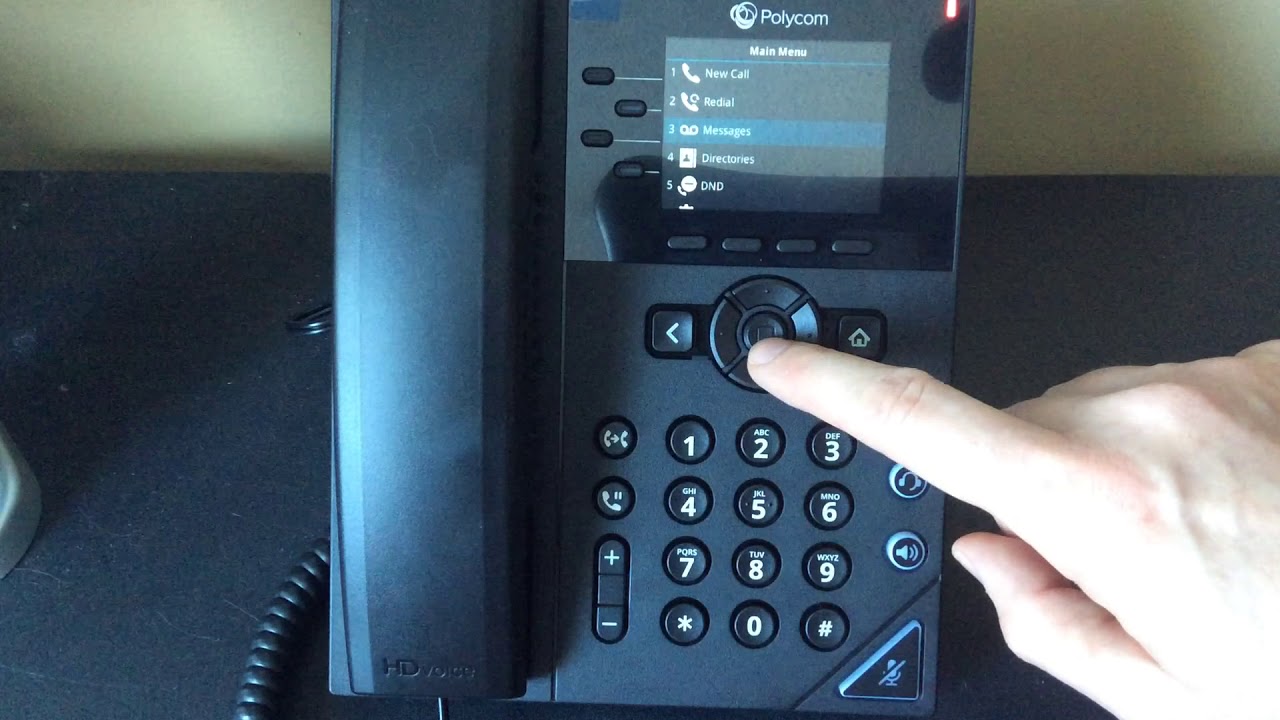
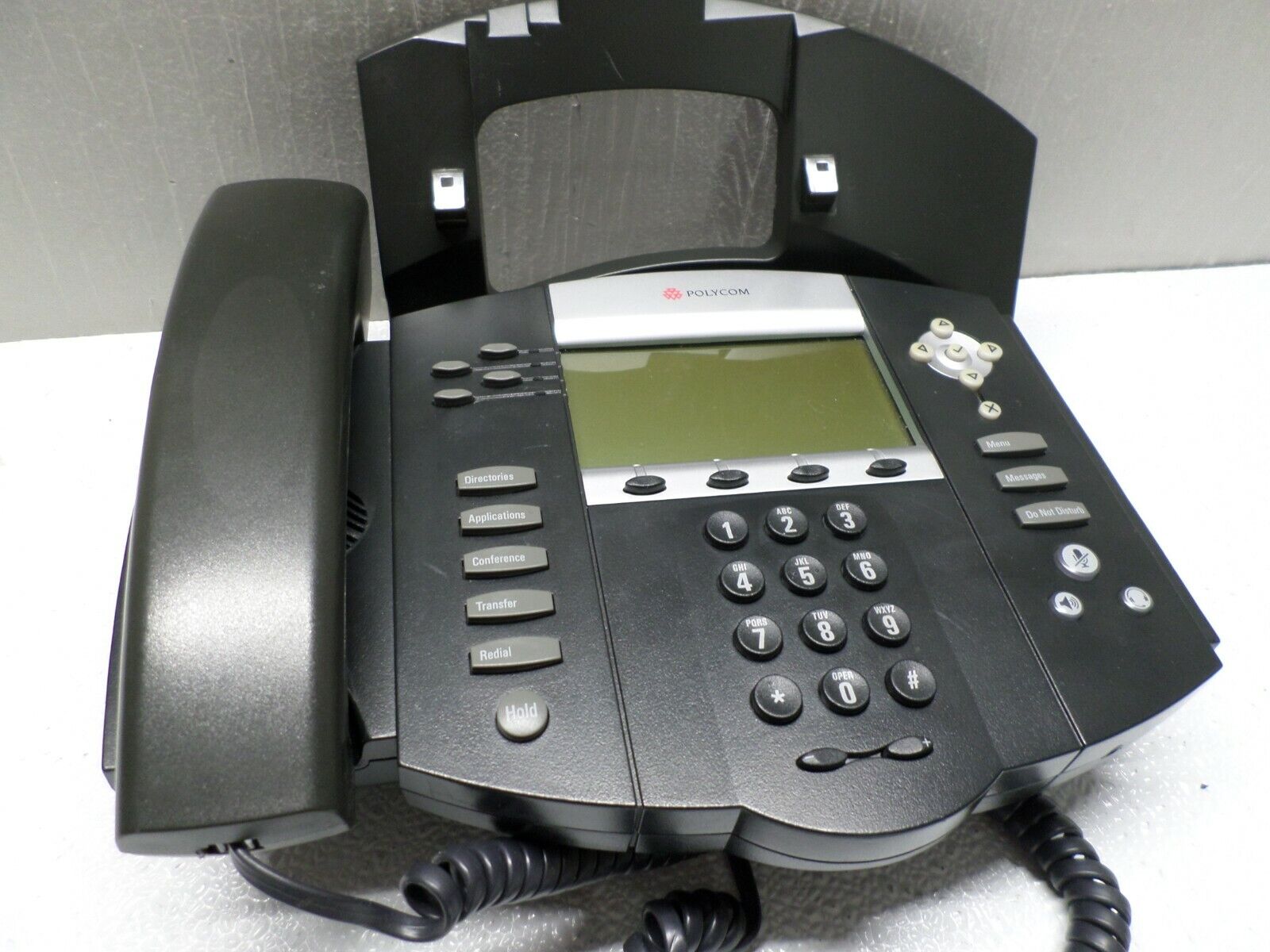
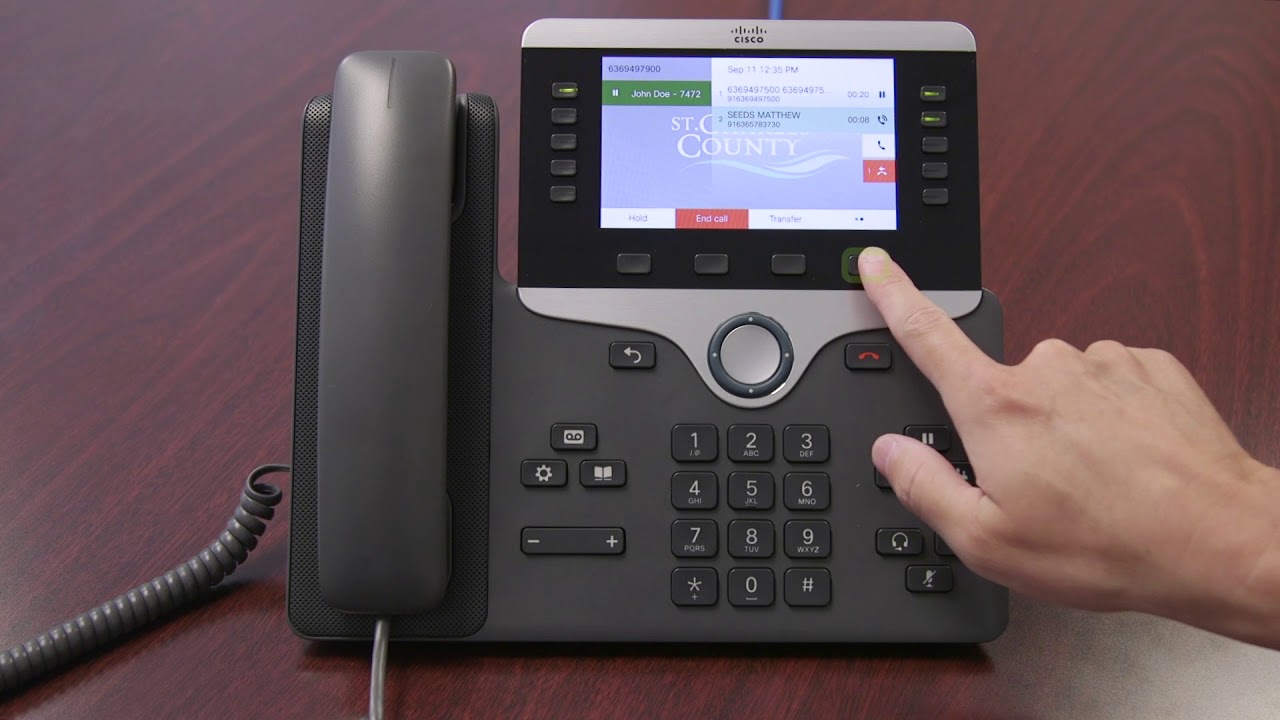
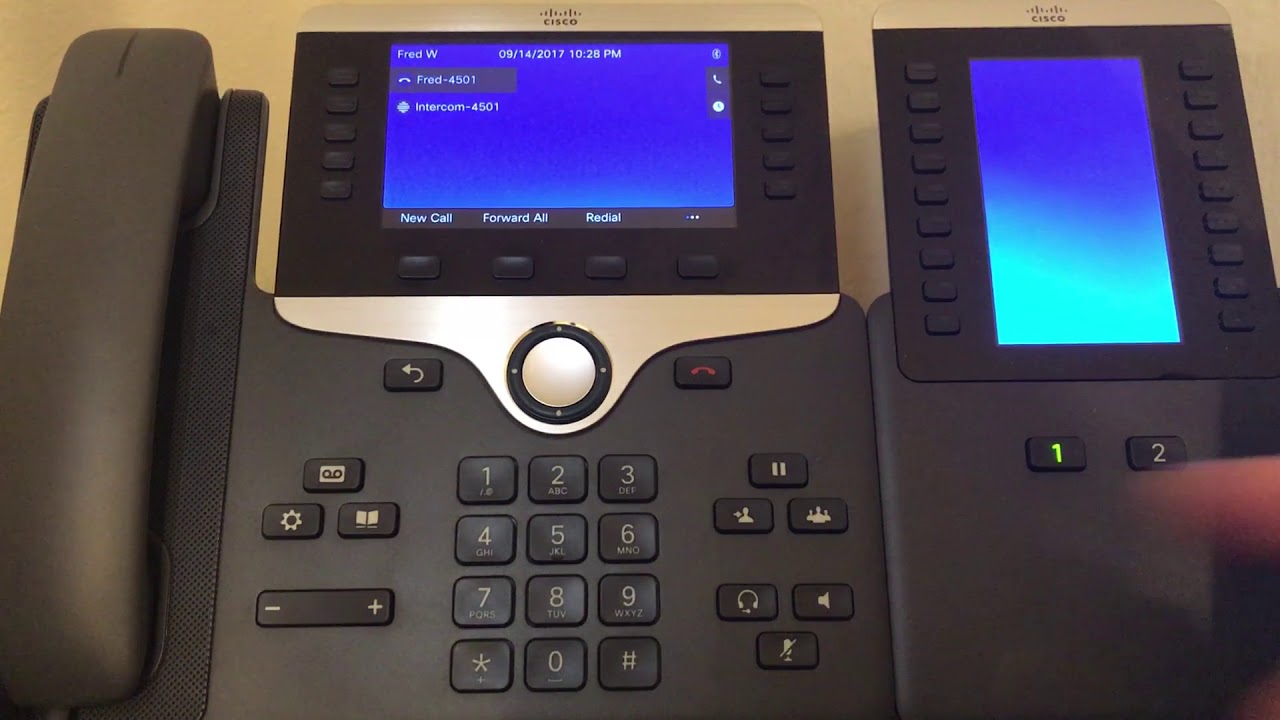
This tag page collects articles about business phones, specifically focused on the desk phones and office phone systems commonly found in workplaces. It is intended for office workers, IT support staff, and anyone who needs to operate a Cisco, Polycom, or Mitel handset but is not a professional telecom technician.

The articles here solve practical, day-to-day problems with using these devices. One clear theme is call management and voicemail setup, with guides like "How To Transfer A Call On Polycom Phone" and "How To Set Up Voicemail On Mitel Phone" helping you handle incoming calls and messages. Another theme covers basic operation and security, such as "How To Use Cisco Phone" and "How To Block Number On Polycom Phone," which let you control who can reach you and how you use the phone's features. A third, smaller theme addresses phone number identification, with articles like "Where Is The Phone Number 833 From" and "What Is A Fixed Phone Number" helping you understand the numbers you see on your caller ID or in your system.

These articles help you perform specific tasks: check your voicemail on a Polycom phone, use the intercom feature on a Cisco phone, or simply understand what a fixed phone number means. They are straight how-to guides for the devices you actually have at your desk.
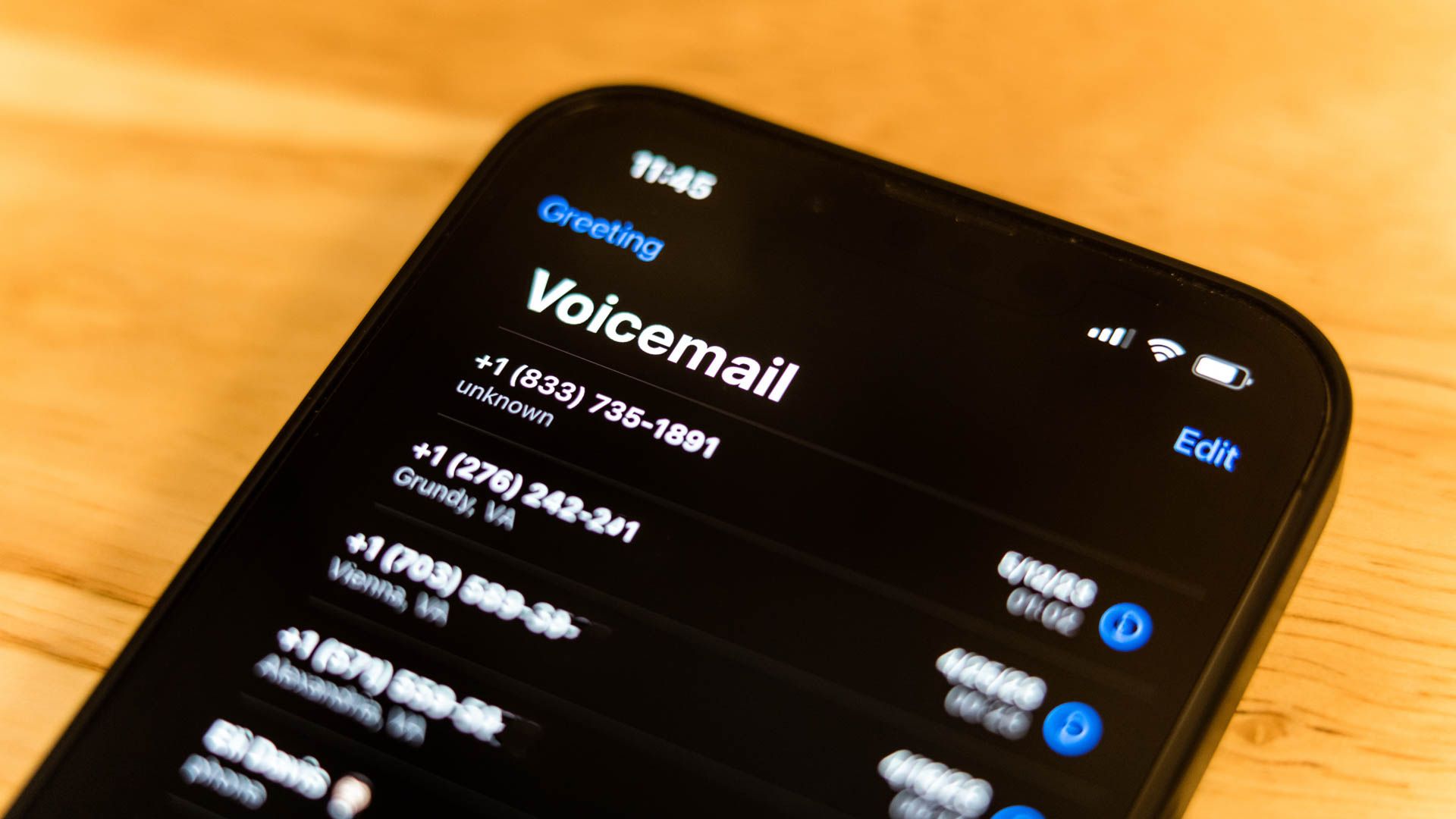

Where Is The Phone Number 833 From

The 833 toll free number is a prefix in the North American Numbering Plan (NANP) that allows callers to reach businesses and organizations without paying for the call. Unlike a...

What Is A Fixed Phone Number

A fixed phone number is a service-assigned number that stays associated with one line or user rather than changing with a mobile SIM card or device. It is often linked...

How To Block Number On Polycom Phone

To block a number on a Polycom phone, you must use a method provided by your service provider or phone system, as most Polycom handsets lack a universal built-in block...

How To Check Voicemail On Polycom Phone

To check voicemail on a Polycom phone, press the Voicemail button (often labeled with an envelope icon), then enter your voicemail passcode and press the # key. Alternatively, you can...

How To Transfer A Call On Polycom Phone

To transfer a call on a Polycom phone, you have two choices: a warm (consultative) transfer where you speak to the recipient first, or a blind (cold) transfer where the...

How To Use Cisco Phone

To use a Cisco phone, you make and answer calls, transfer calls, set up conference calls, and manage voicemail through the phone's physical buttons and on-screen softkeys. Setting up your...

How To Use Intercom On Cisco Phone

To use intercom on a Cisco phone, press the Intercom softkey or line key, wait for the alert tone, and speak your message. The recipient’s phone will auto-answer in whisper...