Welcome to the Cache tag on CellularNews. This page collects our guides for clearing temporary data and fixing app performance issues on your phone. Whether you use an iPhone, Samsung, or Panasonic device, these articles are written for everyday users who want to reclaim storage, speed up sluggish apps, or resolve common glitches without needing advanced technical skills.
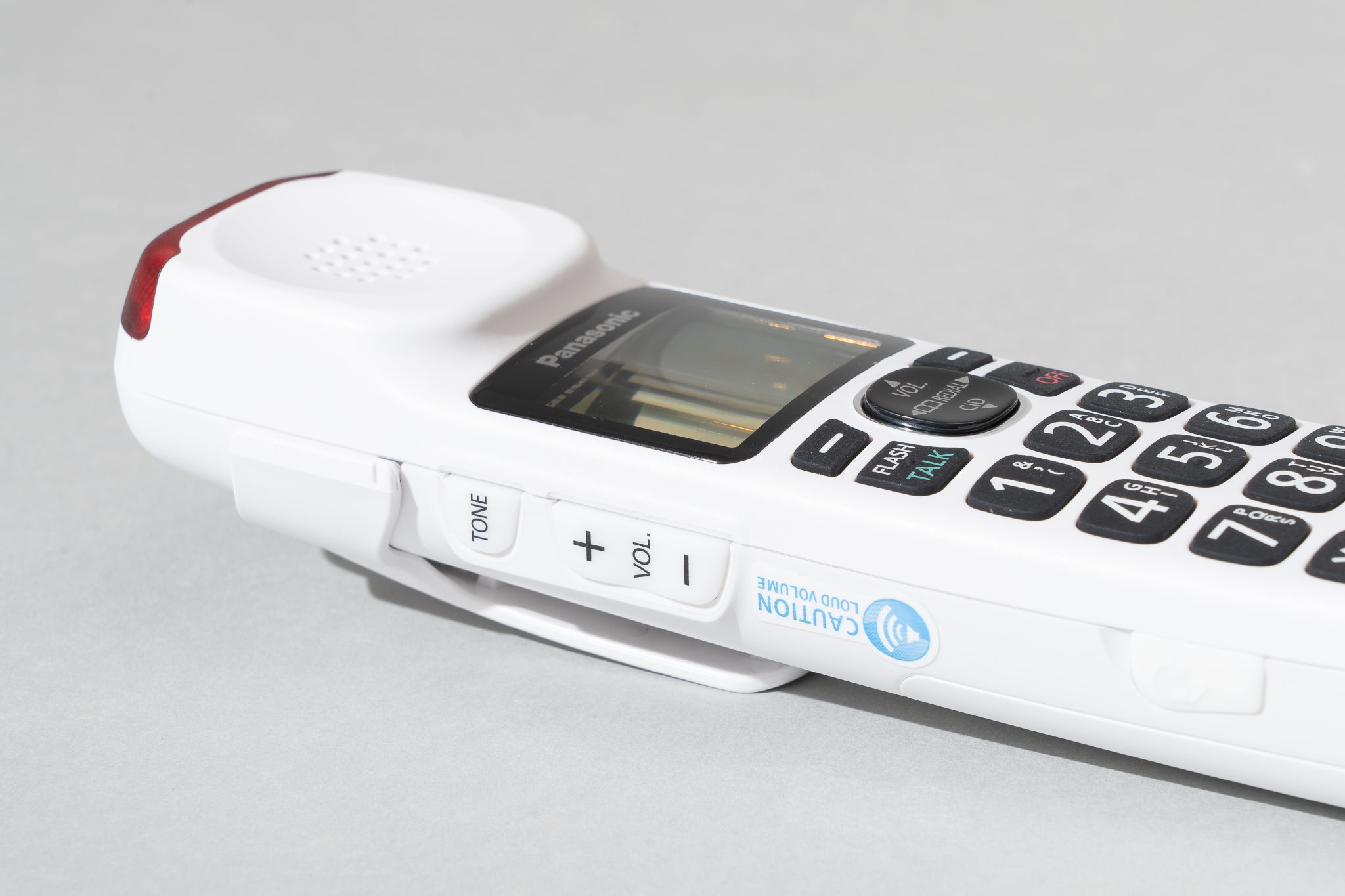
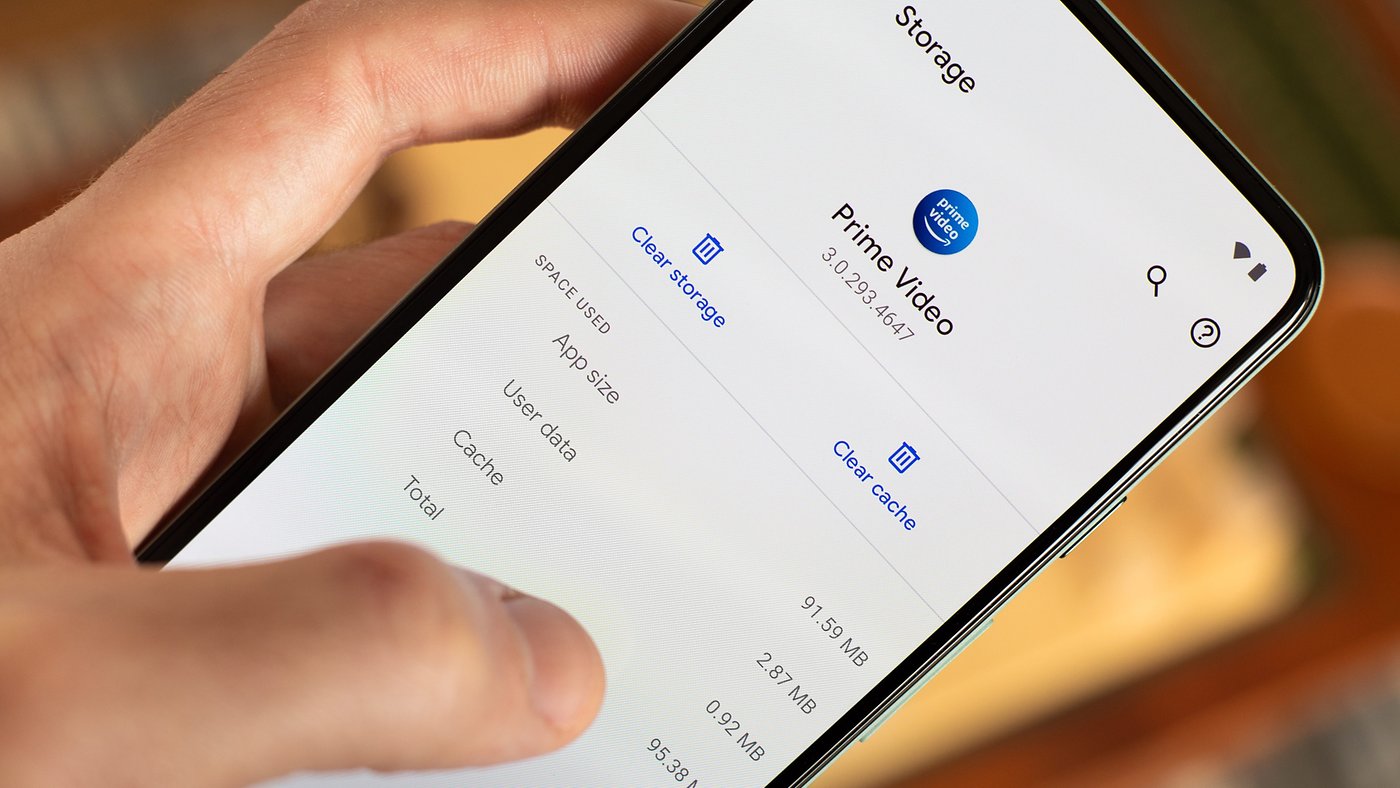
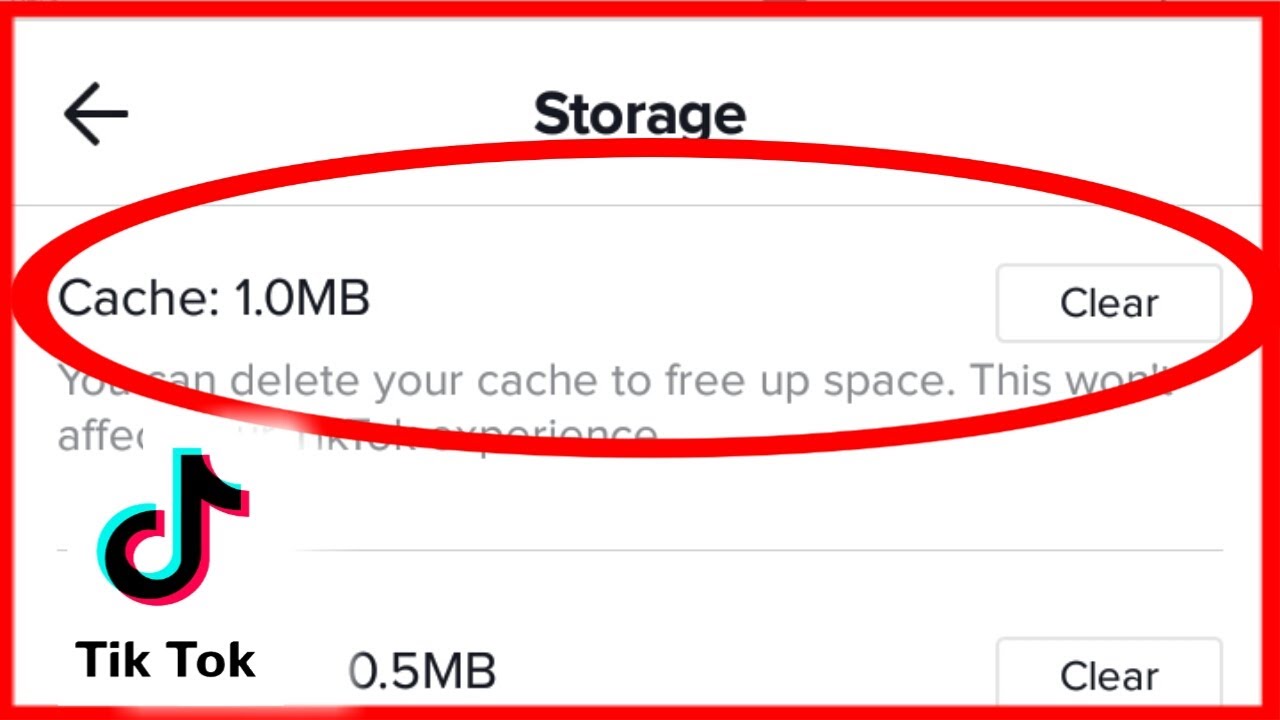
The articles here tackle two main kinds of problems. First, you will find solutions for apps that stop working properly, like TikTok and Instagram. When these apps freeze, fail to load, or show error messages, clearing their cached data often restores normal function. Second, several guides address system-level storage clutter. For example, you can learn how to clear up system data on any phone, or specifically how to clear phone cache on a Samsung device. There is also a fix for the "memory full" warning on a Panasonic phone, which helps you free up space for new photos and messages.
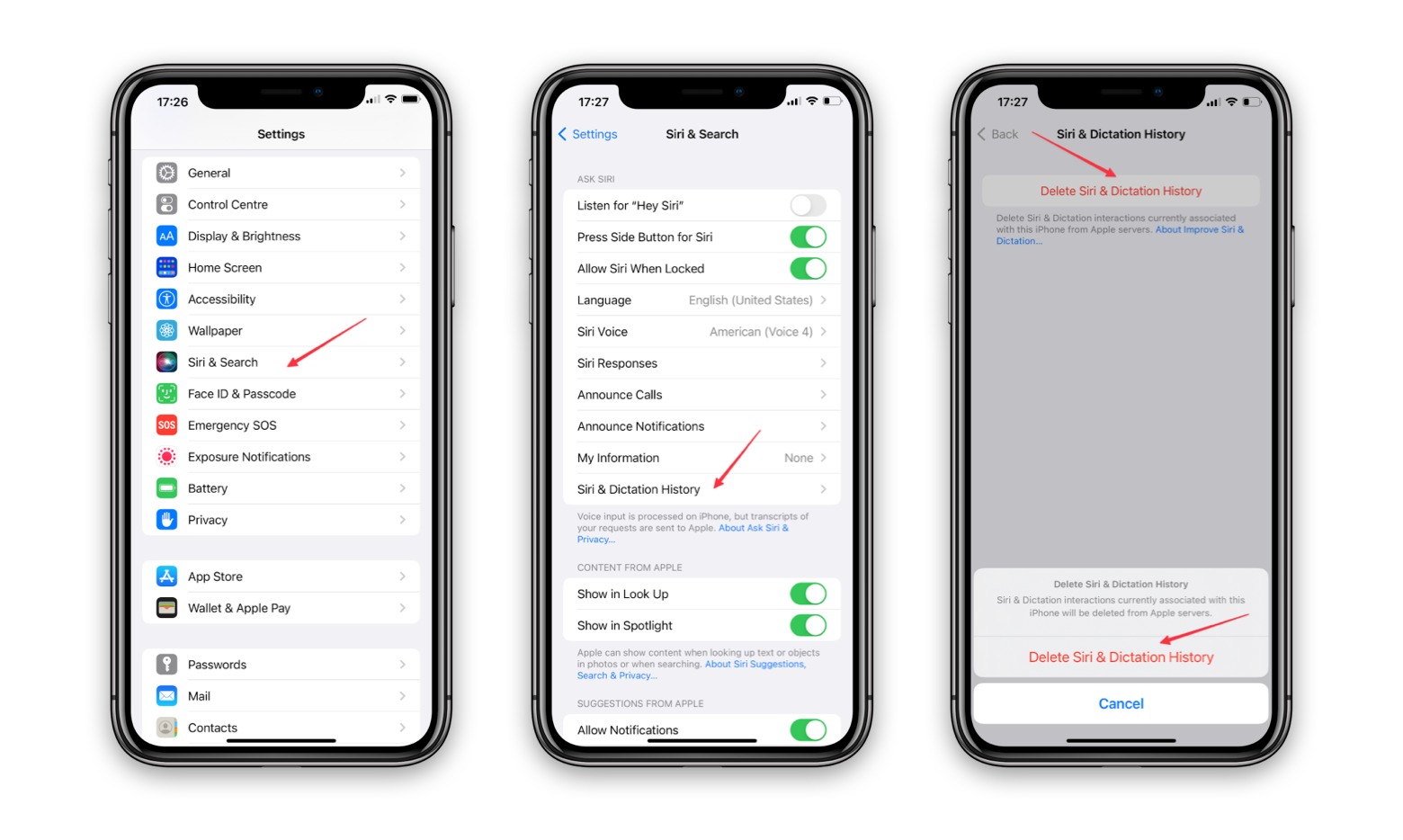
Each article helps you perform a specific action step by step. You can learn how to clear data from TikTok or Instagram to fix loading problems, how to clear history on an iPhone 13 to remove browsing traces, and how to clear up system data to recover hidden storage. The goal is to give you straightforward instructions so you can solve these common annoyances on your own.