This tag collects all of CellularNews's articles about cellular data, aimed at anyone who uses a smartphone, laptop, or tablet on a mobile network. Whether you are trying to understand the basics, fix a connection problem, or manage your data usage more carefully, these guides are written for everyday users who want practical, straightforward answers.

The articles address three main kinds of problems. First, they explain the fundamentals, such as what cellular data actually is, how it differs from Wi‑Fi, and what data roaming means on an iPhone. Second, they focus on mobile hotspots, covering how to use one without data, why a hotspot might be stuck in low data mode, and how to set up an AT&T hotspot. Third, they provide step‑by‑step fixes for common issues, including how to reset your cellular data, turn off T‑Mobile Edge on an iPhone, and restore wireless capability when it gets turned off.

You will also find practical guides for everyday tasks, like how to download songs on Spotify using cellular data, play Minecraft over the mobile network, or use your phone as a Bluetooth dongle. For those curious about costs, there is an article on how much a mobile hotspot costs, and for advanced users, a guide on how to get unlimited data for free. Each article is designed to help you take a specific action, whether that is turning off low data mode, connecting a wireless access point, or simply understanding what a handheld device is.
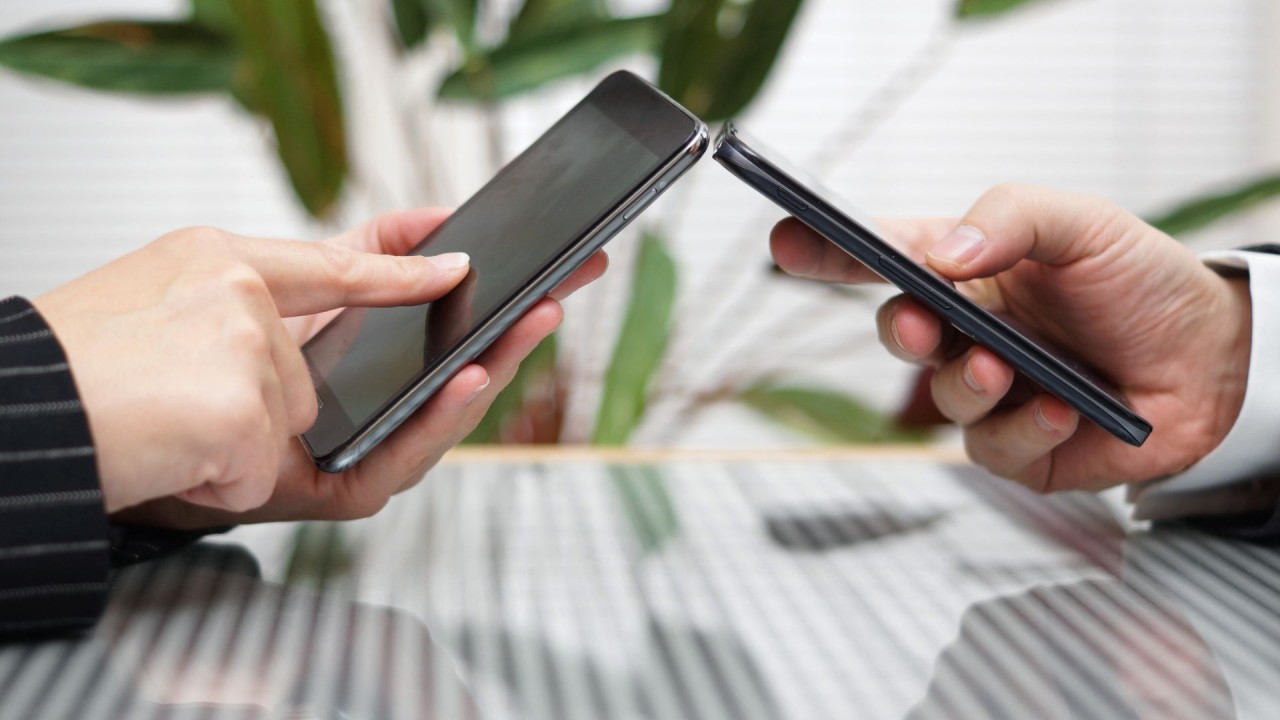
How Does Hotspot Work?

A mobile hotspot works by converting your phone's cellular data connection into a Wi-Fi signal, acting as a bridge that lets other devices like laptops and tablets get online. It...

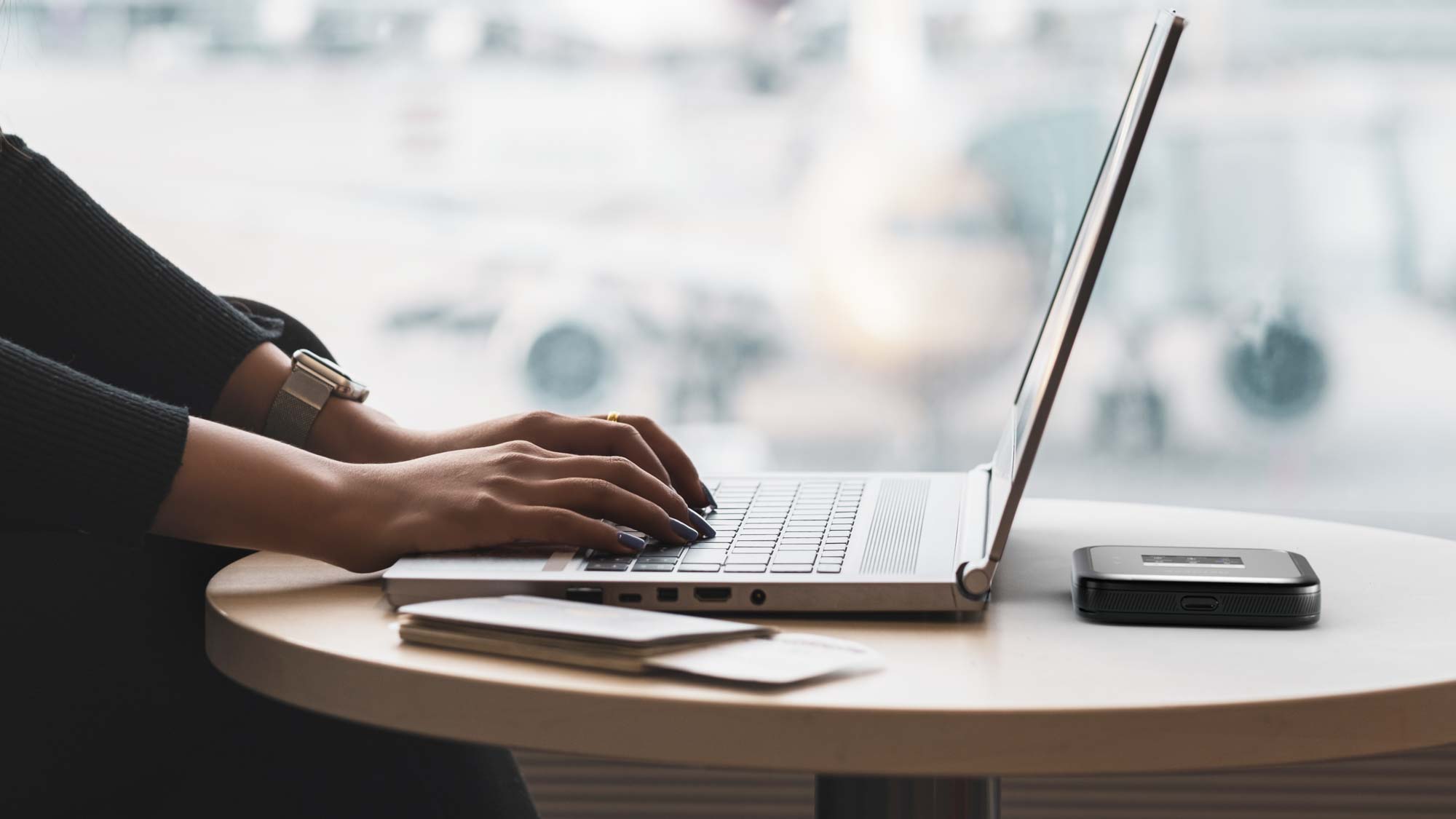
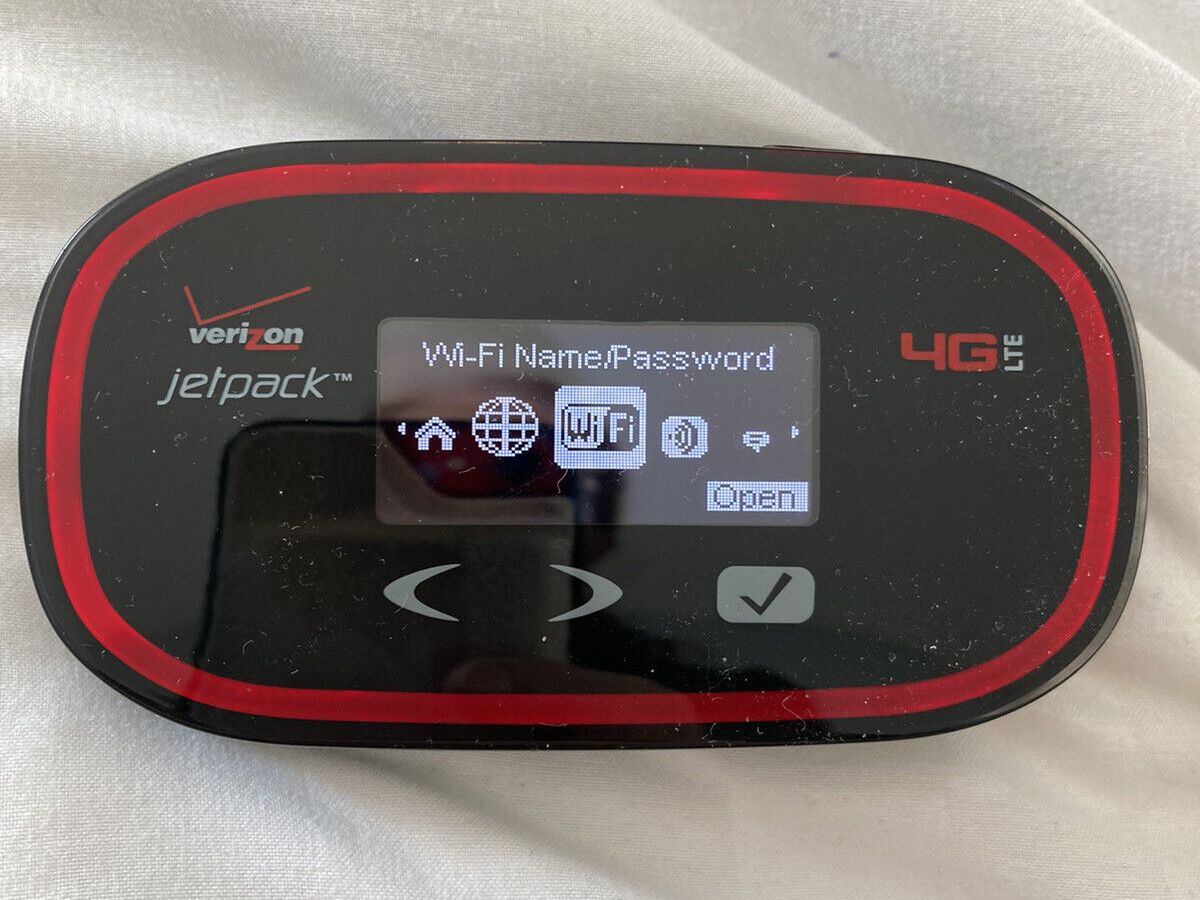
How Does A Hotspot Work Verizon

A Verizon hotspot works by sharing your phone's cellular data connection, or the data connection of a dedicated device like a Jetpack or MiFi, as a Wi-Fi network that other...

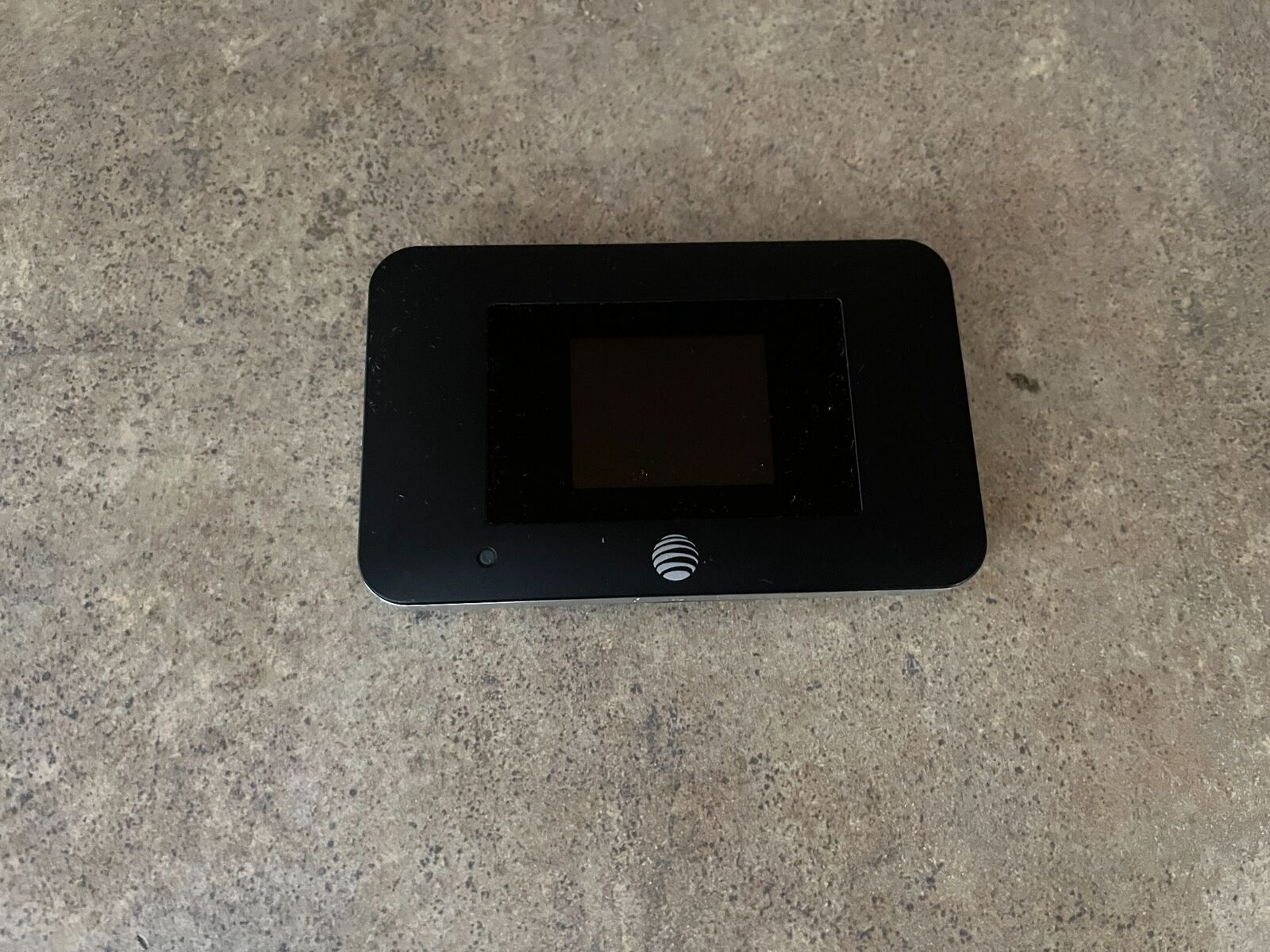
What Is AT&T Mobile Hotspot

An AT&T mobile hotspot turns your phone or a dedicated device into a portable Wi‑Fi network by sharing its cellular data connection with other devices like laptops, tablets, and gaming...

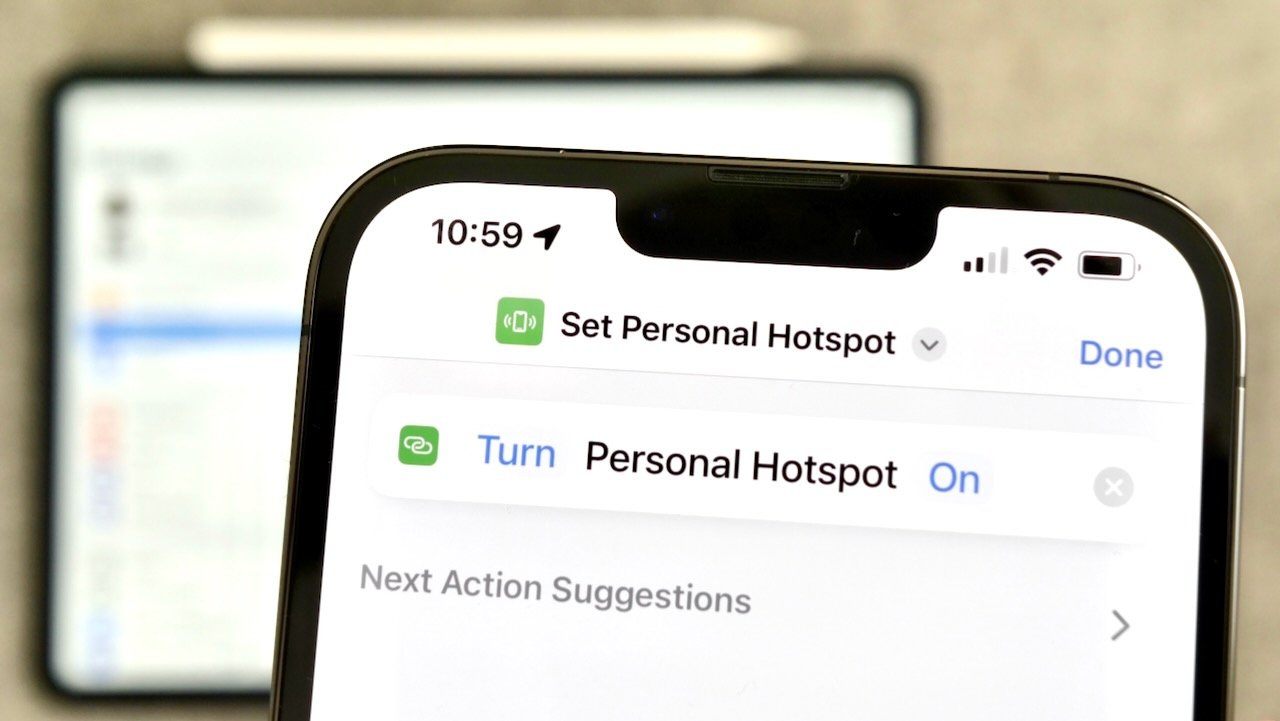
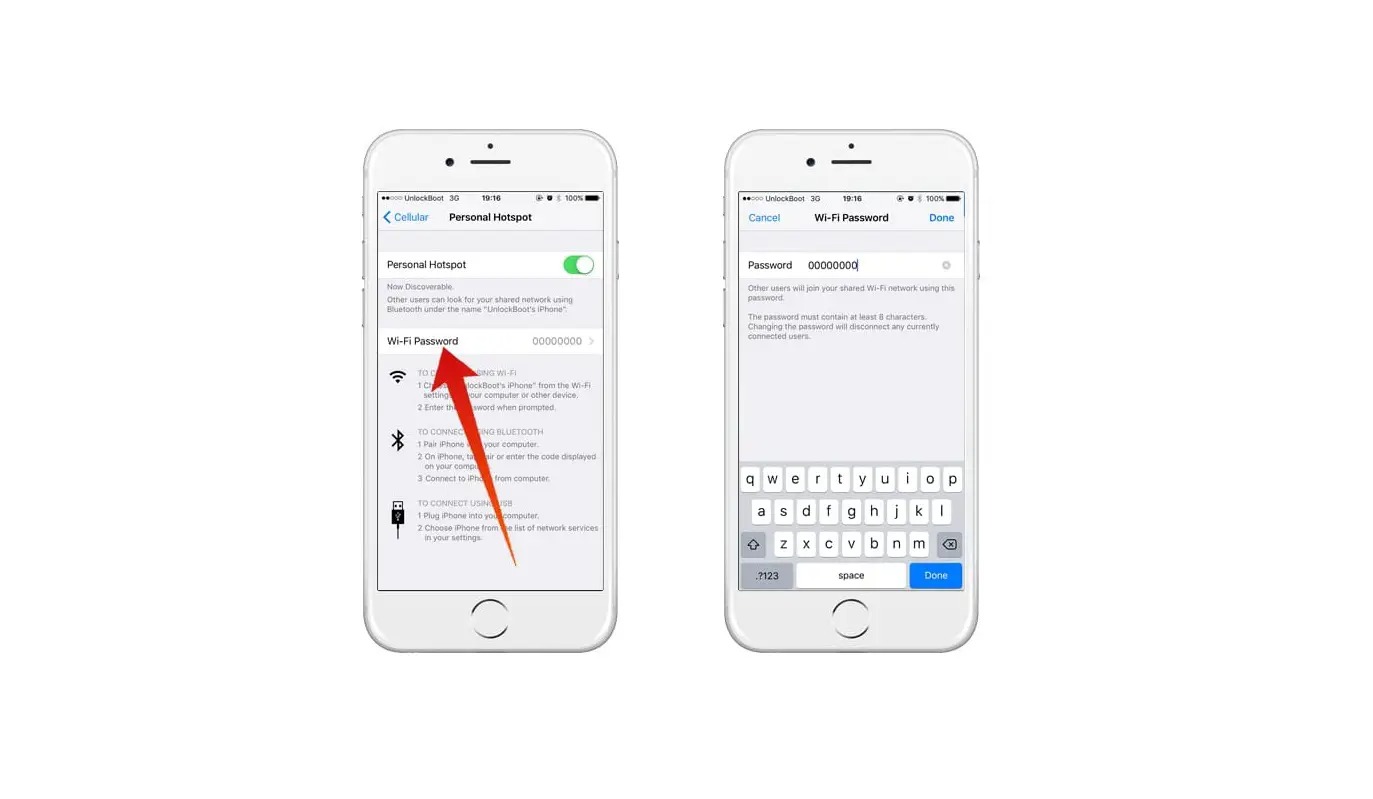
How Do I Use My Personal Hotspot

To use your personal hotspot, you enable the feature on your smartphone, which then shares its cellular data connection with other devices like laptops or tablets. The exact steps vary...

What Is A Hotspot

A hotspot is a feature on your phone that shares its cellular data connection with other devices over Wi‑Fi, Bluetooth, or a cable. This lets you get online with a...

How To Get Personal Hotspot

Understand what a personal hotspot actually is To get personal hotspot functionality, most phones already have what you need to share internet, but the terminology can make it sound more...

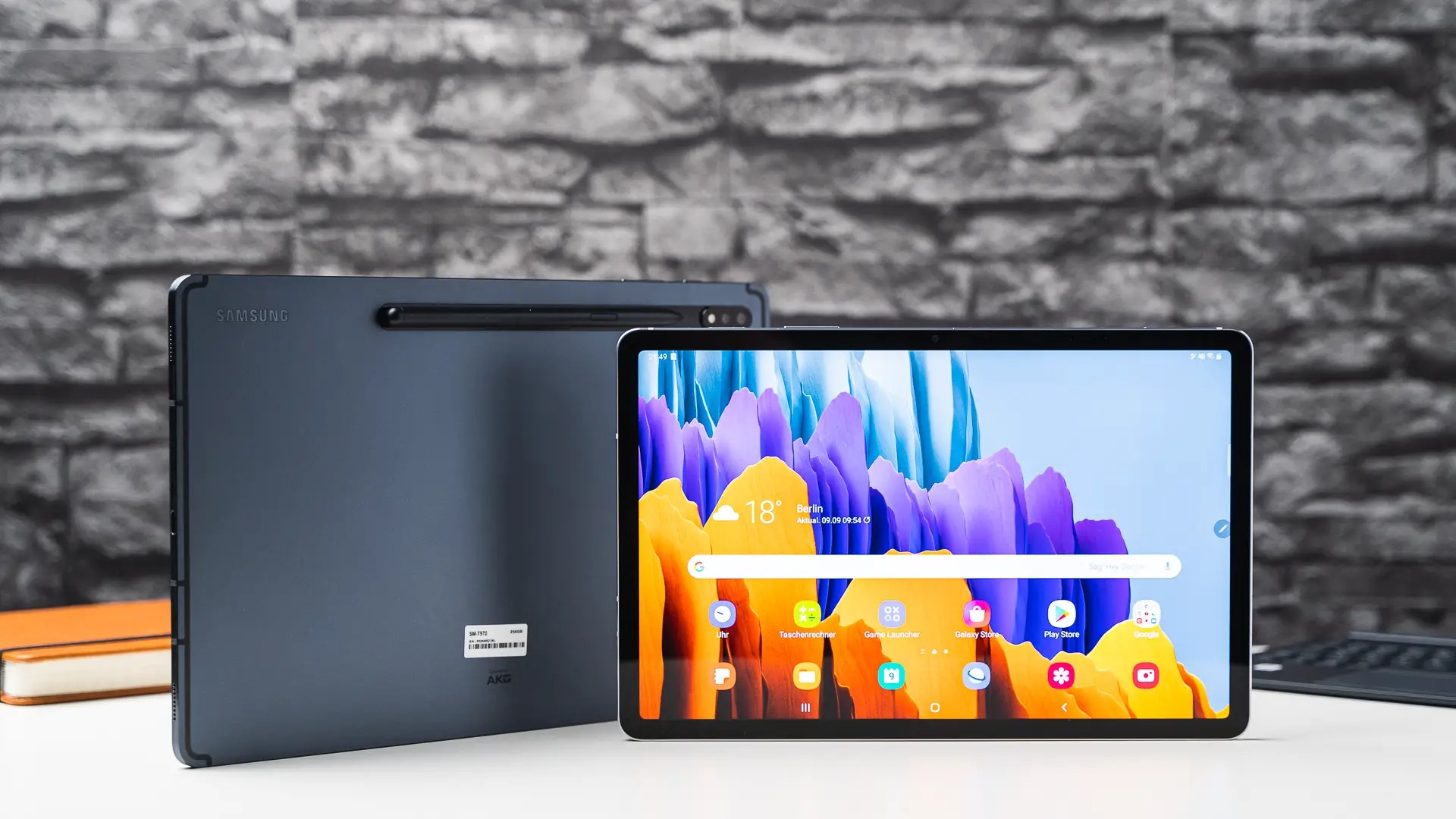
How To Make My Tablet A Hotspot

To make your tablet a hotspot and share its internet connection, you first need a tablet with cellular data capabilities and a carrier plan that specifically allows hotspot or tethering....

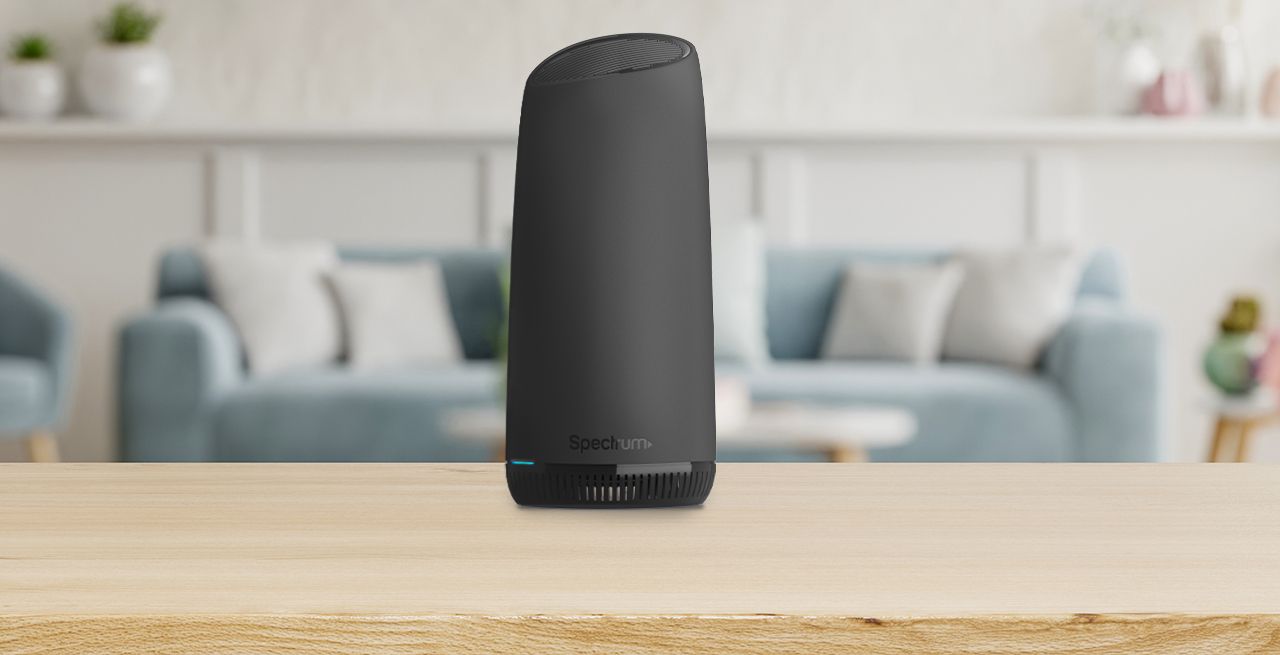
How To Use Spectrum Mobile Hotspot

Your Spectrum Mobile hotspot turns your phone into a portable Wi-Fi network, letting you connect a laptop, tablet, or other device to the internet using your plan’s cellular data. This...

How Far Does Hotspot Reach

A phone-based mobile hotspot typically reaches about 30 feet (10 meters) for an iPhone, which is the distance Apple documents for Personal Hotspot. For Android, Google does not publish a...