To reduce mobile data usage, you need to use the built-in data-saving settings on your phone, not find a mythical free unlimited plan. While no phone setting can give you truly free, unlimited cellular data, turning on Low Data Mode on iPhone or Data Saver on Android will drastically cut how much data your phone uses in the background.
Use low data mode on iPhone to reduce mobile data usage
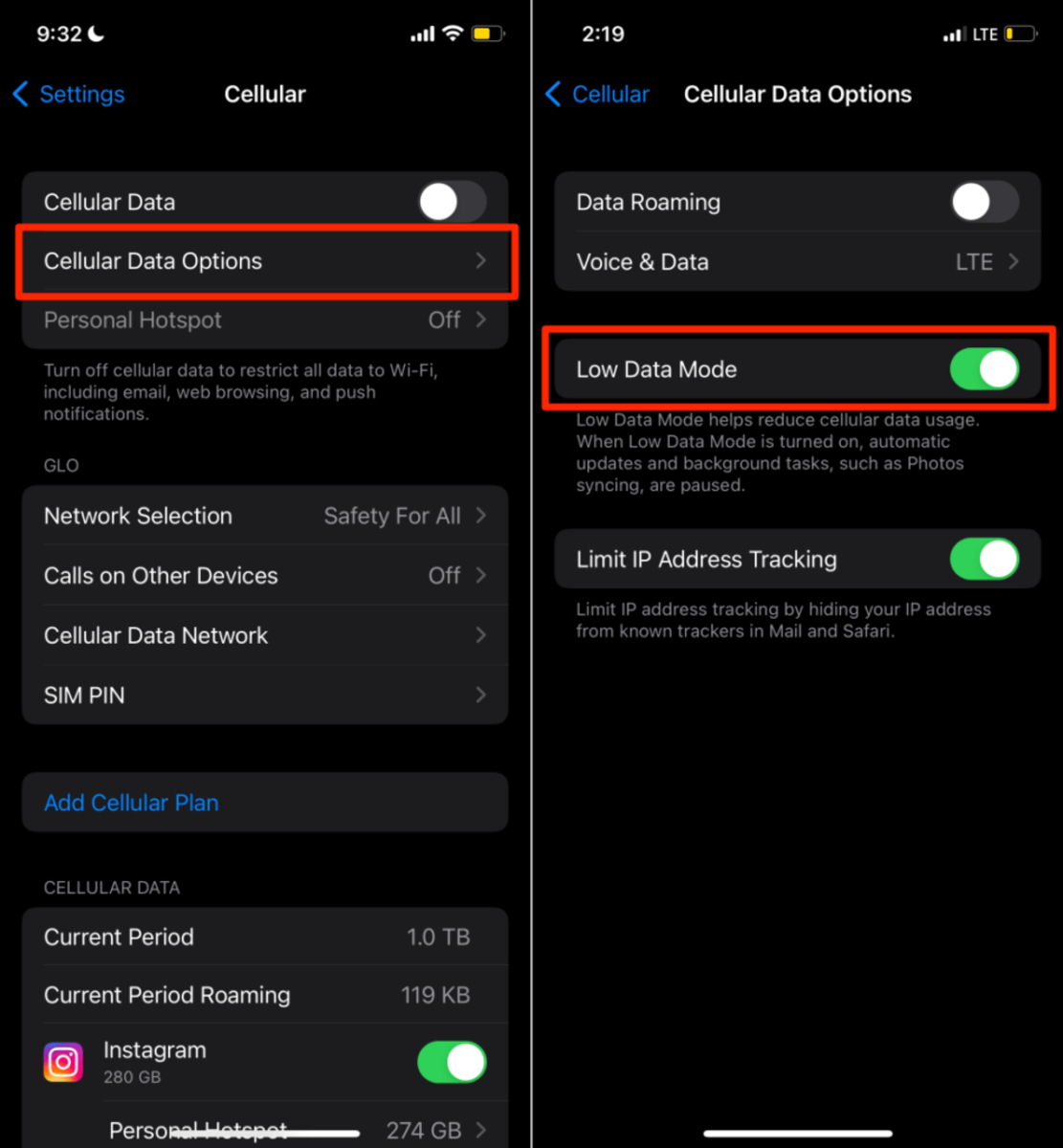
Low Data Mode is an official Apple setting that pauses background activity, reduces streaming quality, and stops automatic downloads and backups. You can enable it separately for each cellular line and each Wi‑Fi network you connect to.
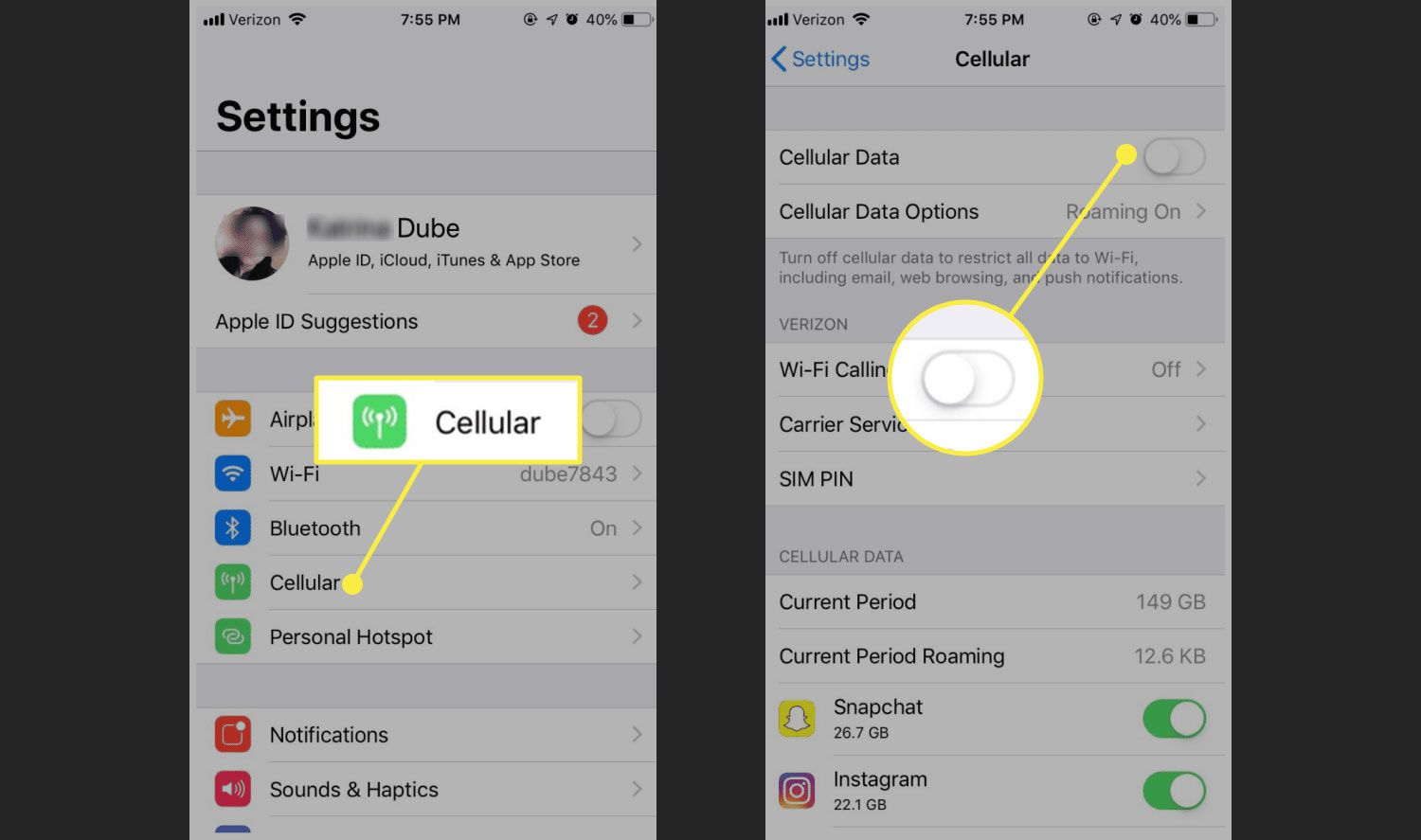
- For a cellular connection (5G/LTE): Go to Settings > Cellular > Cellular Data Options > Data Mode > Low Data Mode.
- For a Wi‑Fi network: Go to Settings > Wi‑Fi, tap the “i” next to the connected network, then turn on Low Data Mode.
- For Dual SIM: Go to Settings > Cellular or Mobile Data, choose one number, then turn on Low Data Mode.
Once enabled, Low Data Mode stops using network data when you are not actively using apps, turns off Background App Refresh, reduces streaming quality, turns off automatic downloads and backups, and pauses updates for services such as iCloud Photos. This feature is available on iPhone with iOS 13 and later. Manually adjust settings on social media and messaging apps to reduce image/video quality or enable data-saving modes.
Turn on Data Saver on Android
Data Saver limits background data to Wi‑Fi only, so most apps and services can only use mobile data when you are actively using them. This is the official way to reduce mobile data usage on Android devices.
- On a Pixel phone: Go to Settings > Network & internet > Data Saver and turn it on.
- To allow a specific app through Data Saver: Go to Settings > Network & internet > Data Saver > Unrestricted data and turn on the app or service.
Android Data Saver still allows currently active apps and services to use mobile data. This feature is documented for Android 7.0 and up, including Google Fi users. Employ Data Compression Techniques using apps like Opera Mini or Google's Data Saver browser extension to compress web pages before delivery.
Connect to Wi‑Fi whenever possible
Wi‑Fi is your primary tool for avoiding cellular data charges entirely. Whenever you are at home, work, a café, or a library, connect to a Wi‑Fi network to keep your mobile data untouched. For metered Wi‑Fi hotspots that have limited data or "hotspot data allowances," you can also turn on Low Data Mode on iPhone (via the Wi‑Fi network settings) to reduce background usage on that connection. Use file compression tools for documents, presentations, and images before sending to reduce data size.
Carrier-specific promotions may add data to your account, but these offers vary by region, plan, and eligibility. No universal free unlimited data offer is documented in official sources, so check your carrier’s own help center or app for any available deals. Use Data Reward Apps as a method to earn free data by completing tasks like watching ads, taking surveys, downloading apps, or referring friends.
Frequently Asked Questions
Is it really possible to get unlimited data for free?
No. Truly free, unlimited cellular data is not available through any documented phone setting or legitimate offer. Data-saving features reduce usage, and promotions or reward apps provide only limited amounts of extra data.
Are there any cell phone plans that offer unlimited data?
Yes, many carriers offer unlimited data plans, but these are paid monthly subscriptions, not free. Check with your specific carrier for current unlimited plan options and pricing.
How can I monitor my data usage to avoid going over my plan's limit?
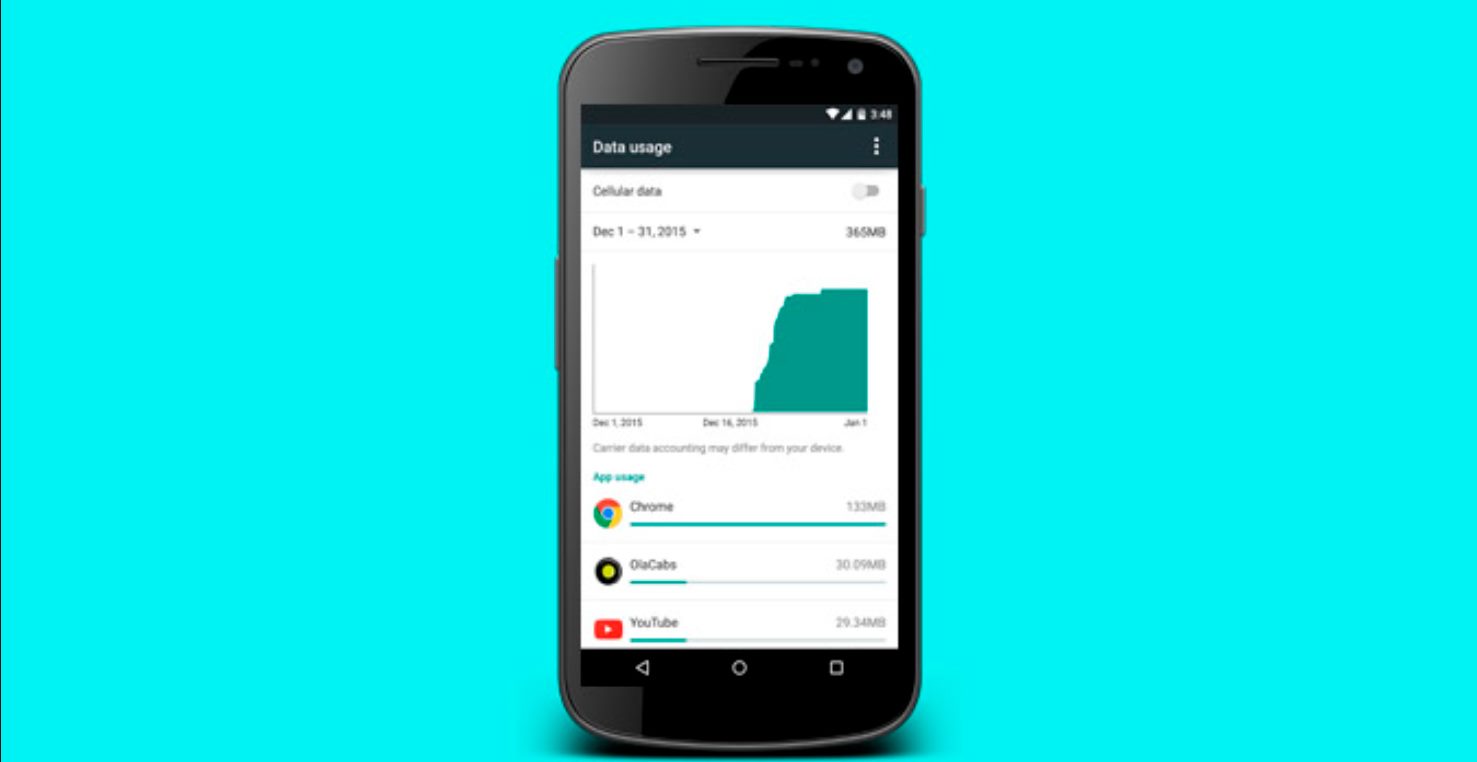
Both iPhone and Android have built-in data tracking. On iPhone, go to Settings > Cellular to see current period usage. On Android, go to Settings > Network & internet > Data usage. You can also set custom usage warnings and limits on Android.
Can I get unlimited data for free by using a VPN?
No. A VPN does not give you free data; it only encrypts your connection. Your mobile data usage still counts against your plan, and a VPN can sometimes increase data consumption due to encryption overhead.
Will Low Data Mode or Data Saver affect my streaming quality?
Yes. Both modes reduce streaming quality to save data. On iPhone, Low Data Mode explicitly reduces video and music streaming quality.
Do data reward apps actually give you free unlimited data?
No. Data reward apps offer small amounts of data (often a few hundred megabytes) for completing tasks like watching ads or taking surveys. They do not provide unlimited data and are not a documented alternative to your carrier plan.
Does airplane mode or turning off cellular data save data?
Yes, but only because you stop using data entirely. This is not a practical way to reduce mobile data usage while staying connected. Low Data Mode and Data Saver are designed to let you keep using your phone while minimizing data consumption.
Can I use Low Data Mode on an older iPhone?
Low Data Mode is documented for iOS 13 and later. If your iPhone cannot update to at least iOS 13, this feature is not available. On older Android devices, Data Saver is available on Android 7.0 and up.
Related reading: How To Turn Low Data Mode Off and How To Connect A Wireless Access Point.