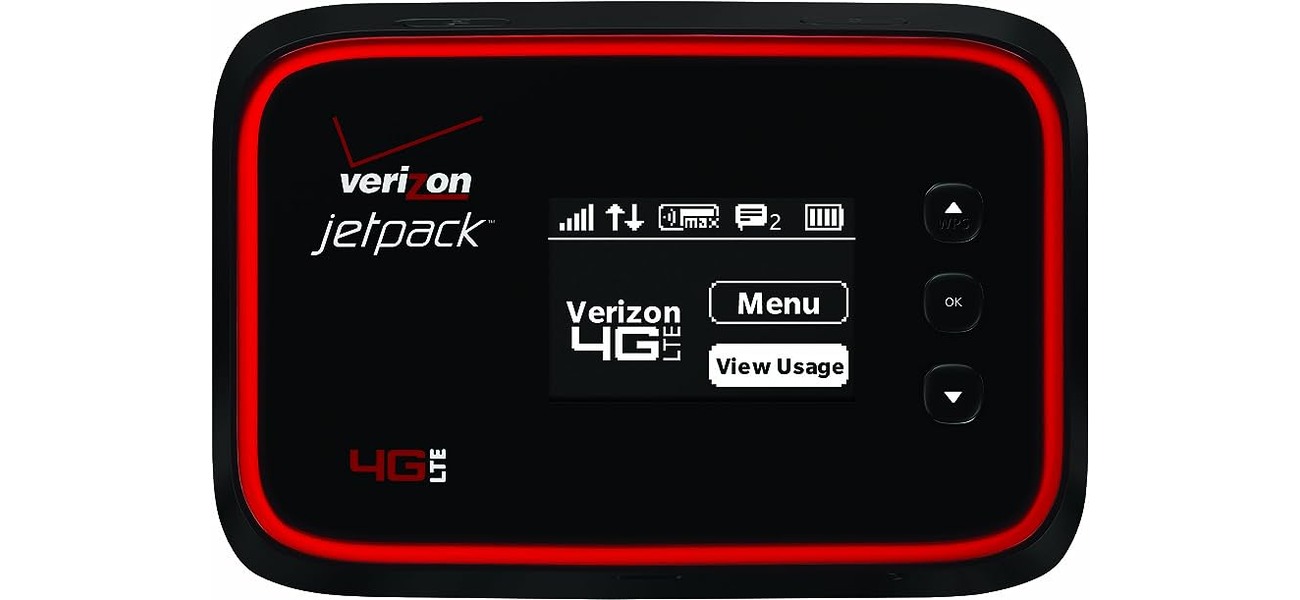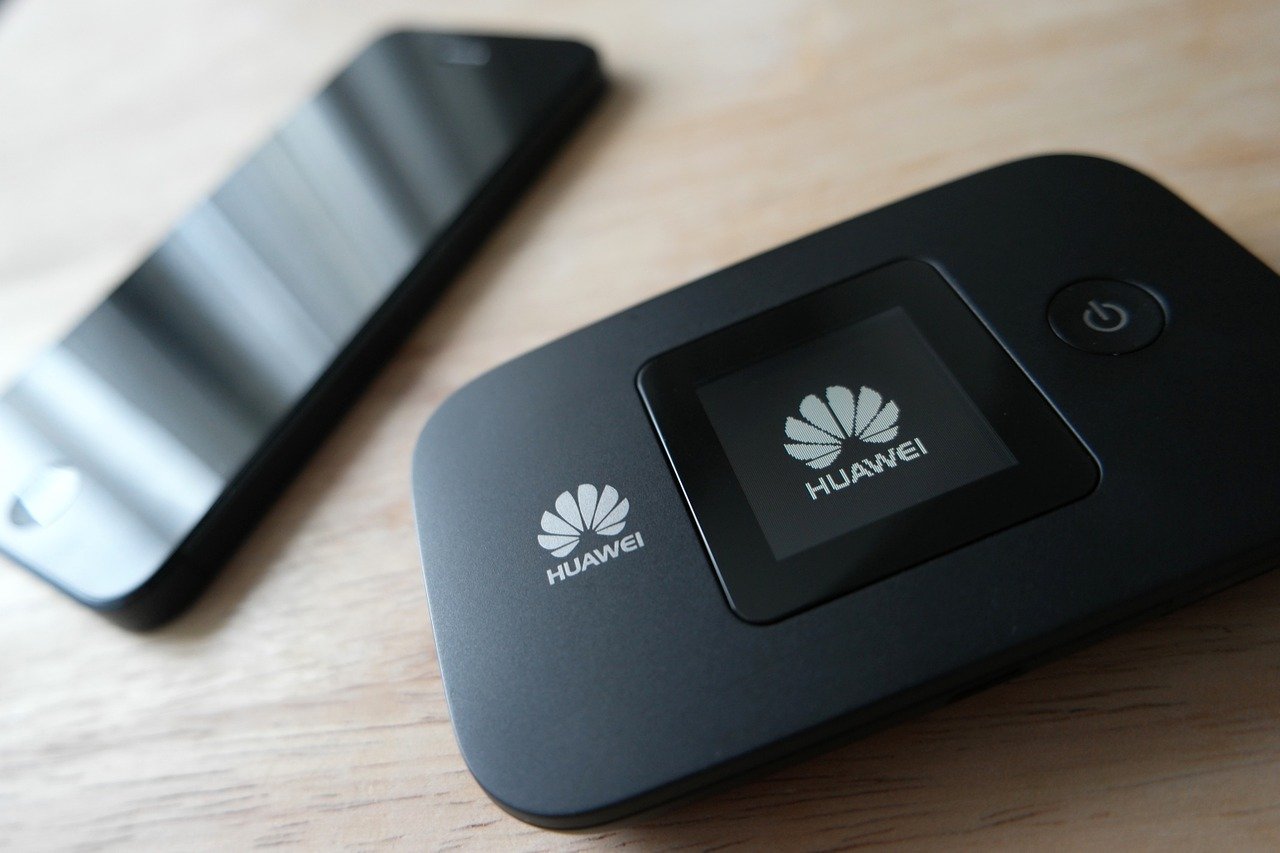
A handheld in this context is a phone or mobile device that creates a portable internet connection for other devices through hotspot or tethering. Apple calls this feature Personal Hotspot, while Google documents it as Hotspot or tethering on Android.
What is a handheld?
A handheld is a phone or similar mobile device used to create a portable internet connection for other devices through hotspot or tethering. On iPhone, Apple documents this as Personal Hotspot; on Android, Google documents it as Hotspot or tethering. The first handheld device to gain widespread popularity was the Palm Pilot, released in 1996. It revolutionized the concept of a personal digital assistant (PDA) and paved the way for future handheld devices. Understanding this definition of a mobile device helps you turn your phone into a Wi‑Fi source for laptops, tablets, or other phones when you need internet on the go.
Key takeaways
- A handheld hotspot shares your device’s cellular data connection, not a Wi‑Fi network already joined on the phone.
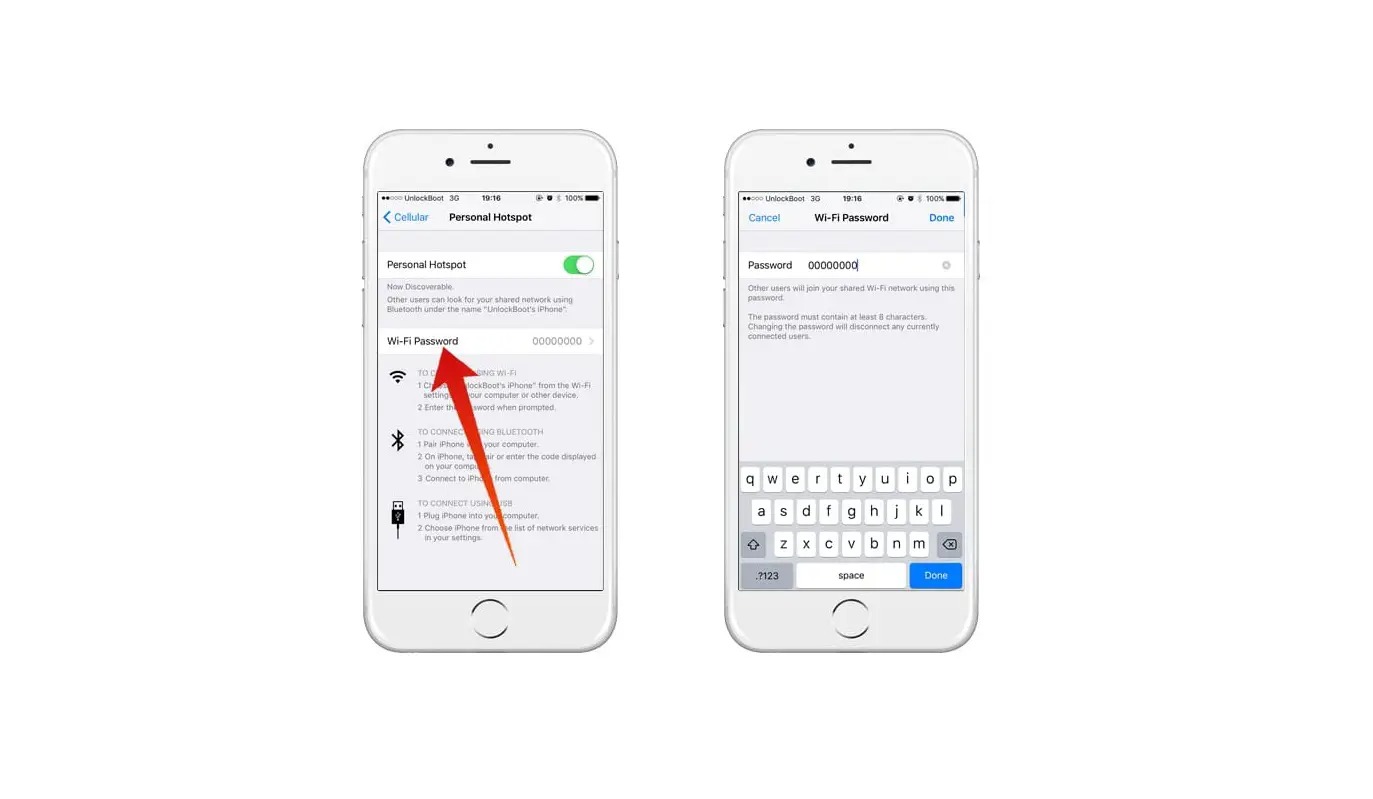
- On iPhone, hotspot setup is under Settings > Personal Hotspot or Settings > Cellular > Personal Hotspot.
- On Android, hotspot setup is under Settings > Network & internet > Hotspot & tethering > Wi‑Fi hotspot on Pixel phones, and Quick Settings on other Android phones if the Hotspot tile is added.
- Apple documents a 30‑foot / 10‑meter proximity requirement for Instant Hotspot.
- Google Fi documents a portable Wi‑Fi hotspot limit of up to 10 devices at a time.
How to set up a handheld hotspot on iPhone
- Open Settings.
- Tap Personal Hotspot, or tap Cellular then Personal Hotspot.
- Turn on Allow Others to Join.
If Personal Hotspot is unavailable, open Settings > Cellular and make sure Cellular Data is turned on. If Personal Hotspot does not work, Apple says to go to Settings > General > Transfer or Reset [device] > Reset > Reset Network Settings. iPhone 12 models or later, iPad Pro 11‑inch (3rd generation or later), iPad Pro 12.9‑inch (5th generation or later), and iPad mini (6th generation) can use Maximize Compatibility under Settings > Personal Hotspot.
How to set up a handheld hotspot on Android
- Swipe down from the top of the screen.
- Tap Hotspot.
- If Hotspot is not shown, tap Edit in the bottom left and drag Hotspot into Quick Settings.
Turn on Wi‑Fi hotspot. To change hotspot details on Pixel, tap the hotspot setting you want to change, such as the name or password.
How other devices connect to your handheld
On iPhone, Apple says other devices can connect through Wi‑Fi settings, Bluetooth, or USB. On Android, open the other device’s Wi‑Fi list, choose the phone’s hotspot name, enter the hotspot password, and tap Connect. On iPhone, Apple says devices must be within 30 feet (10 meters) of each other for Instant Hotspot. For mobile phone basics, this proximity requirement means you keep your phone close to the device you want to connect.
Portability and limits
Apple describes Personal Hotspot as a temporary, portable Wi‑Fi network. Apple says you can connect another iPhone, iPad, Mac, Windows device, and more to the hotspot. Google Fi says a Pixel or Google Fi phone can share its internet connection with up to 10 devices at a time.
Frequently Asked Questions
Does using a handheld hotspot use my phone’s data?
Yes. A handheld hotspot shares your phone’s cellular data connection, so any data used by connected devices counts against your mobile data plan.
Can I use a handheld hotspot while on a call?
On most phones, you can use a hotspot while on a call, but your carrier may restrict this depending on your plan. Some carriers require a specific tethering plan for simultaneous voice and data.
Will a handheld hotspot work internationally?
It depends on your carrier and roaming policy. Many carriers allow hotspot use while roaming, but data speeds and costs may differ. Check with your carrier before traveling.
Why is my hotspot not showing up on other devices?
Ensure the hotspot is turned on, the password is correct, and devices are within 30 feet (10 meters) of each other. On iPhone, check that Allow Others to Join is enabled. On Android, verify that Wi‑Fi hotspot is turned on in settings.
How do I know which devices are connected to my handheld hotspot?
On iPhone, the Personal Hotspot screen shows the number of connected devices. On Android, the Hotspot settings page typically lists connected devices under the hotspot name.
For the wider topic, see mobile phone basics.
Related reading: Best Mobile Phone: Ultimate Guide to Mobile Phones for Every Lifestyle.