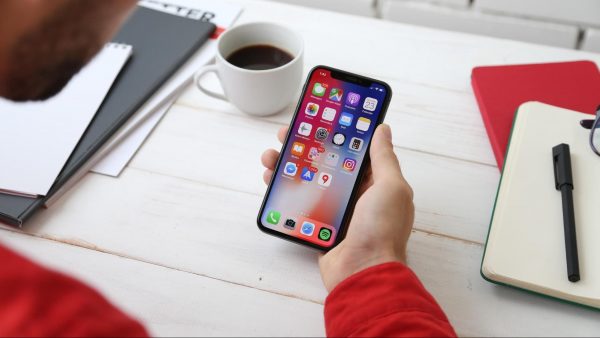
This tag collects articles about using a Chromebook alongside your phone and other devices, written for anyone who owns a Chromebook and wants to get the most out of it. Whether you are trying to connect your phone, a wireless mouse, or a printer, these guides cover the practical steps you need to make everything work together.
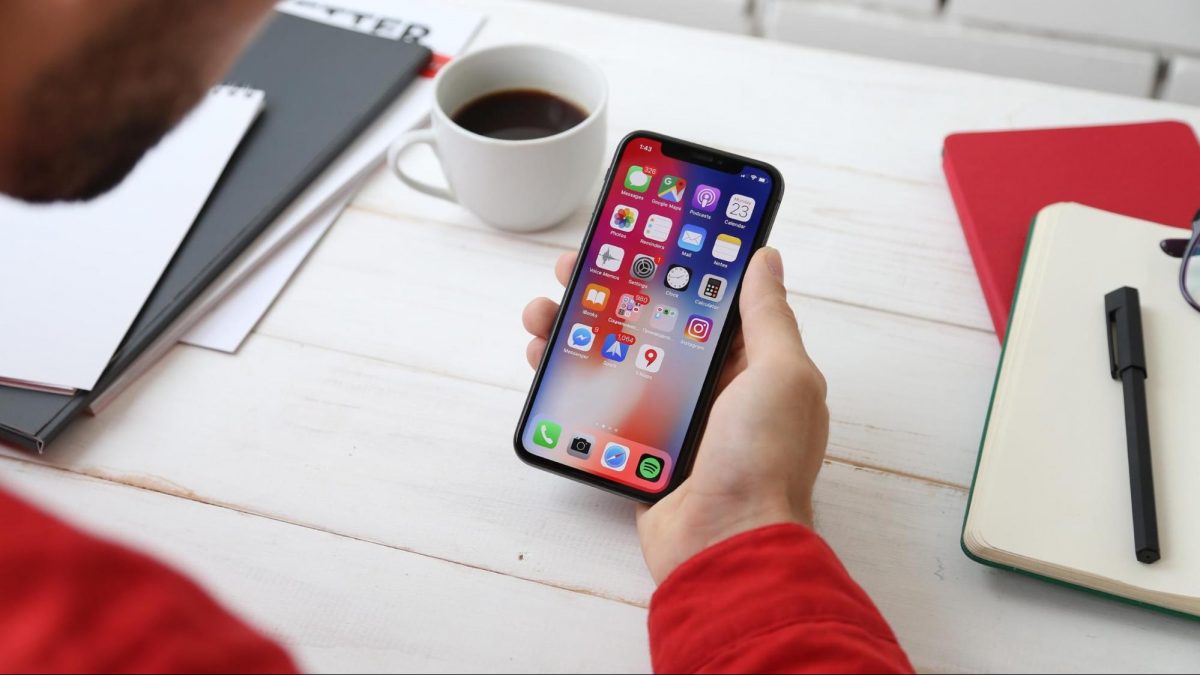
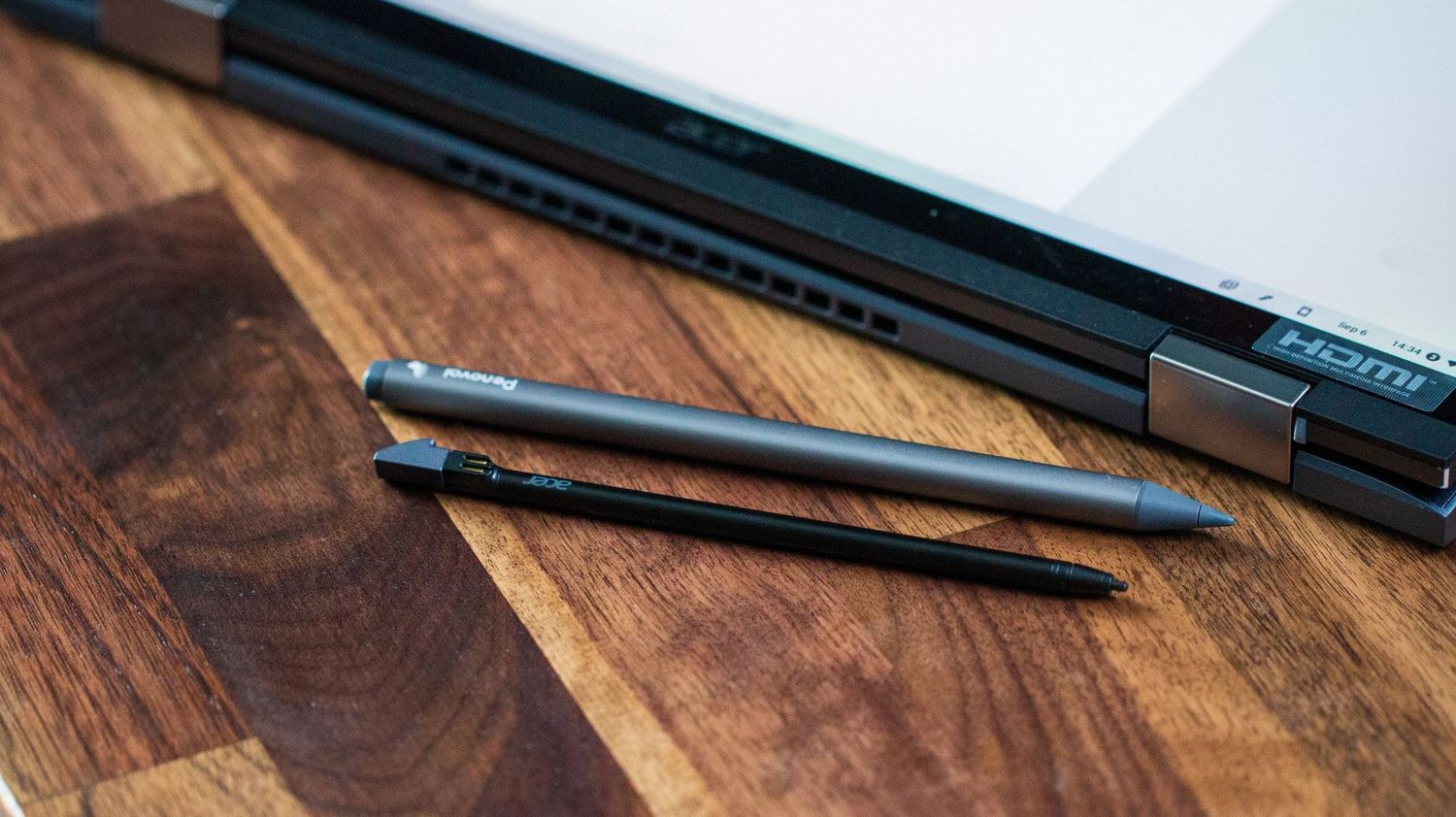
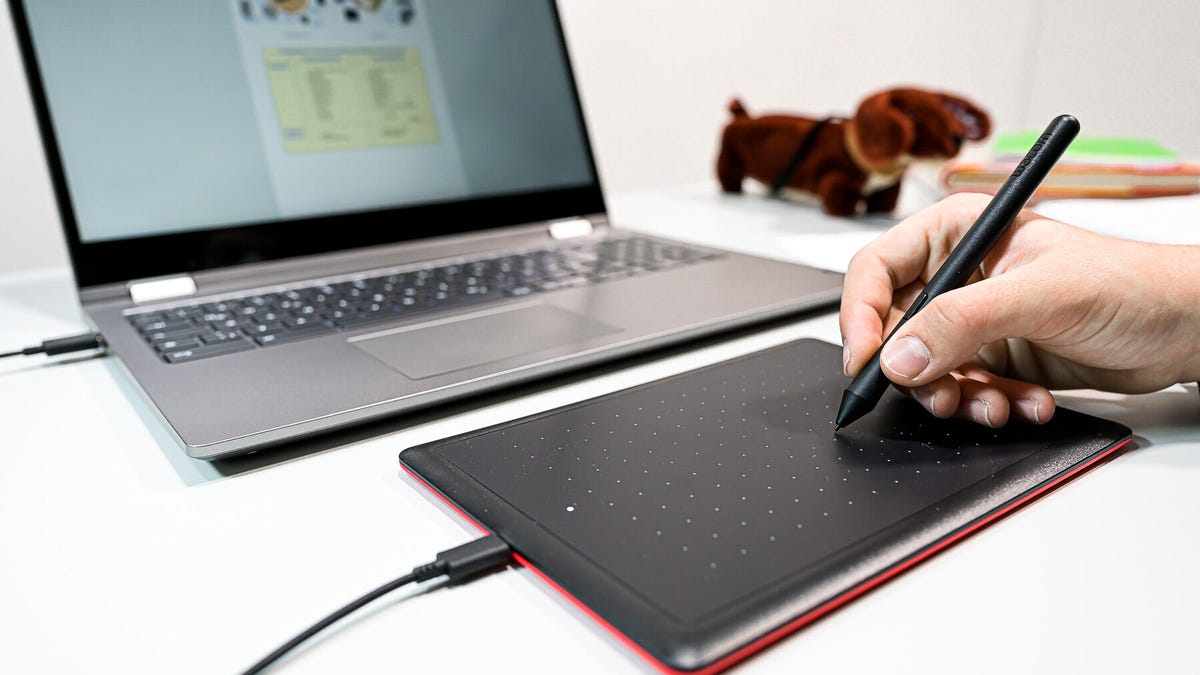
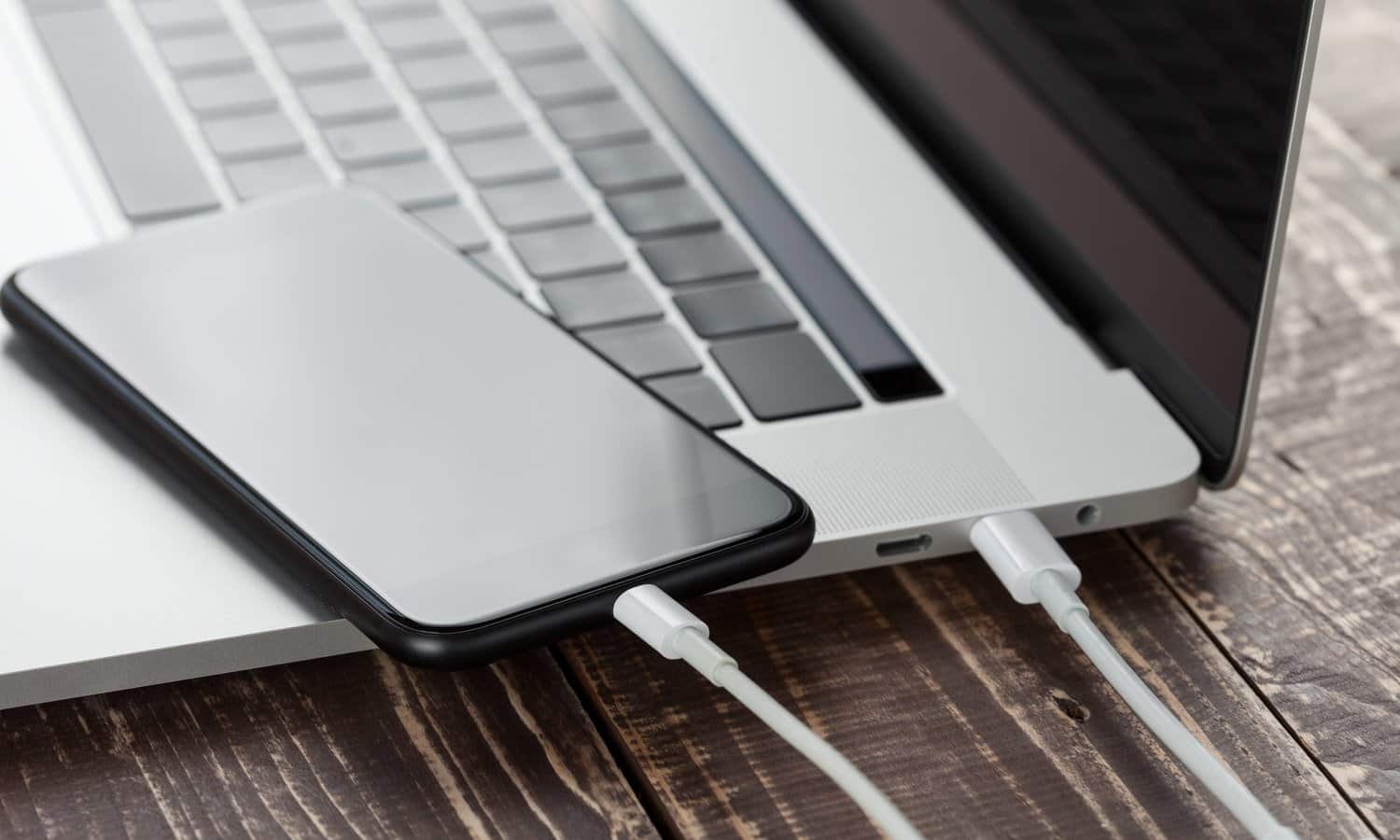
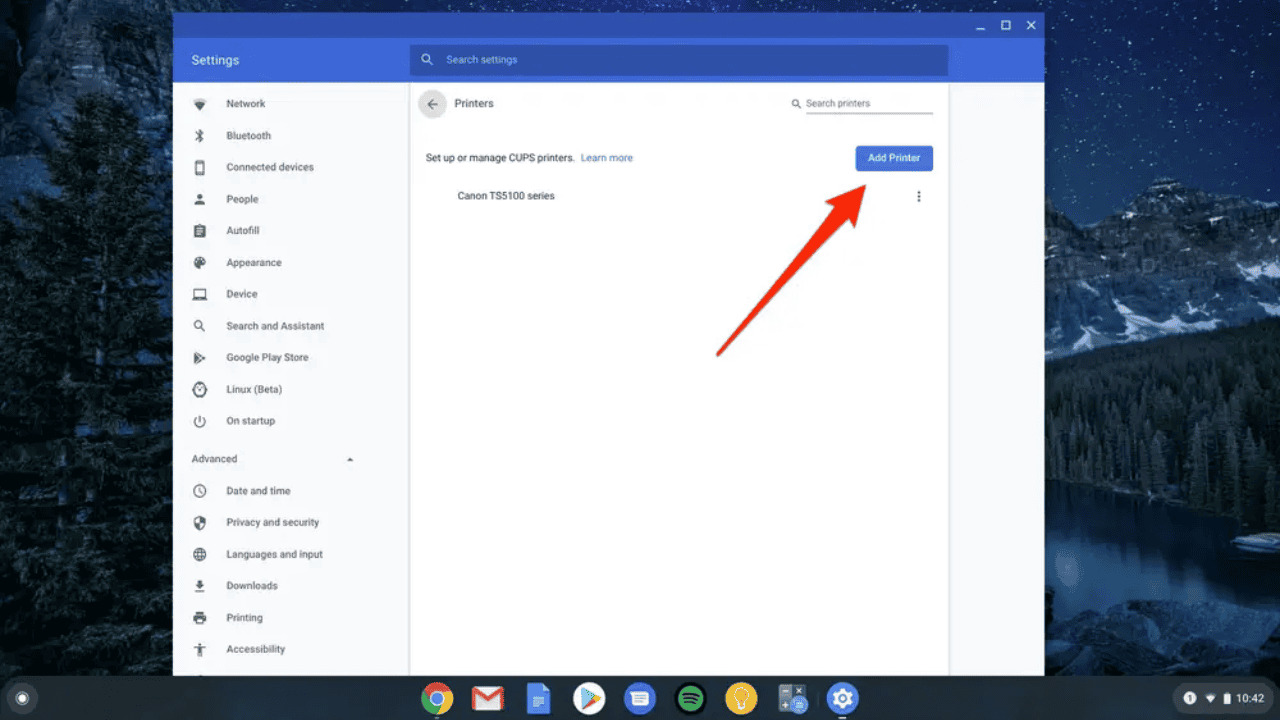
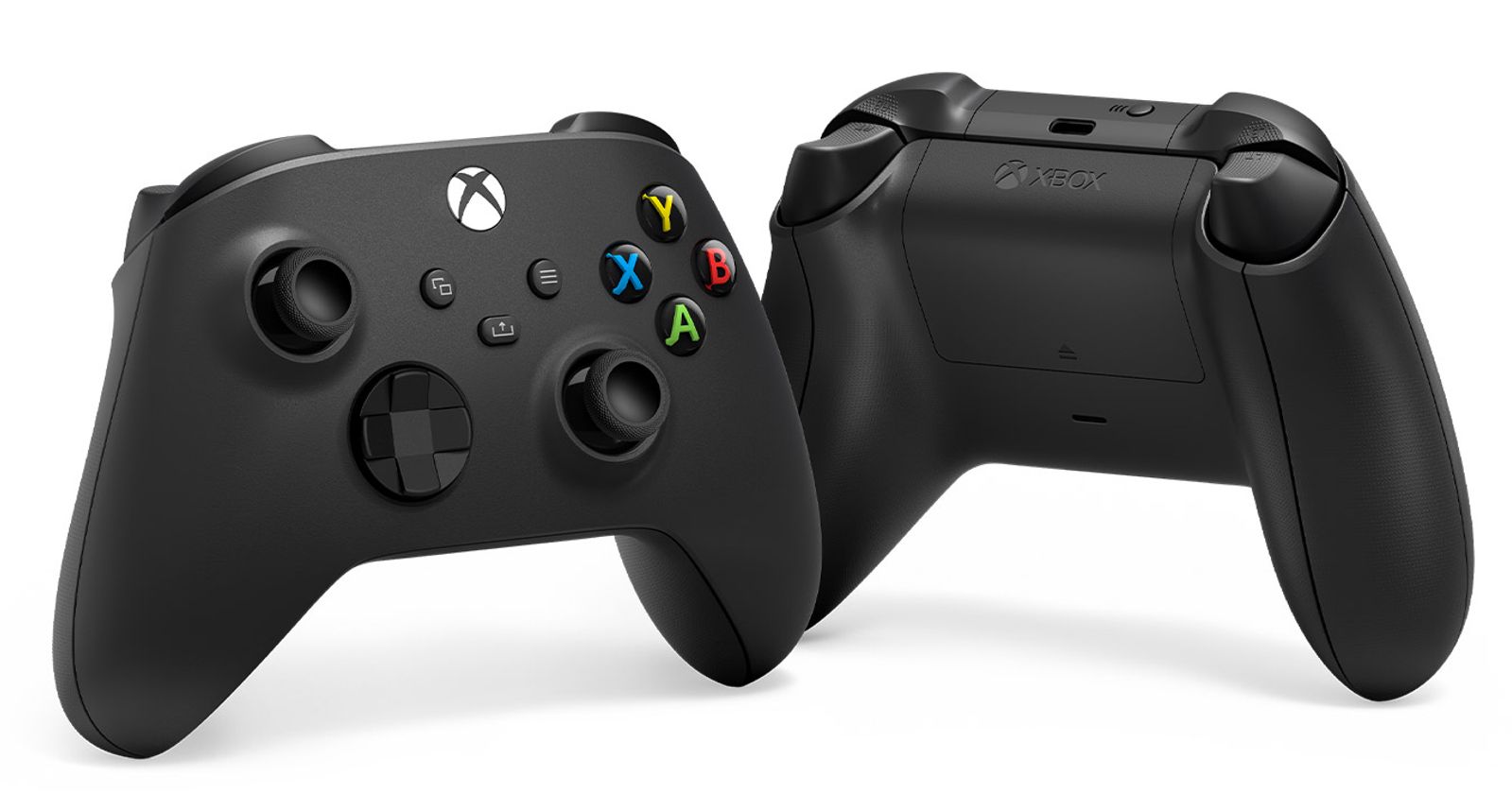
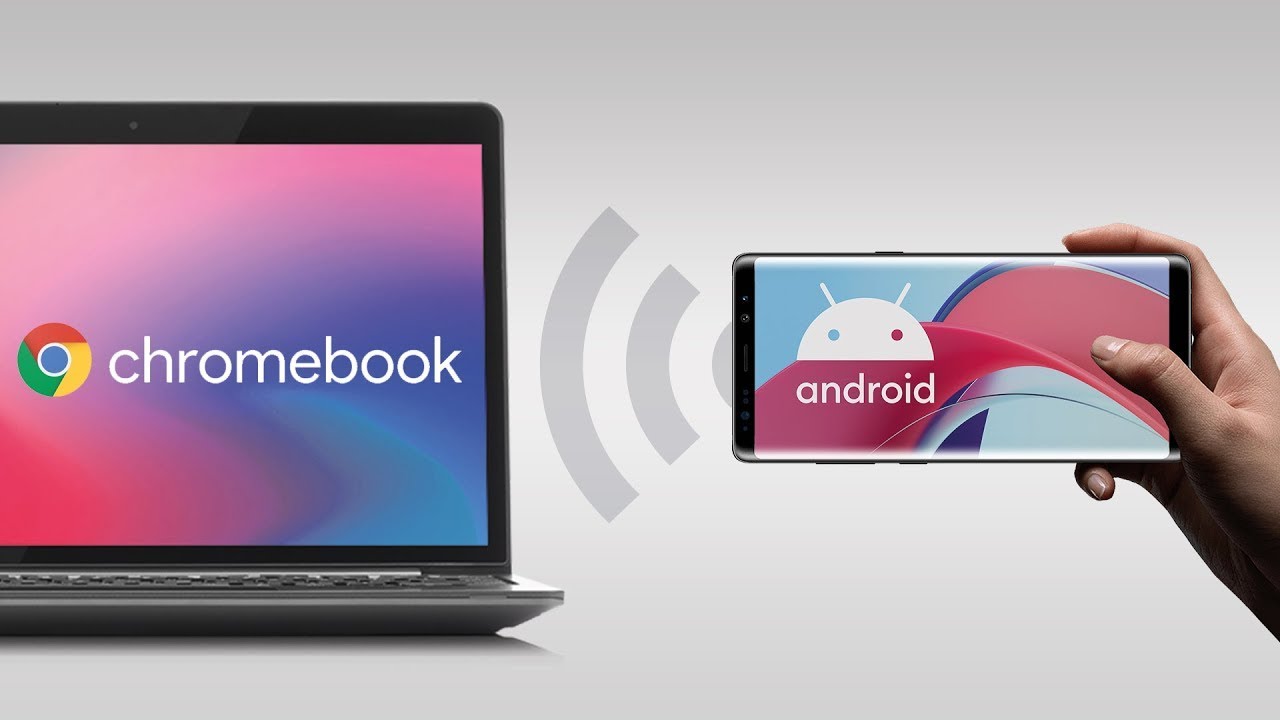
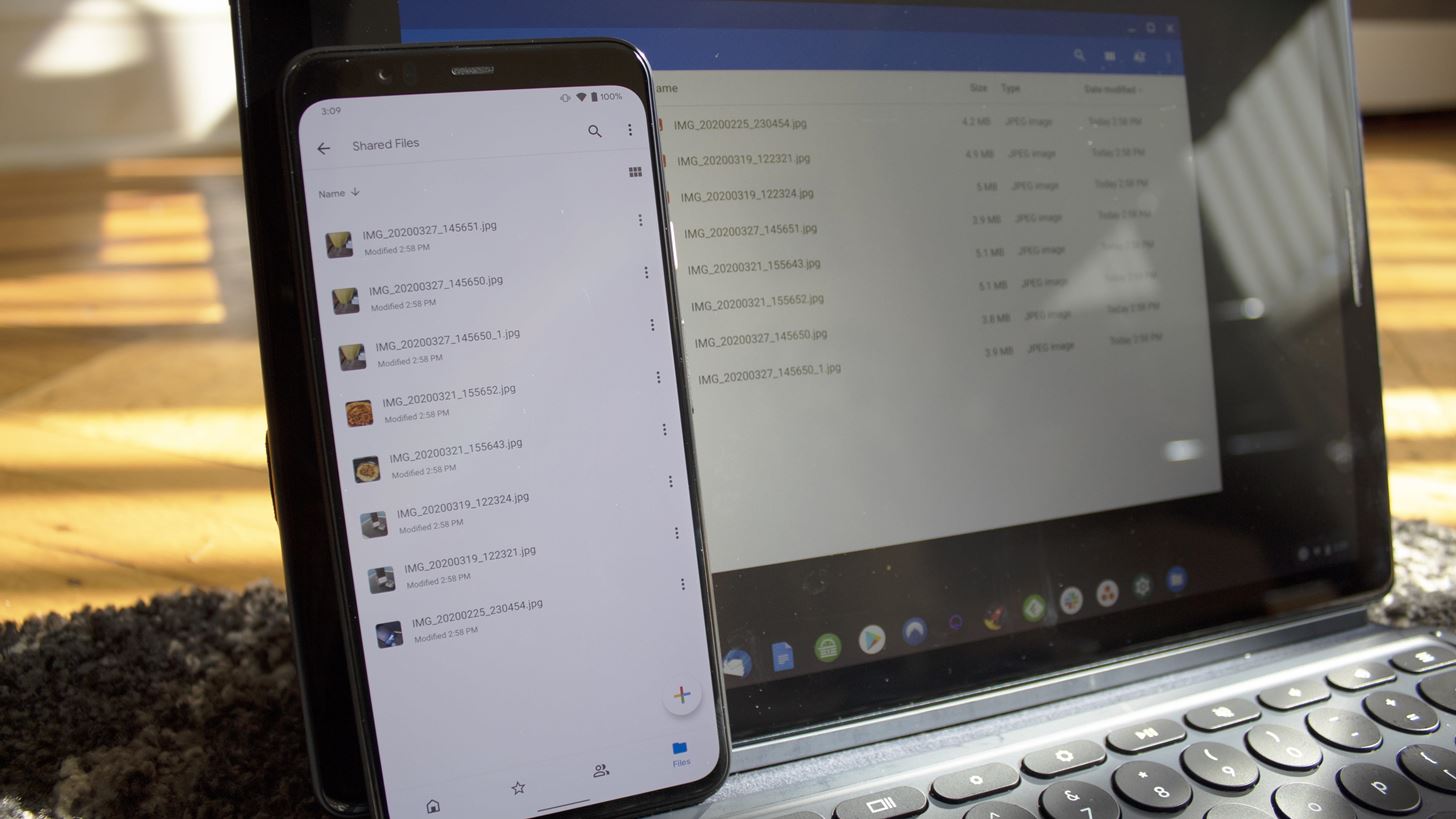
The articles solve two main kinds of problems. One group focuses on connecting devices, such as how to connect a wireless Xbox controller, how to mirror your phone to your Chromebook, and how to connect your Chromebook to a Canon wireless printer. Another set of articles helps with common settings and hardware issues, including how to turn off the touchscreen, how to take off the magnifier, and how to get the stylus out of a Chromebook. You will also find guides on transferring photos from an Android phone to a Chromebook and sending pictures from your phone to your Chromebook.
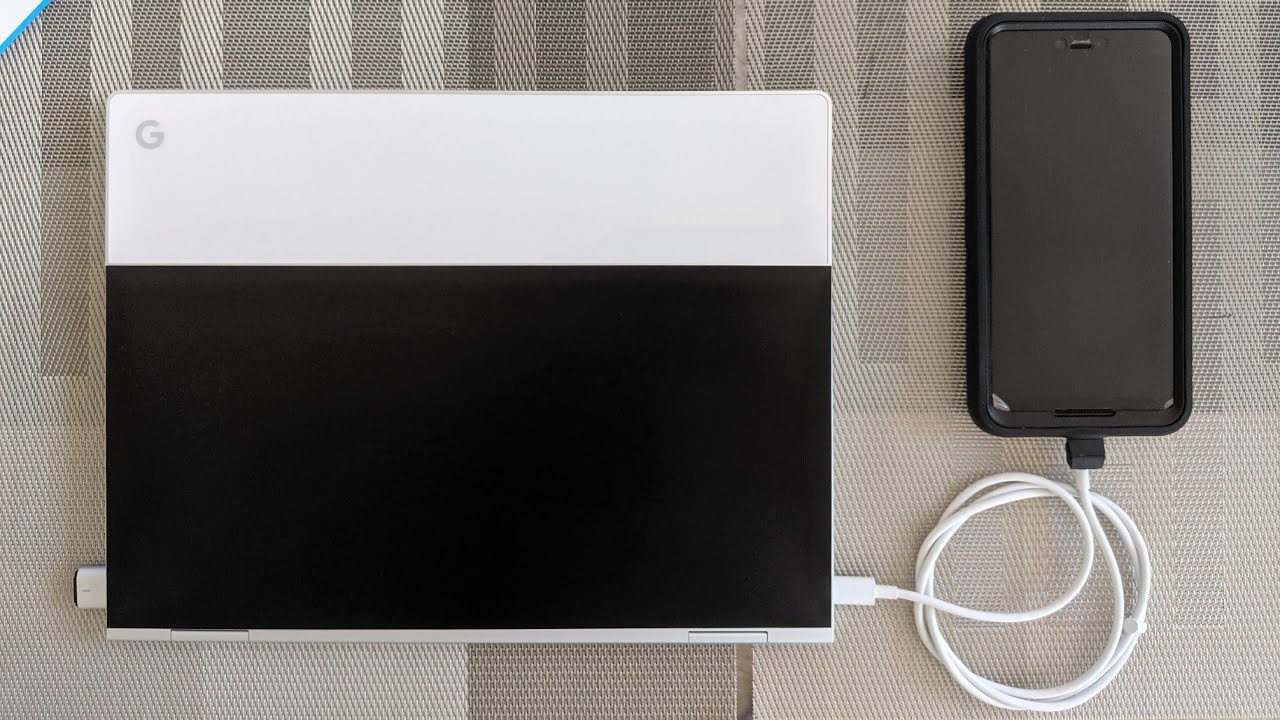
These articles help the reader perform specific tasks like charging a Chromebook with a phone charger, using a Chromebook as a hotspot, and connecting a stylus. They are straightforward, step-by-step solutions for everyday Chromebook problems.