Practical how-to guides for anyone using Dell laptops, monitors, or peripherals, particularly those navigating connectivity and wireless setups. Whether you are a home user, a remote worker, or someone managing multiple devices, these articles focus on solving common, everyday frustrations with Dell hardware.
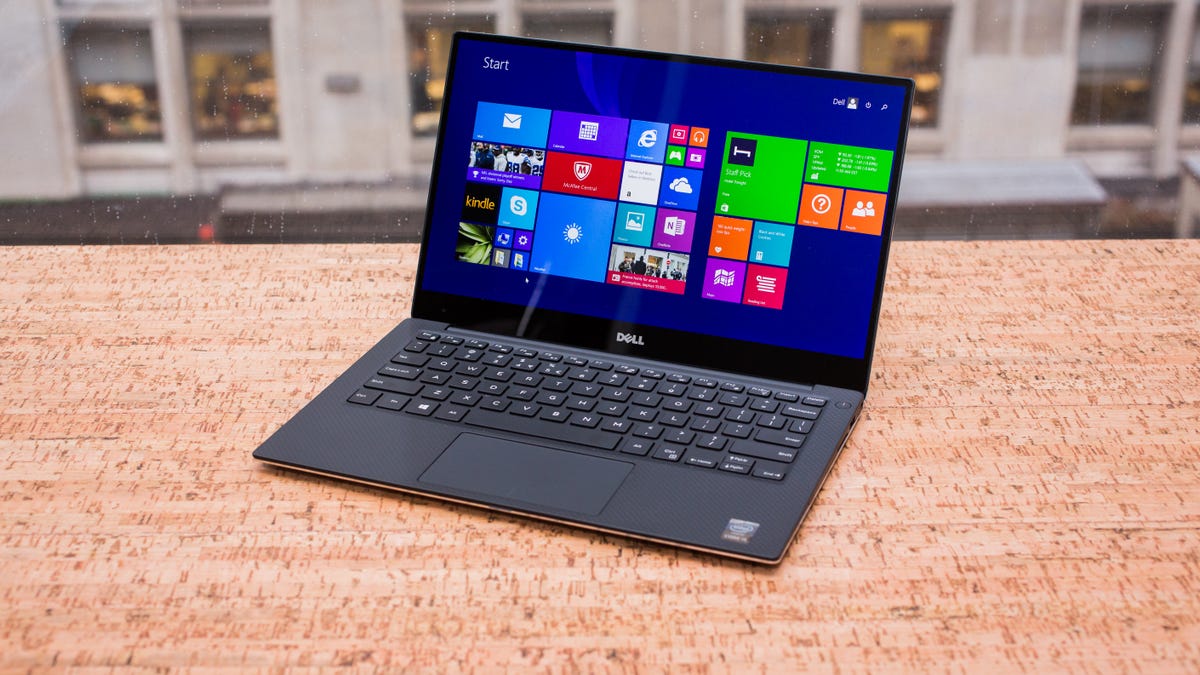
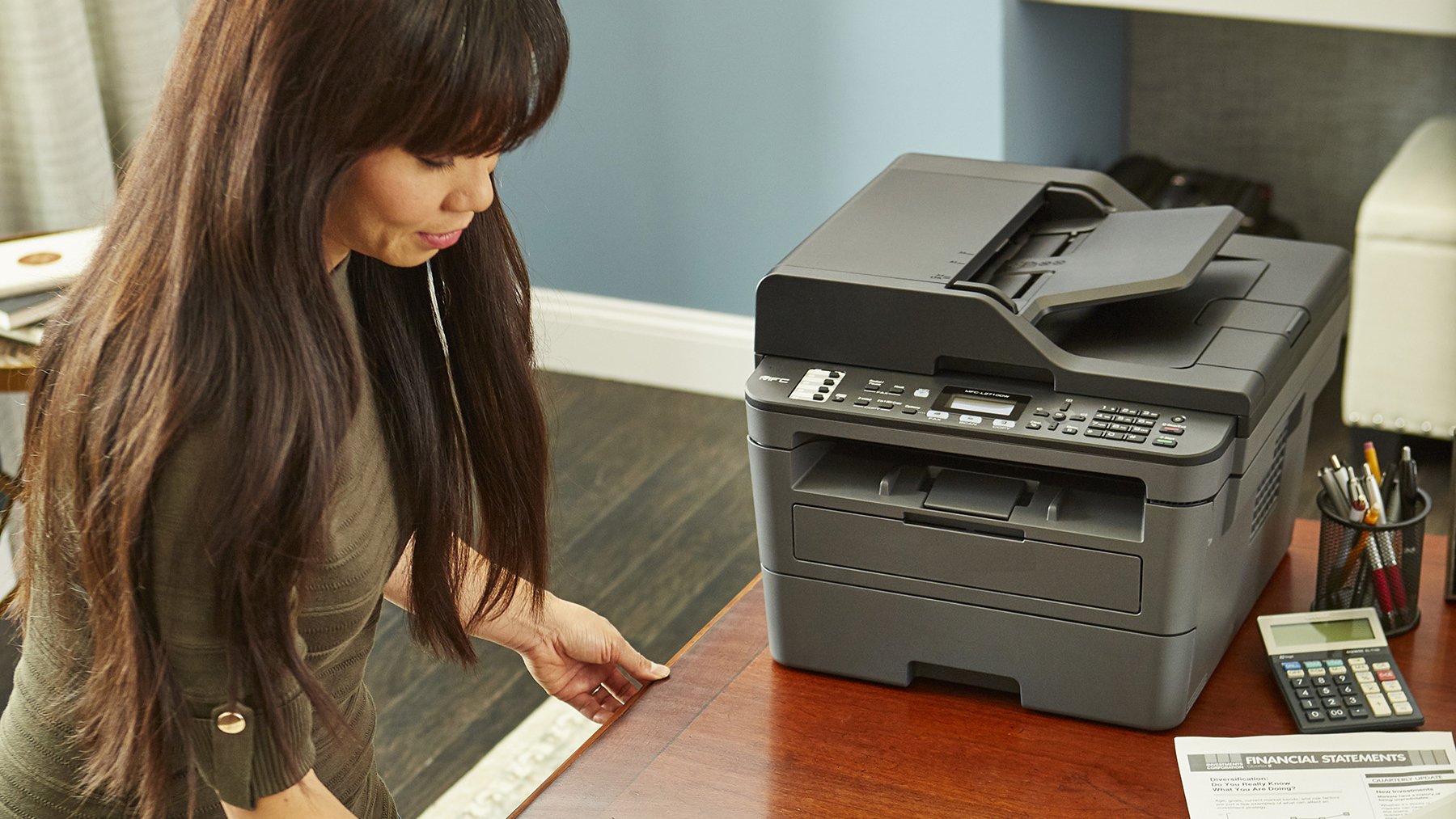
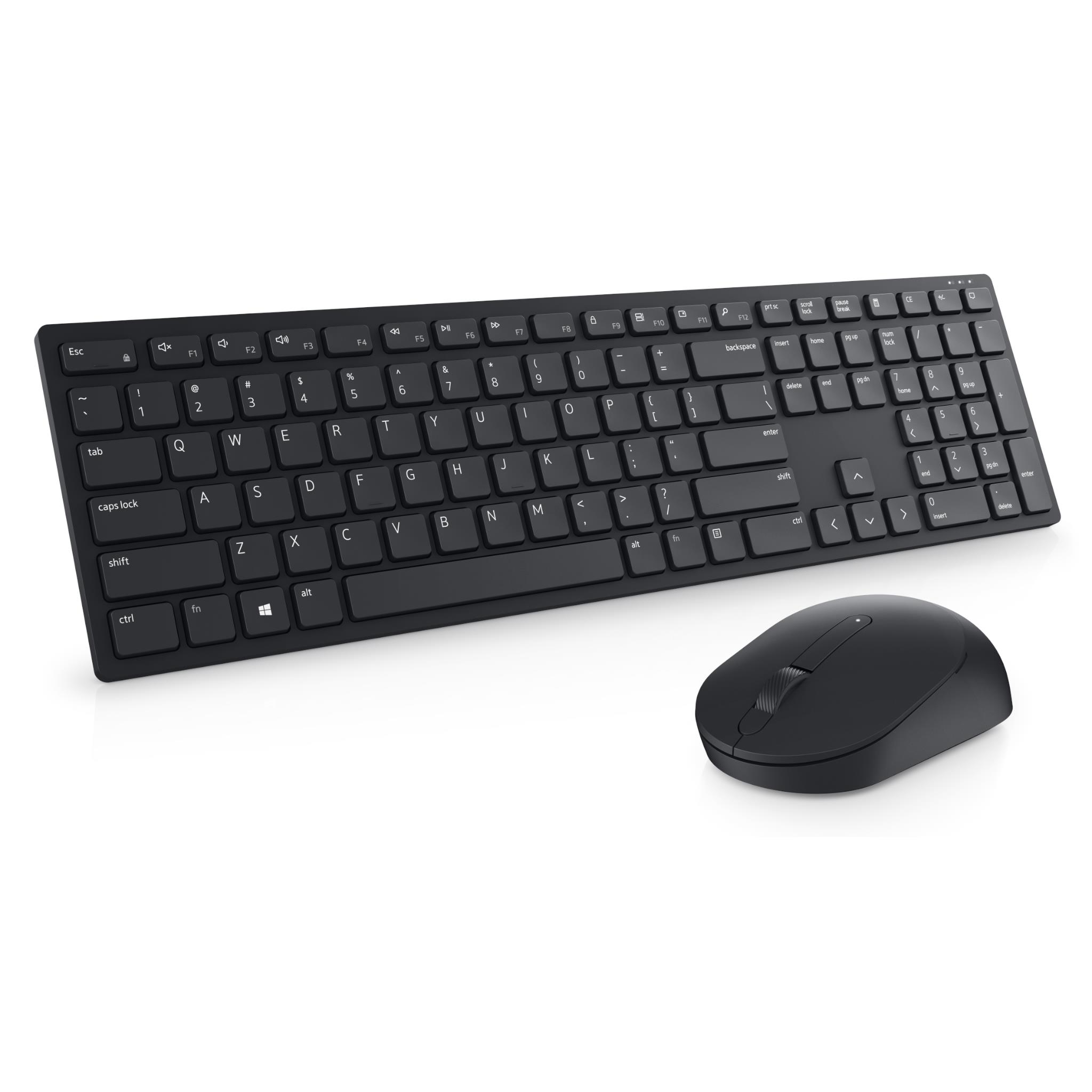
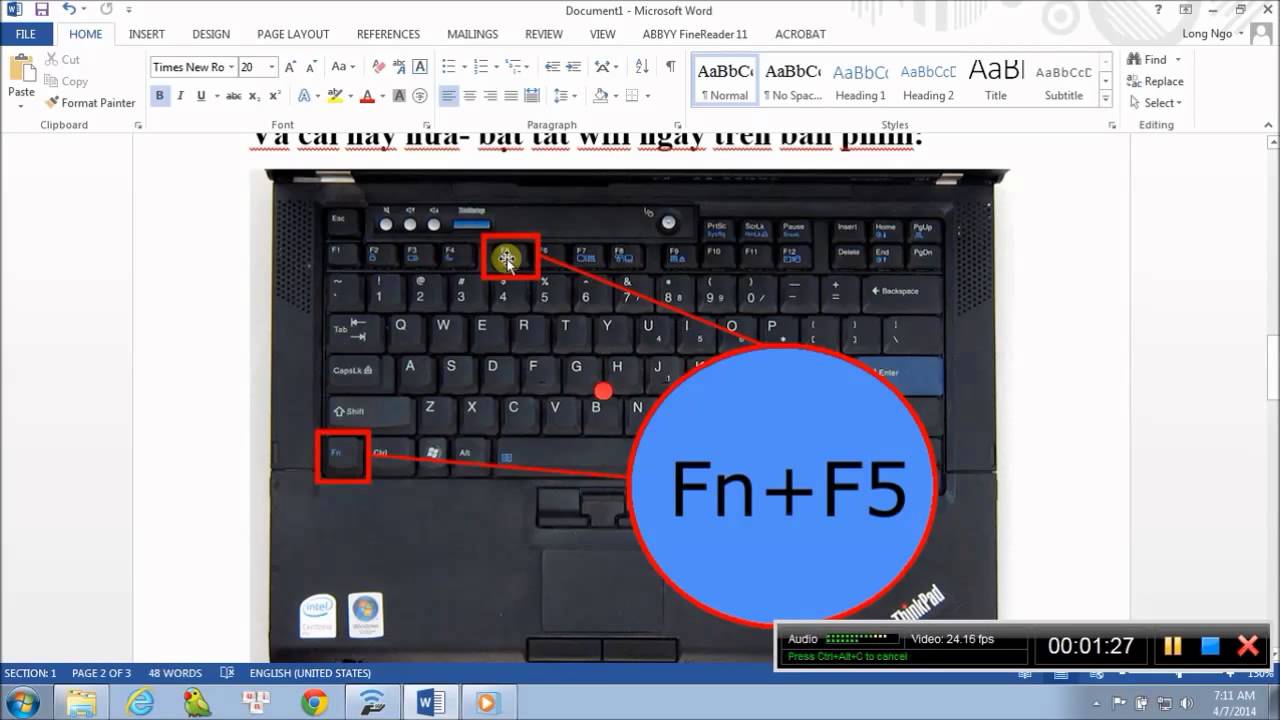
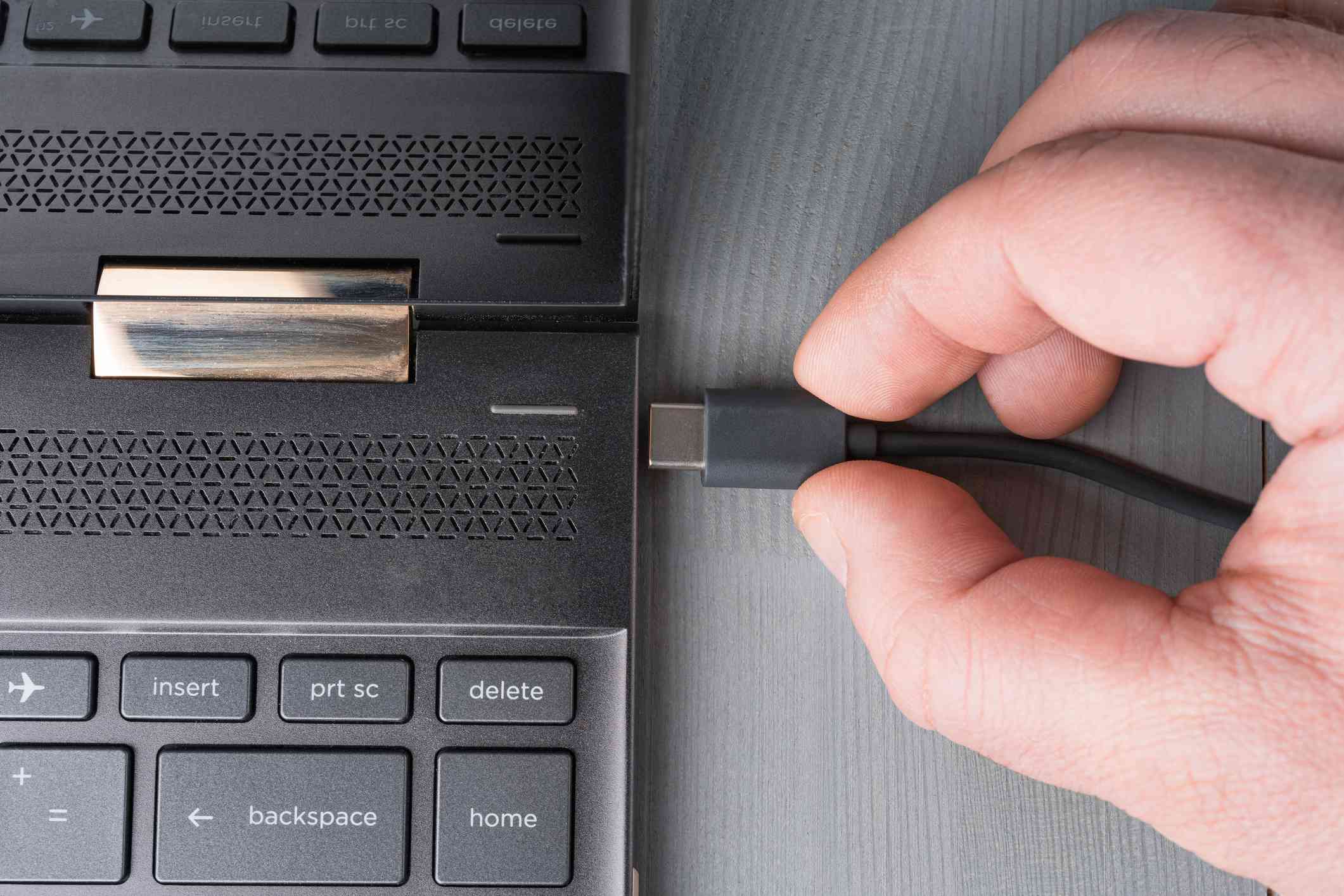
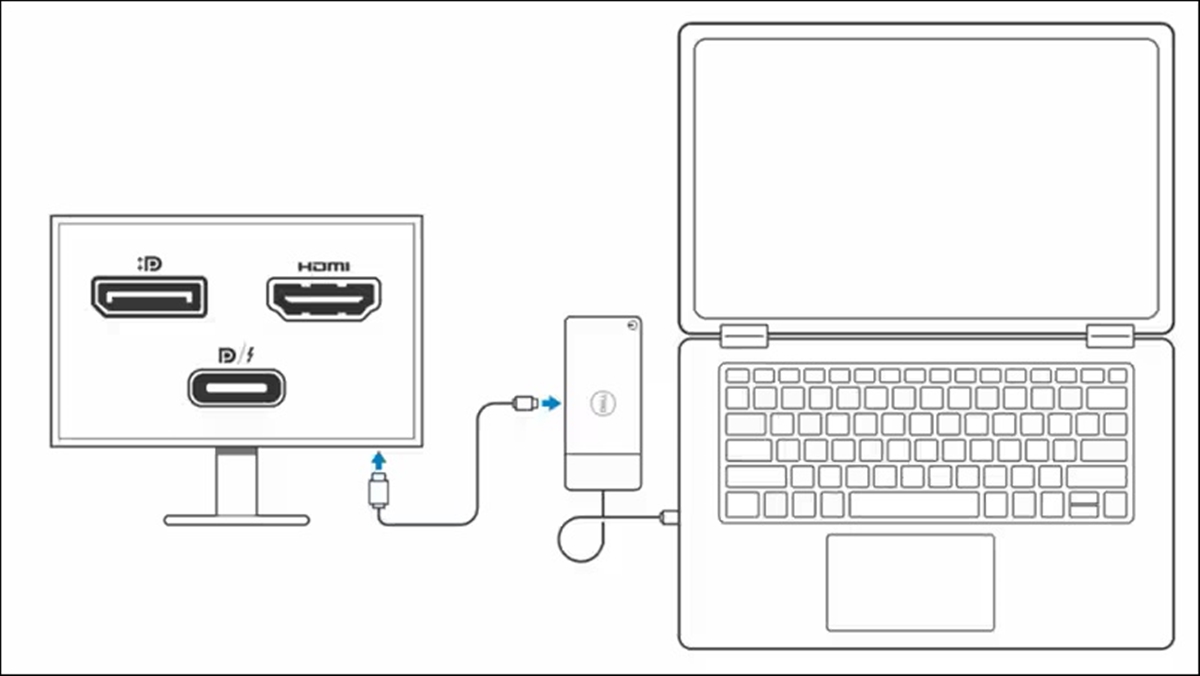
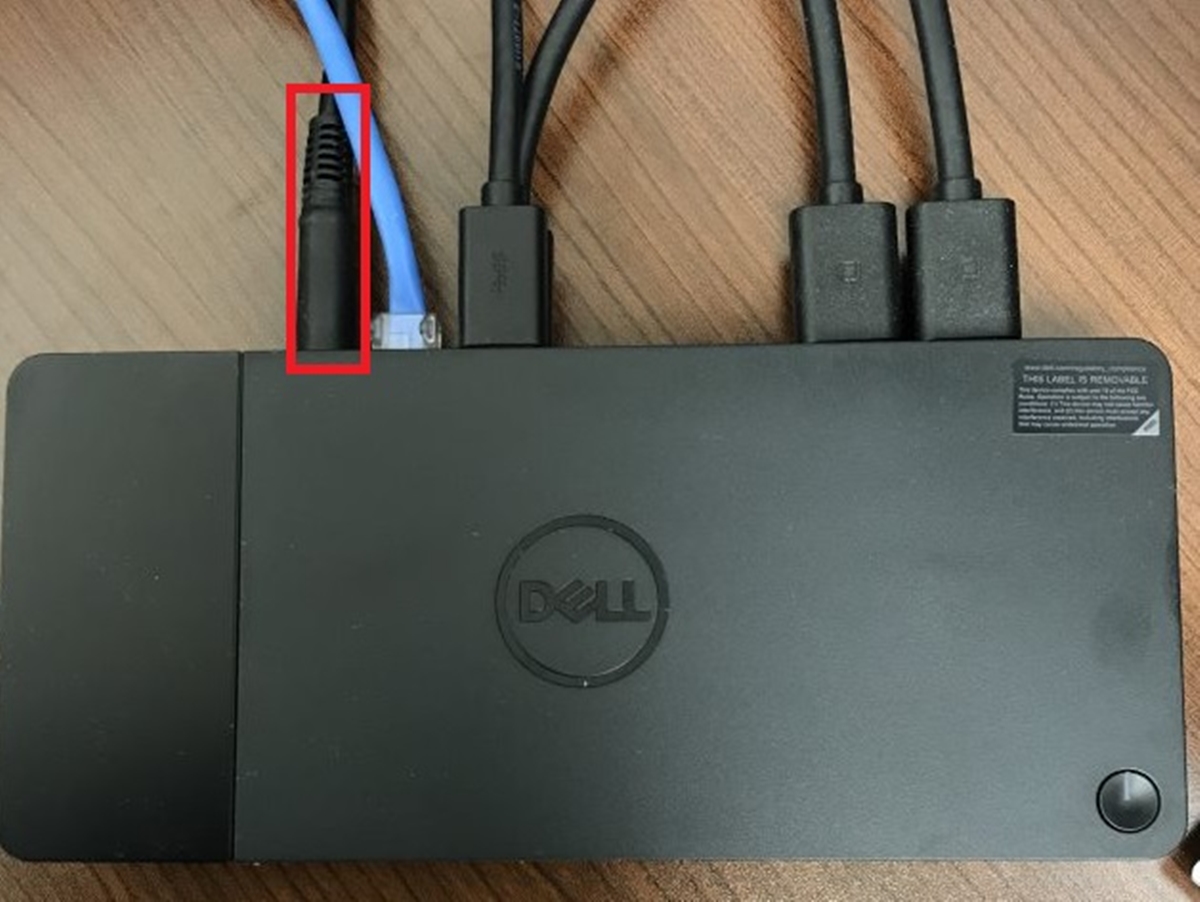
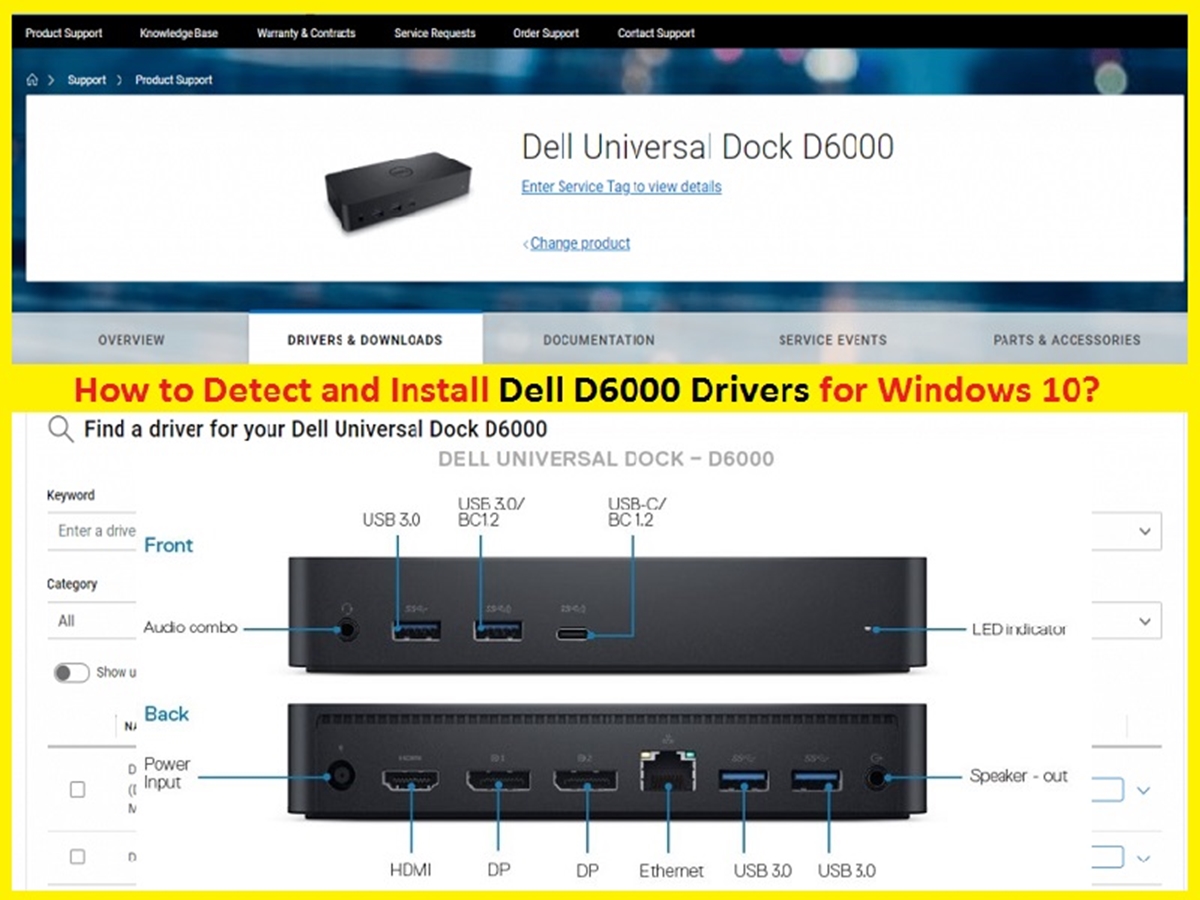
The articles here fall into two main groups. One set tackles docking station issues, showing you how to connect an HP laptop to a Dell docking station, how to reset or restart a docking station when it stops responding, and how to properly connect a Dell docking station in the first place. The other group focuses on wireless connections, helping you turn on wireless capability on a Dell laptop, pair a wireless keyboard, set up a wireless printer, and connect your Dell laptop to a mobile hotspot. These guides are written to help you get devices talking to each other quickly, without guesswork.
Specific topics include resetting a dock that won’t charge or display, enabling Wi-Fi when the switch seems hidden, and linking a wireless keyboard that keeps dropping its signal. Each article walks you through the steps to restore functionality or establish a new connection, using only the tools and settings already on your Dell device.