Welcome to the Device Maintenance tag on CellularNews. This collection is for anyone who owns a phone, tablet, or wearable and wants to keep their gear in working order without unnecessary trips to the repair shop. Whether you are a casual user or someone who likes to handle small fixes yourself, these articles focus on the practical, everyday care that extends the life of your devices.
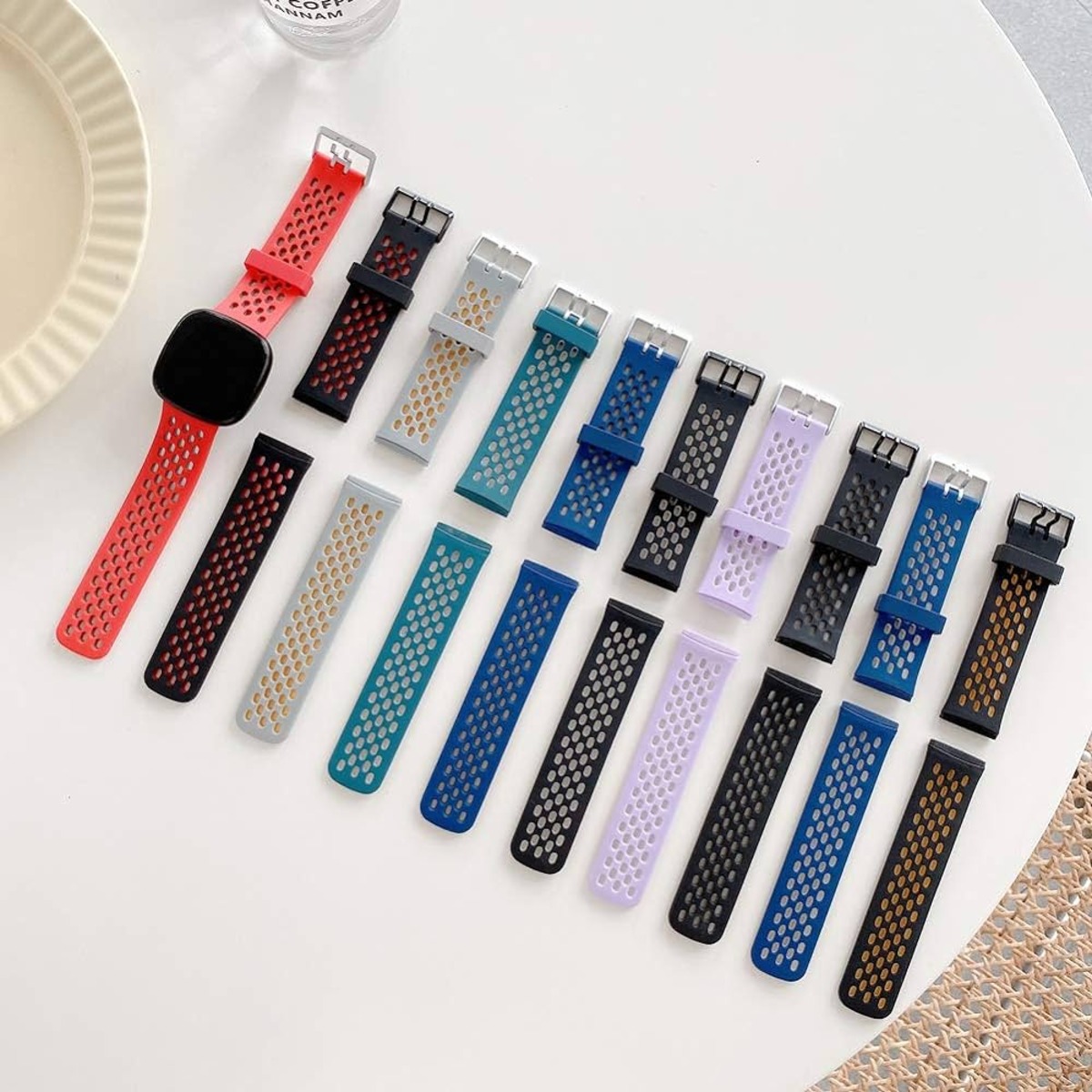
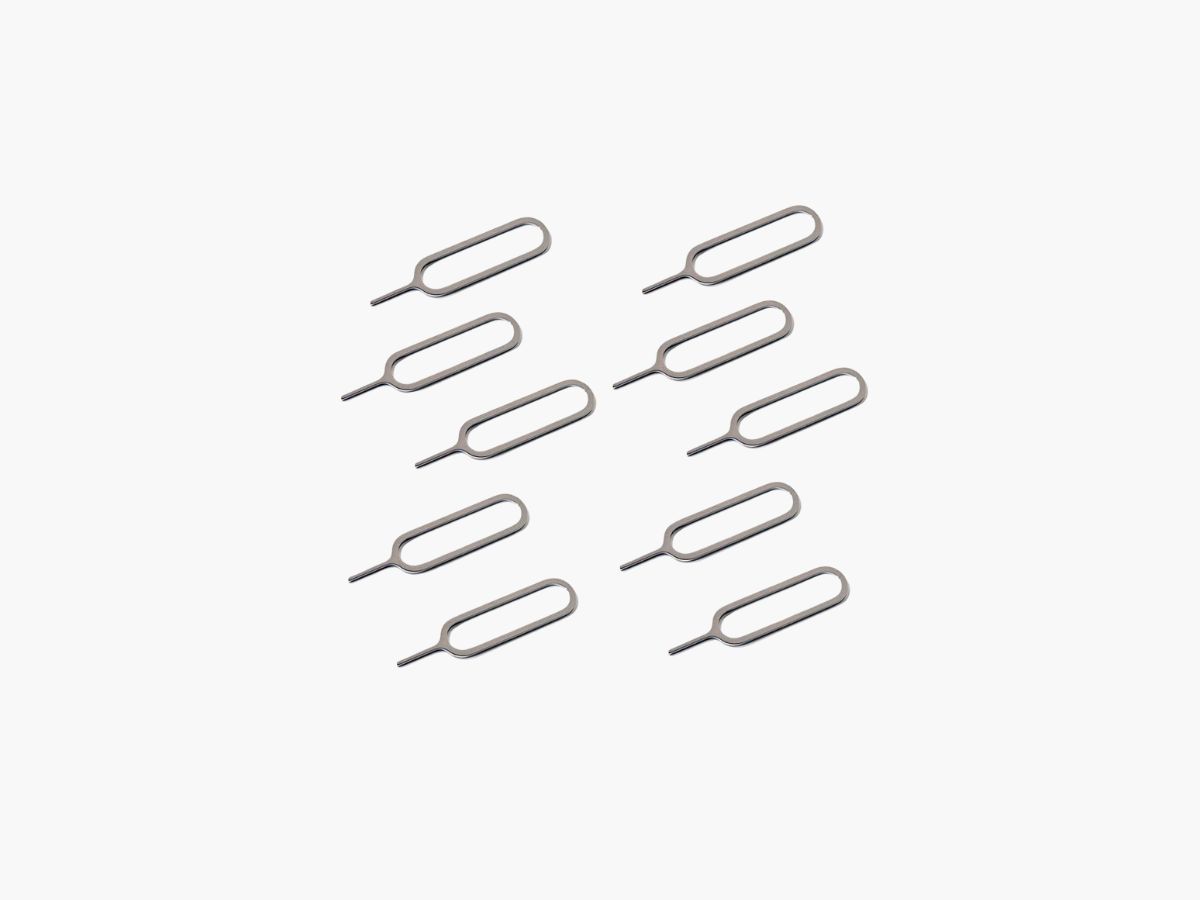
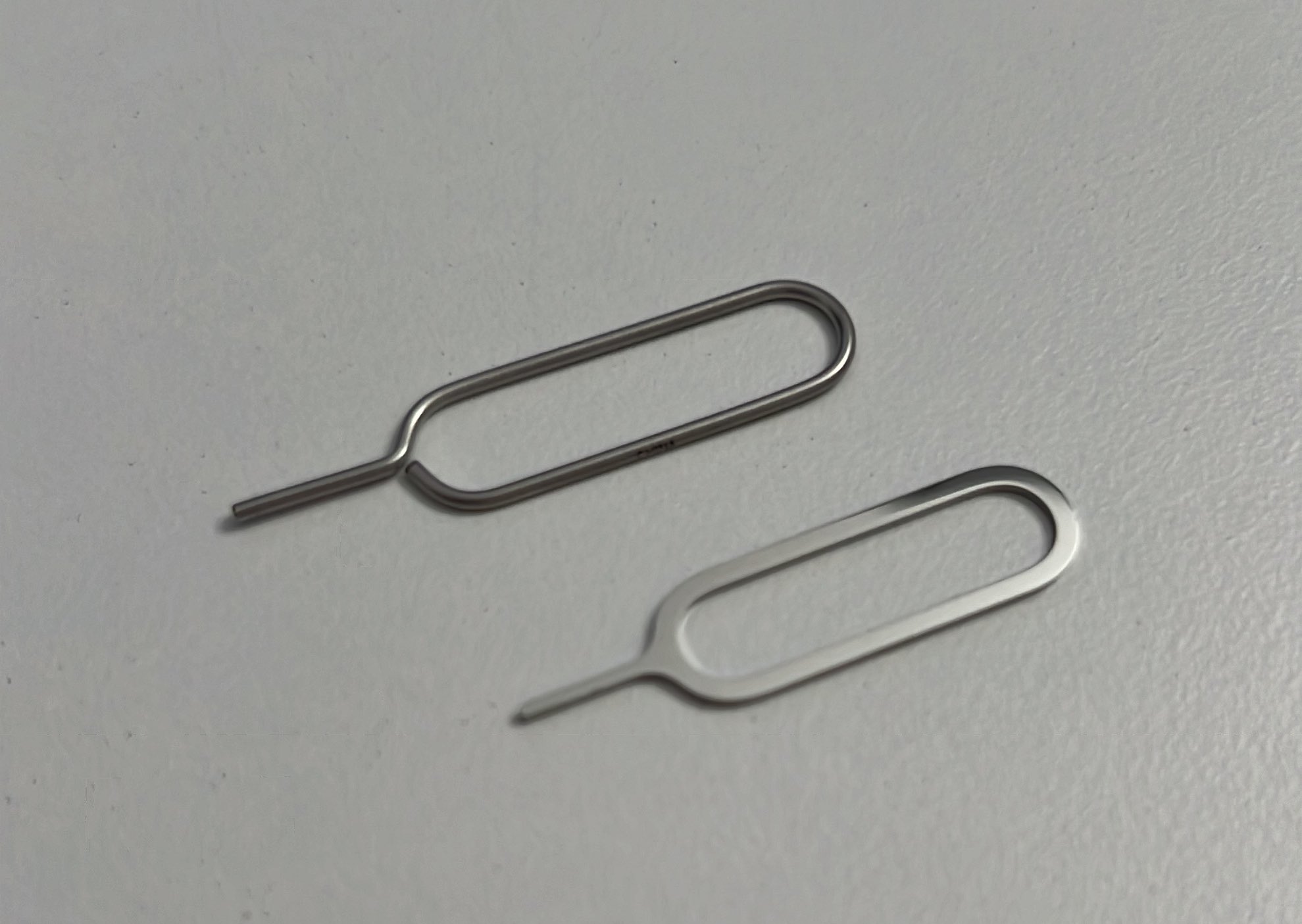
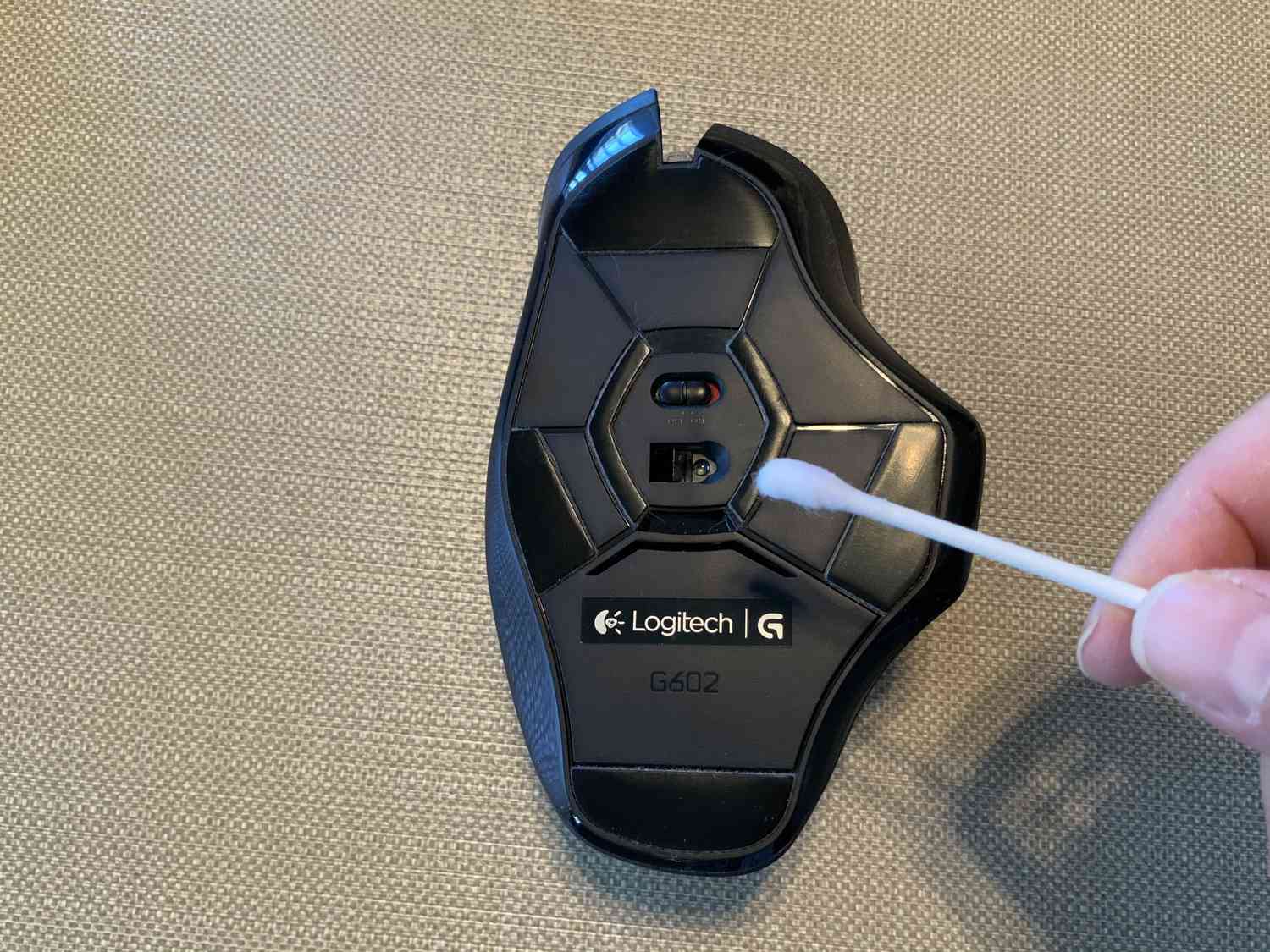
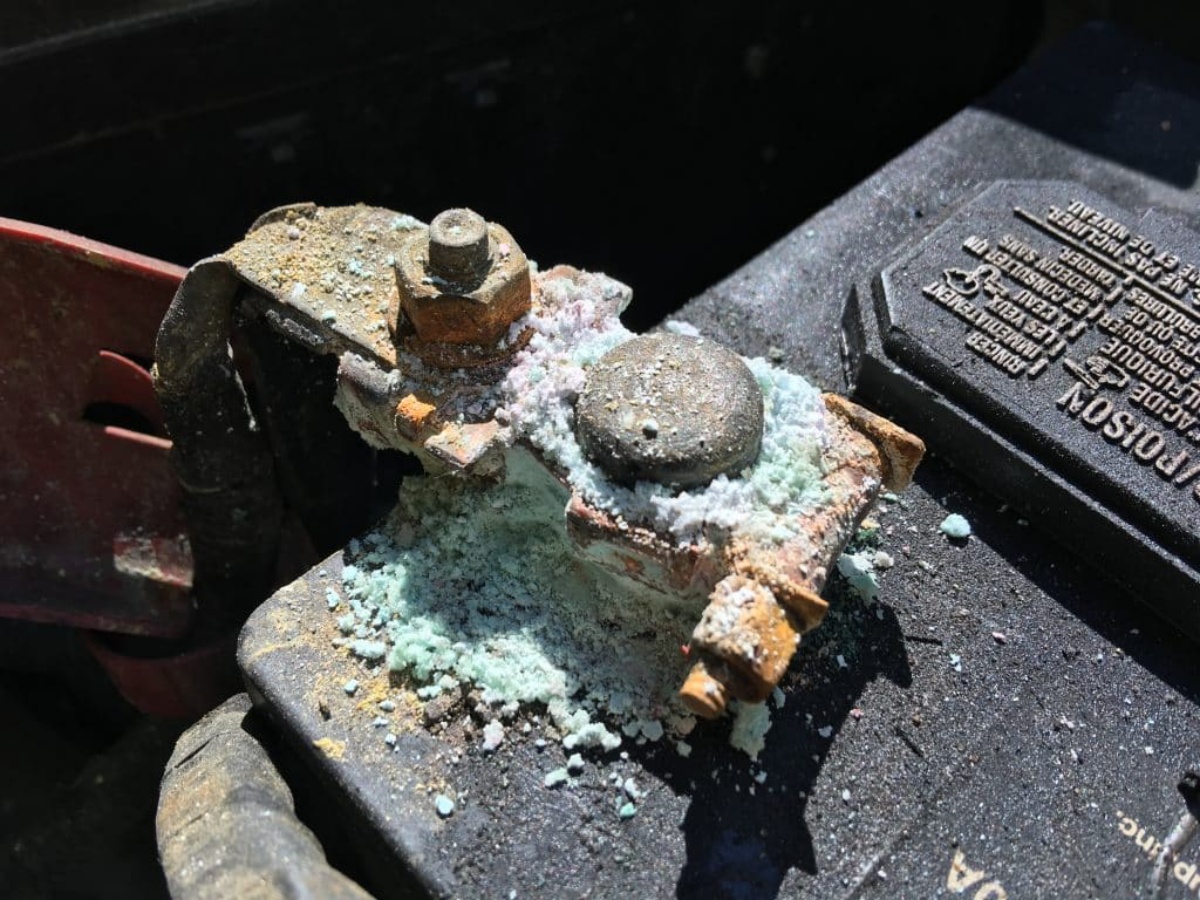
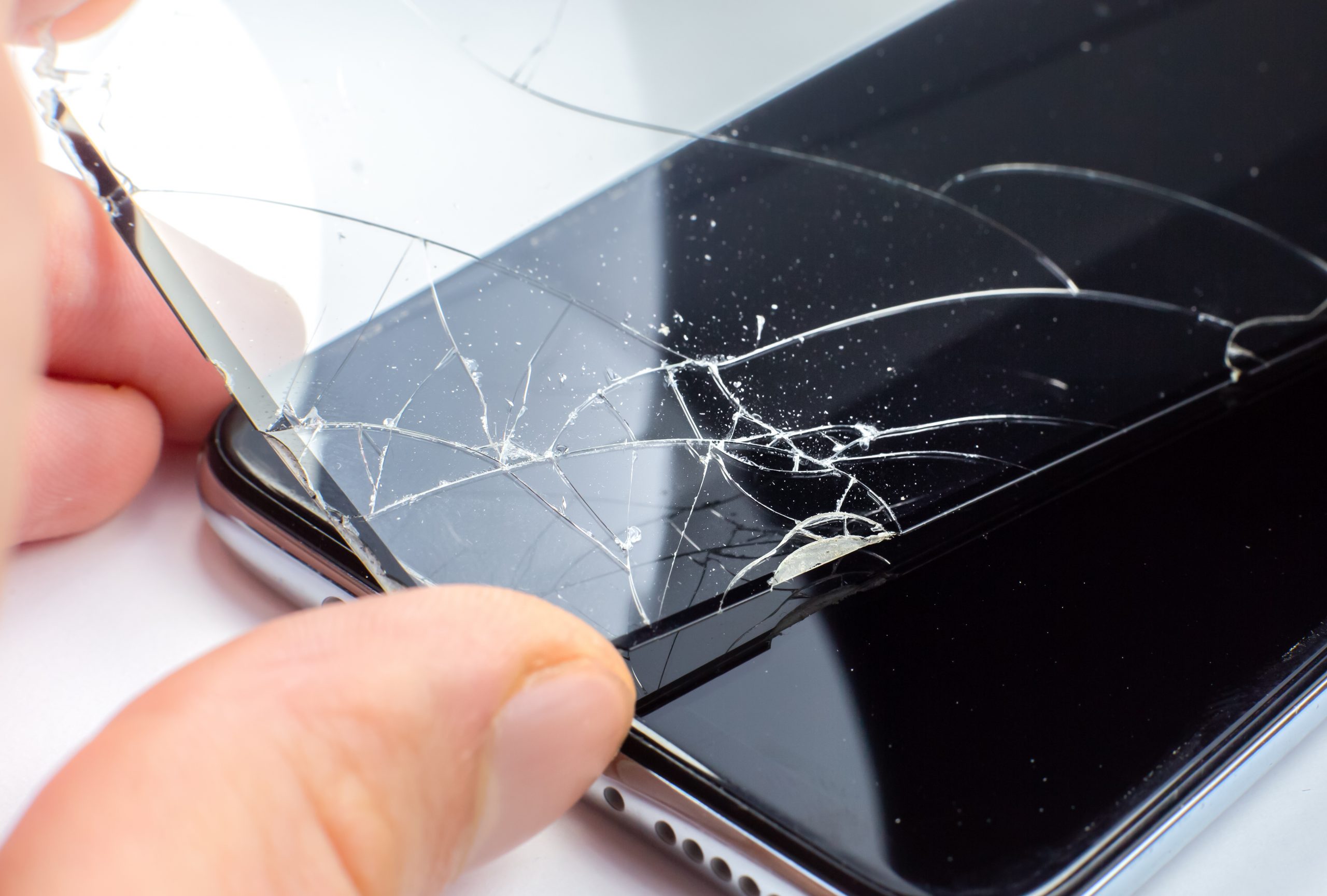
The topics here break down into a few clear themes. One group deals with physical protection and cleaning, helping you decide how often to change a screen protector or what actually causes corrosion on battery terminals. Another set focuses on the small tools and techniques you need for basic access, such as how to use the SIM card tool and what else you can use to open the SIM card tray if the original is lost. A third theme covers the simple but often tricky task of swapping out worn accessories, like how to remove Fitbit bands or how to clean a wireless mouse properly.
Each article is designed to help you do a specific job: protect your screen, open your device safely, or refresh the parts that get dirty over time. By addressing these common but overlooked tasks, the Device Maintenance tag gives you the straightforward steps to keep your gadgets running and looking their best.