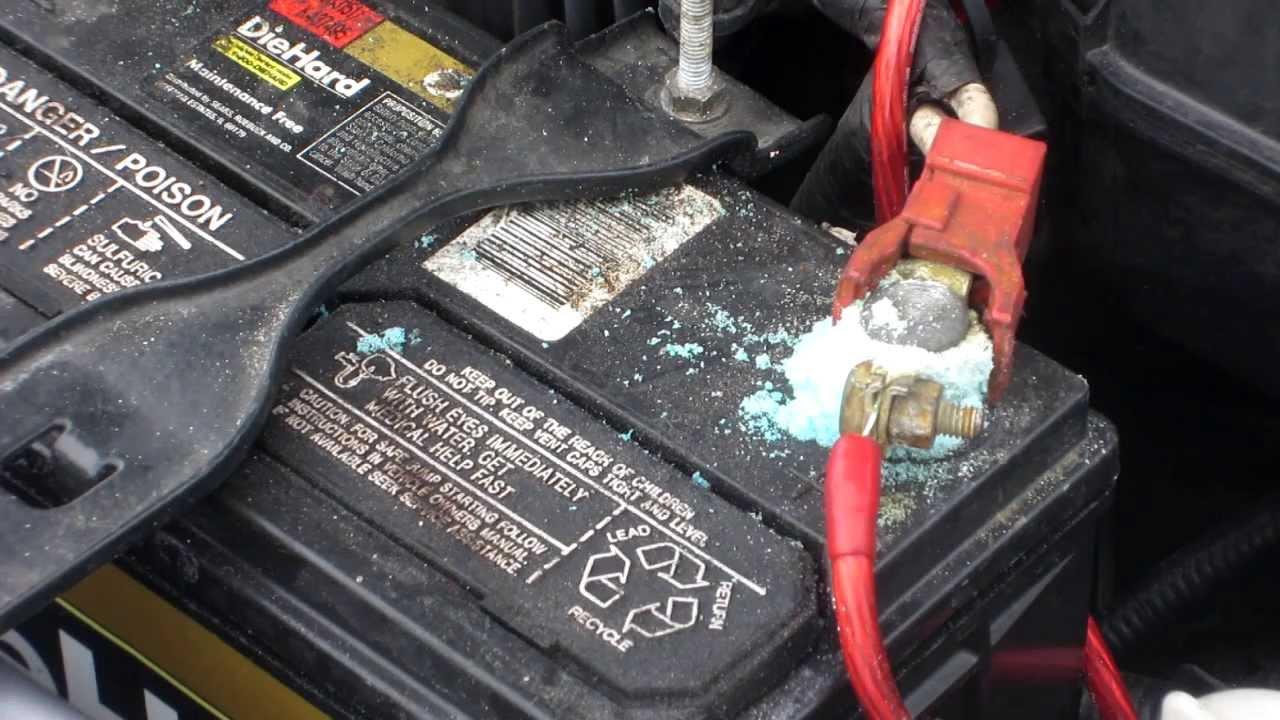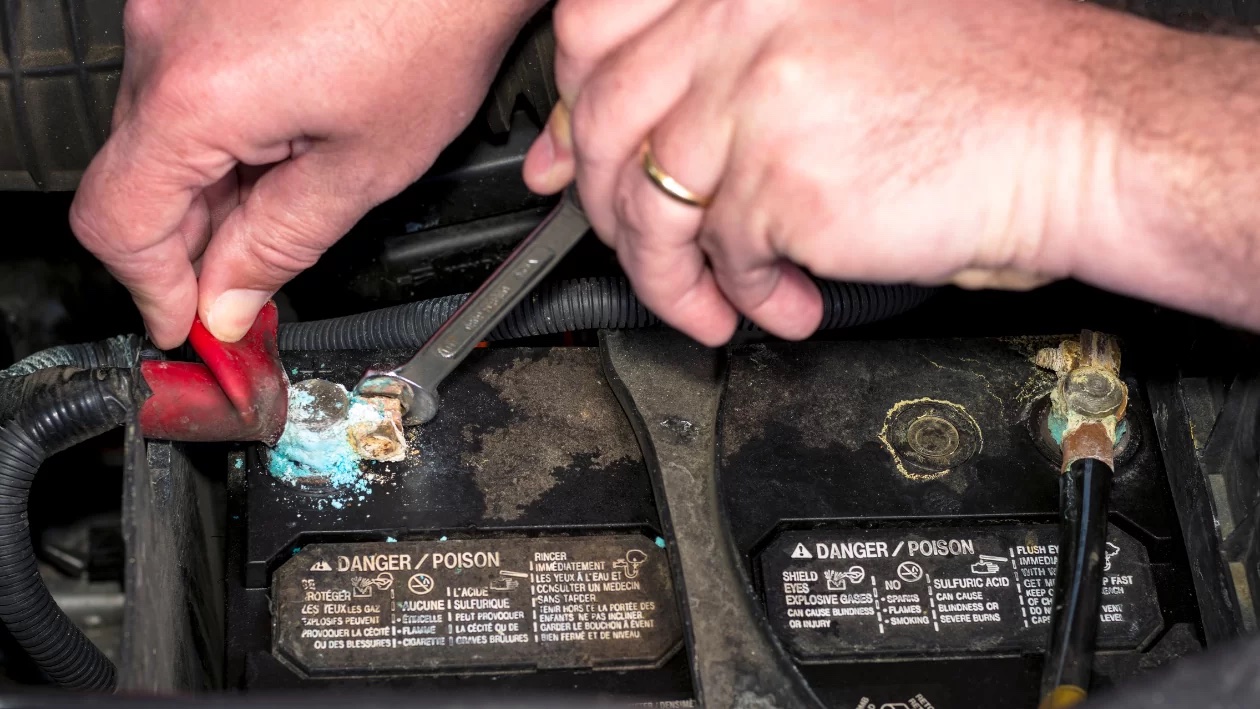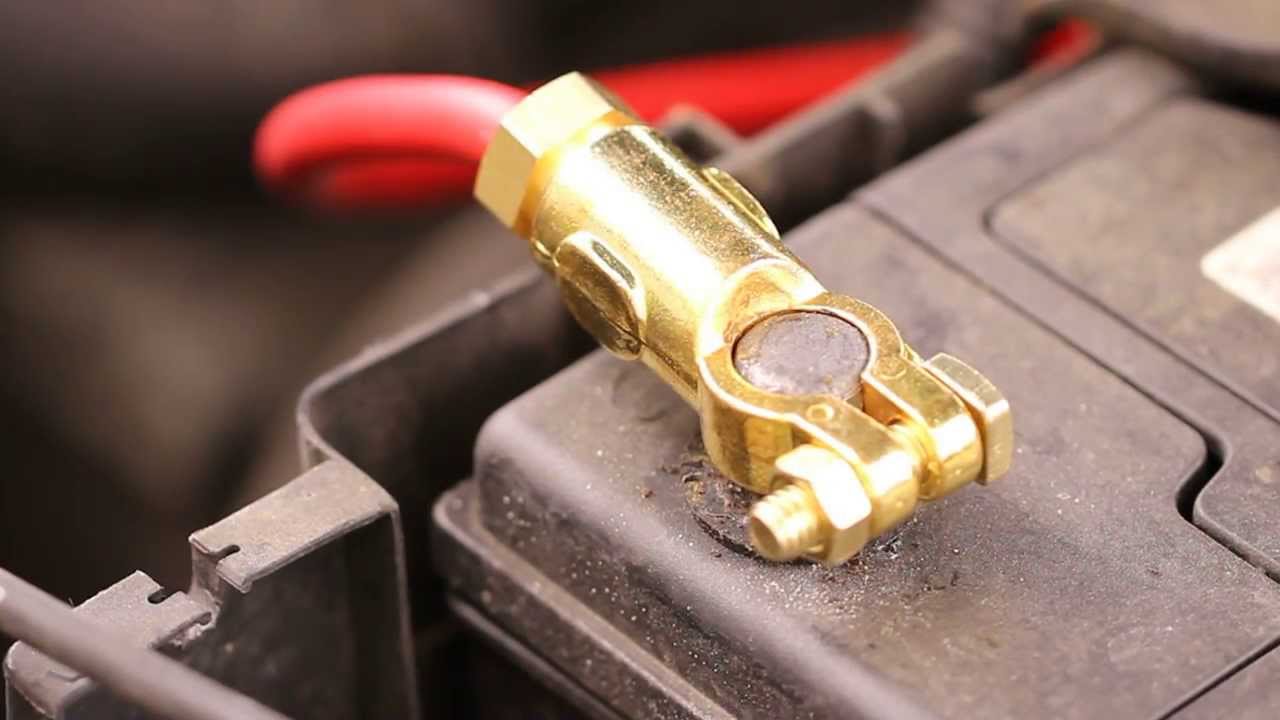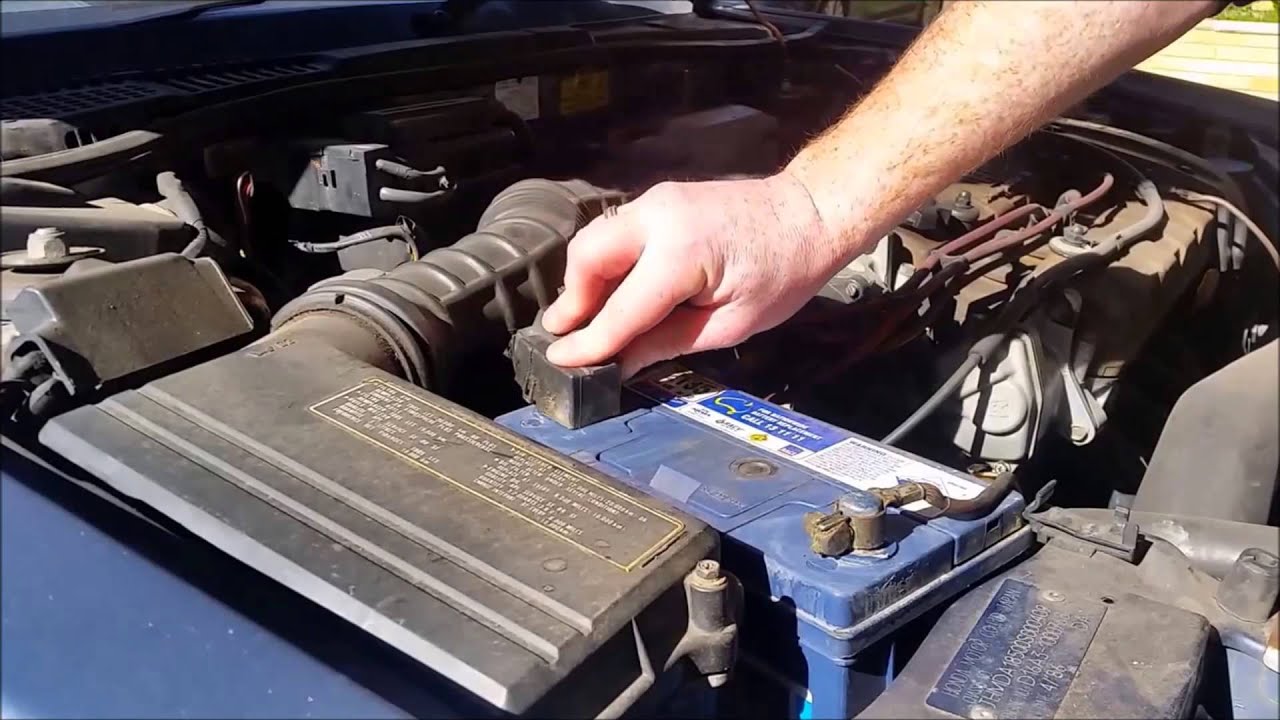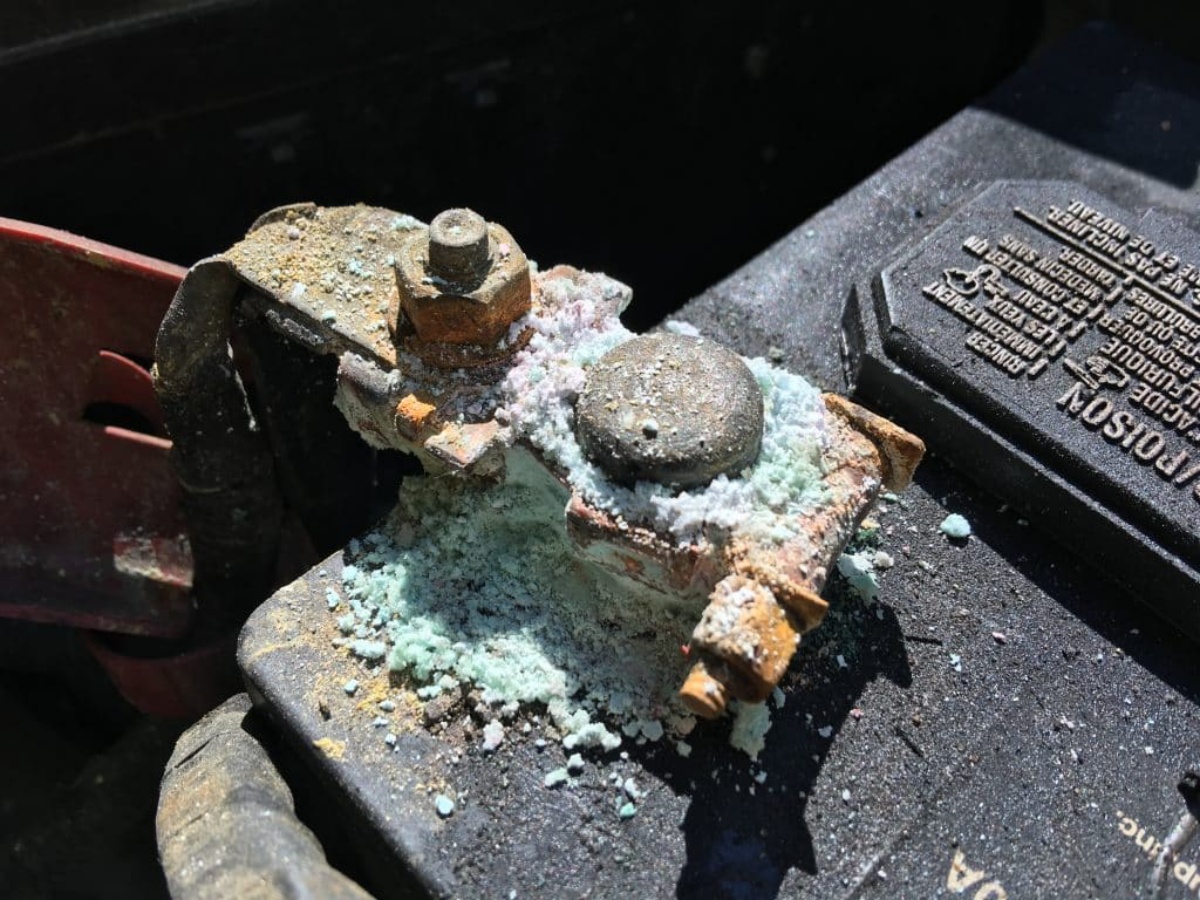
Corrosion on battery terminals is primarily caused by exposure to moisture and water, acidic battery leakage, buildup of dirt and debris, and improper installation or loose connections. Understanding what causes corrosion on battery terminals helps you take the right steps to prevent it and keep your devices working reliably.
What causes corrosion on battery terminals: The four main causes
Battery terminal corrosion results from four common factors, each with specific guidance from manufacturers and industry sources. Moisture and water exposure triggers oxidation on metal pins. Acidic battery leakage from failing cells deposits corrosive electrolyte on terminals. Dirt and debris trap moisture against the metal surface, accelerating chemical reactions. Improper installation or loose connections create heat, vibration, and gaps that invite contamination. Official support pages from Apple and other manufacturers document specific actions for each cause rather than offering a single repair path.
Exposure to moisture and water
Moisture is a main contributor to corrosion, and water or liquid contact can corrode metal pins or terminals and cause permanent damage. Keysight's guide says moisture is one of the main contributors to battery corrosion and recommends keeping terminals clean and dry. When water bridges the gap between terminals, it enables an electrochemical reaction that eats away at the metal. Apple’s liquid-detection alert for MacBook USB-C ports is a direct example: if a USB-C port is wet, the system displays an alert and the documented steps are to unplug the cable or accessory, click OK to close the alert, and do not reconnect until both the Mac and the accessory are completely dry. For a more thorough approach, Apple says to shut down the Mac immediately, disconnect all power sources, wait at least one day, then check whether the USB-C port appears dry before trying again. If the alert returns after reconnecting a certain cable or accessory, that cable or accessory may be damaged; if it happens with an Apple cable or accessory, contact Apple Support. This same moisture-driven corrosion mechanism applies to battery terminals in any device, which is why keeping the charging area dry is the first line of defense.
Acidic battery leakage
Corrosion can come from leaking electrolyte or acid vapor, which reacts with metal surfaces and leaves crusty buildup. Batteries contain sulfuric acid or other electrolytes that become corrosive when they escape through cracks, seal failures, or normal aging. The leaked acid chemically attacks the terminal metal, producing the white, blue, or green powdery deposits commonly seen on corroded terminals. Signs of leakage include visible crust around the battery compartment, a sticky residue, or a sulfur-like smell. When leakage is present, replacement is the recommended action because the battery structure is compromised and cleaning alone cannot restore the seal. Continuing to use a leaking battery risks further damage to the device’s internal contacts and circuitry.
Buildup of dirt and debris
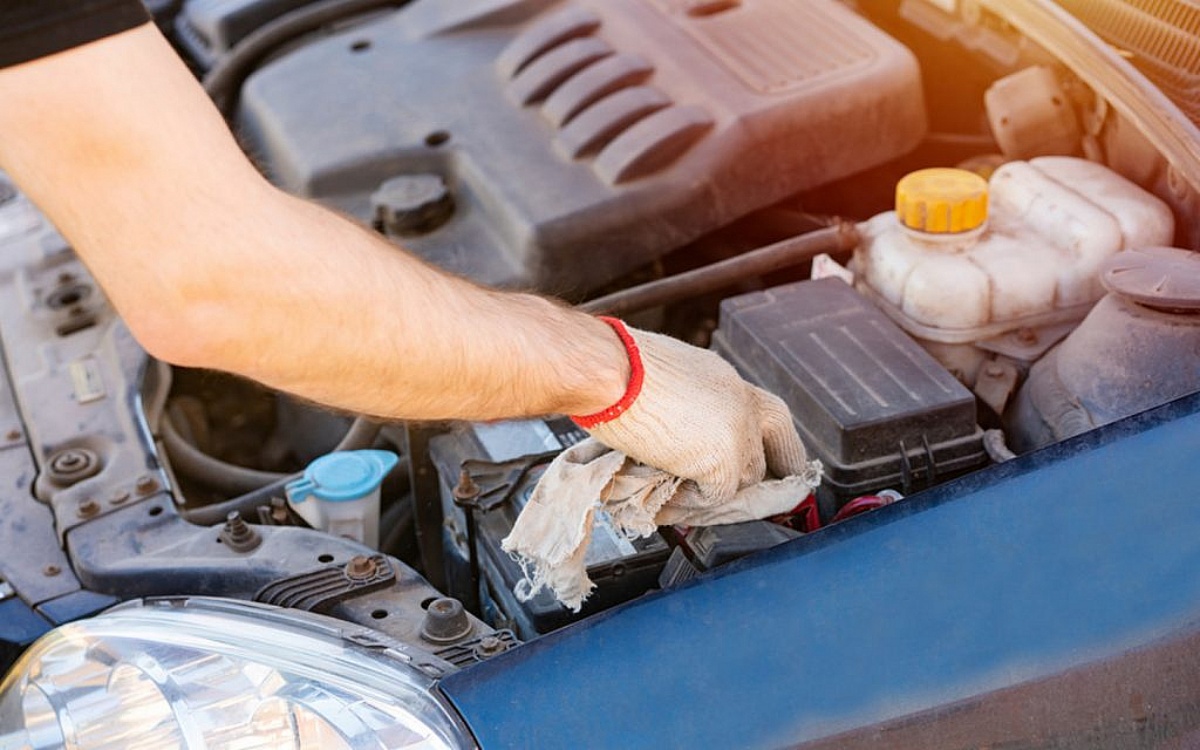
Dirt can trap moisture around terminals and speed up corrosion; keeping terminals clean and dry helps prevent it. Dust, lint, and other particles create a physical layer that holds humidity against the metal, maintaining the electrolyte bridge needed for corrosion to continue. Apple’s official cleaning method for the internal Lightning connector on iPhones and other Apple products is to use a soft, dry, lint-free cloth and to avoid liquids or cleaning products. No water, alcohol, or abrasive materials should be introduced into the connector. This same principle applies broadly: cleaning battery terminals should rely on dry methods unless a specific manufacturer-approved solution is provided, and even then, rinsing should be minimal. Keysight's guide says to rinse only enough to remove baking soda residue, avoid over-wetting, and dry thoroughly after cleaning.
Improper installation or loose connections
Loose terminals or poor contact can create resistance and vibration-related wear, which can worsen corrosion or damage. When a battery terminal is not securely fastened, the intermittent connection generates heat and electrical arcing. This heat accelerates oxidation and can melt or deform plastic housings around the terminal. Vibration from normal device use further loosens the connection, opening gaps that let moisture and contaminants enter. Checking and securing connections means ensuring the battery is seated correctly in its compartment and that any retaining clips, screws, or spring contacts hold the terminals firmly. Periodic inspection for looseness, especially after a device has been dropped or exposed to temperature changes, helps prevent corrosion from developing in the first place.
What official support pages say about corrosion
Apple’s liquid-detection alert page applies to MacBook Air and MacBook Pro with USB-C ports. The documented steps for wet USB-C ports require unplugging the accessory, clicking OK on the alert, shutting down the Mac, disconnecting all power, waiting at least one day, and checking that the port is dry before reconnecting. Apple's cleaning guidance applies to Apple products with an internal Lightning connector and restricts cleaning to a soft, dry, lint-free cloth with no liquids or cleaning products. Apple's liquid-contact indicator guidance applies to iPhone or iPod. If liquid damage is suspected on iPhone: check the liquid-contact indicator; Apple says it activates when exposed to water or water-containing liquid. Critically, no official iPhone or Android support page retrieved here documents a menu path in Settings for diagnosing battery-terminal corrosion specifically. There is no setting to check, no diagnostic toggle, and no software-based corrosion test. The documented actions are to keep the charging area dry, clean only as allowed for the device, and seek service if liquid damage or corrosion is present.
How to prevent corrosion on battery terminals
Prevention follows directly from the causes. Keep terminals dry by avoiding use in rain, high humidity, or near standing water. Clean only as allowed for the device, for Apple products with an internal Lightning connector, that means a soft, dry, lint-free cloth and nothing else. Inspect batteries regularly for signs of leakage, such as crusty deposits or unusual odors, and replace any battery that shows leakage. Ensure connections are tight by checking that the battery is properly seated and that terminal contacts are secure. These steps, drawn from verified manufacturer and industry guidance, address each cause of corrosion without relying on unverified home remedies or undocumented procedures.
Frequently Asked Questions
Does corrosion spread to other parts of the device?
Yes, corrosion can spread if the acidic residue or moisture migrates along metal traces, cable contacts, or internal connectors. This can affect charging circuits, battery management systems, and even the main logic board if left unchecked.
How does corrosion affect battery performance?
Corrosion increases electrical resistance at the terminal contact point, which reduces the current the battery can deliver. This can cause slower charging, shorter run times, and intermittent power loss as the connection degrades further.
When should I seek professional service instead of attempting DIY repairs?
Seek professional service if you see liquid-contact indicators activated, if corrosion is inside the device beyond the terminal area, or if cleaning does not restore normal charging and power behavior. Attempting to disassemble sealed devices or using liquids on internal connectors can cause permanent damage.
Can I use baking soda and water to clean battery terminals on a phone?
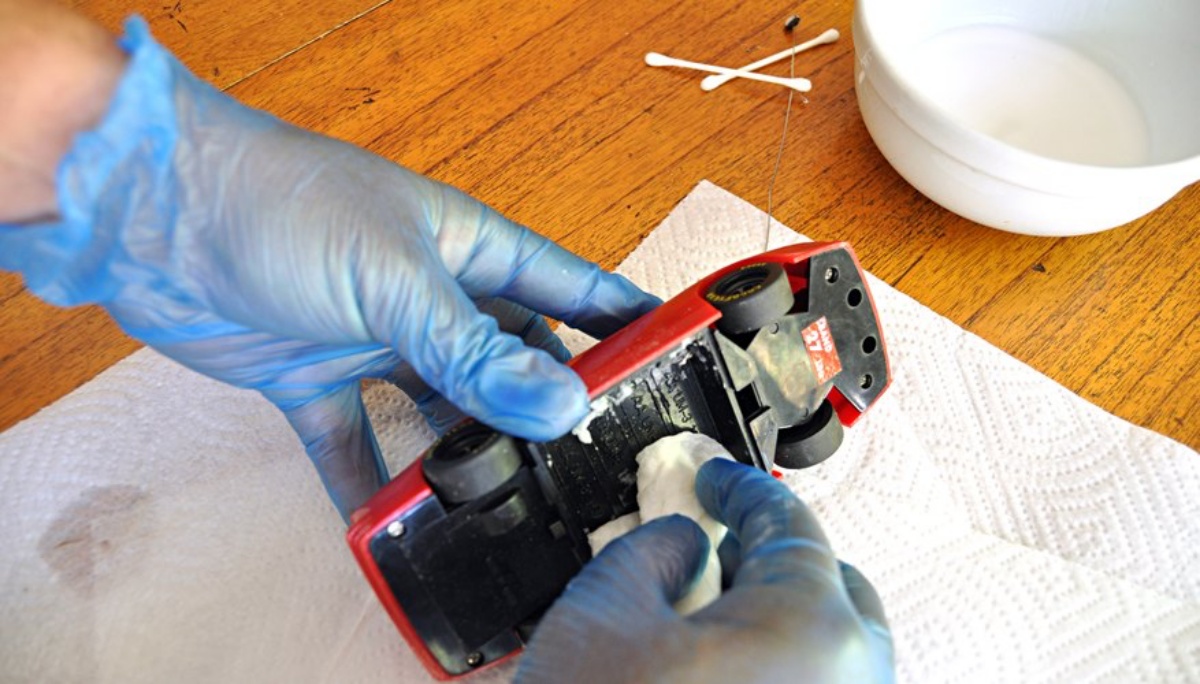
Baking soda and water is a method documented for large lead-acid batteries, not for the sealed lithium-ion batteries in phones and laptops. For consumer electronics, Apple’s guidance specifies only a soft, dry, lint-free cloth. Using any liquid inside a device port risks activating liquid-contact indicators and voiding warranty coverage.
What is the difference between battery acid corrosion and moisture corrosion?
Battery acid corrosion comes from electrolyte that has leaked out of the battery cell and chemically attacks the metal, often producing a crusty white or blue deposit. Moisture corrosion results from water or humidity enabling oxidation of the metal terminals, which typically appears as a dull gray or green tarnish. Both require keeping the area dry and addressing the underlying cause.
For the wider topic, see batteries and charging.
Related reading: How To Stop Corrosion On Battery Terminals.