This tag collects articles about the practical side of downloading content on mobile devices, aimed at anyone who owns a phone and wants to manage their files, apps, and data effectively. Whether you are a new smartphone user or someone switching between operating systems, these guides address the common frustrations of finding, saving, and transferring digital content.

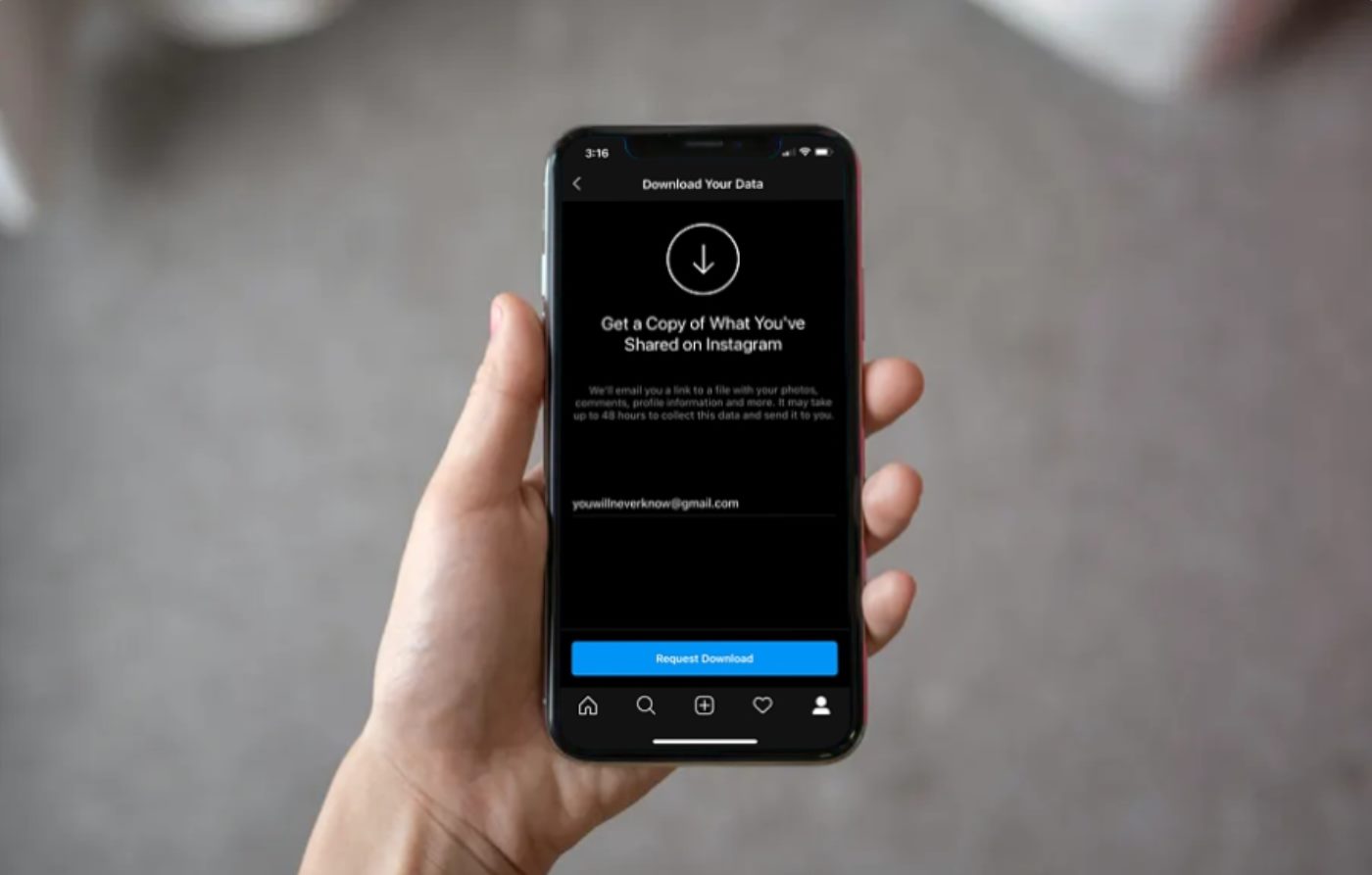
The articles here solve two main kinds of problems. First, they help you locate your files, with specific guides for finding downloads on Motorola phones, Windows Phones, and every recent iPhone model from the 11 to the 14, as well as the Galaxy S21. Second, they tackle the process of saving content from specific apps and services, such as how to save a GIF on Android, how to save Reels to your phone, and how to download videos from Google Drive. The tag also covers data management concerns, including how much data it takes to download a movie and how to download your Instagram data or your Snapchat Memories.

What Is The Biggest Mobile Game

The biggest mobile game in 2025 is Honor of Kings, which earned $1.68 billion to become the world's top-grossing mobile game. For downloads, Block Blast! leads with 368 million installs...

How To Save Pictures From Google Phone

To save pictures from Google phone, you need to use the Google Photos app or a mobile browser. The direct method for saving a cloud-only image from the Google Photos...

Where To Find Downloads On IPhone 12

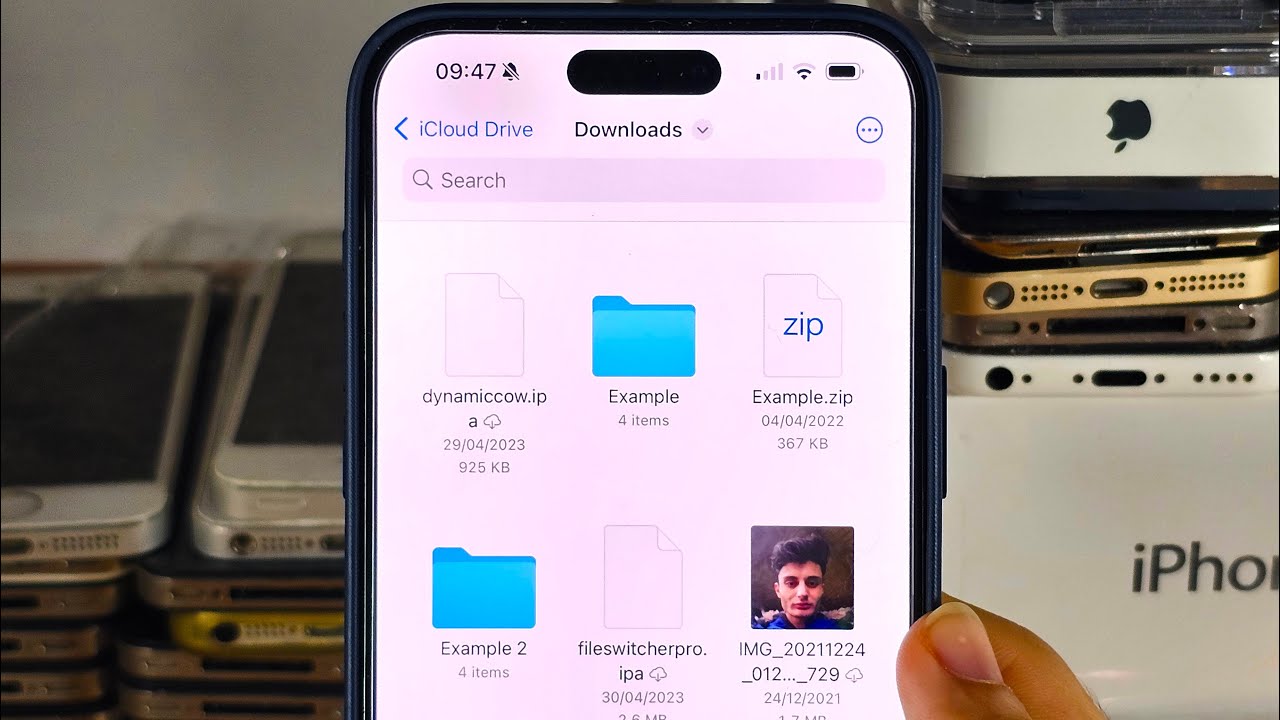
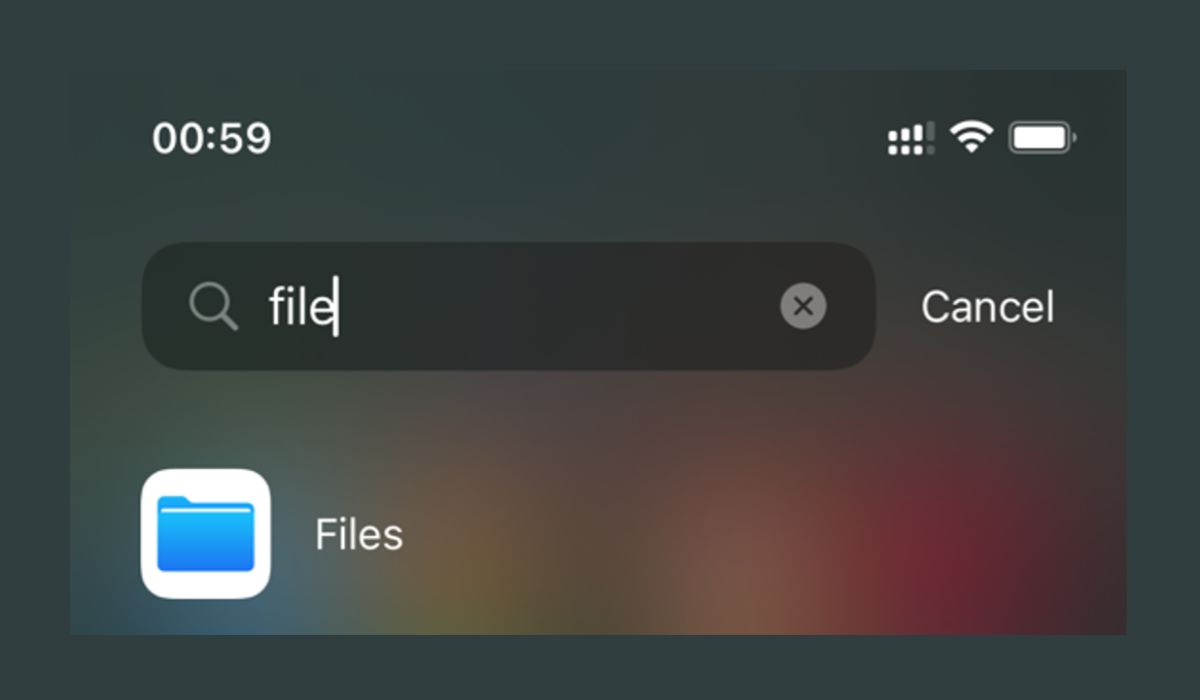
To find downloads on iPhone 12, open the Files app and tap Browse, then tap iCloud Drive, and finally tap the Downloads folder. This is the primary location where all...

Where Are My Downloads On IPhone 11

Where are my downloads on iPhone 11? Downloaded files are stored in the Files app, typically in the Downloads folder. To find them immediately, open the Files app, tap Browse,...

Where Are My Downloads On Galaxy S21

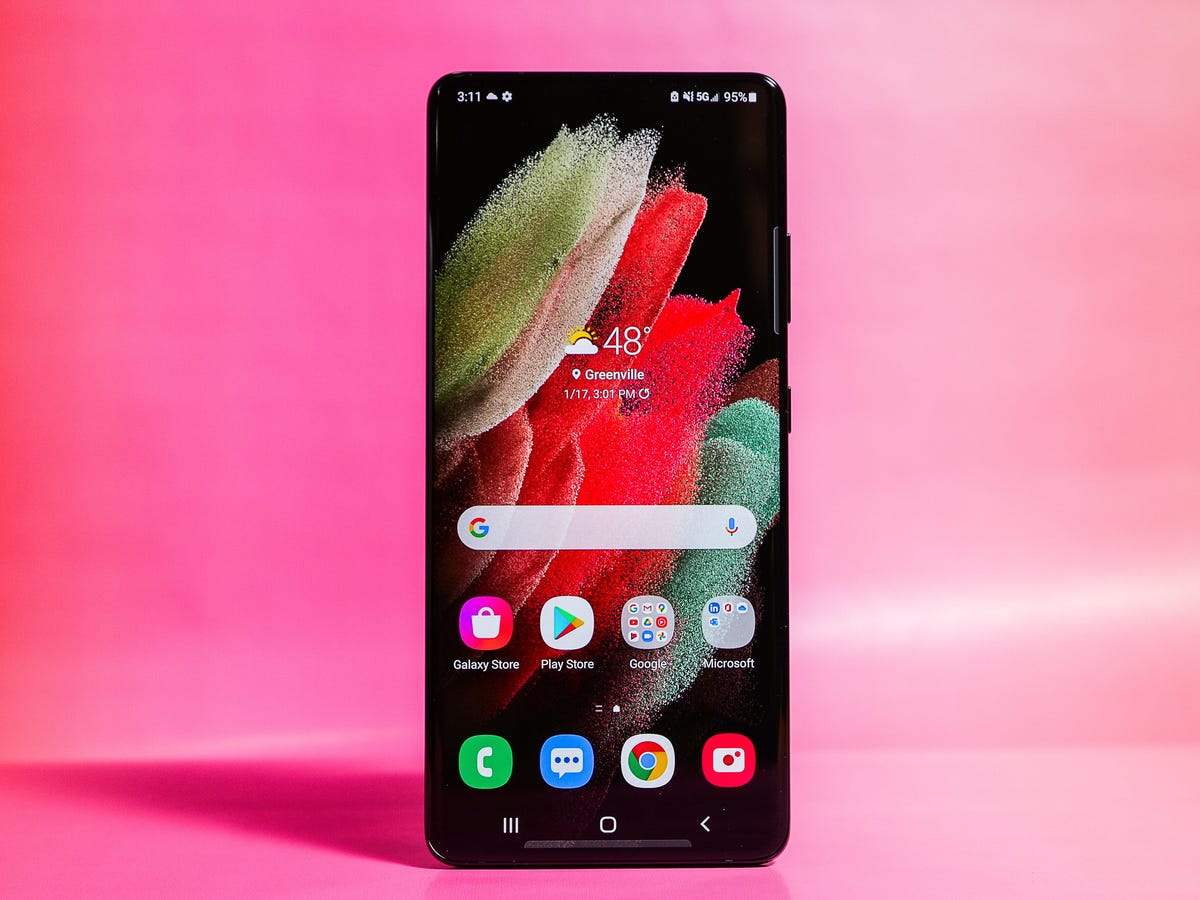
On a Samsung Galaxy S21, your downloaded files are saved to the default Downloads folder inside the My Files app. If you are asking "where are my downloads on Galaxy...

Where Are Downloads On IPhone 14

If you’re wondering where are downloads on iPhone 14, most downloaded files are saved in the Files app at Browse > iCloud Drive > Downloads. For files downloaded from Safari,...

Where Are Downloads On My IPhone 13

Where are downloads on my iPhone 13? Downloaded files are stored in the Files app, specifically under Browse > iCloud Drive > Downloads. For files you just downloaded in Safari,...

How To Download Memories From Snapchat Data

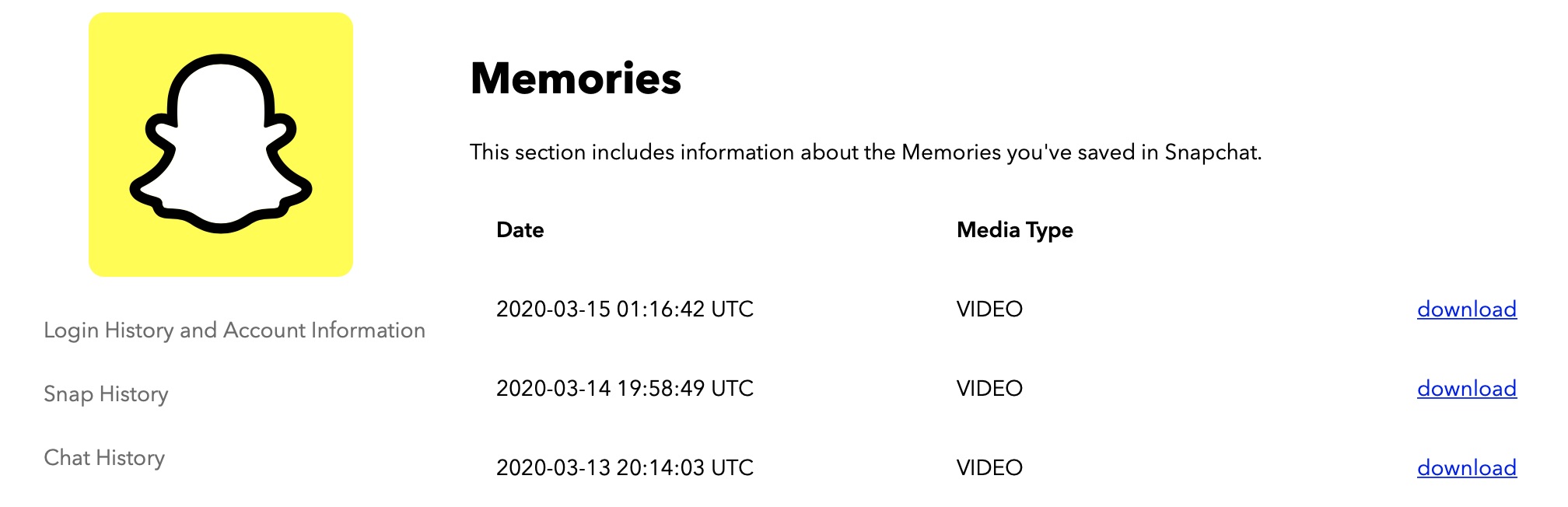
To download memories from Snapchat data, you must request a copy of your data through the official Snapchat Accounts website or the app's settings; Snapchat then prepares and sends a...