How long does it take to get data from Snapchat depends entirely on how long Snapchat needs to prepare your archive, and there is no specific processing time in hours or days. The only documented factor is that longer time ranges and larger downloads take longer to process, and you will receive an email when your data is ready.
What Snapchat officially says about wait times
Snapchat's help page states that data is delivered "once your data is ready to download," without providing a specific timeframe in hours or days. The only documented variable affecting the wait is the size and date range of your request, longer time ranges and larger downloads take longer to process. No exact size cap, device requirement, iPhone version, Android version, or carrier-specific variation is documented on the page.
How to request your Snapchat data
There are two official paths to request your data, and the steps are the same regardless of which you choose. To access Snapchat data, use one of these methods:
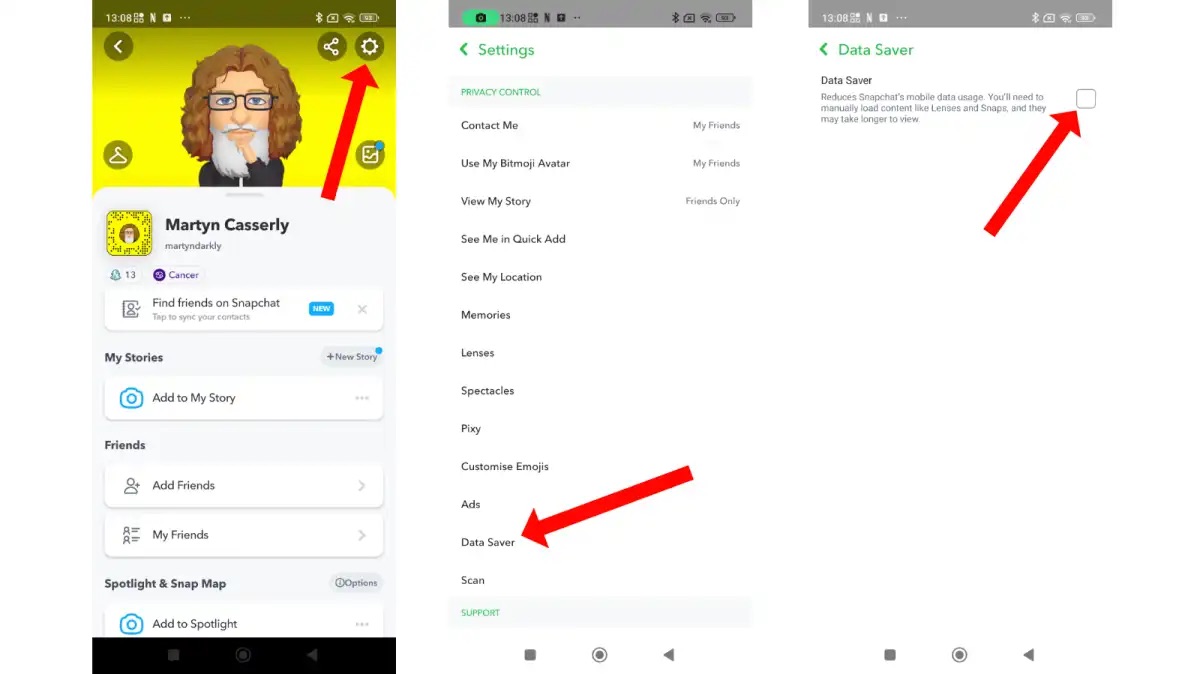
- In the Snapchat app, go to Settings and select My Data.
- In a browser, log in at accounts.snapchat.com and click My Data.
Then follow these steps:
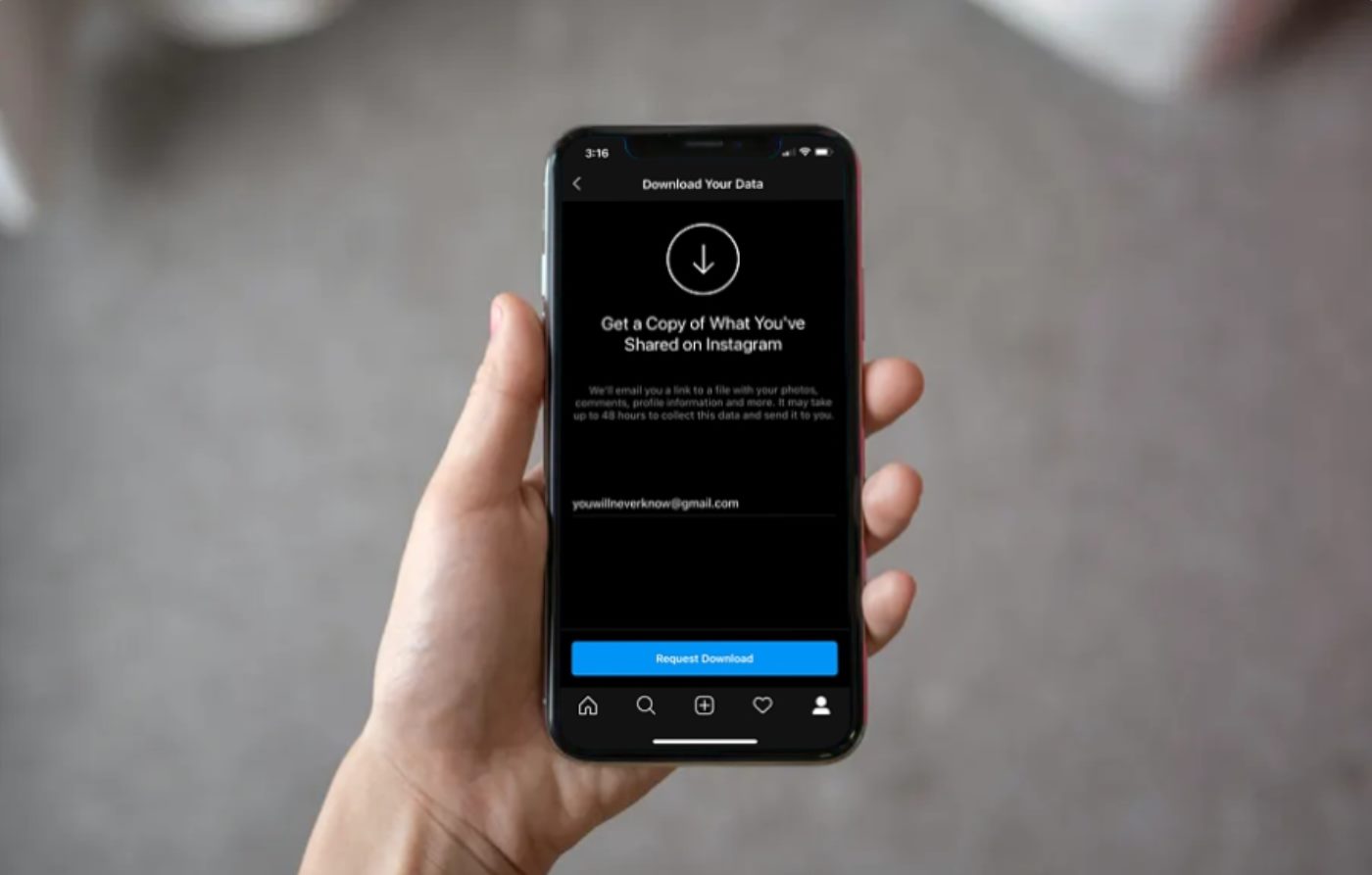
- Select the data to include in the download. Snapchat provides a feature that allows users to request their data archive, including photos, videos, chat history, and more.
- Choose a date range, or turn that off to receive all data.
- Confirm the email address for notification.
- Click Submit.
What happens after you submit your request
After submitting, you wait for an email containing a download link. Alternatively, you can go to See exports and then Download to retrieve your archive directly. No device or carrier requirements are documented for this process. Snapchat's customer support can be contacted for assistance in retrieving data for legal inquiries or serious incidents. Legal procedures may be necessary to retrieve Snapchat data for criminal cases, cyberbullying incidents, or other legal disputes.
What's not included in your Snapchat data download
Deleted or expired content is not recoverable through the official download tool. The archive includes data Snapchat still holds on its servers at the time of your request, but anything that has been permanently deleted or has expired under Snapchat's retention policies will not appear. Snapchat has its own data retention policies and may not retain data indefinitely, so it's important to act promptly for legal data preservation.
Frequently Asked Questions
Can you speed up the process of getting your Snapchat data?
No. There is no documented way to expedite the processing. The only variable you control is the size and date range of your request, choosing a smaller range or less data may reduce processing time, but Snapchat does not guarantee a faster result.
What types of data are included in a Snapchat data download?
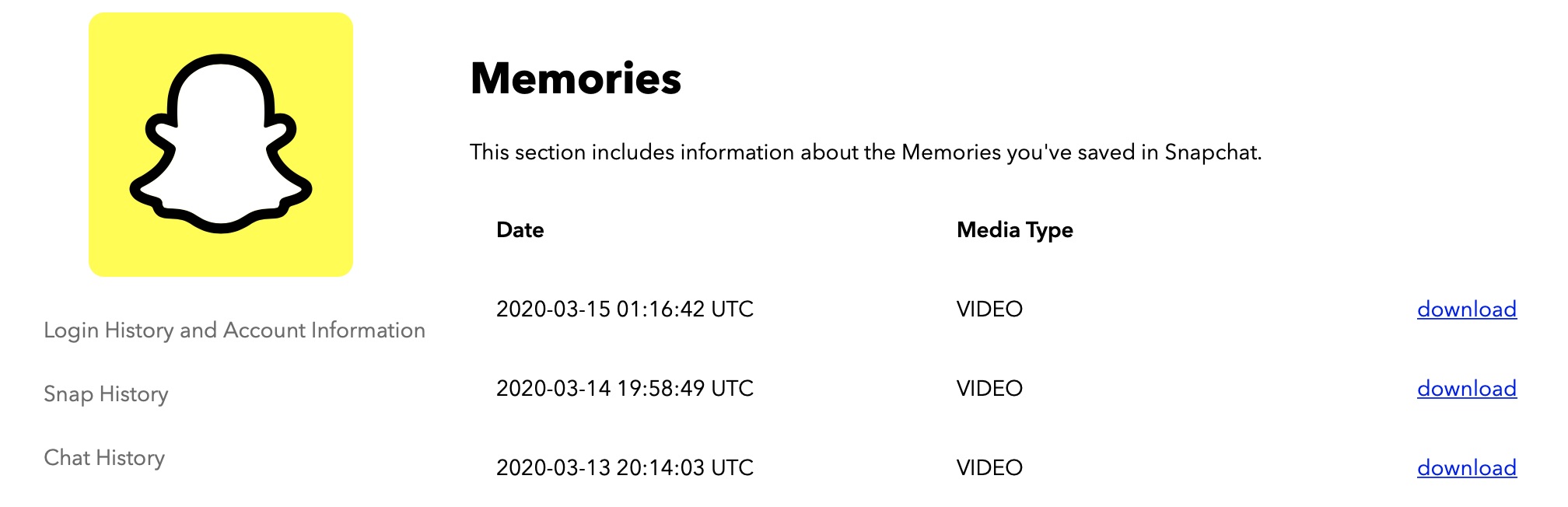
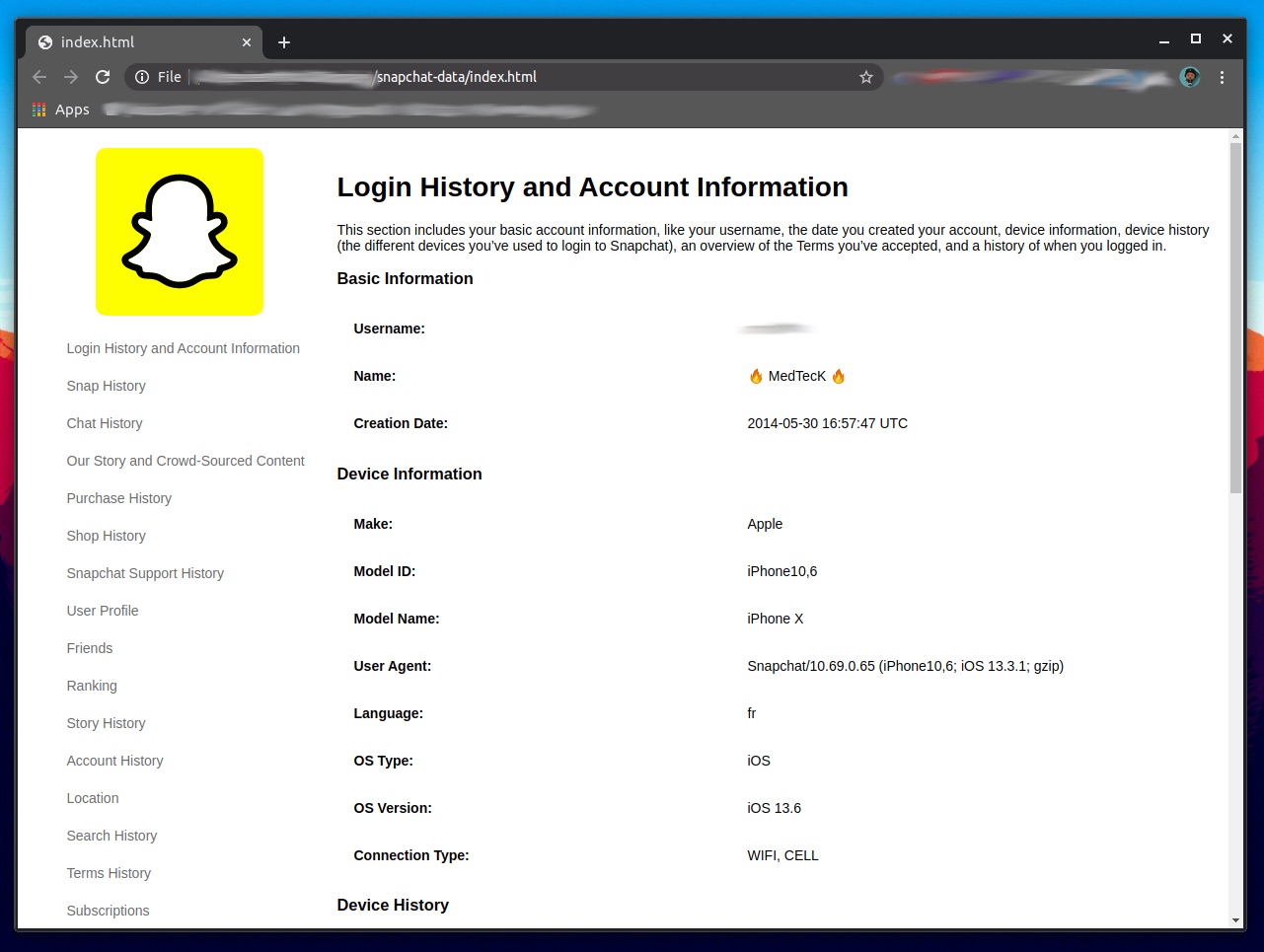
The download typically includes your chat messages, snaps you sent and received (that haven't expired), story history, friend lists, account details, and usage information. It does not include content that was deleted or expired before you submitted the request.
What should you do if the download link doesn't arrive?
First, check your spam or junk folder. If you still don't see the email, return to the My Data page in the app or browser and look under See exports. If the archive is listed there, you can download it directly. If neither method works, Snapchat's help page recommends resubmitting your request.
Can I access Snapchat data from someone else's account?
Generally, accessing another person's Snapchat data without proper authorization is considered a violation of privacy and may be illegal.
Related reading: How To Download Memories From Snapchat Data.