This tag collects articles focused on connecting peripherals and devices to your computer, specifically aimed at users who need practical, step-by-step guidance for setting up hardware. Whether you are a gamer, a professional using a laptop dock, or someone trying to get a printer working wirelessly, these guides are written for you. The content assumes you have the hardware on hand and simply need clear instructions to make it function correctly.
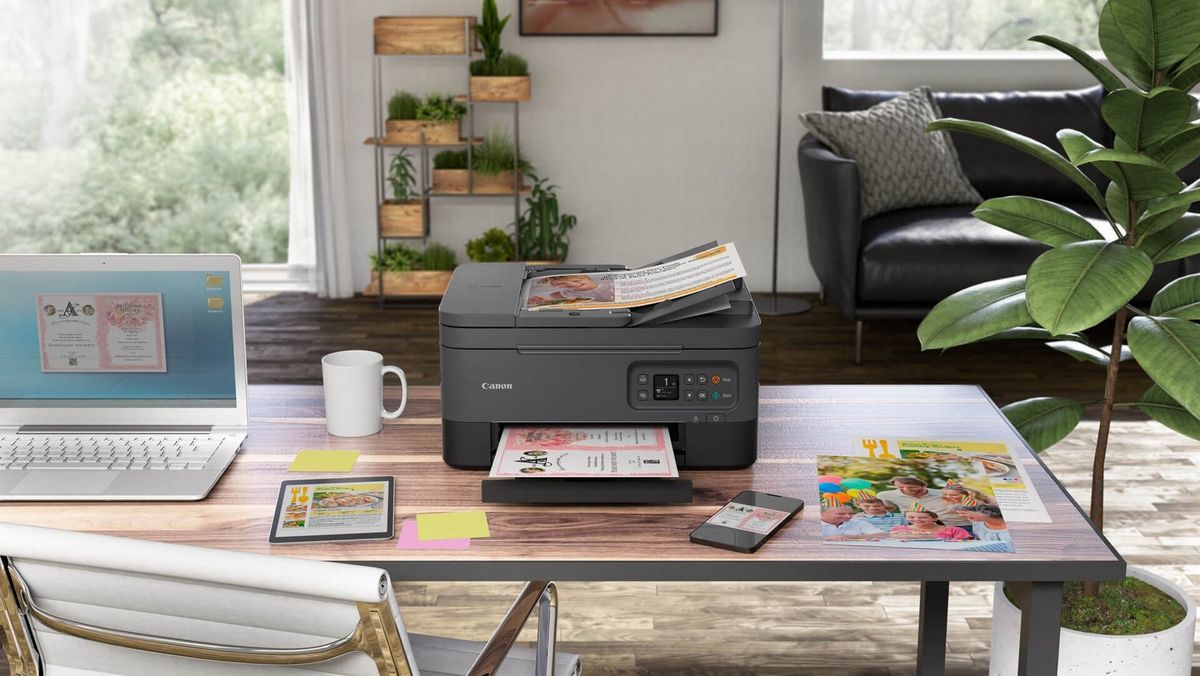
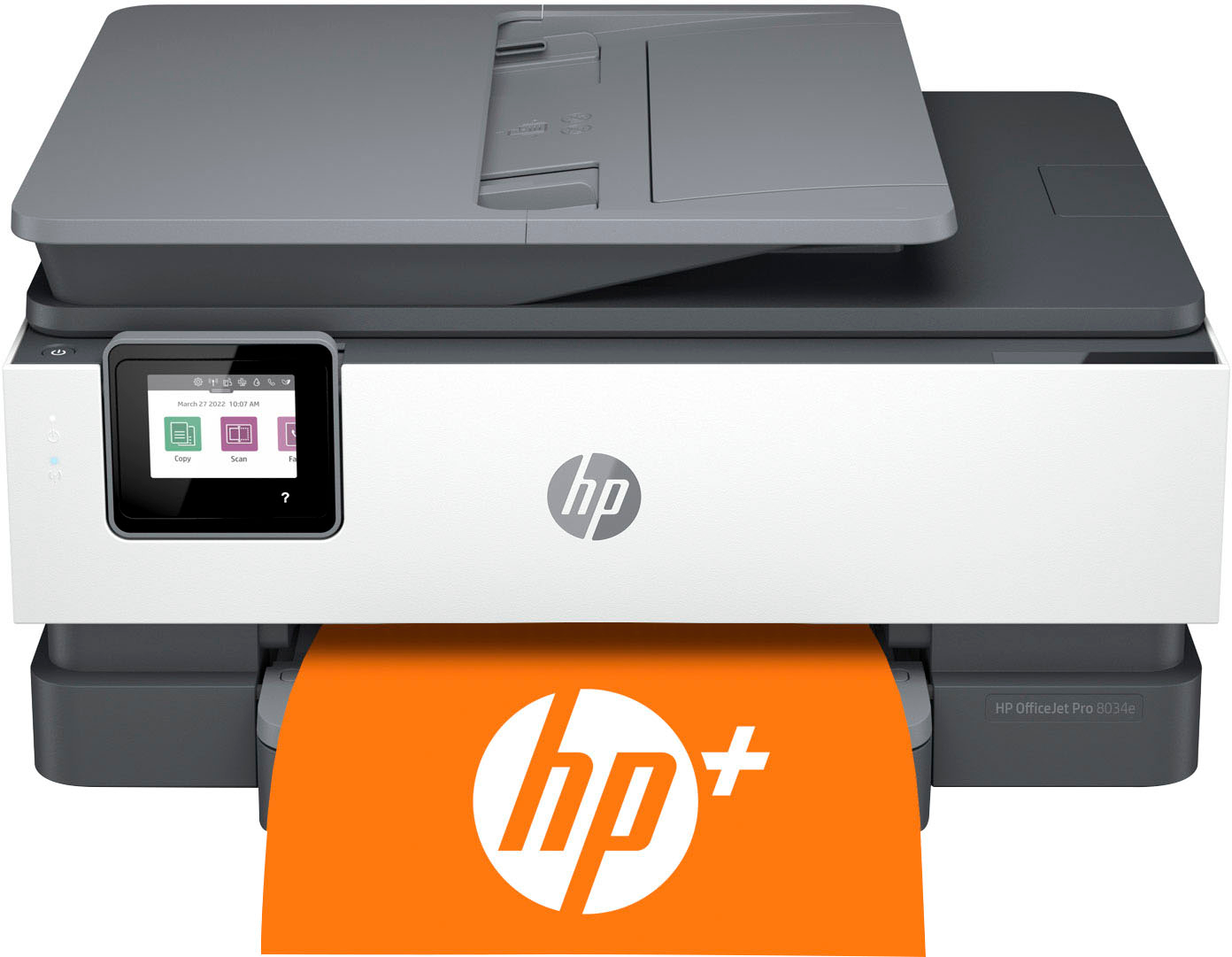
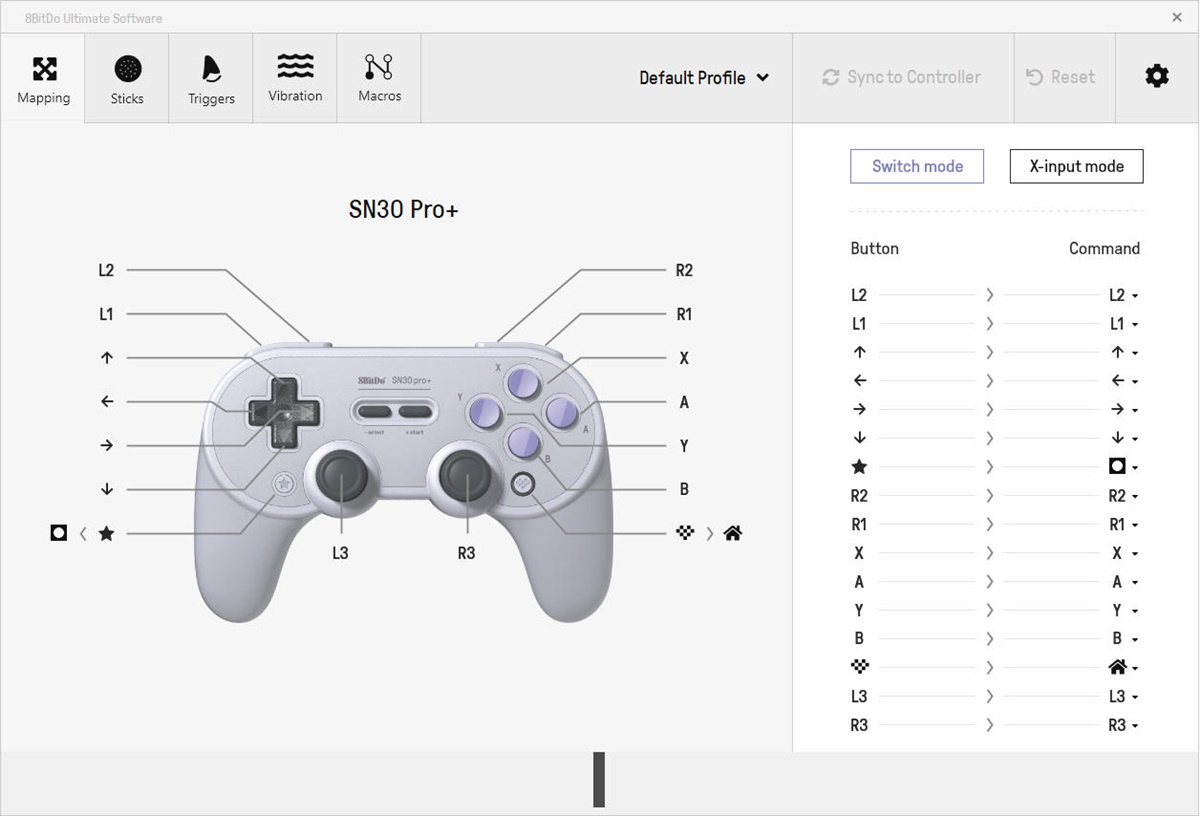
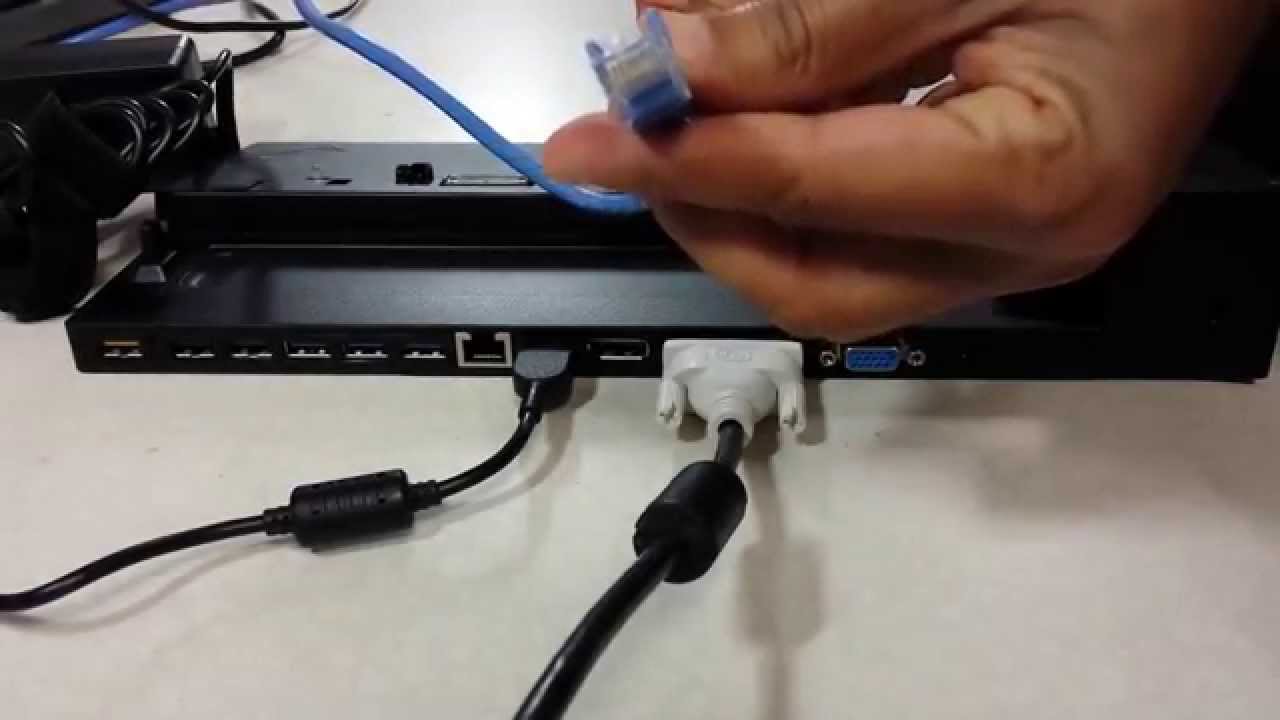
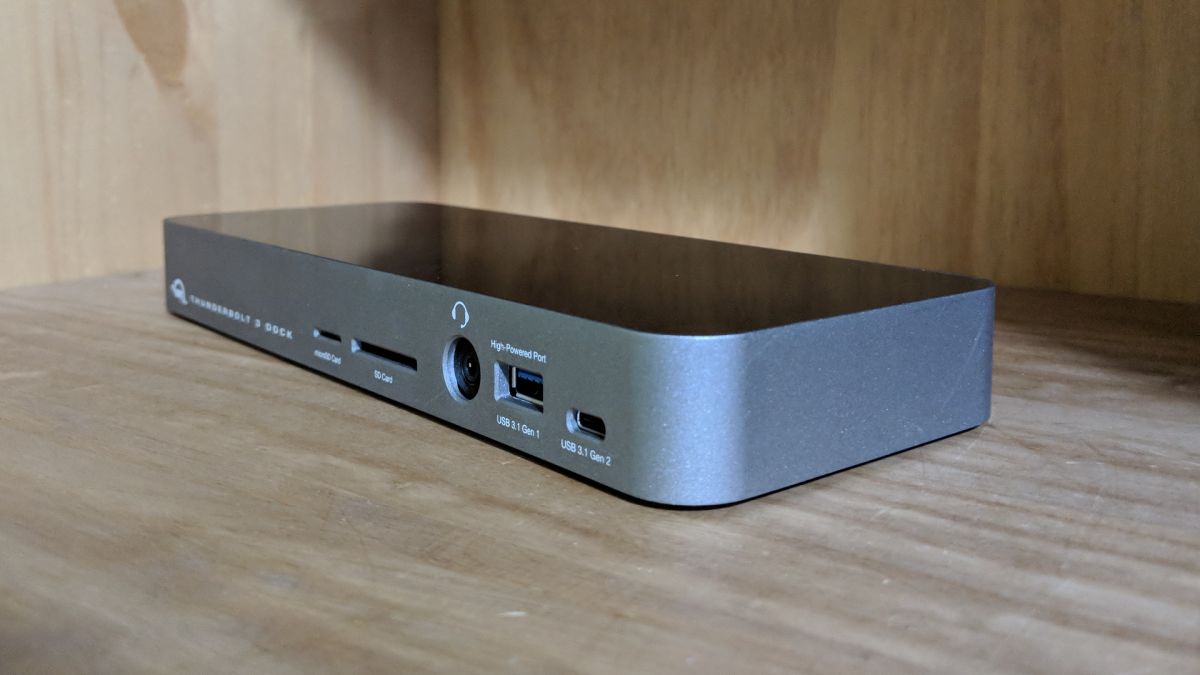
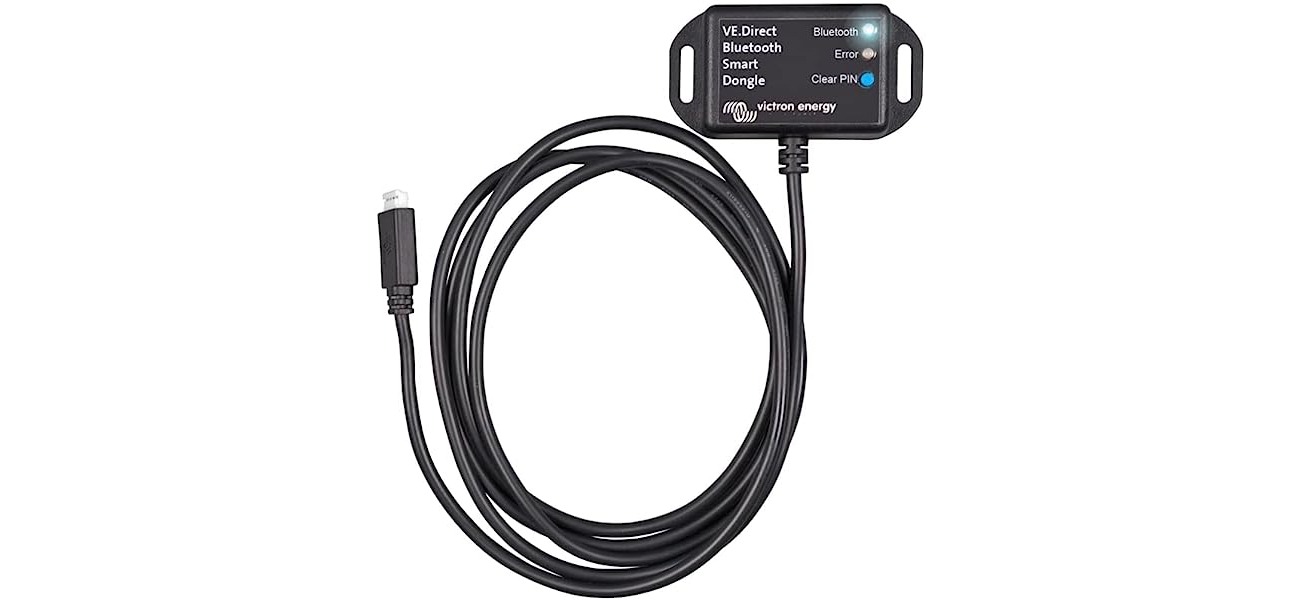
The articles here solve two main types of problems. The first theme covers gaming input and docking stations, helping you bridge the gap between your PC and external controllers or workstations. You can learn how to play games with a joystick on PC, connect an 8BitDo gamepad, or set up both an HP docking station and a ThinkPad docking station for your laptop. The second theme is all about wireless and wired connectivity for printing and dongles. These guides walk you through connecting a dongle, linking a laptop to an HP wireless printer, switching an HP printer from wireless to USB, and connecting to a wireless Canon printer from your laptop.
Each article is a straightforward fix for a specific, common frustration. Instead of troubleshooting vague error messages, you get direct steps to physically link your devices. The goal is always the same: to help you successfully pair your hardware so you can get back to work or play without hassle.