Welcome to the Fitbit tag page on CellularNews. This collection is for anyone who owns or is considering a Fitbit wearable and wants to get the most out of it, especially when paired with a smartphone. Whether you are a new user setting up your device or an experienced owner troubleshooting a glitch, the articles here focus on the practical, day-to-day management of your tracker.

The articles solve three main types of problems. First, they cover essential setup and connectivity tasks, such as syncing your Versa 2 to an iPhone, reconnecting a Fitbit Versa 2 to your phone, and unlocking a Versa 2 using your phone. Second, they address common device settings and customizations, including how to turn GPS on, change the clock face on a Fitbit Charge 4 or Versa 3, set up Google Assistant, and even turn off the green light on your tracker. Third, they help you interpret your data and fix specific issues, from understanding what BPM means and how reliable Fitbit calories are, to troubleshooting why your Fitbit keeps buzzing or shutting off.

These guides help you accomplish real tasks: you can learn how to reset a Fitbit Charge 3 when the screen is black, add activities to your log, sync your Peloton rides, or transfer a Fitbit Charge to another person. They also clarify features like the ECG app on the Sense 2 and what the Fitbit Ace 3 does, ensuring you can use your device with confidence.
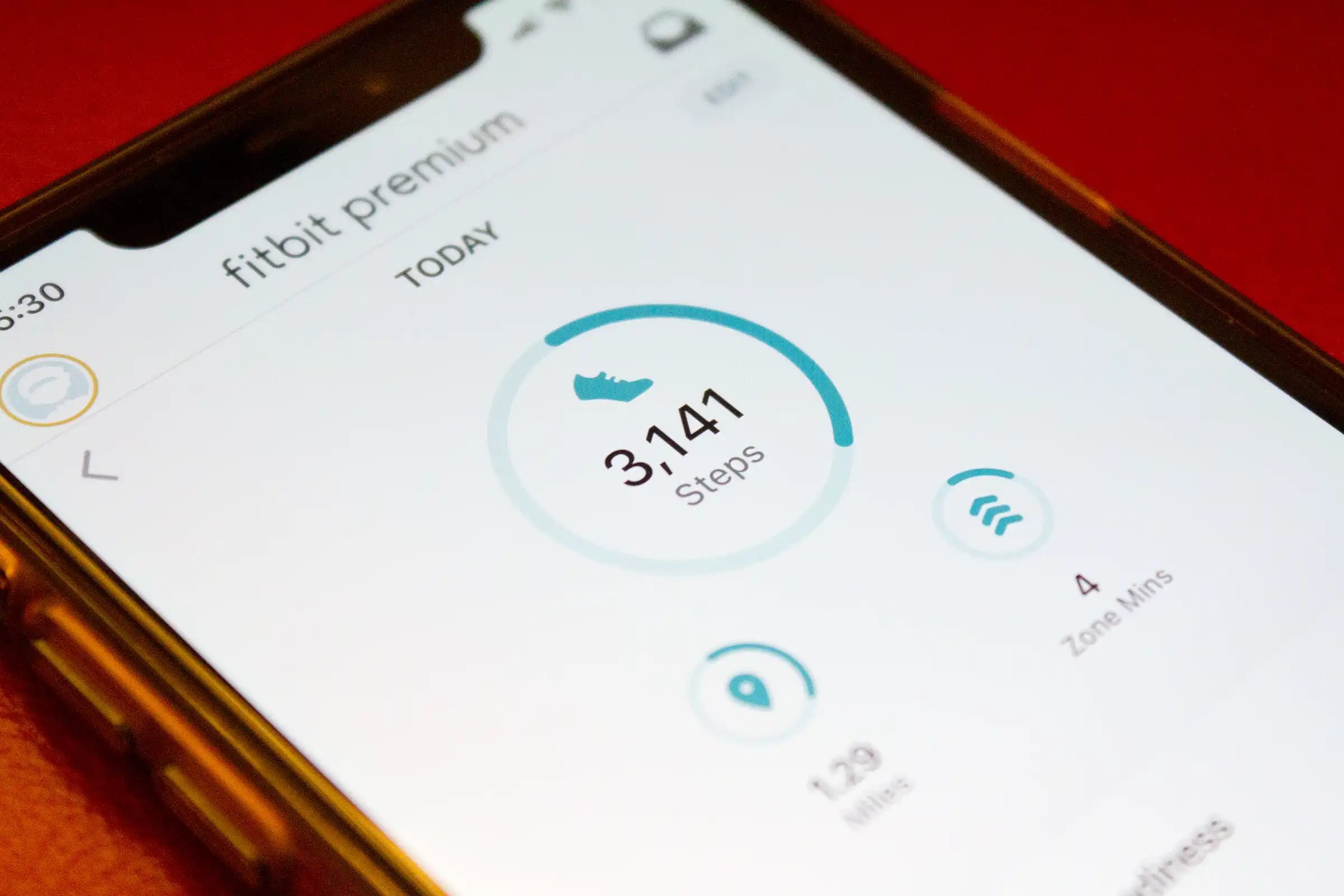
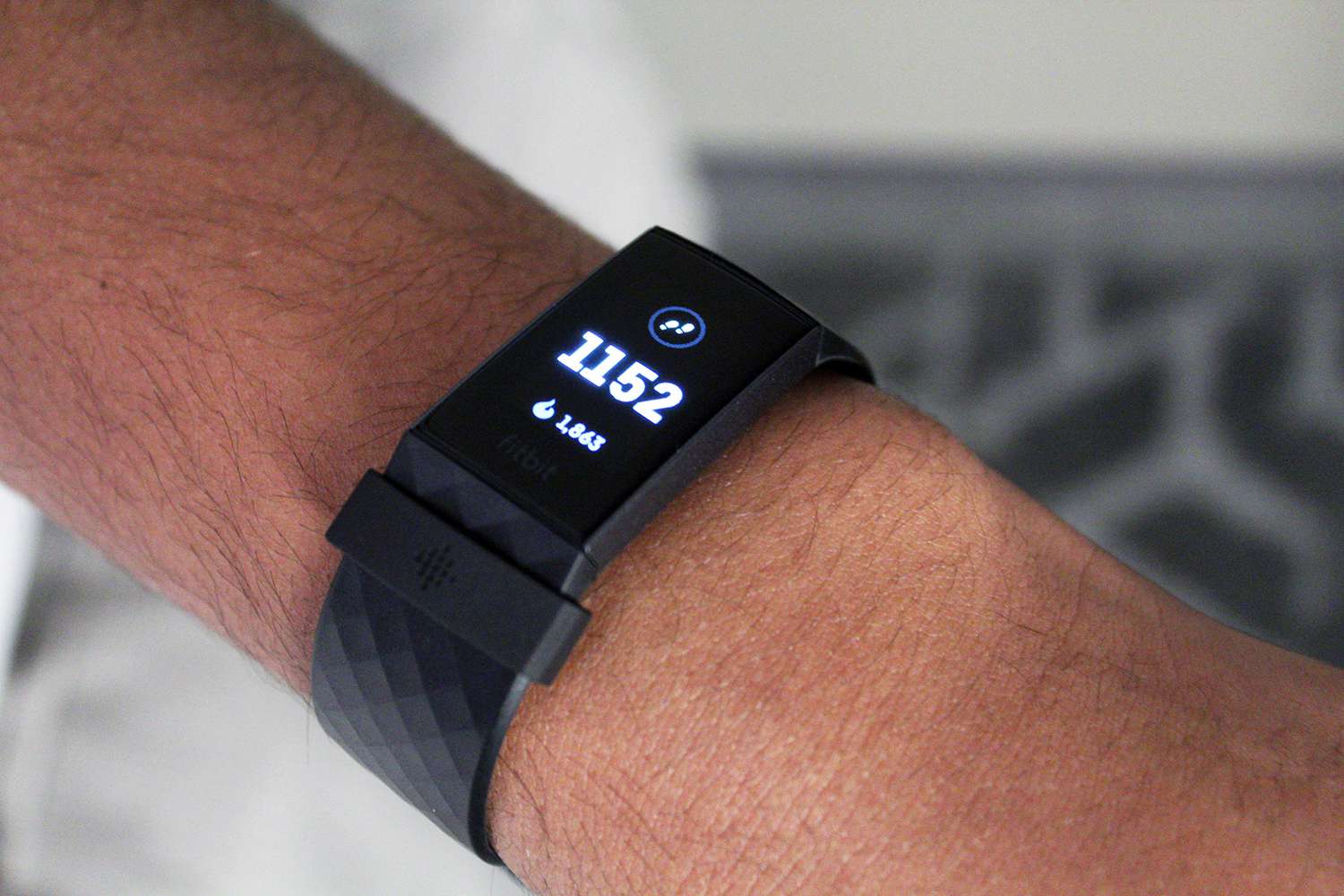
How Does Fitbit Count Steps

Fitbit counts steps using a 3-axis accelerometer that detects forward, side-to-side, and up-down motion, then applies filtering to distinguish steps from non-step movements like hand waving. Understanding how does Fitbit...

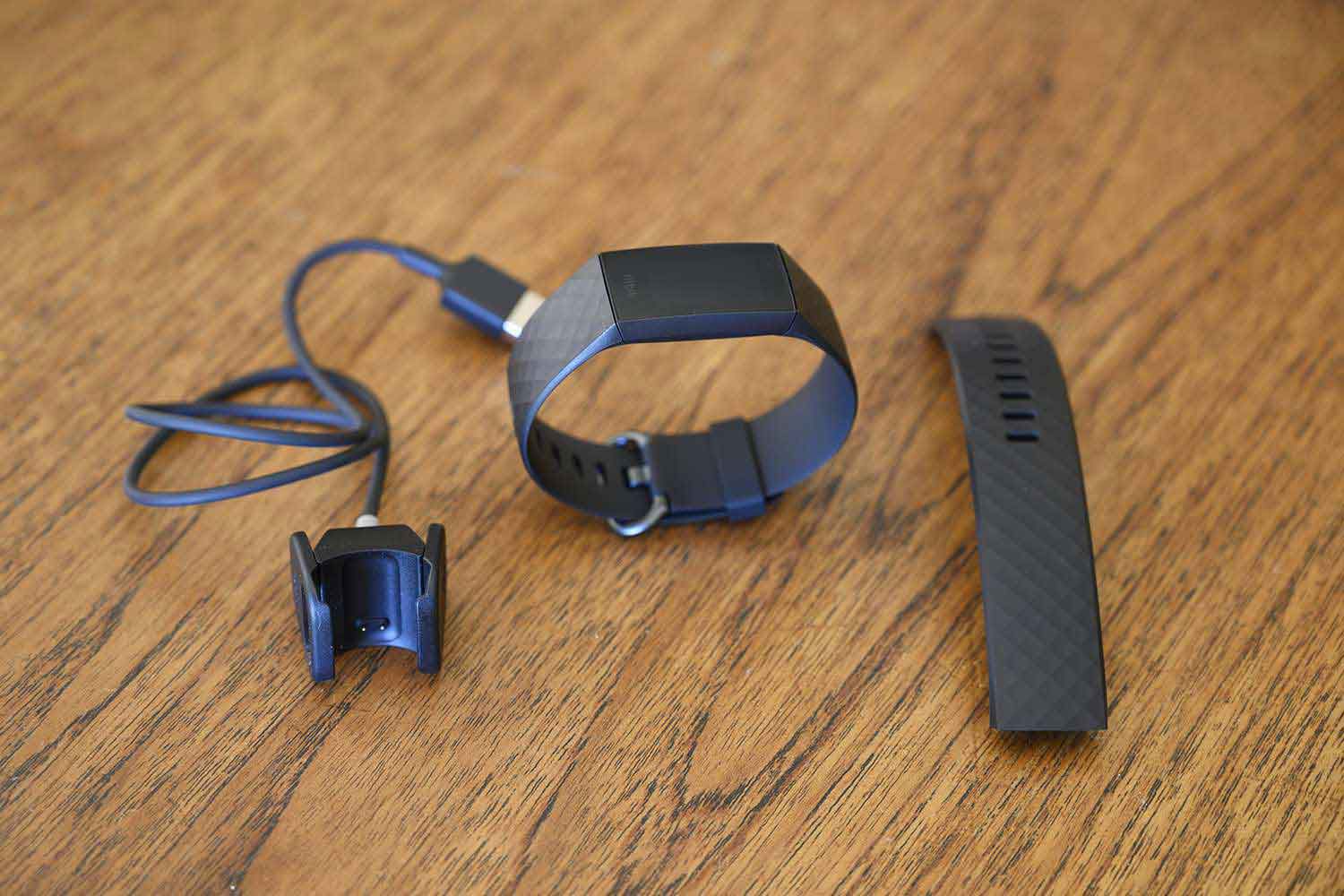
How To Change A Fitbit Band

To change a Fitbit band, turn the tracker over and press the flat metal button on the strap to release the latch, then slide the band away from the device....

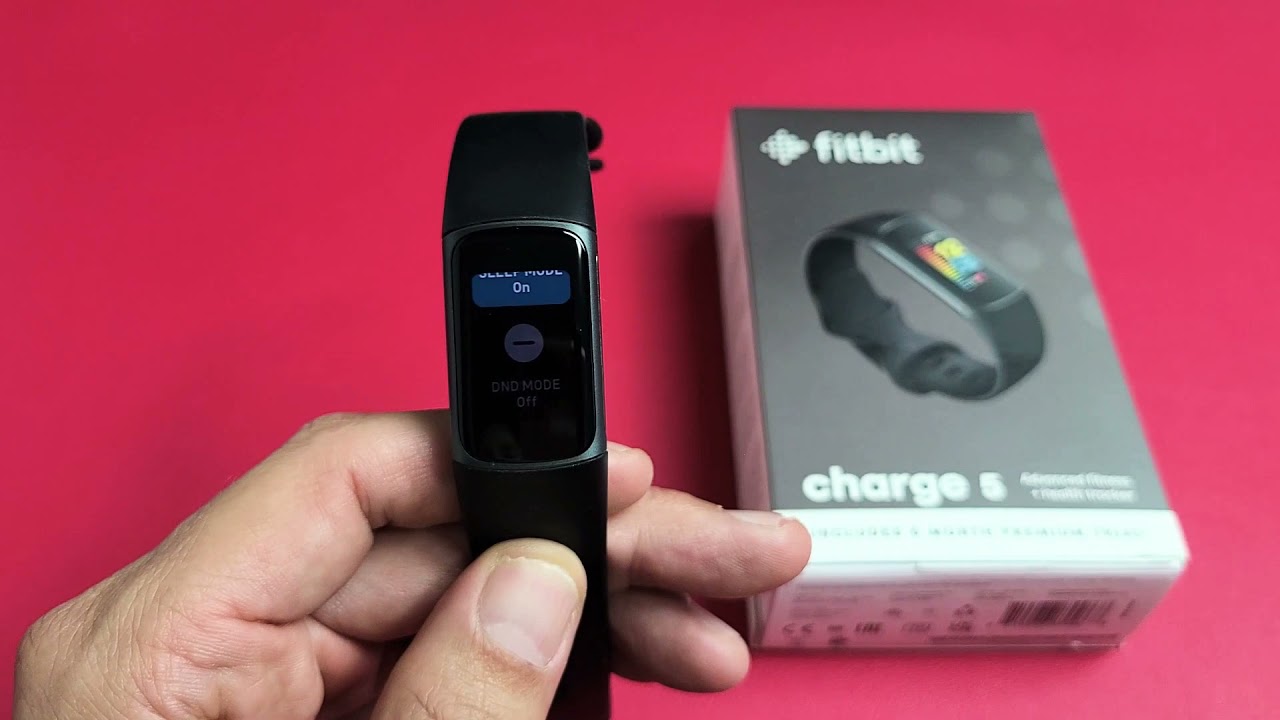
What Is DND Mode On Fitbit

DND mode on Fitbit, which stands for Do Not Disturb, is a manual setting that mutes all notifications, goal celebrations, and reminders so you can focus without interruptions. Whether you...

How To Add Steps To Fitbit

To add steps to Fitbit, you cannot directly input a specific step count. Instead, you must manually log a "Walking" activity, and Fitbit estimates the steps based on the duration...

When Did Google Buy Fitbit

When did Google buy Fitbit? The company officially completed its acquisition of the fitness wearable brand on January 14, 2021. The most important consequence of this acquisition for existing users...

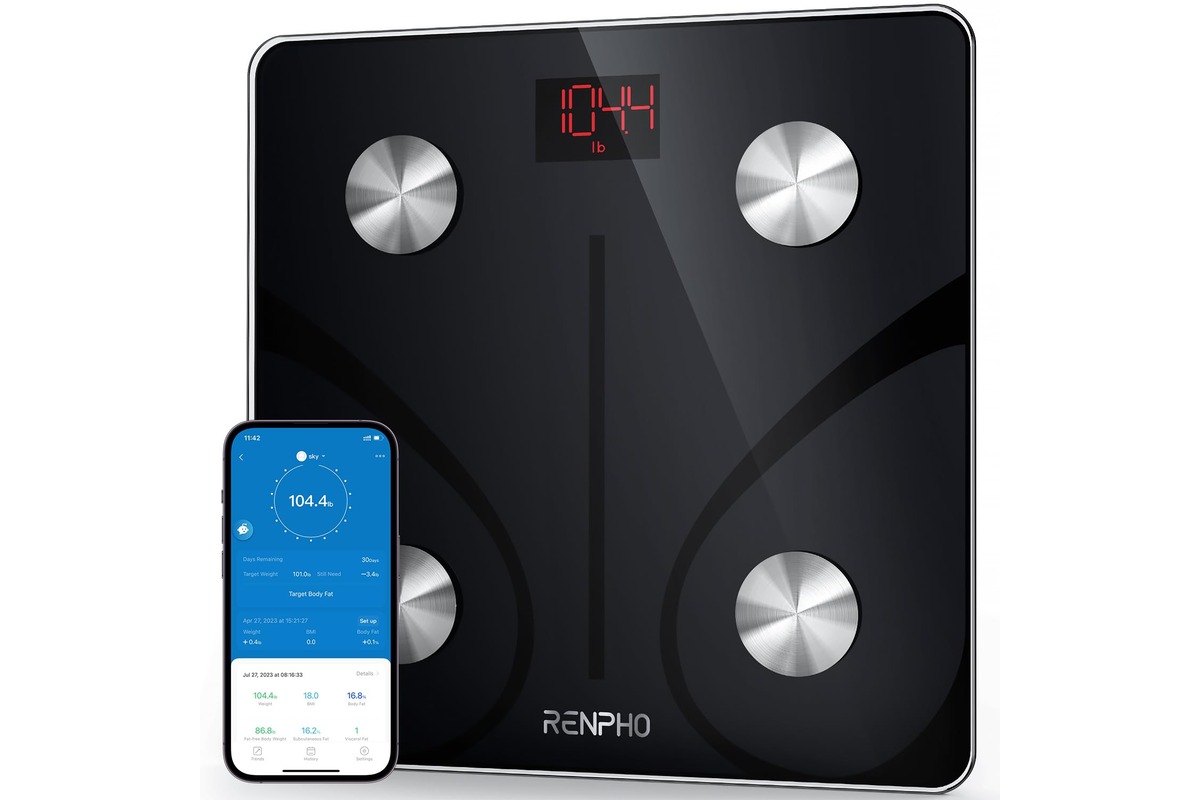
How To Sync Renpho With Fitbit

To sync Renpho with Fitbit, open the Renpho app, go to Settings, select Fitbit, turn it on, and log in to your Fitbit account to approve the connection. This automatically...

How To Set Up A Fitbit

To set up a Fitbit, you need to charge it fully, install the Google Health app, sign in with a Google Account, and pair the device to your phone. This...

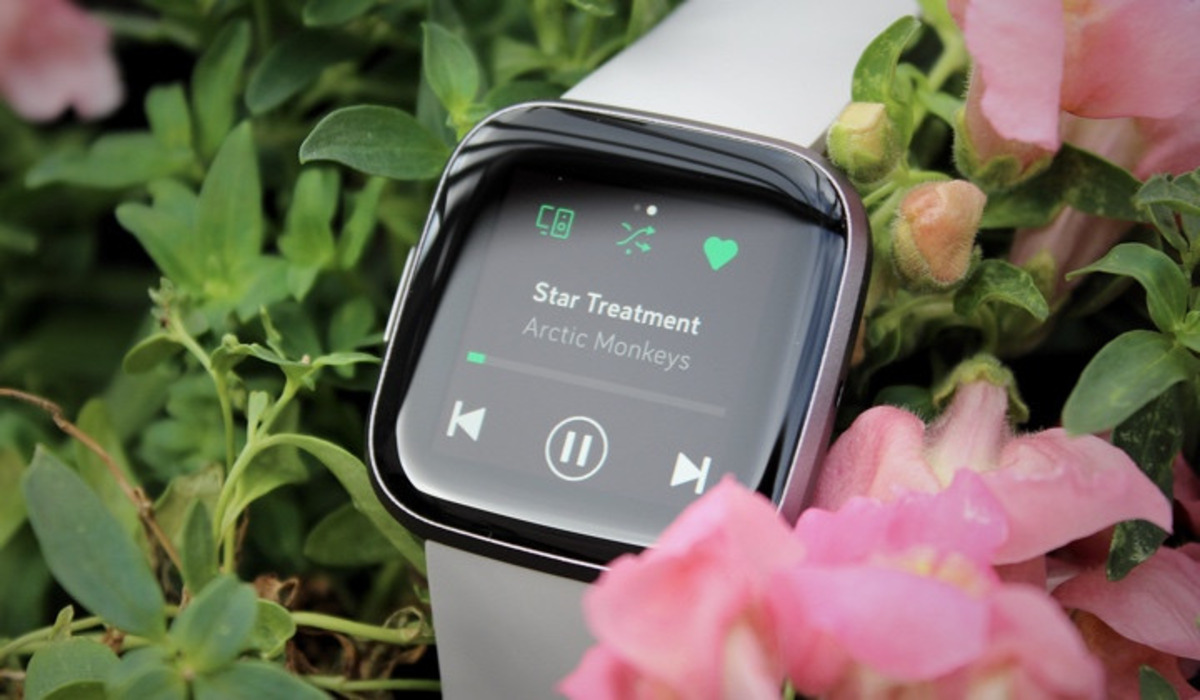
What Is Spotify On Fitbit

Spotify on Fitbit is the Spotify app for supported Fitbit smartwatches that lets Premium users control playback from their wrist, including Spotify Connect. This means you can play, pause, skip,...