Optimizing mobile and cross-platform gaming performance, specifically for readers who want to fine-tune their controls, adjust in-game parameters, or resolve common gameplay frustrations. Whether you are a casual player or a competitive enthusiast, these guides are built for anyone looking to get the most out of their phone or controller setup.
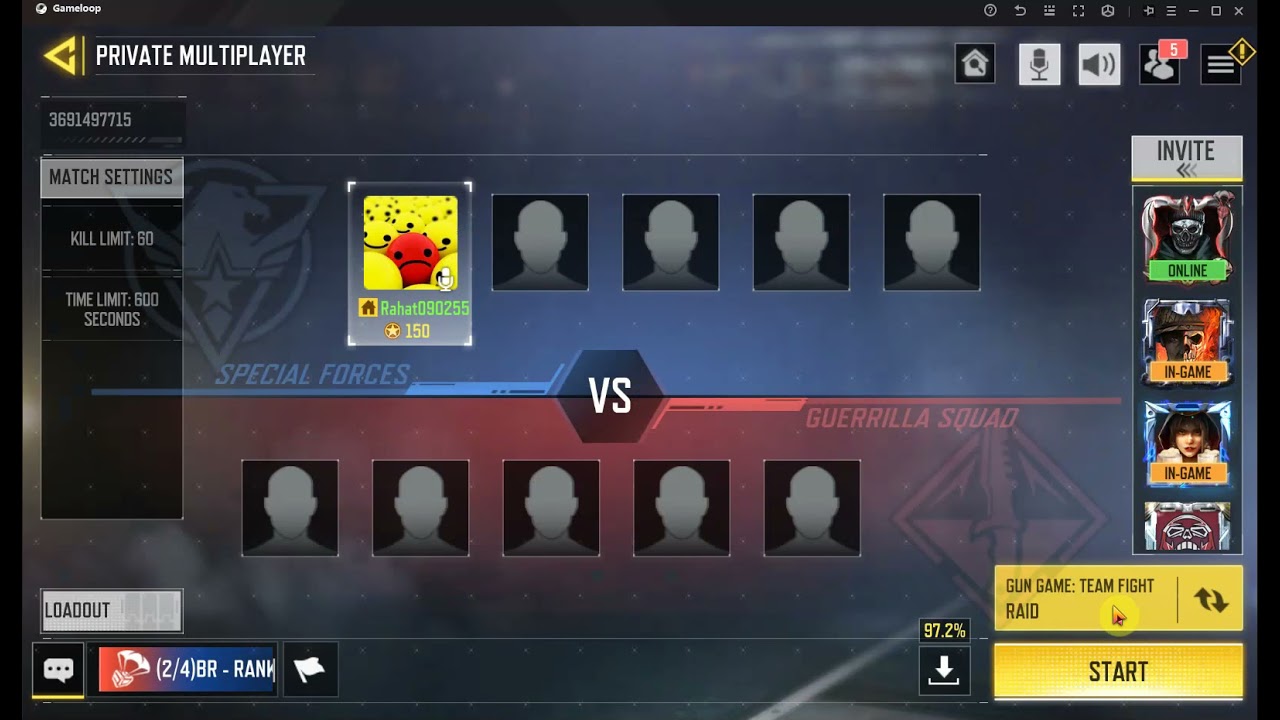
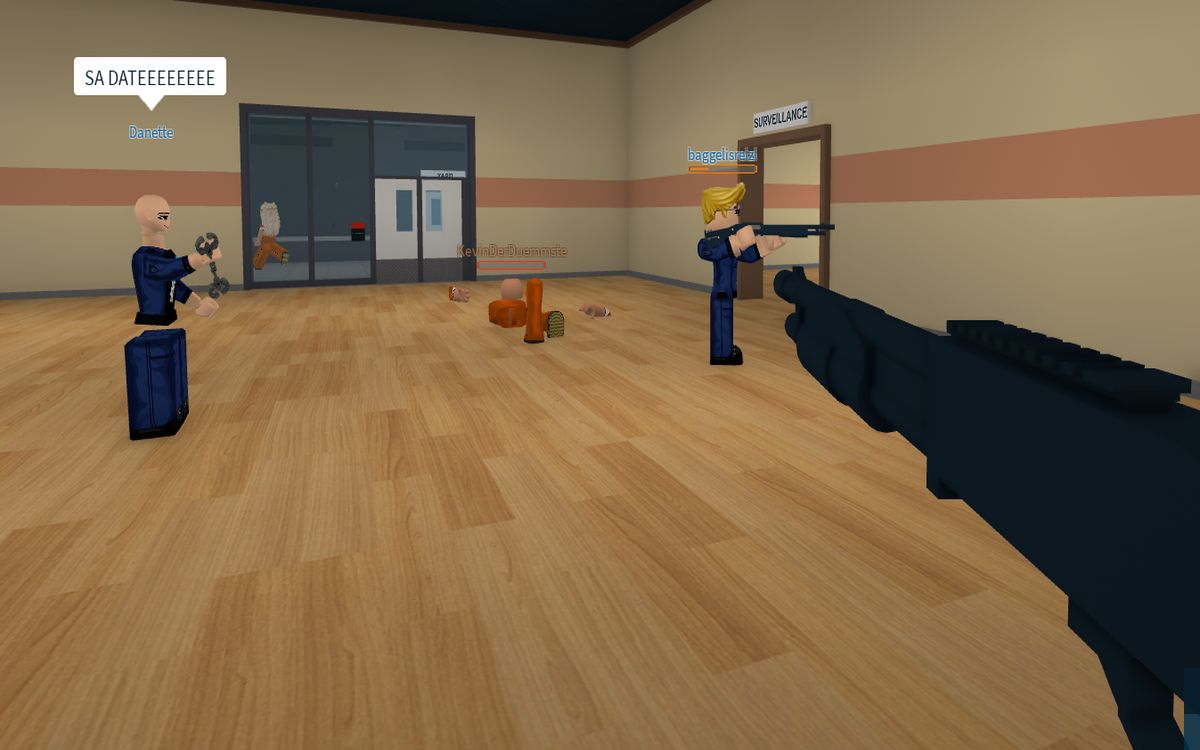
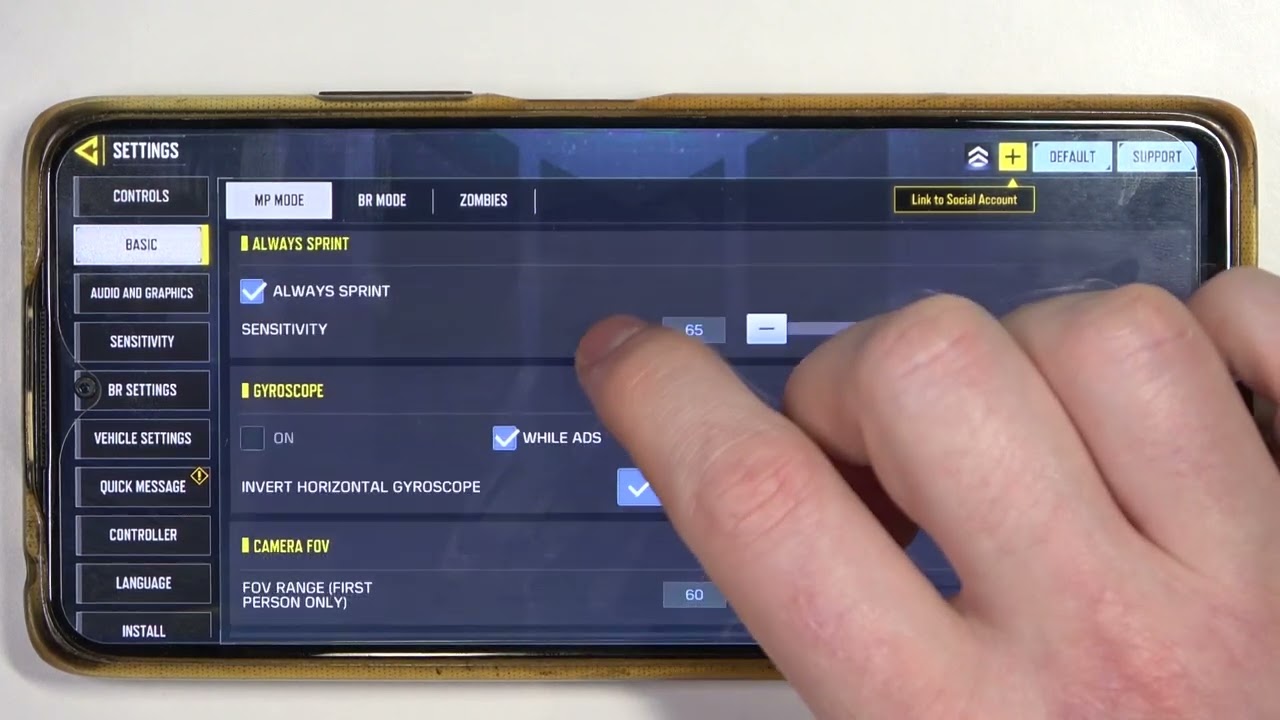
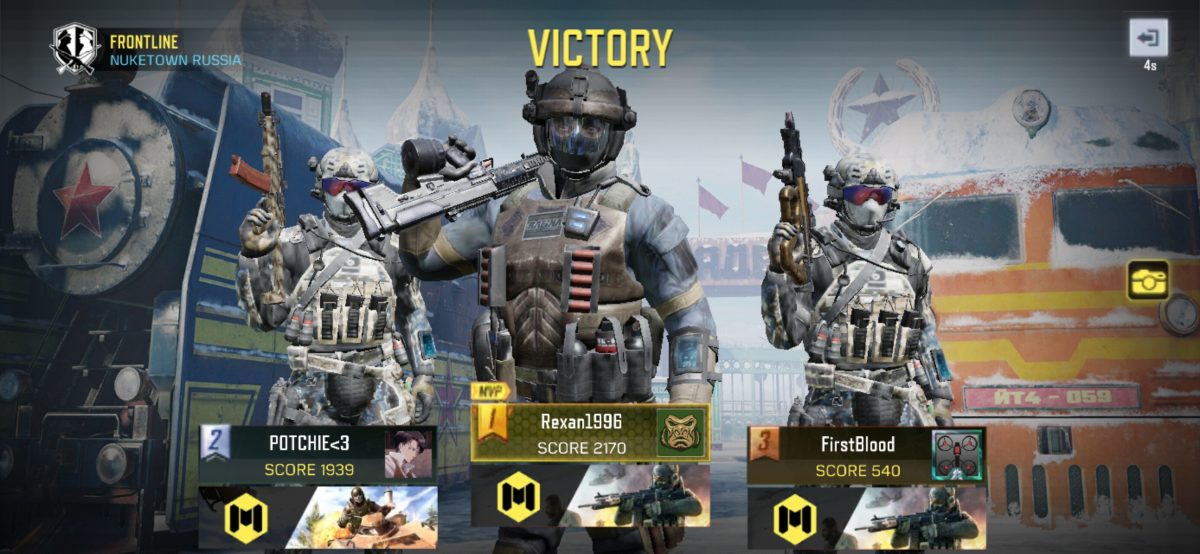
The articles here solve practical problems grouped around two main themes: controller and joystick adjustments, and in-game configuration tweaks. For controller users, you will find step-by-step help on how to adjust the deadzone joystick, reduce joystick sensitivity, and even fix a faulty Xbox controller joystick. There is also a guide for changing the joystick button configuration in Undertale, which addresses specific control mapping needs. The second theme covers core game settings, such as how to change the field of view in COD Mobile, how to drop items in Roblox Mobile, and how to make a private match in COD Mobile. These articles help you directly modify the game environment to suit your personal play style.
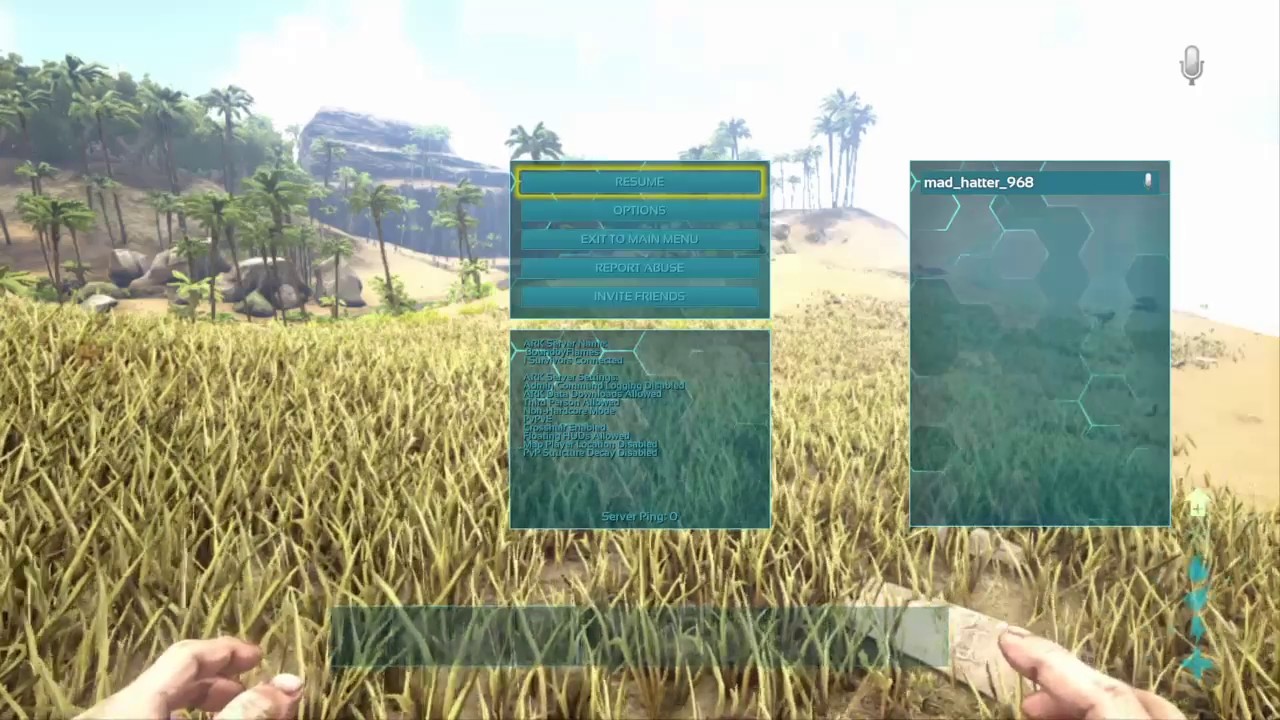
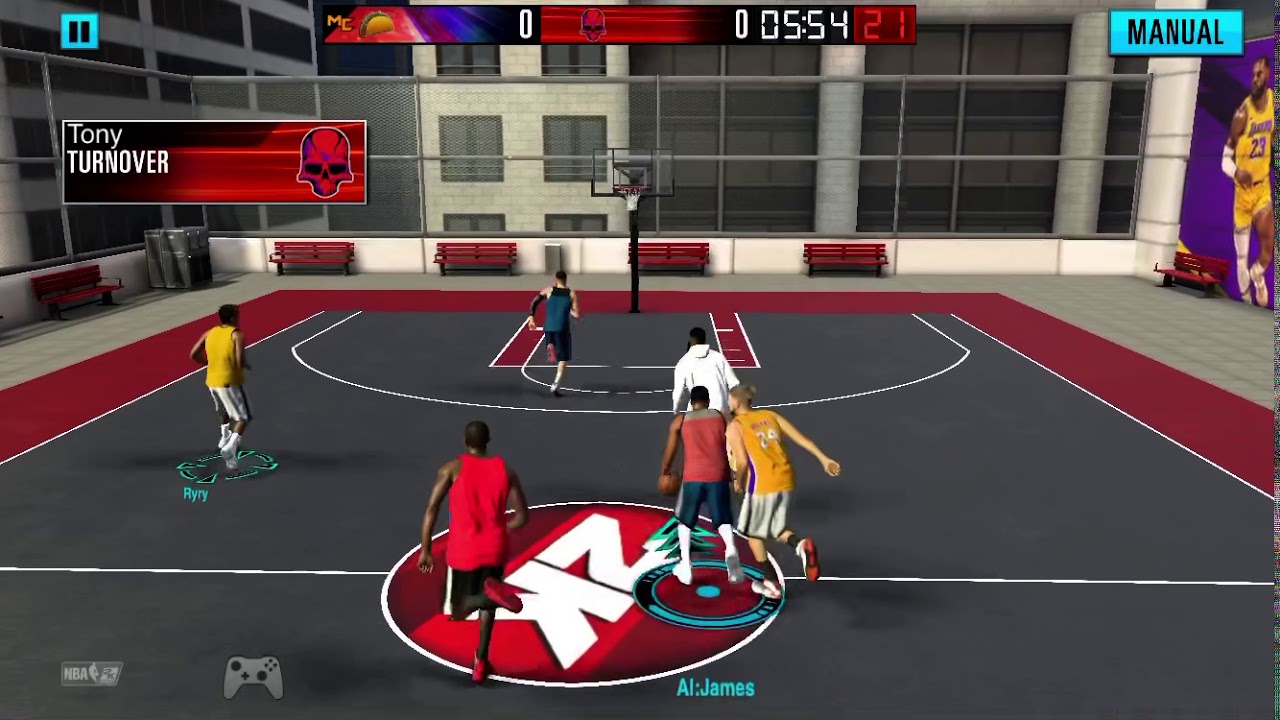
Beyond these themes, the tag also includes solutions for more advanced or administrative tasks, like how to reset player data in Minecraft and how to use admin commands in Ark Mobile. For those focused on competitive play, there is a guide on how to 1v1 in 2K Mobile and a seasonal recommendation for the best gun in COD Mobile. Each article is a straightforward, actionable fix for a specific setting or problem you can apply immediately.