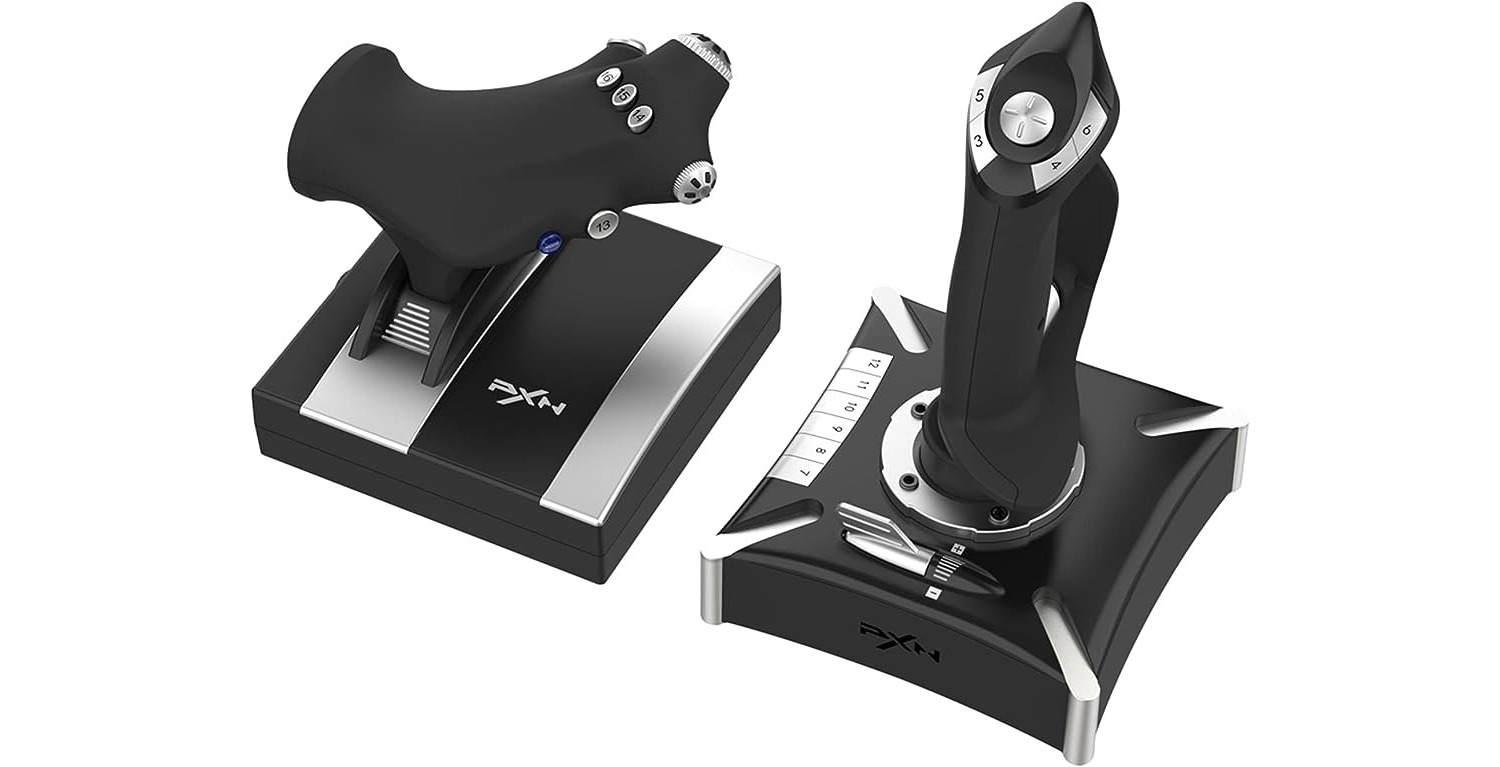
All of our guides about using physical controllers with phones, PCs, and consoles. This page is for anyone who wants to connect a gamepad to a new device, fix a connection problem, or adjust how their controller works for a specific game.
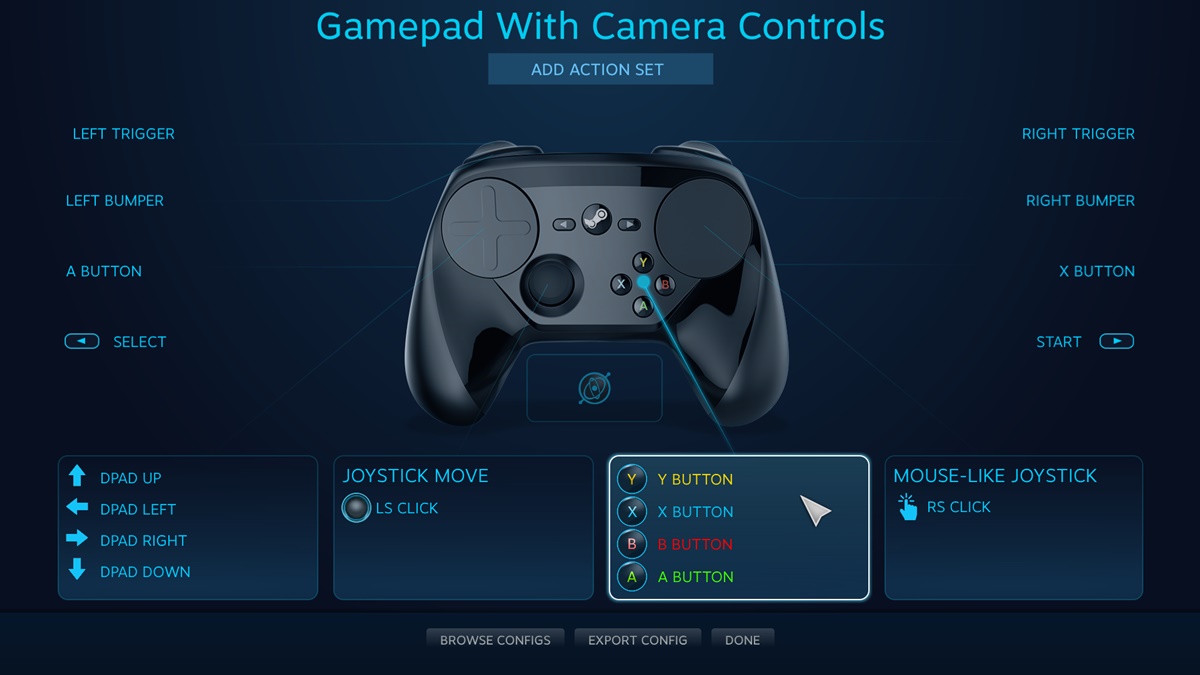
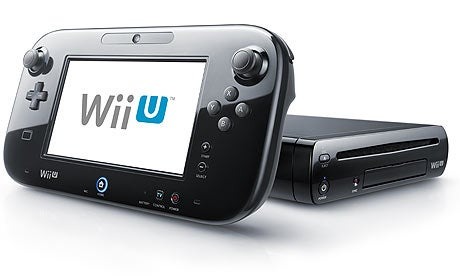
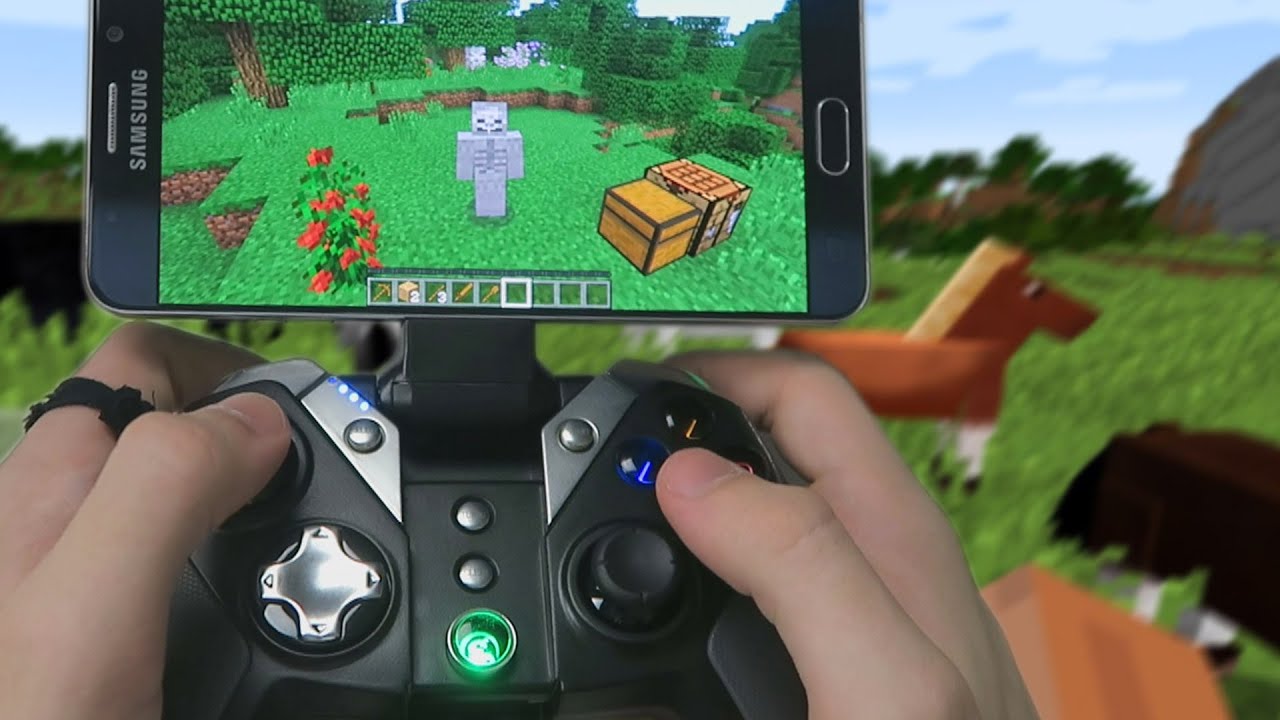
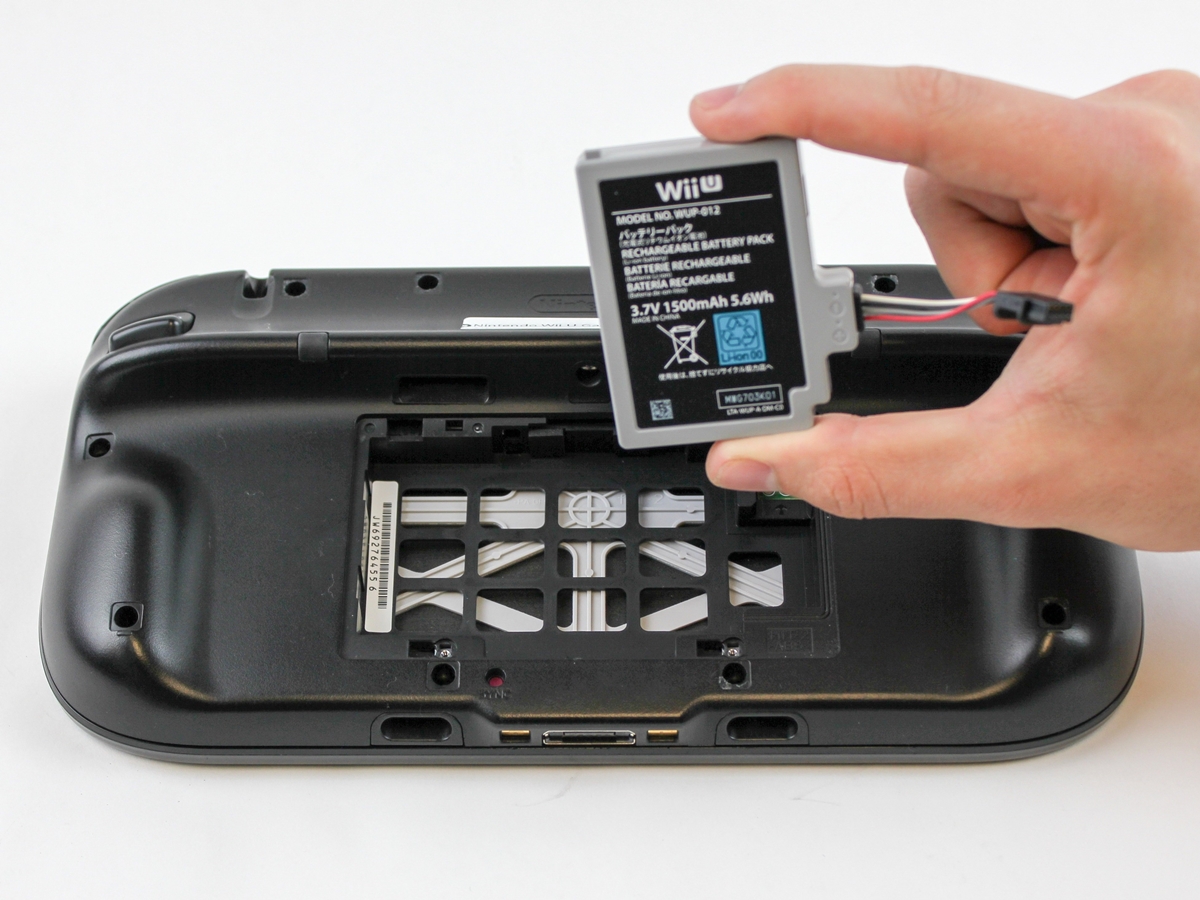
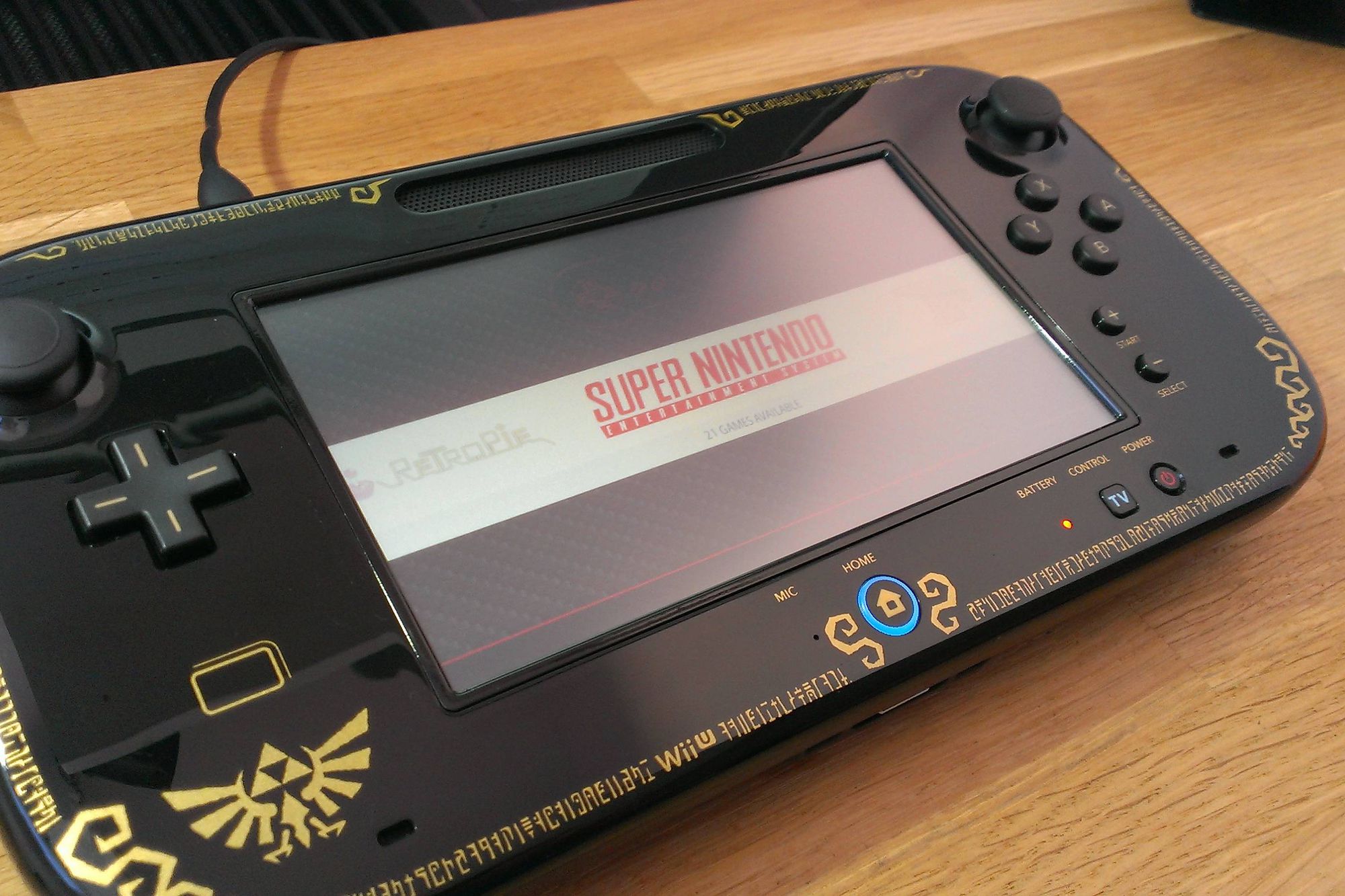
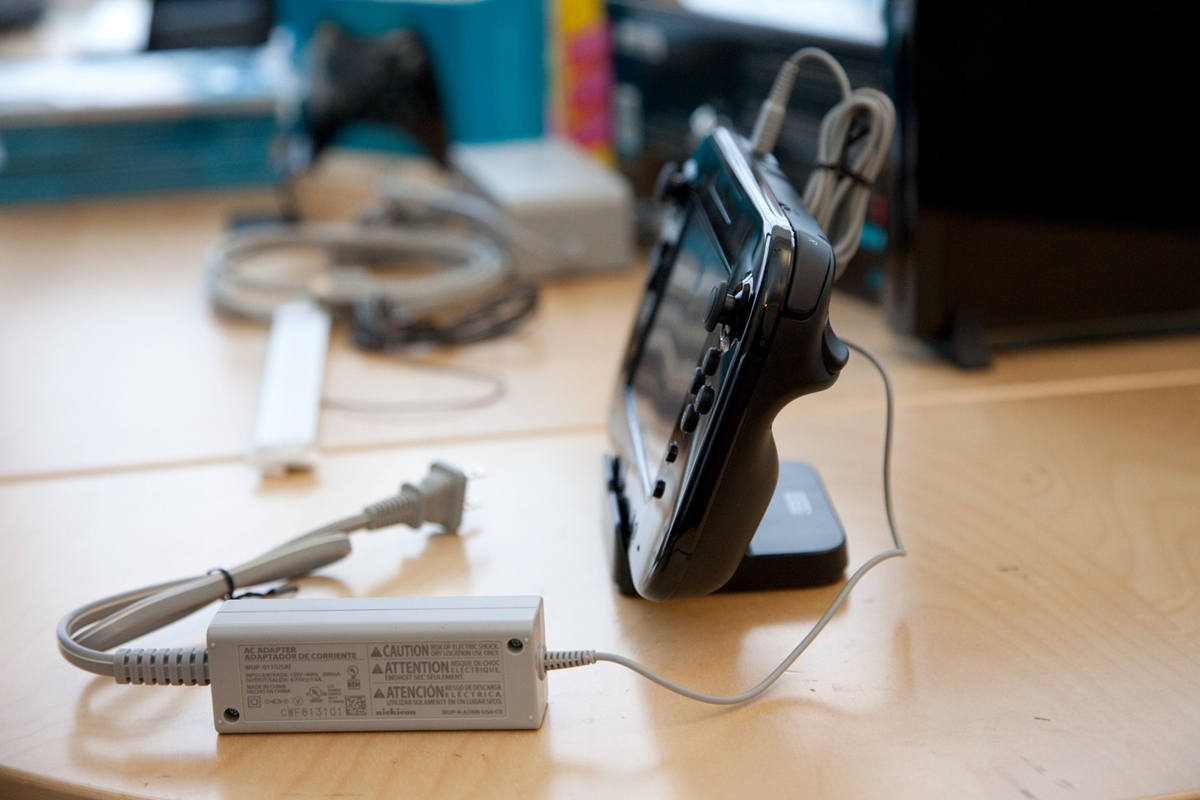
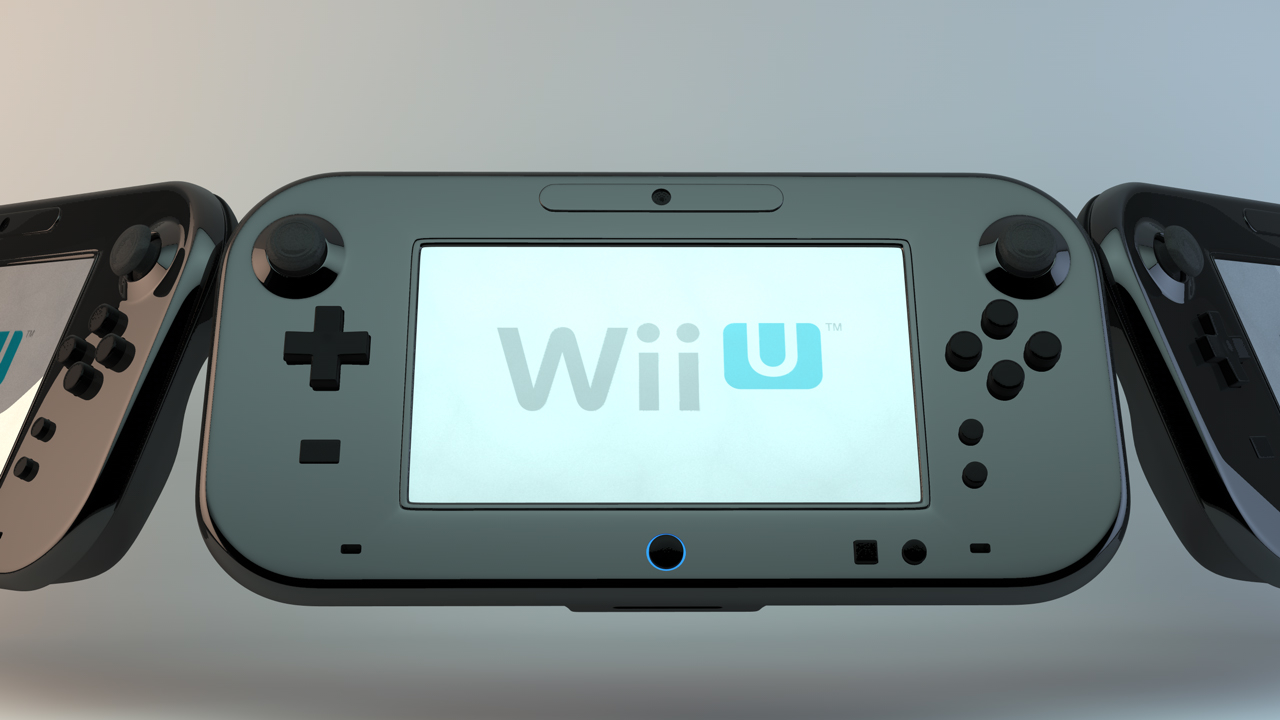
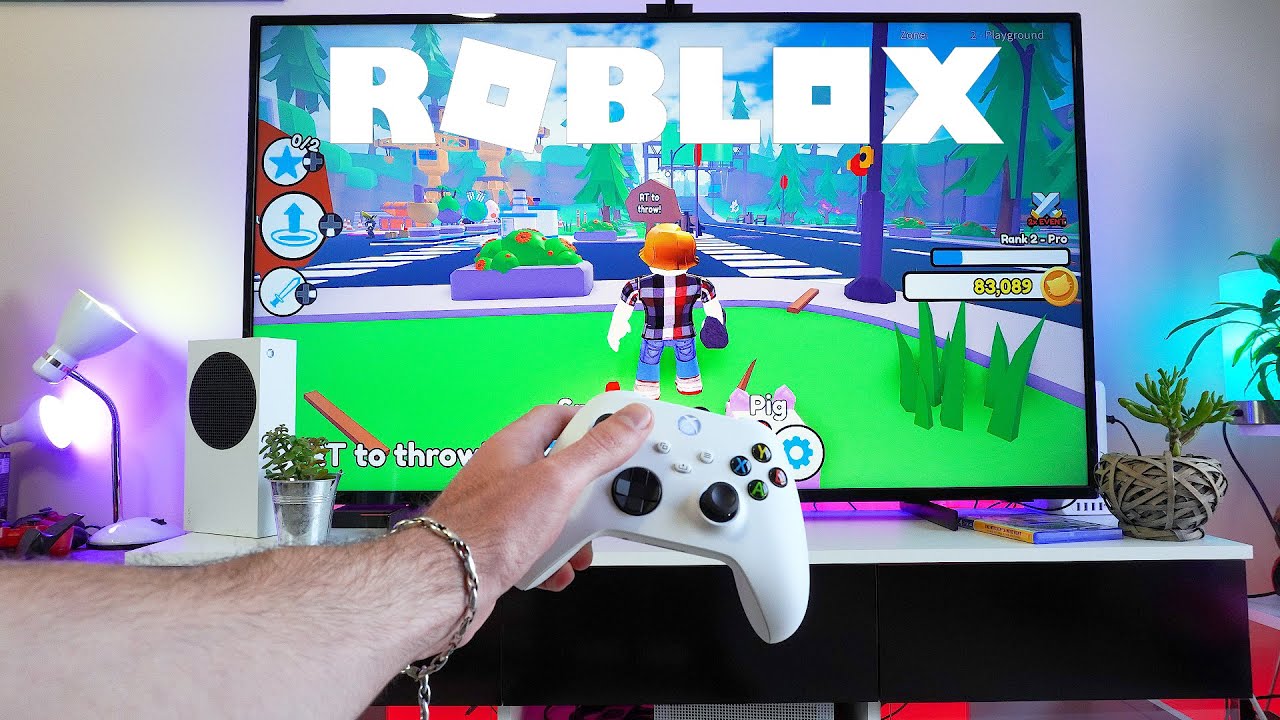
The articles here solve three main kinds of problems. First, they help you connect and set up a wide range of controllers, from the Mocute and 8BitDo gamepads to the Wii U Gamepad and ASUS controllers. Second, they tackle common fixes, such as resetting a Wii U Gamepad, fixing its connection issues, or charging it without the original charger. Third, they guide you through using a gamepad with specific games and apps, including how to play Gorilla Tag on PC without VR, how to add gamepad controls on Roblox, and how to use a gamepad for Skyrim, GTA 5, or Minecraft on PC. You will also find instructions for disabling a gamepad in Steam, adjusting gamepad speed, and removing the dpad.