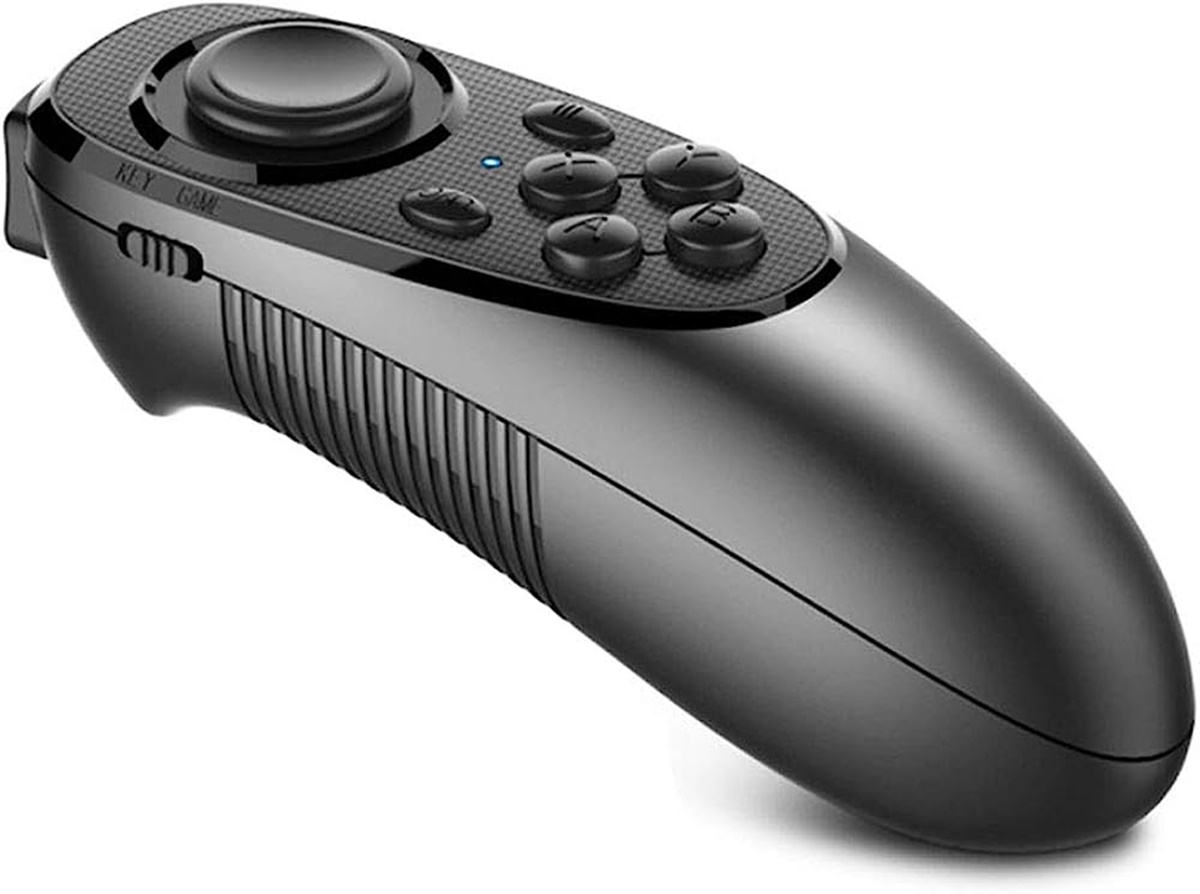
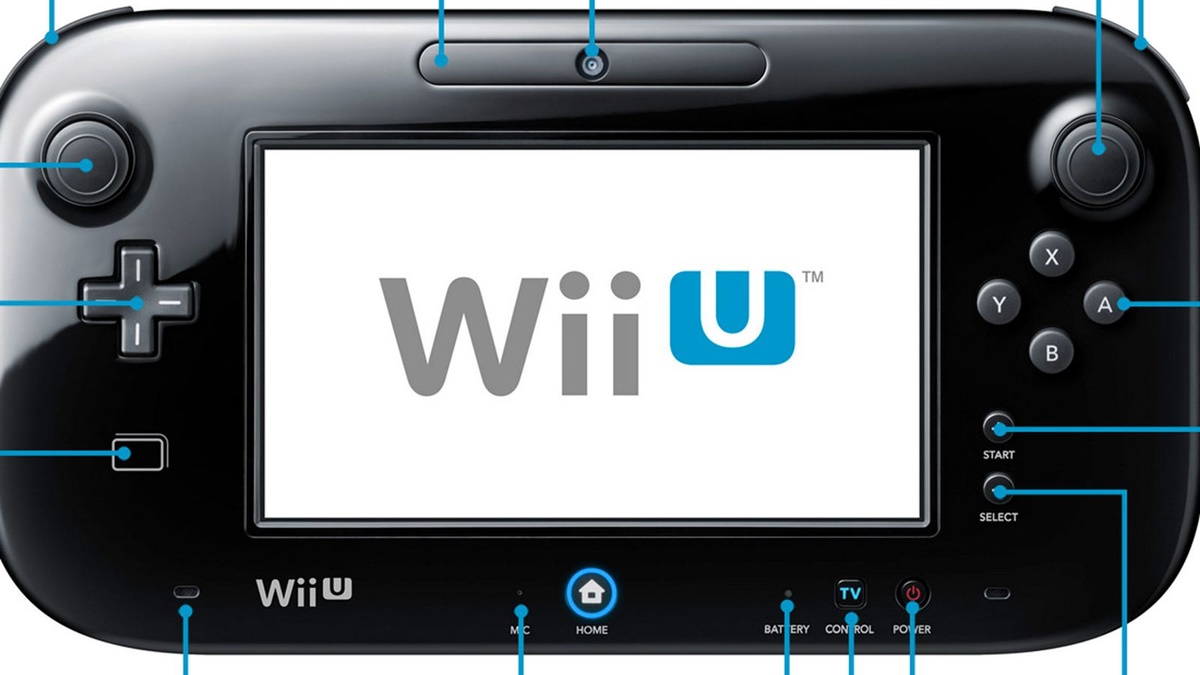
The Gamepad tag on CellularNews collects all of our guides about using physical controllers with phones, PCs, and consoles. This page is for anyone who wants to connect a gamepad to a new device, fix a connection problem, or adjust how their controller works for a specific game.

The articles here solve three main kinds of problems. First, they help you connect and set up a wide range of controllers, from the Mocute and 8BitDo gamepads to the Wii U Gamepad and ASUS controllers. Second, they tackle common fixes, such as resetting a Wii U Gamepad, fixing its connection issues, or charging it without the original charger. Third, they guide you through using a gamepad with specific games and apps, including how to play Gorilla Tag on PC without VR, how to add gamepad controls on Roblox, and how to use a gamepad for Skyrim, GTA 5, or Minecraft on PC. You will also find instructions for disabling a gamepad in Steam, adjusting gamepad speed, and removing the dpad.
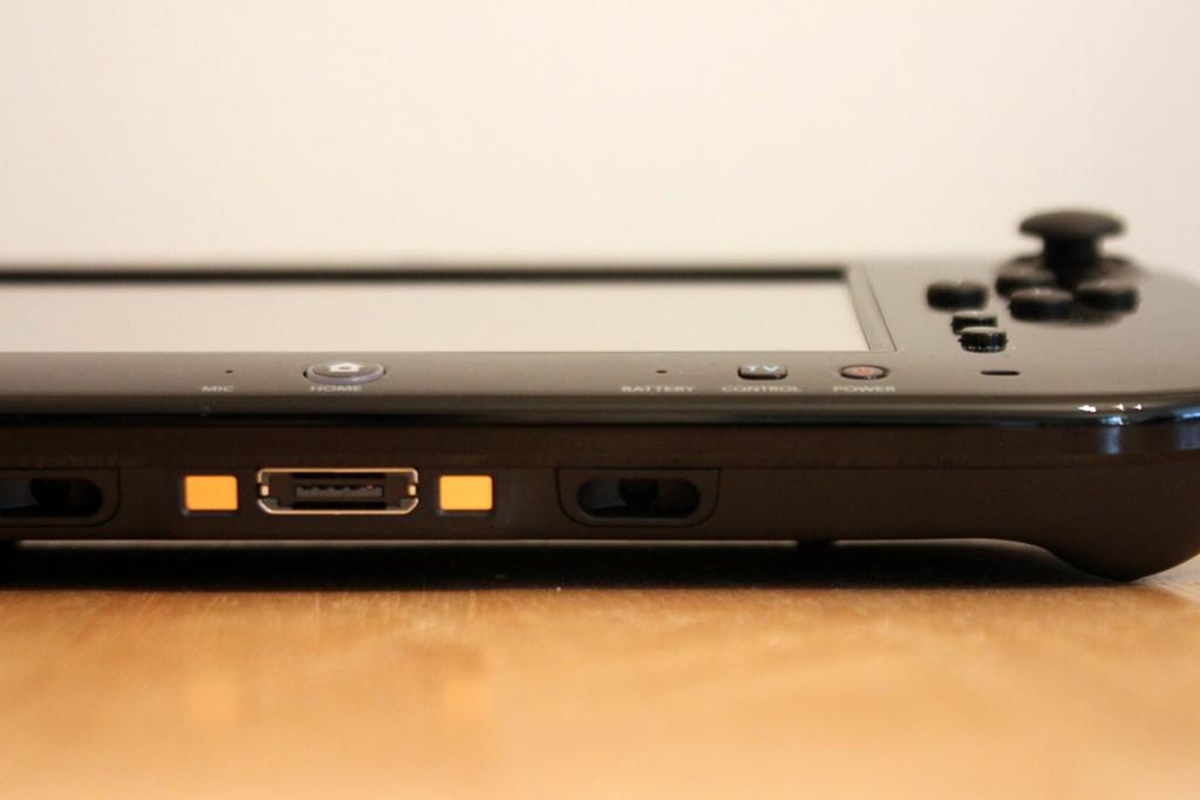
How To Adjust Gamepad Speed

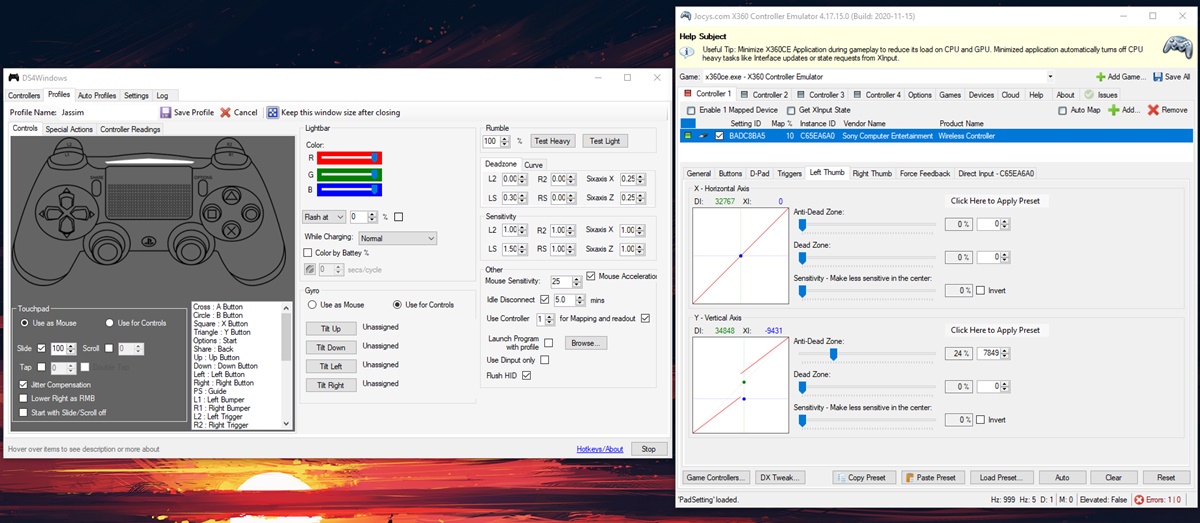
How to adjust gamepad speed with sensitivity curves To adjust gamepad speed, you need to change how far you push the thumbstick versus how fast the in-game camera or character...

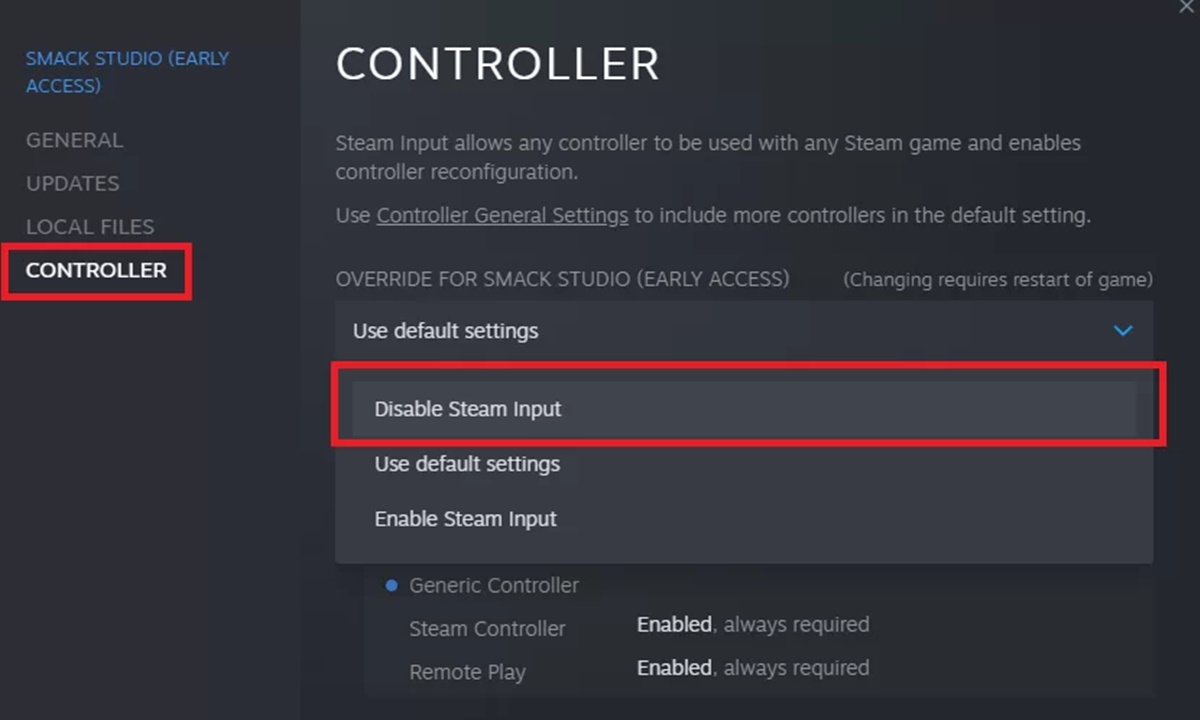
How To Disable A Gamepad In Steam

To disable a gamepad in Steam, the fastest method is to physically unplug a wired controller's USB cable or, for a wireless Xbox, PlayStation, or Steam Controller, hold down its...

How To Turn Off Gamepad

To turn off a gamepad, you need to stop it from sending input to its host device, which you can do by disconnecting it via Bluetooth, unplugging its USB cable,...

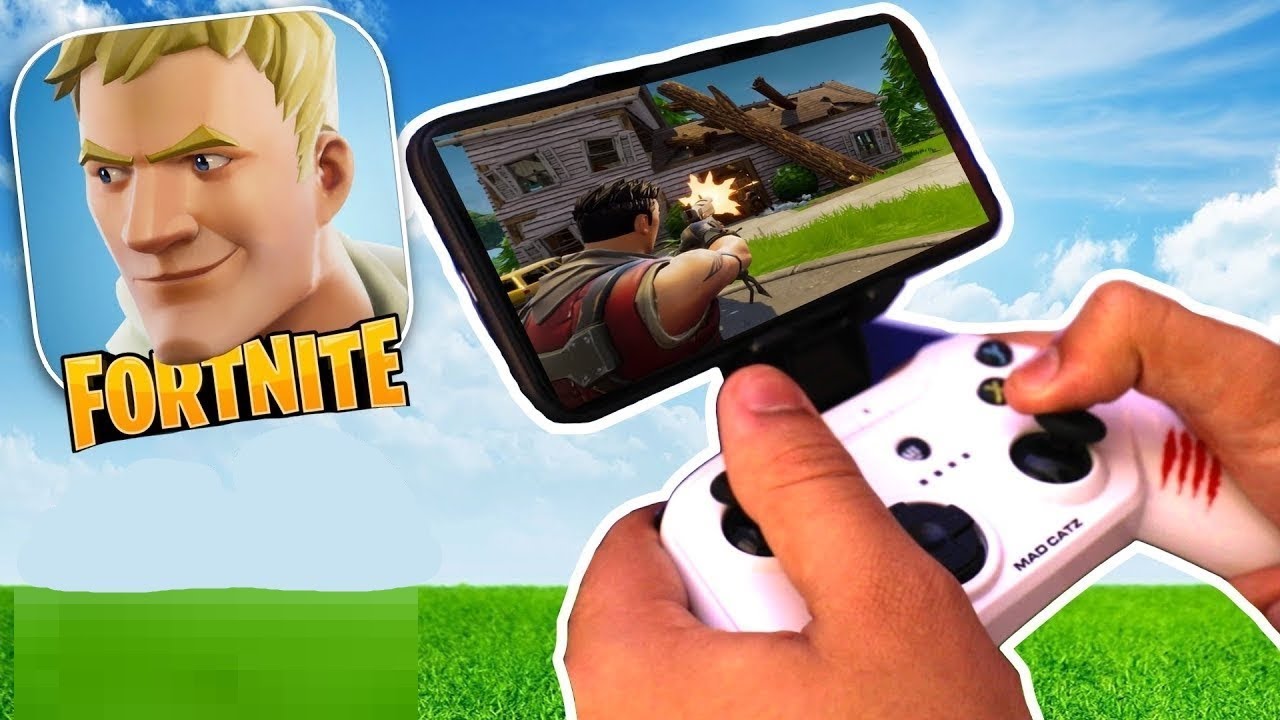
How To Use ASUS Gamepad With Fortnite

The ASUS gamepad Fortnite combination works on Android if the controller connects as a standard Bluetooth gamepad, and on iPhone or iPad only if the controller is MFi-certified. Because ASUS...

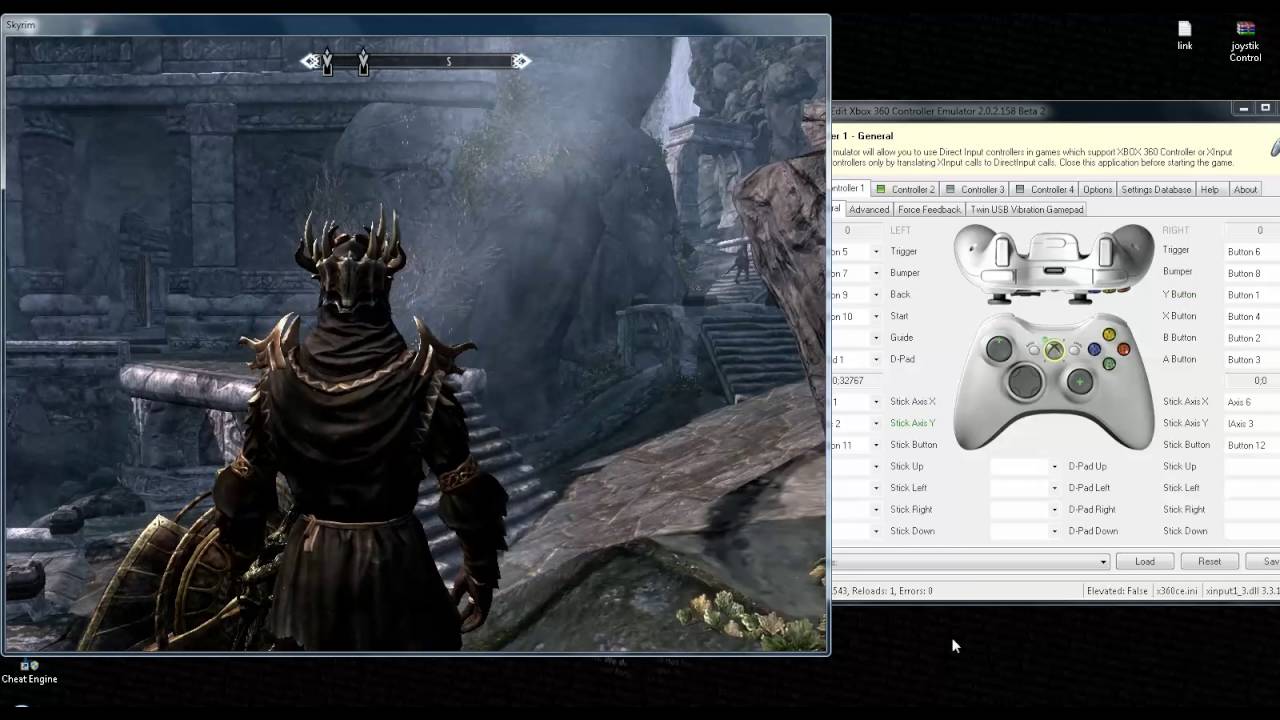
How To Use A Gamepad For Skyrim On PC

To use a gamepad for Skyrim on PC, connect your controller to Windows and then enable the controller in Skyrim Special Edition’s in-game settings. No separate driver installation is required...

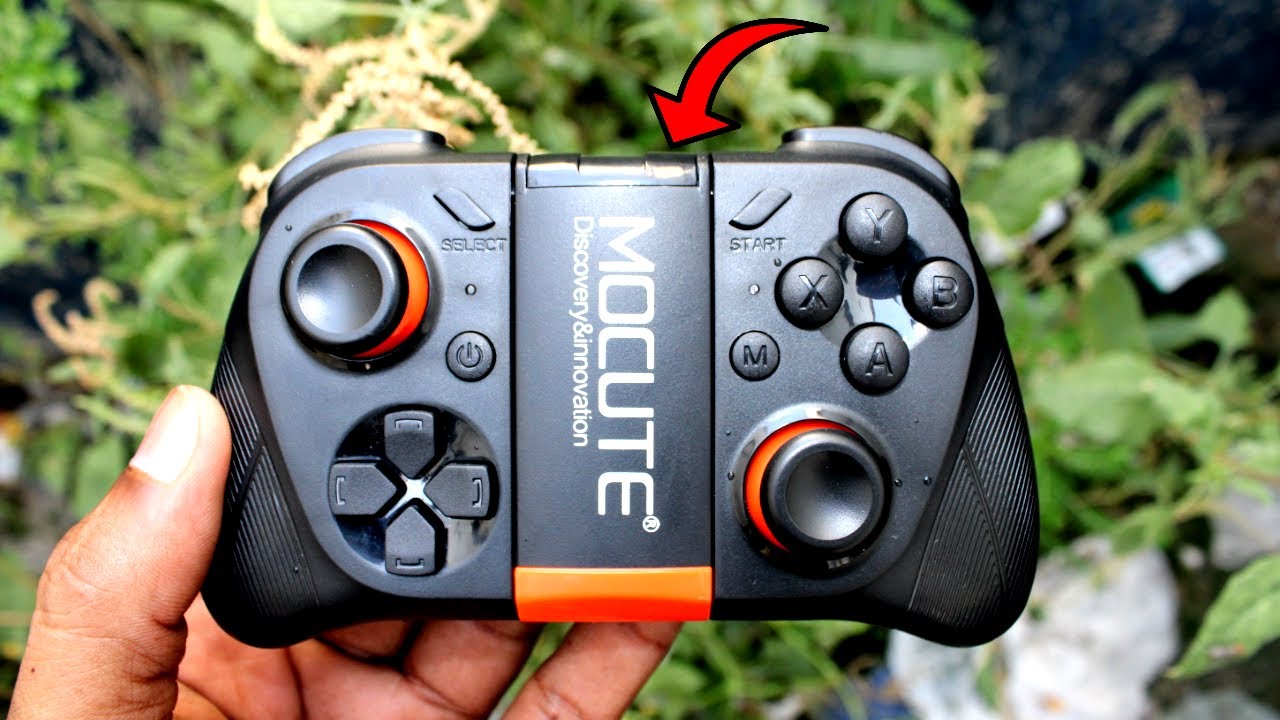
How To Connect Mocute Gamepad To PC

To connect a Mocute gamepad to PC, you need a Windows computer with Bluetooth built-in or a Bluetooth dongle, and a charged Mocute controller. Once the controller is in the...

Where To Get VR Gamepad

To find where to get a VR gamepad, the first step is to match the controller to your specific headset. This answer covers verified compatibility for Meta Quest headsets and...

How To Unsync A Wii U Gamepad

To unsync a Wii U GamePad, you need to perform a reset-and-resync process rather than using a dedicated “unsync” menu, because Nintendo never included a simple “remove from synced devices”...