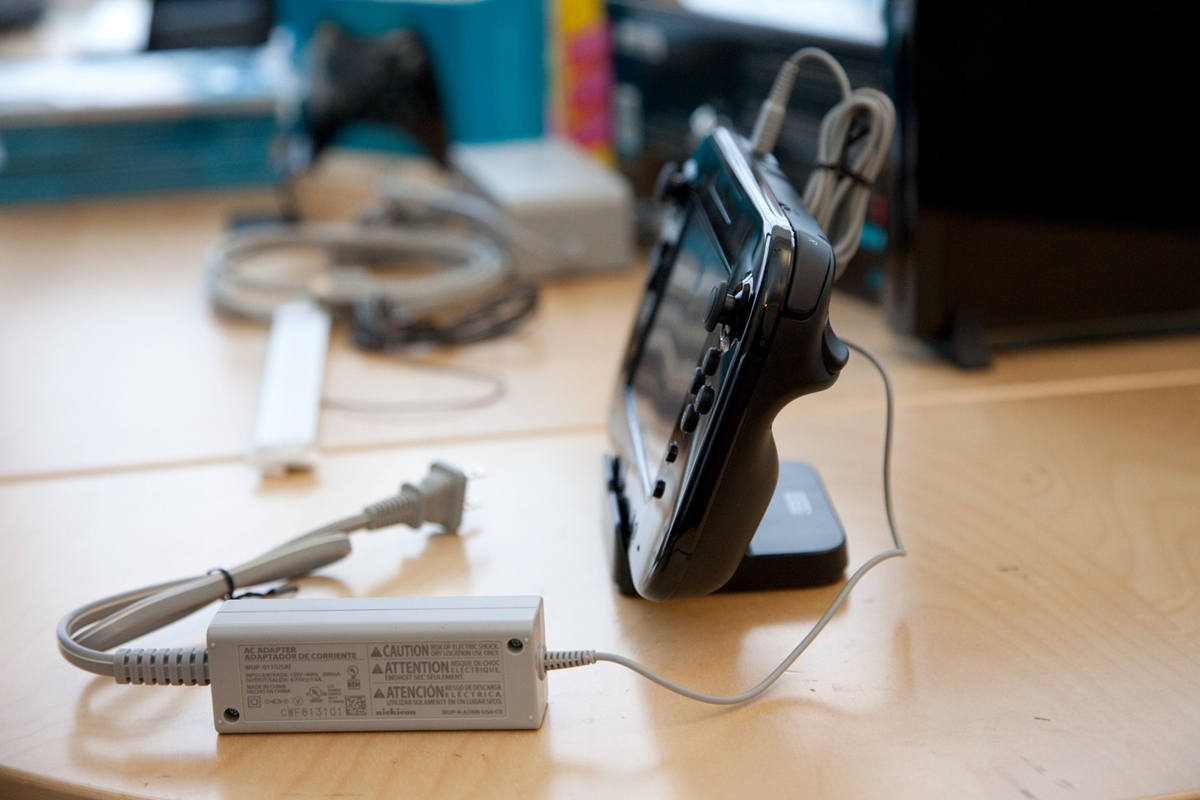
The Wii U GamePad charges by plugging the Wii U GamePad AC Adapter directly into the GamePad, or by placing the GamePad in the Wii U GamePad Cradle and connecting that cradle to the AC adapter. These are the two official methods Nintendo supports for keeping your controller powered.
Method 1: Charge directly with the AC adapter
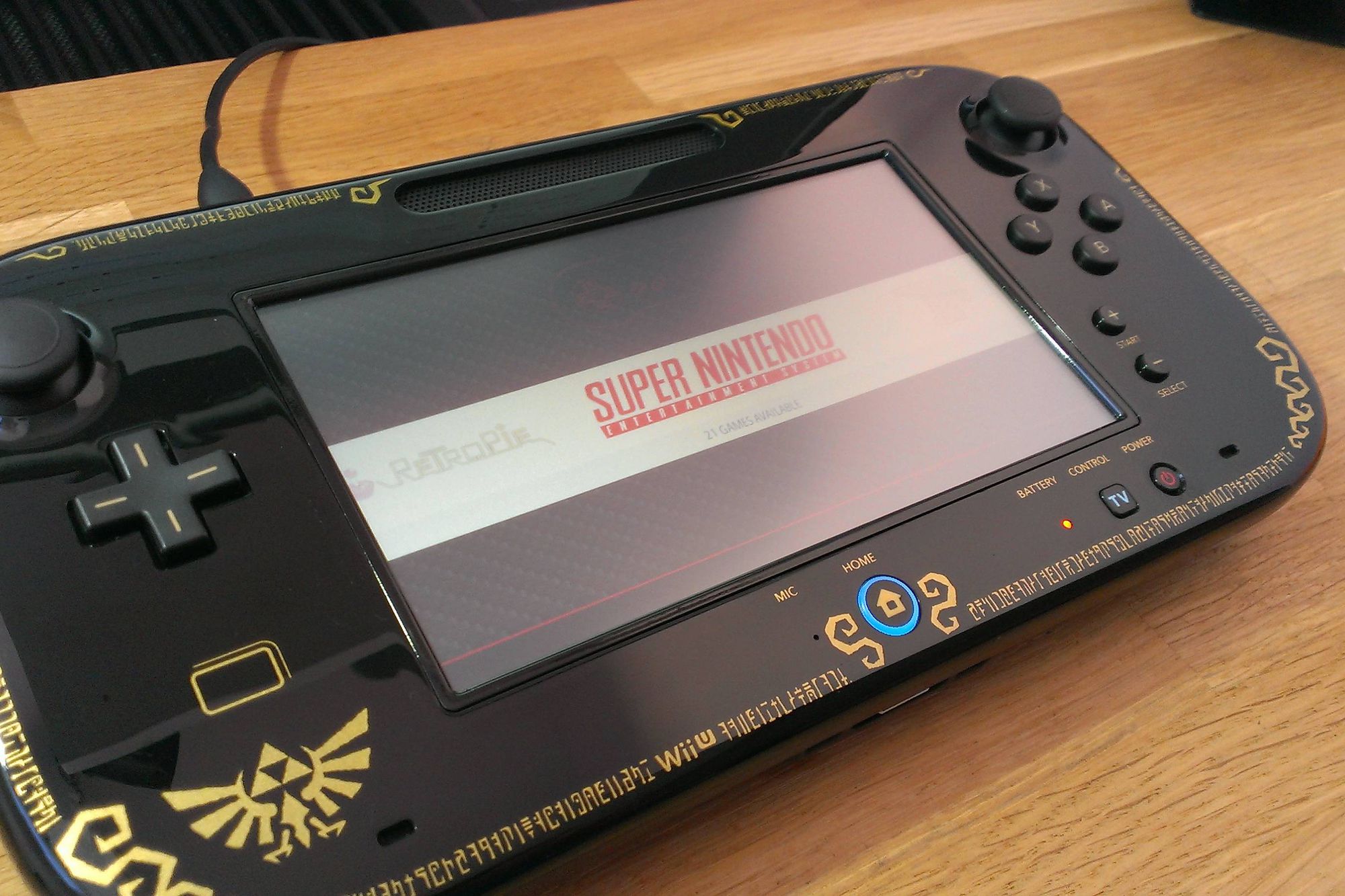
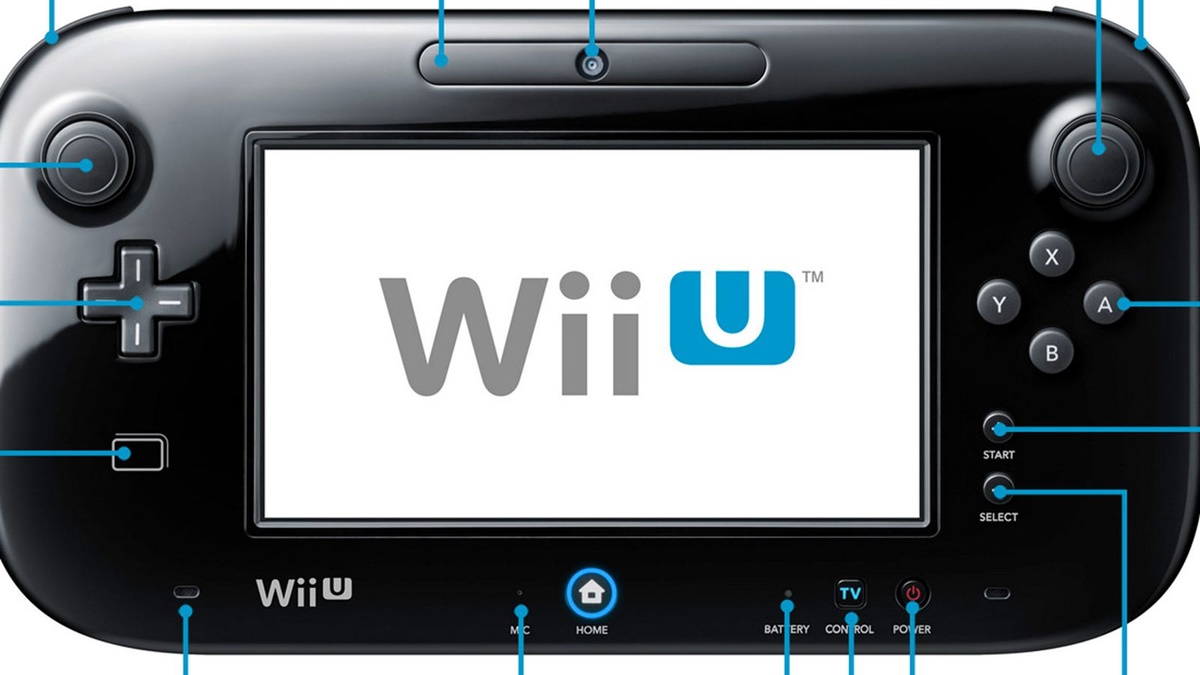
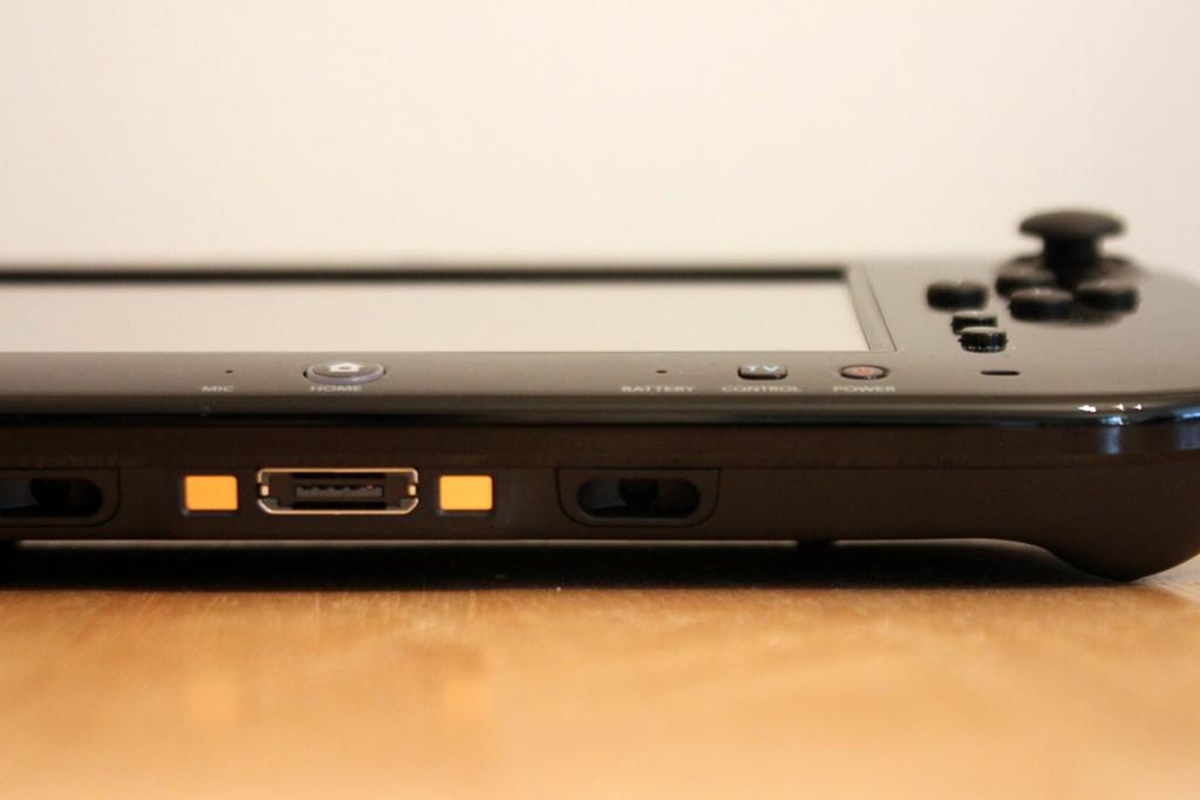
To charge the GamePad directly, connect the Wii U GamePad AC Adapter to the GamePad’s AC adapter connector. You must use the correct regional model of the AC adapter for your area, such as WUP-011(UKV)/WUP-011(EUR) in Europe or WUP-011(AUS) in Australia. Nintendo support pages also identify region-specific AC adapter model numbers, including WUP-011(UKV)/WUP-011(EUR) and WUP-011(AUS). Once plugged in, the battery LED on the GamePad will turn orange while charging and will turn off when charging is complete. The battery LED turns orange while charging and turns off when charging is complete.
Method 2: Charge using the GamePad cradle
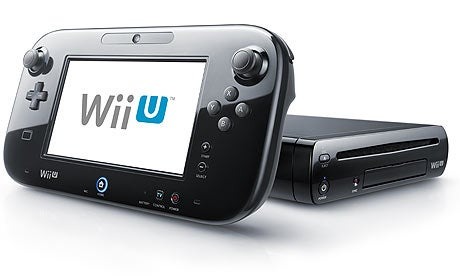
If you have the Wii U GamePad Cradle, which was included with the Deluxe Set, place the GamePad in the cradle and connect the cradle to the AC adapter. Nintendo documents the Wii U GamePad Cradle as included with the Deluxe Set only. This method keeps the GamePad upright and organized while it charges, using the same AC adapter as the direct method.
Charging time and battery life
A full charge takes about 2.5 hours. Nintendo notes that this time may vary if you use the GamePad while it is charging, or depending on the remaining battery level and your environment. A full charge lasts about 3 to 5 hours. Battery life varies with screen brightness, camera and microphone use, wireless communication, ambient temperature, and other factors.
Important charging conditions and troubleshooting
For optimal charging, keep the GamePad in an environment between 10 to 35°C (50 to 95°F). Nintendo documents an optimal charging temperature of 10 to 35°C, or 50 to 95°F. The battery may not charge normally outside this temperature range. The battery may not charge normally outside the documented temperature range. If you have a cover on the GamePad, remove it before charging. If a cover is on the GamePad, remove it before charging. If the battery is completely depleted, the GamePad may not turn on immediately; it can take up to 15 minutes of charging before it powers on. Over time, the battery capacity decreases with repeated recharging, which is a normal part of gamepad setup and troubleshooting. The GamePad battery capacity decreases over time with repeated recharging.
Frequently Asked Questions
Can I charge the Wii U GamePad with a USB cable?
No. The official Nintendo support pages and manuals document charging only through the AC adapter and the GamePad Cradle. The official Nintendo support pages and manuals retrieved here document charging through the AC adapter and the GamePad Cradle, not USB charging for the Wii U GamePad.
Can I use the GamePad while it is charging?
Yes, you can use the GamePad while it is plugged in and charging. However, Nintendo notes that charging time may be longer if you are using the GamePad during the charging process.
How do I know when the GamePad is fully charged?
The battery LED on the GamePad turns off when charging is complete. While charging, the LED glows orange.
What should I do if my GamePad won't turn on after the battery died?
If the battery is fully depleted, the GamePad may need up to 15 minutes of charging before it will power on. Make sure you are using the correct regional AC adapter and that the orange charging LED is lit.
Does the GamePad battery last forever?
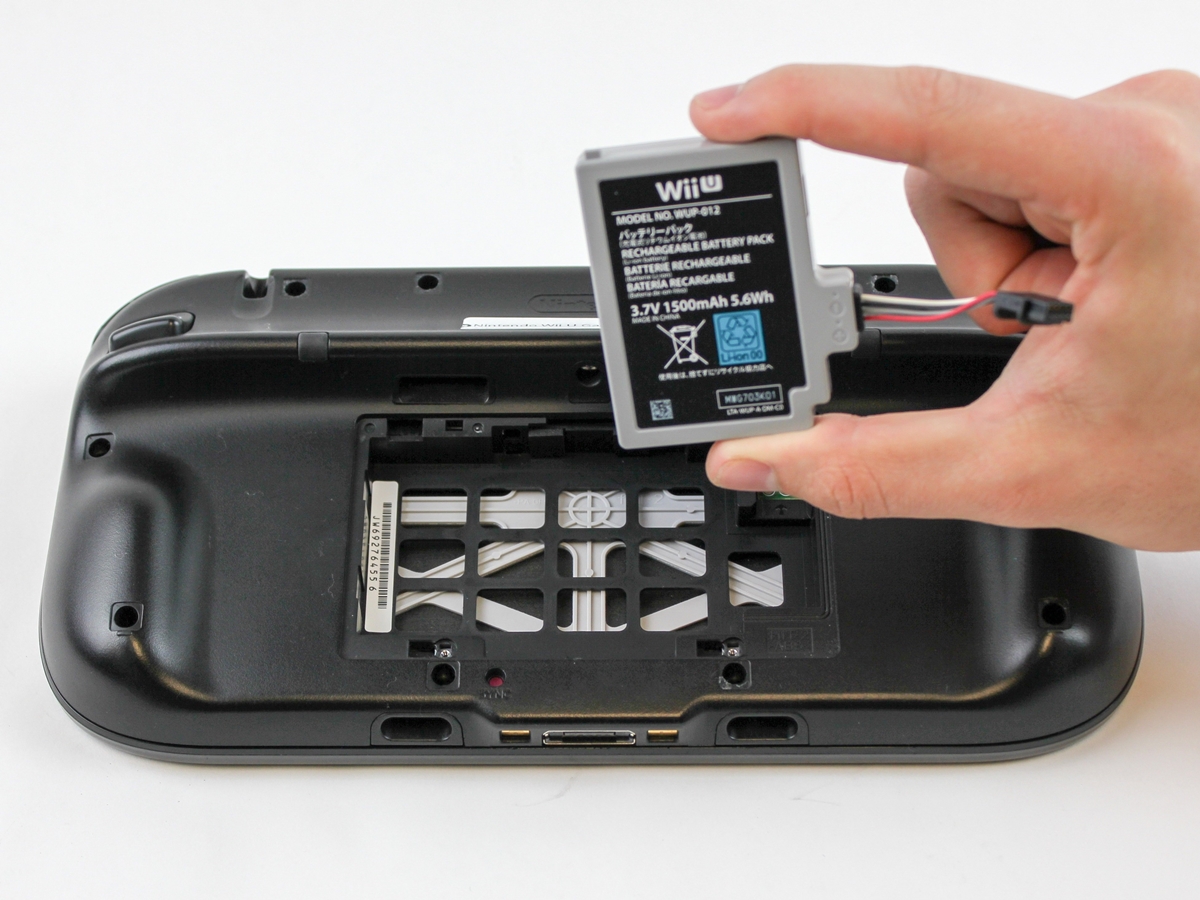
No. The GamePad battery capacity decreases over time with repeated recharging, which is normal for rechargeable batteries.
Related reading: How To Charge A Wii U Gamepad Without Charger.