This tag collects articles focused on getting the most out of Gboard, Google’s default keyboard app for Android phones. It is for anyone who wants to customize their typing experience beyond simple text entry, from casual texters to users looking to enable specific keyboard features on their devices.
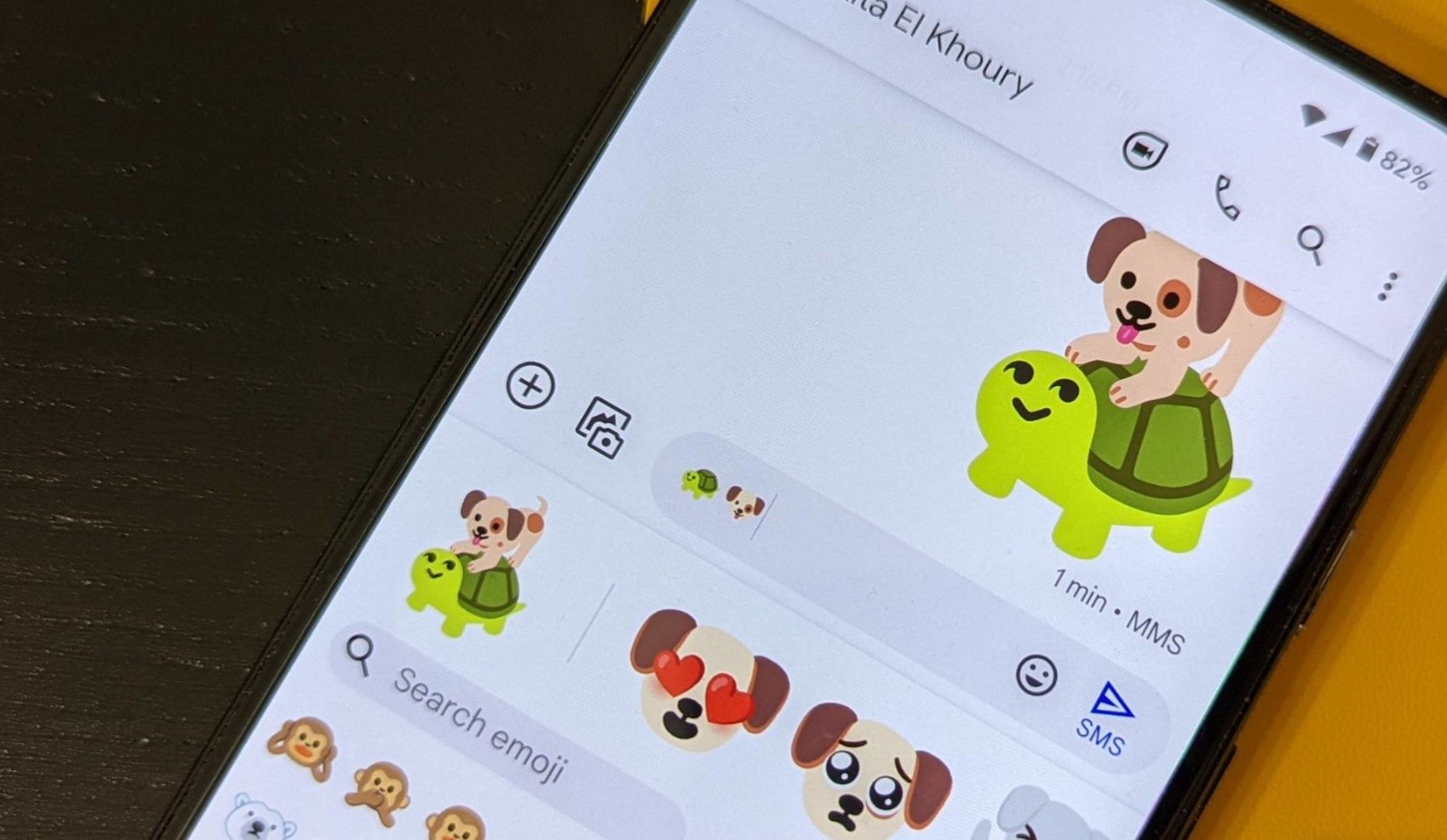
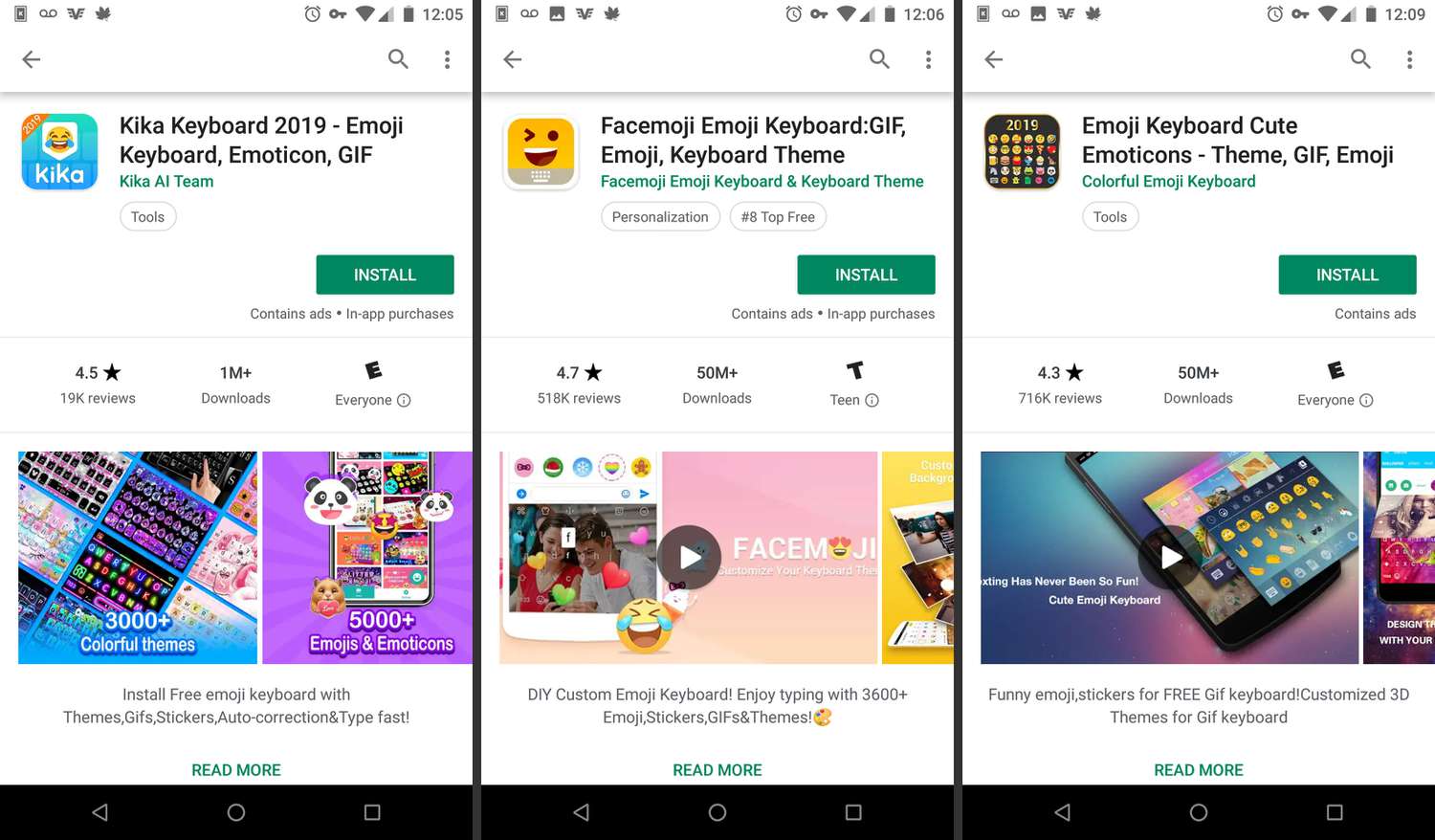
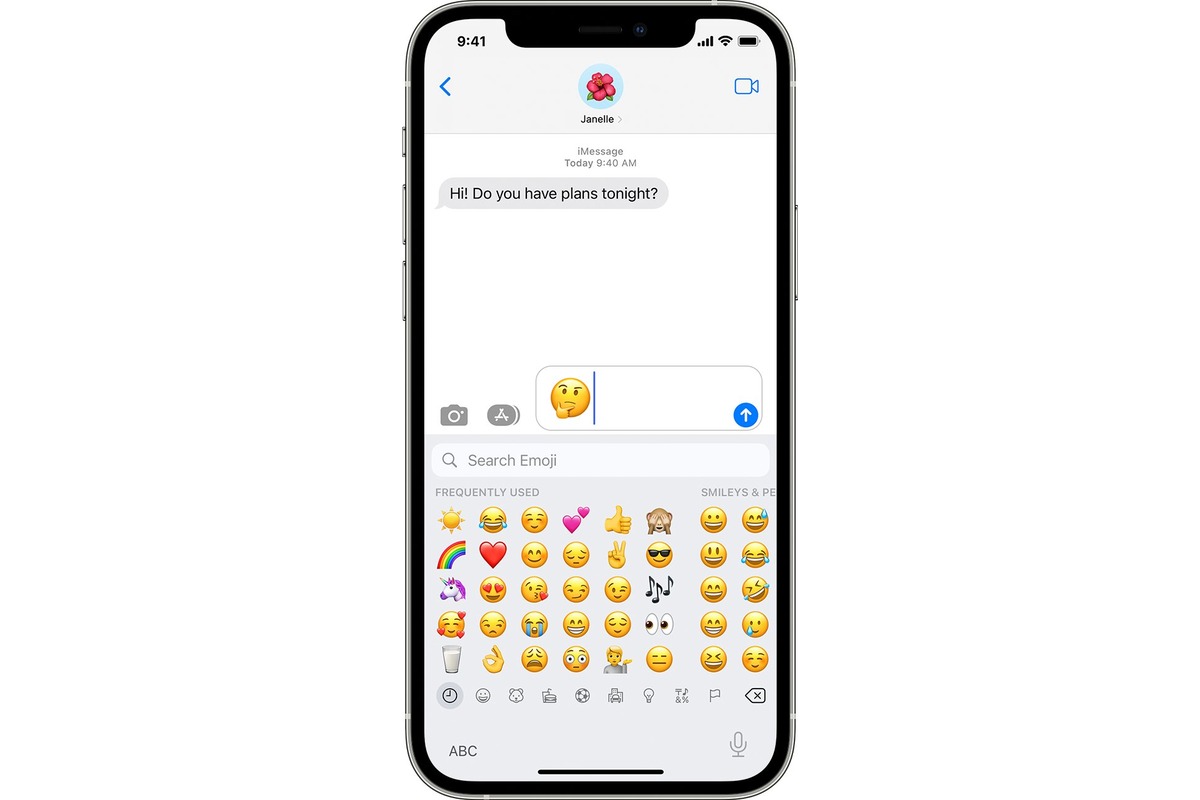
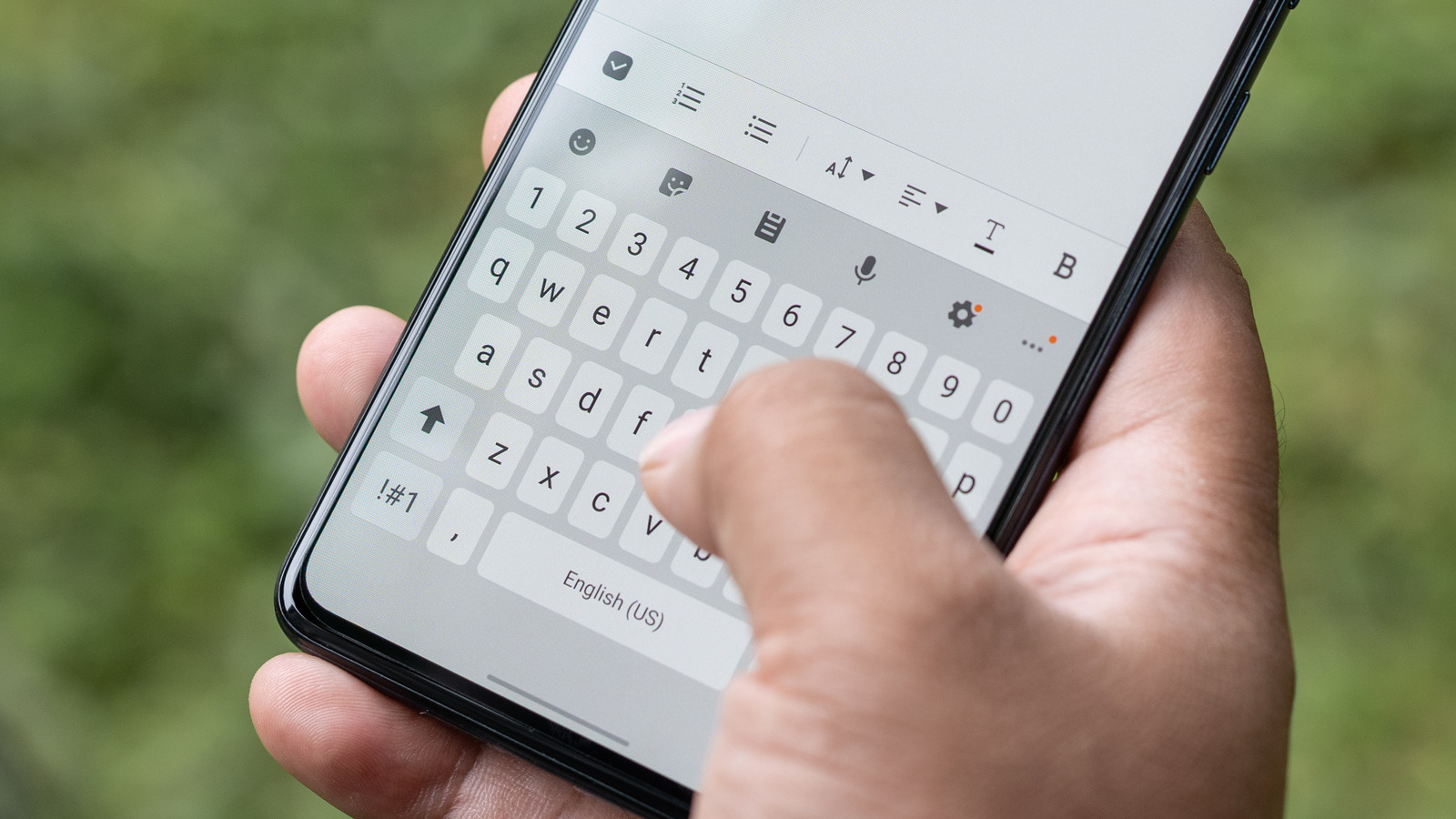
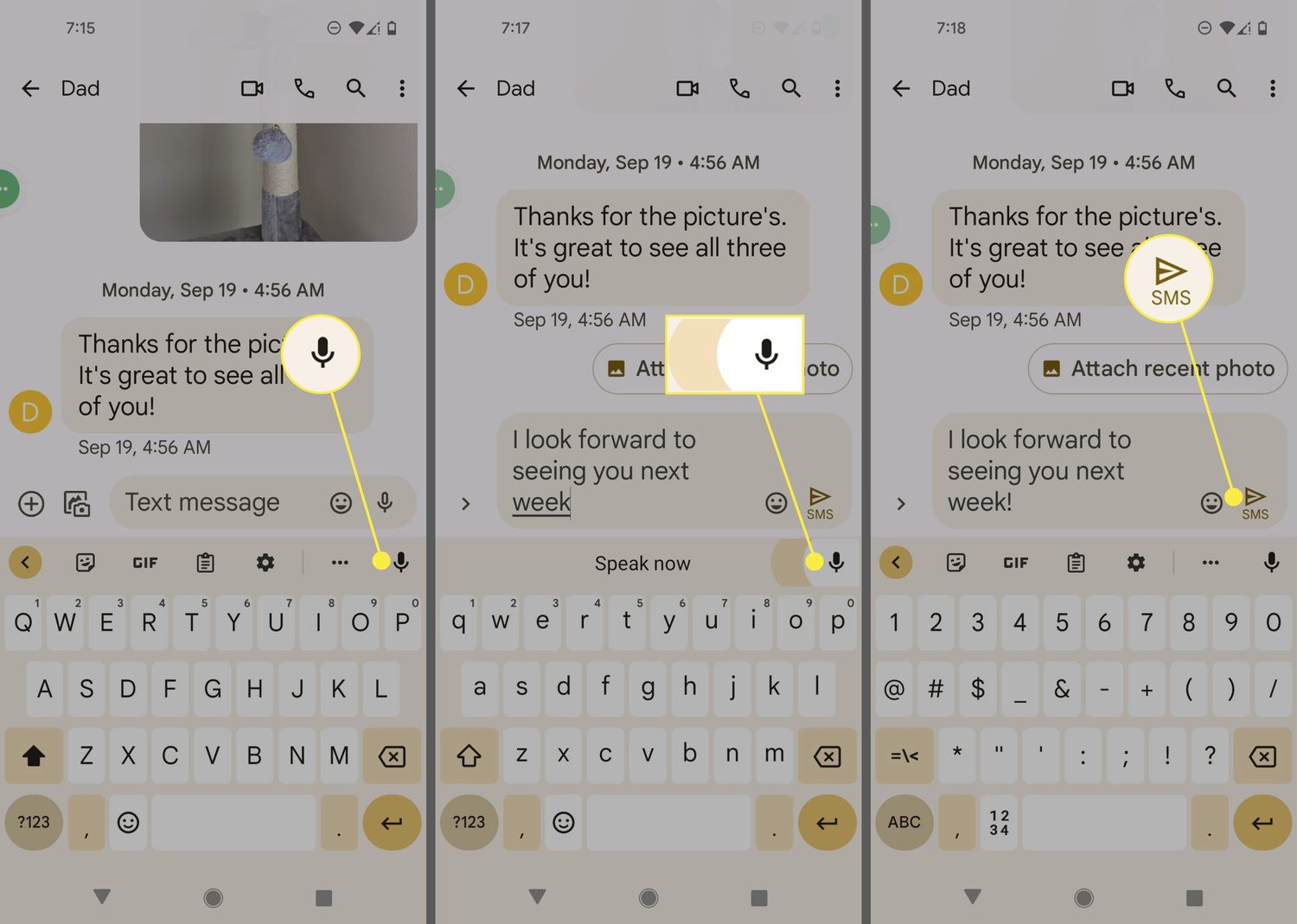
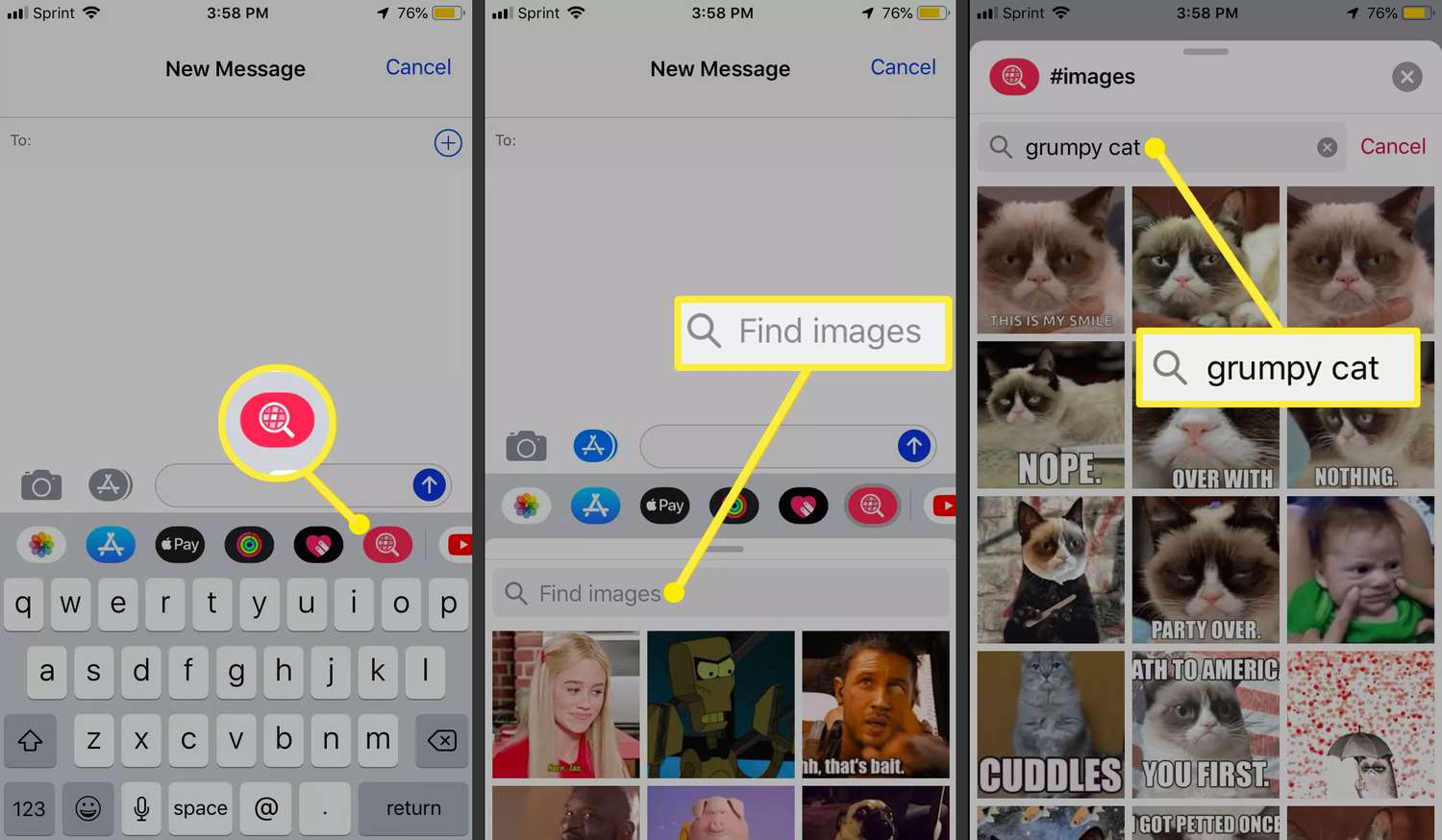
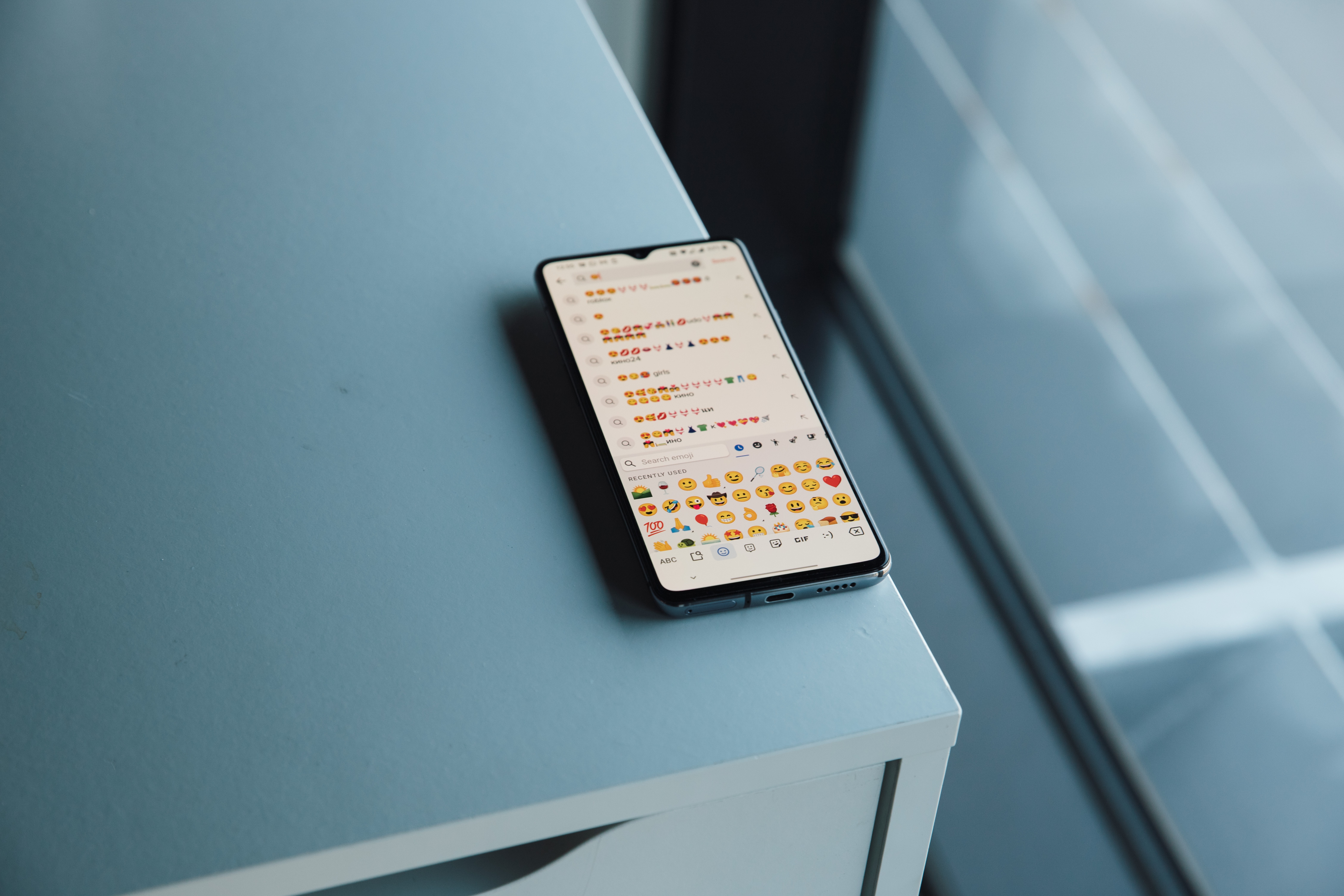
The articles here solve practical problems around communication and input. One clear theme is adding visual flair to messages, with guides on how to get emojis on Android, how to get GIFs on Android, and how to add emojis to text messages with the emoji keyboard. A second theme deals with switching between different input modes, such as how to change keypad from numbers to letters on an Android phone and how to activate voice to text on Android. A third, smaller theme involves creating and integrating custom content, including how to create emoji in Android and how to set up Bitmoji keyboard on a Google phone.
These articles help the reader do specific things: insert emojis and animated GIFs into conversations, toggle between numeric and alphabetic keypads, enable hands-free dictation, and link a personal Bitmoji avatar to their keyboard. They provide straightforward steps to unlock these common but sometimes hidden Gboard functions.