Practical guides for anyone who wants to master the physical and touch-based interactions on their phone. Whether you are a new smartphone owner or a long-time user looking to streamline your daily routine, these articles are built to help you perform specific actions more efficiently. The collection focuses on the small but essential movements and button presses that make your device work the way you want it to.
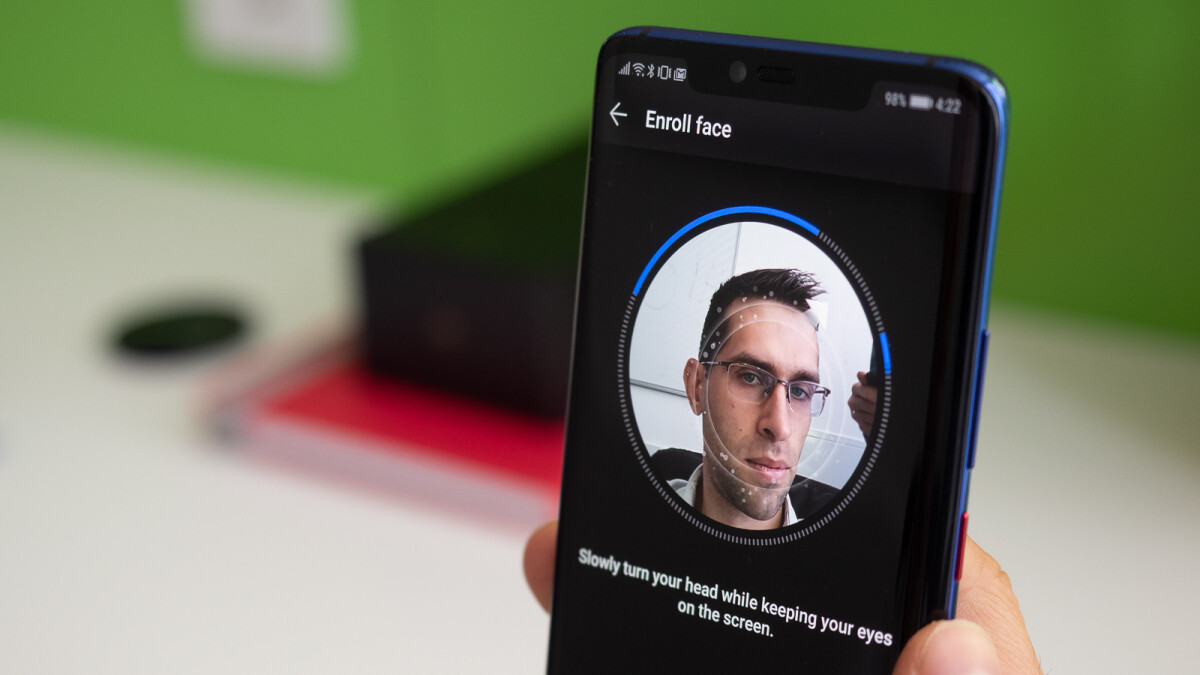
Several articles address the challenge of taking screenshots and navigating your home screen, which are fundamental tasks that often change between phone models and operating system updates. You can learn how to take a screenshot on your Android device, how to change the swipe gesture on the iPhone home screen, and even where the home button is located on the iPhone 11. Other guides tackle basic device control, such as how to turn on an Android phone and how to turn off the flashlight on a Motorola Moto G. For users exploring more advanced options, there is a guide on controlling your Android phone with facial expressions and an explanation of what the three-finger salute gesture actually does.
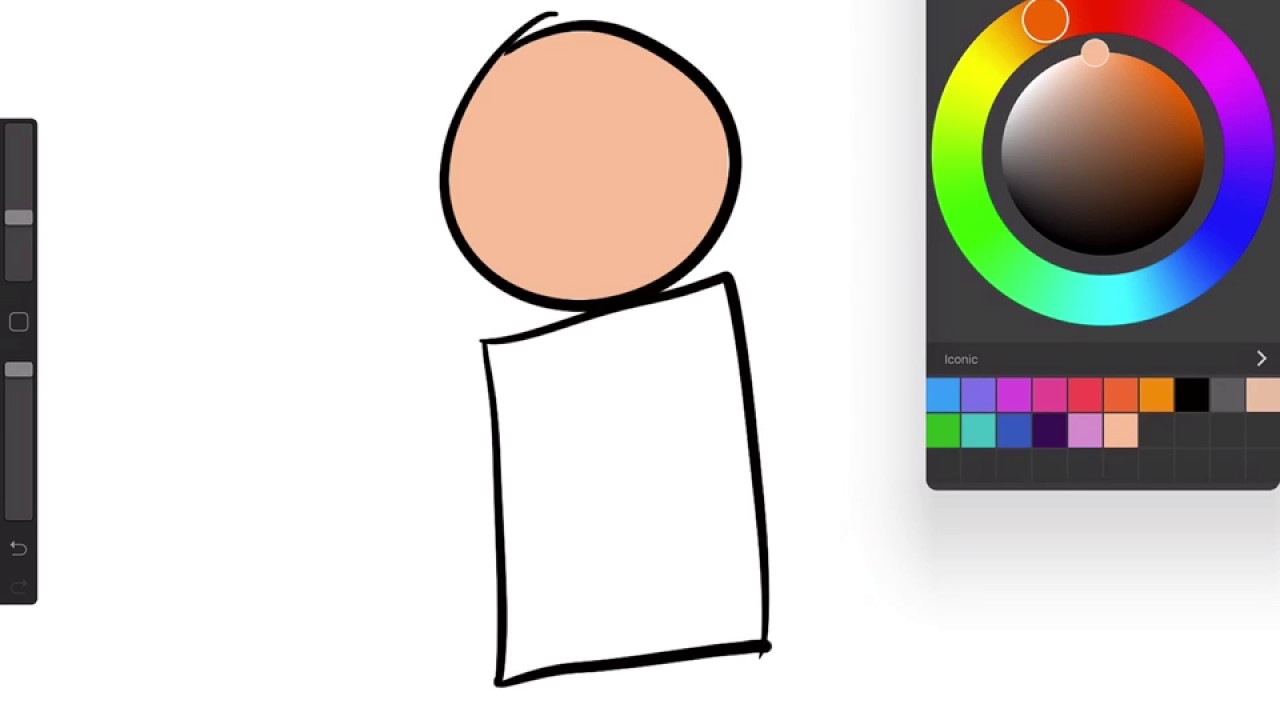
Finally, a few articles step outside the phone itself to cover related creative and productivity tools. For example, the guide on using the bucket tool in Procreate helps you apply a familiar gesture, filling an area with color, within a popular drawing app. Together, these articles solve everyday problems by showing you exactly which finger to use, where to press, or what setting to toggle, so you can stop fumbling and start using your phone with confidence.