The "three-finger salute" most commonly refers to accessibility gestures on smartphones: on iPhone, it controls the Zoom feature, while on Android, it checks whether your device supports multi-finger gestures in TalkBack. A smaller group of users may know it as the fictional protest symbol from The Hunger Games.
What is the three-finger salute on your phone?
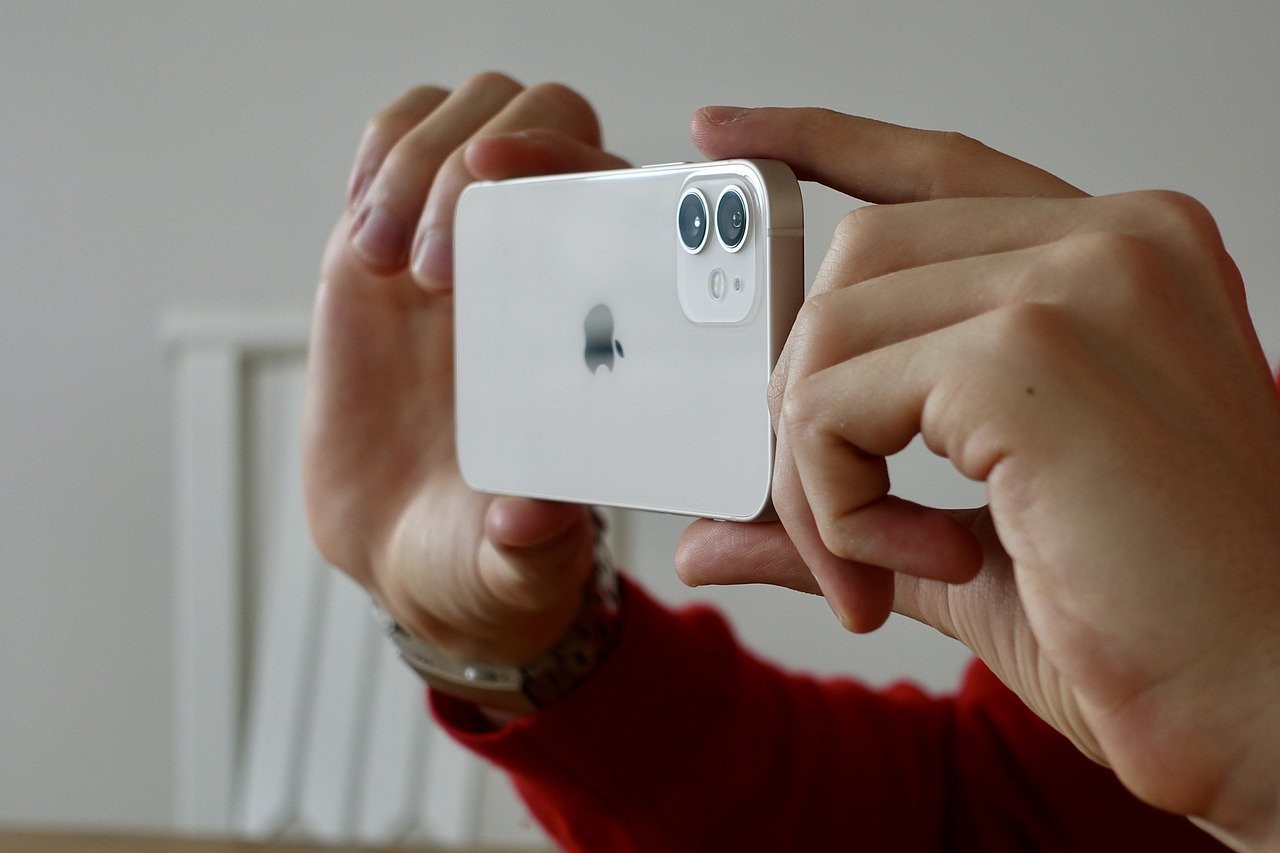
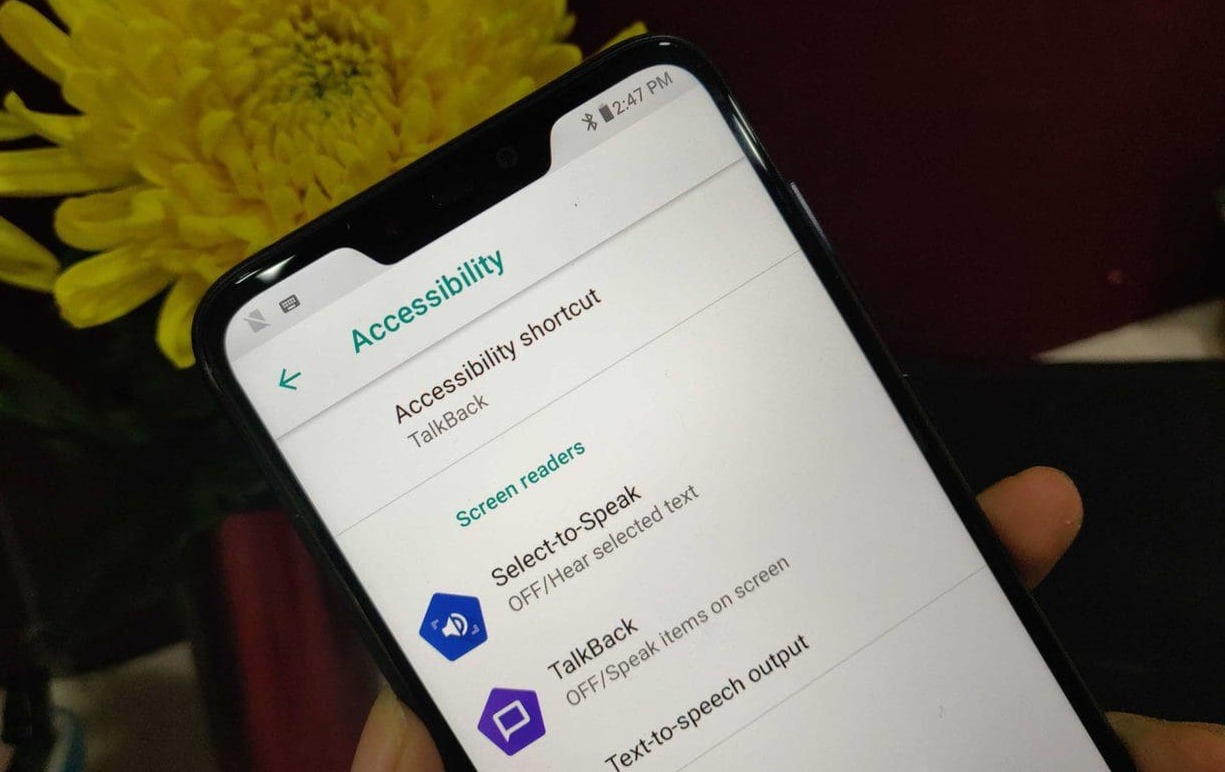
On iPhone, the three-finger salute is not an official feature name, but Apple uses three-finger gestures for Zoom and other accessibility controls. On Android, Google documents a three-finger tap in TalkBack when multi-finger gestures are supported.
How to use three-finger gestures on iPhone
To use the Zoom gesture, turn it on in Settings > Accessibility > Zoom. Once enabled, double-tap the screen with three fingers to activate Zoom. Drag with three fingers to move around the zoomed screen. Triple-tap with three fingers to adjust the Zoom Level slider. The Accessibility Shortcut, configured in Settings > Accessibility > Accessibility Shortcut, is triggered by a triple-click of the side button (iPhone with Face ID) or triple-click of the Home button (other iPhone models), not a three-finger gesture. If multiple features are chosen in Accessibility Shortcut, tap the feature you want after triple-clicking.
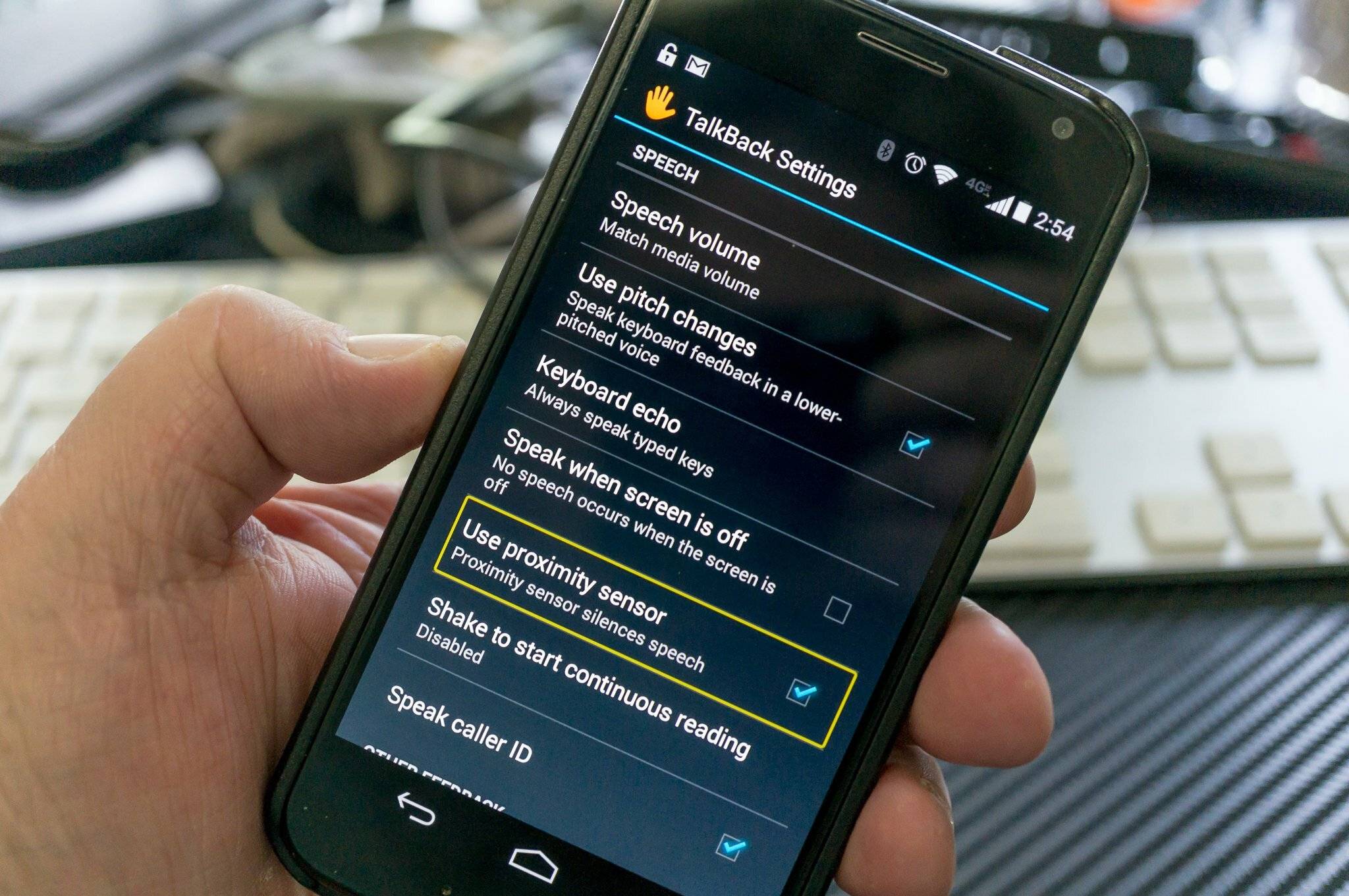
Three-finger tap on Android for TalkBack
Google’s TalkBack help says to three-finger tap to check whether the device supports multi-finger gestures while TalkBack is on. Google does not say that every Android device supports three-finger gestures; it says to check by three-finger tapping while TalkBack is on. Support varies by device.
The Hunger Games three-finger salute meaning
In Suzanne Collins’ trilogy, the three-finger salute is a sign of solidarity and defiance against an oppressive regime. Katniss Everdeen uses it to inspire hope and rebellion. Real-world activist groups adopted the gesture as a symbol of resistance, unity, and hope, notably during political protests for human rights, political suppression, and social inequality. It conveys unity, defiance, and hope for a brighter future.
Other three-finger shortcuts worth knowing
Back Tap is only documented for iPhone 8 or later. Back Tap on iPhone 8 or later lets you assign actions to a double tap or triple tap on the back of the device. Go to Settings > Accessibility > Touch > Back Tap, then choose Double Tap or Triple Tap. This is distinct from the three-finger salute but often confused with it. If you need to type emojis and custom keyboards quickly, consider setting up emojis and custom keyboards in your keyboard settings. For help decoding symbols, check a reference for common emoji meanings & text abbreviations.
Frequently Asked Questions
Does the three-finger salute work on all Android phones?
No. Google only documents the three-finger tap as a way to check if your device supports multi-finger gestures in TalkBack. Support varies by manufacturer and model.
Can I use three-finger gestures for things other than Zoom on iPhone?
Apple documents three-finger gestures only for Zoom controls. Back Tap uses a double or triple tap on the back of the phone, not a three-finger touch on the screen.
Is the Hunger Games three-finger salute the same as the phone gesture?
No. They share the same name but are unrelated. The phone gesture is an accessibility control; the Hunger Games salute is a fictional protest symbol adopted by real-world movements.
Why is it called a “salute” if it’s a phone gesture?
The term “three-finger salute” is a nickname, not an official Apple or Google feature name. It likely borrows from the Hunger Games symbol because both use three raised fingers.
Related reading: How To Unzoom IPhone.