Guides and how-tos focused on managing the Google email service on your phone, from everyday account settings to troubleshooting tricky access problems. This page is for anyone who uses Gmail on an Android or Samsung device and needs clear, step-by-step help with common tasks like changing their default account, transferring data between accounts, or cleaning up their inbox.
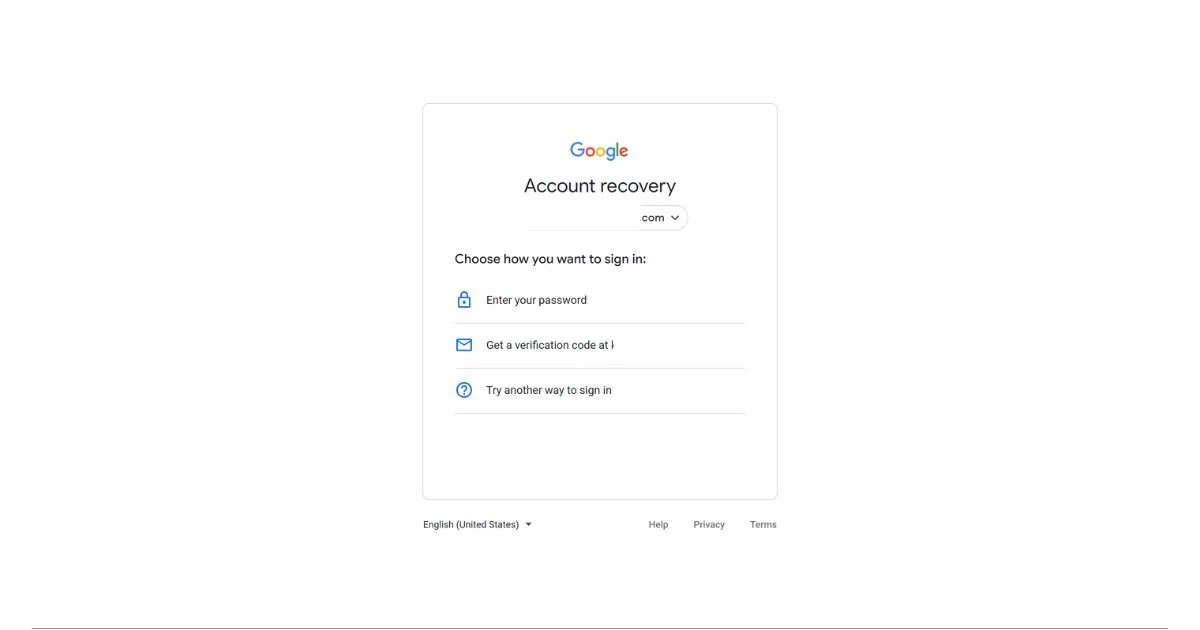
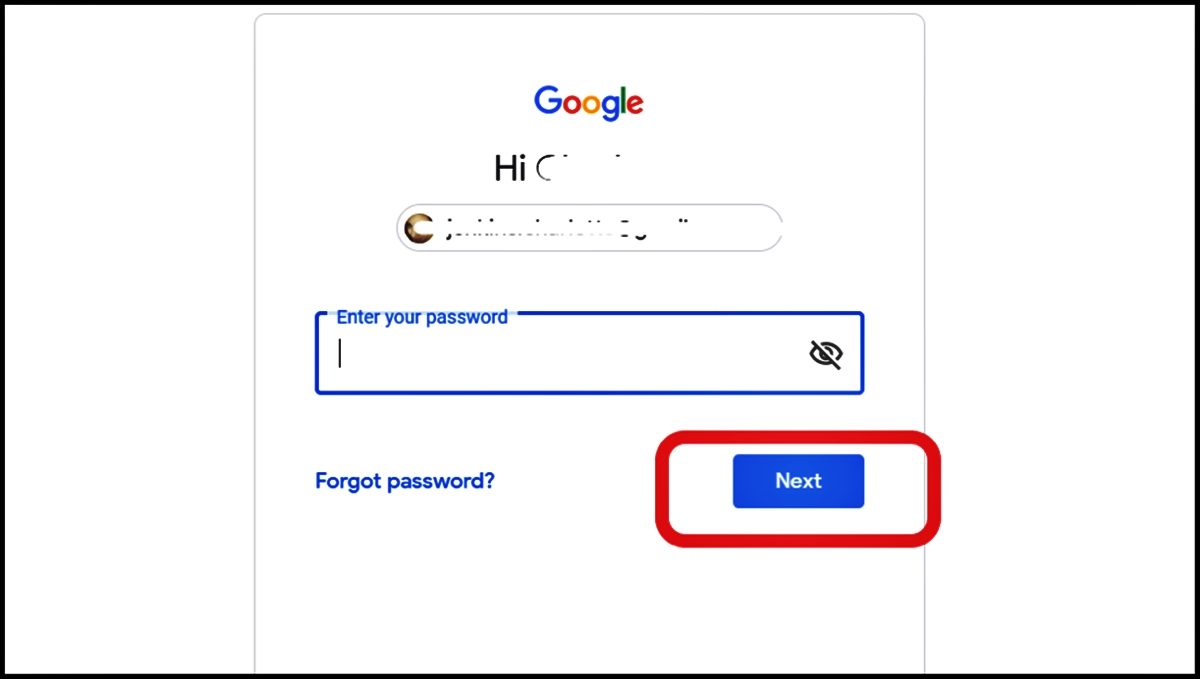
The articles here solve practical problems grouped around a few key themes. One major group covers account security and recovery, with specific guides on how to change your email password on Android, recover a Google account without a phone number or recovery email, and check all Gmail accounts linked to your phone number. Another set of articles focuses on inbox management, helping you block emails on Android or a Samsung phone, delete all emails at once, and retrieve archived messages. A third theme deals with basic navigation and use, including how to see all emails in Gmail on mobile, find a phone number by email address, and log out of your Android phone.