The Gmail tag on CellularNews collects guides and how-tos focused on managing the Google email service on your phone, from everyday account settings to troubleshooting tricky access problems. This page is for anyone who uses Gmail on an Android or Samsung device and needs clear, step-by-step help with common tasks like changing their default account, transferring data between accounts, or cleaning up their inbox.

The articles here solve practical problems grouped around a few key themes. One major group covers account security and recovery, with specific guides on how to change your email password on Android, recover a Google account without a phone number or recovery email, and check all Gmail accounts linked to your phone number. Another set of articles focuses on inbox management, helping you block emails on Android or a Samsung phone, delete all emails at once, and retrieve archived messages. A third theme deals with basic navigation and use, including how to see all emails in Gmail on mobile, find a phone number by email address, and log out of your Android phone.
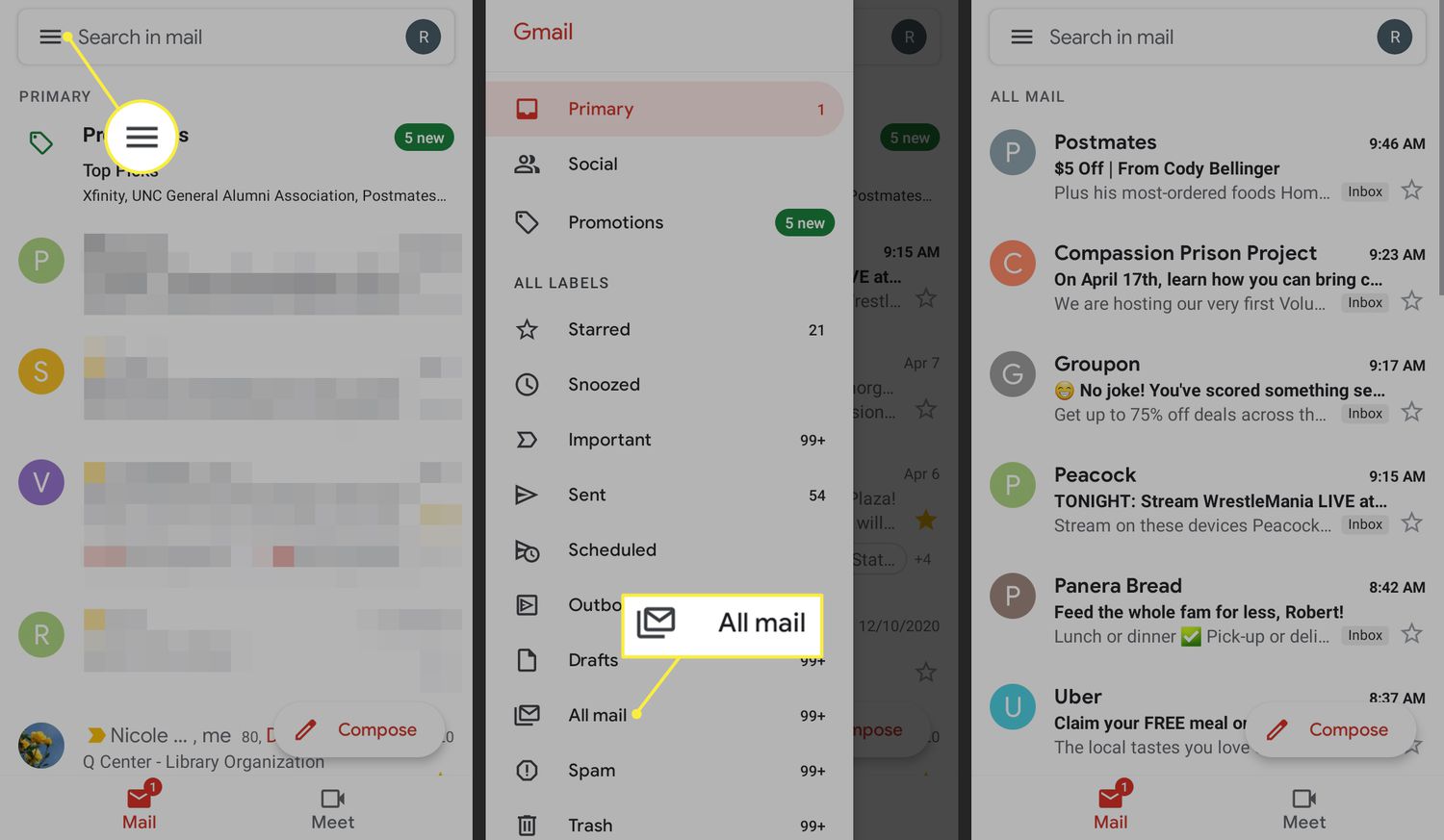
How To See All Emails In Gmail On Mobile

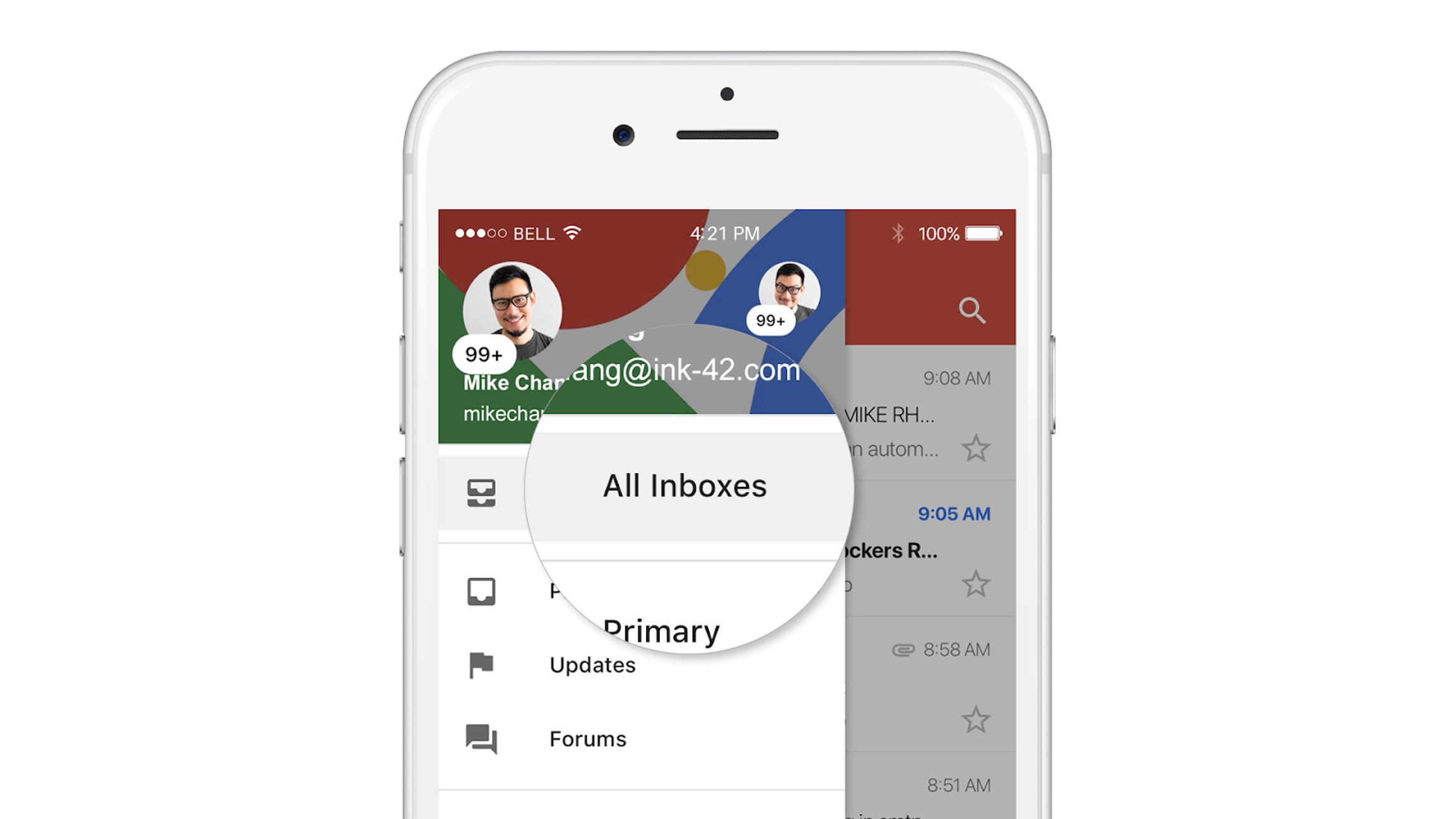
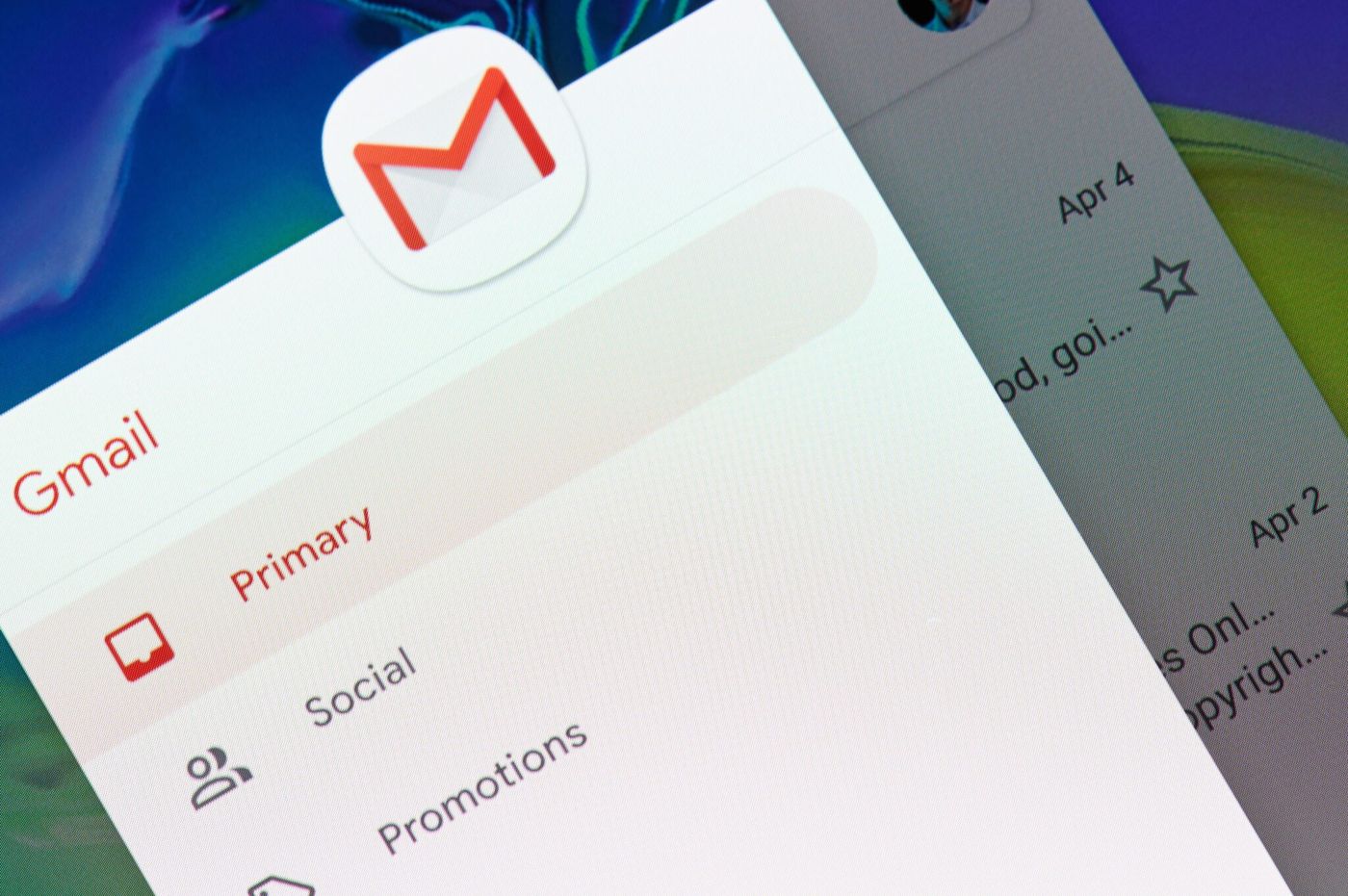
To see all emails in Gmail on mobile, open the Gmail app, tap the menu icon (three horizontal lines) in the top-left corner, and select All inboxes from the left-hand...

How To See Blocked Emails On Gmail Mobile

To see blocked emails on Gmail mobile, you need to check your Spam folder because Gmail does not provide a separate "blocked emails" inbox. Blocked senders are managed per-message, and...

How To Block Email On Samsung Phone

To block email on a Samsung phone using Gmail, open the unwanted message, tap the three-dot More menu at the top right, and choose Block “{sender}”. This action works on...

How To Delete All Email On Android Phone

To delete all email on your Android phone, use the Gmail app's built-in selection tool to select and remove messages in bulk without needing any third-party software. This method lets...

How To Block Emails On Android

To block emails on Android, open the Gmail app and open the message from the sender you want to block. Then tap More (the three dots next to Reply) and...

How To Change Email Password On Android

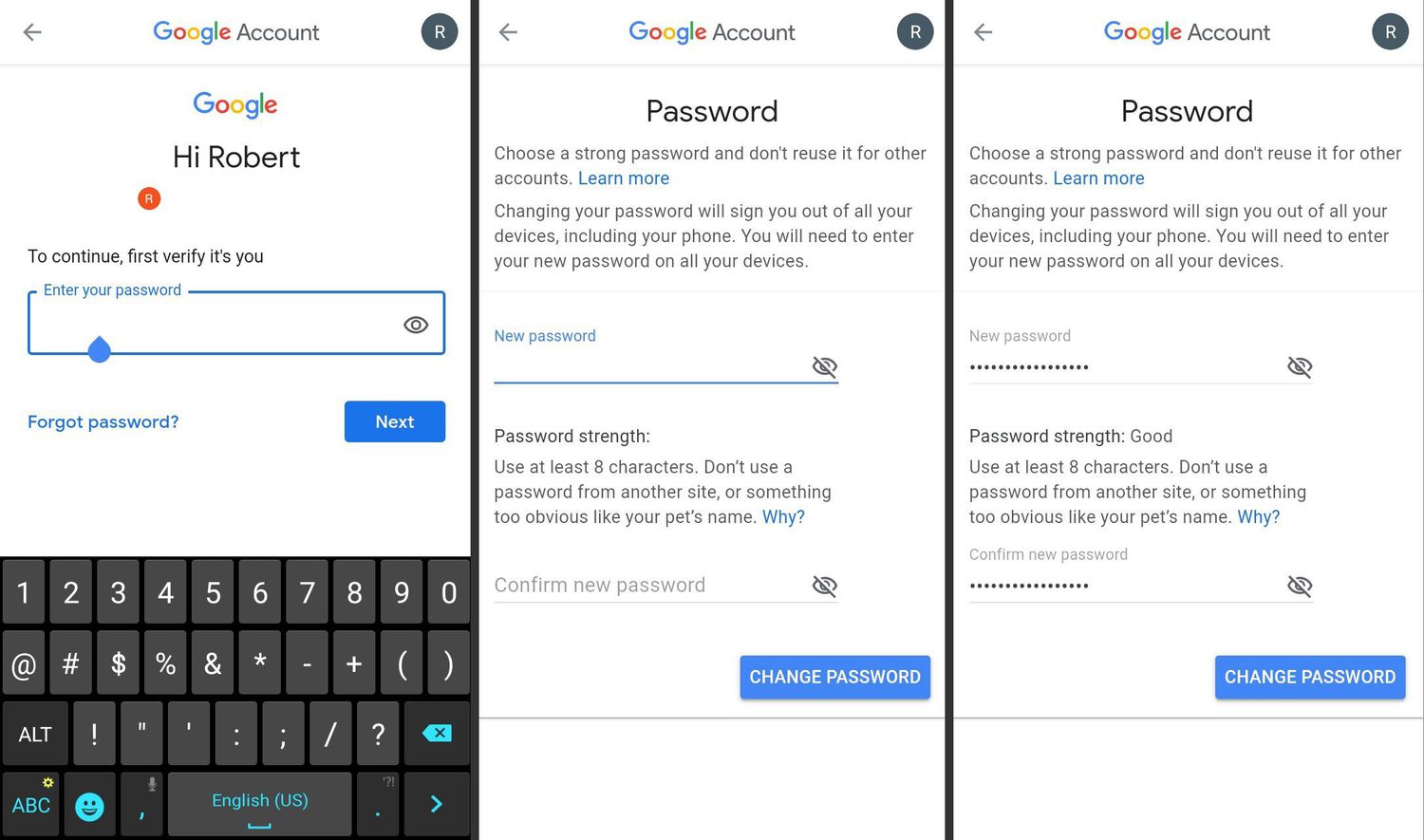
To change email password on Android, you must update it with your email provider (like Gmail, Outlook, or Yahoo) first, then update the saved password on your phone. This is...

How To Email Photo From Android Phone

To email a photo from an Android phone, the quickest and most reliable method is to attach it directly from the Gmail app's compose screen. Open the Gmail app, tap...

How To Find Phone Number By Email Address

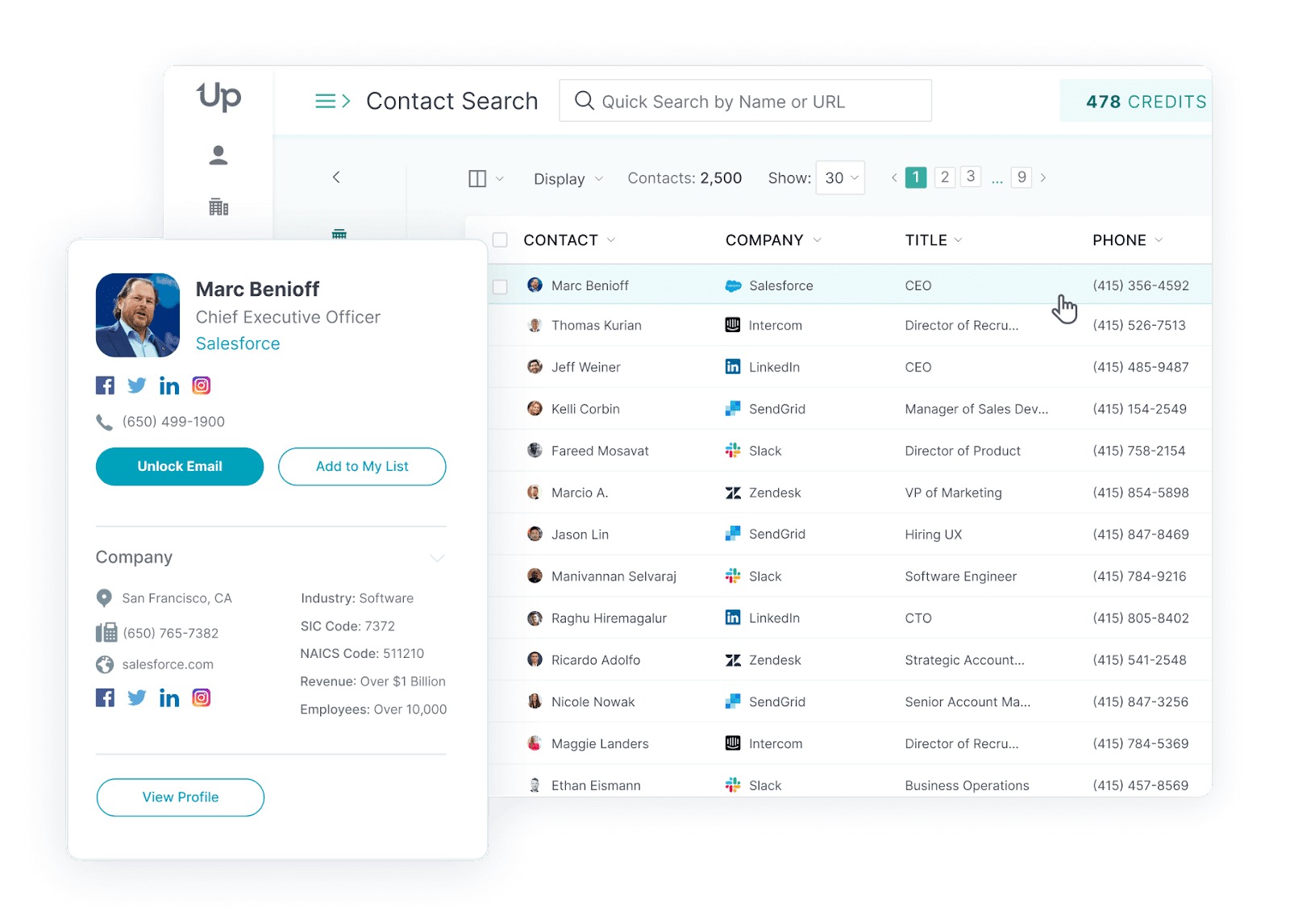
To find phone number by email address, the honest answer is that no official reverse search exists on iPhone or Android. The only reliable method is to view contact information...