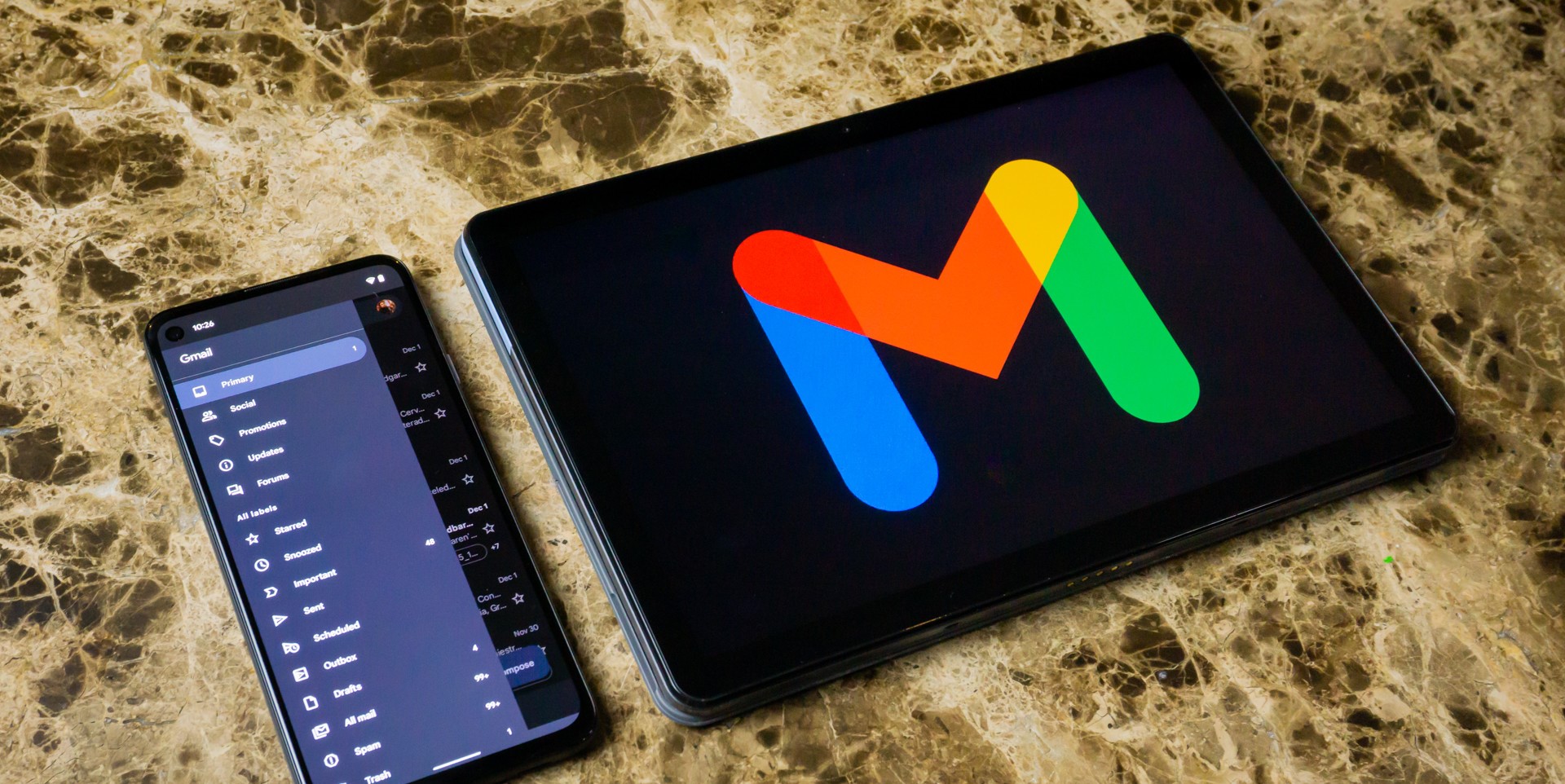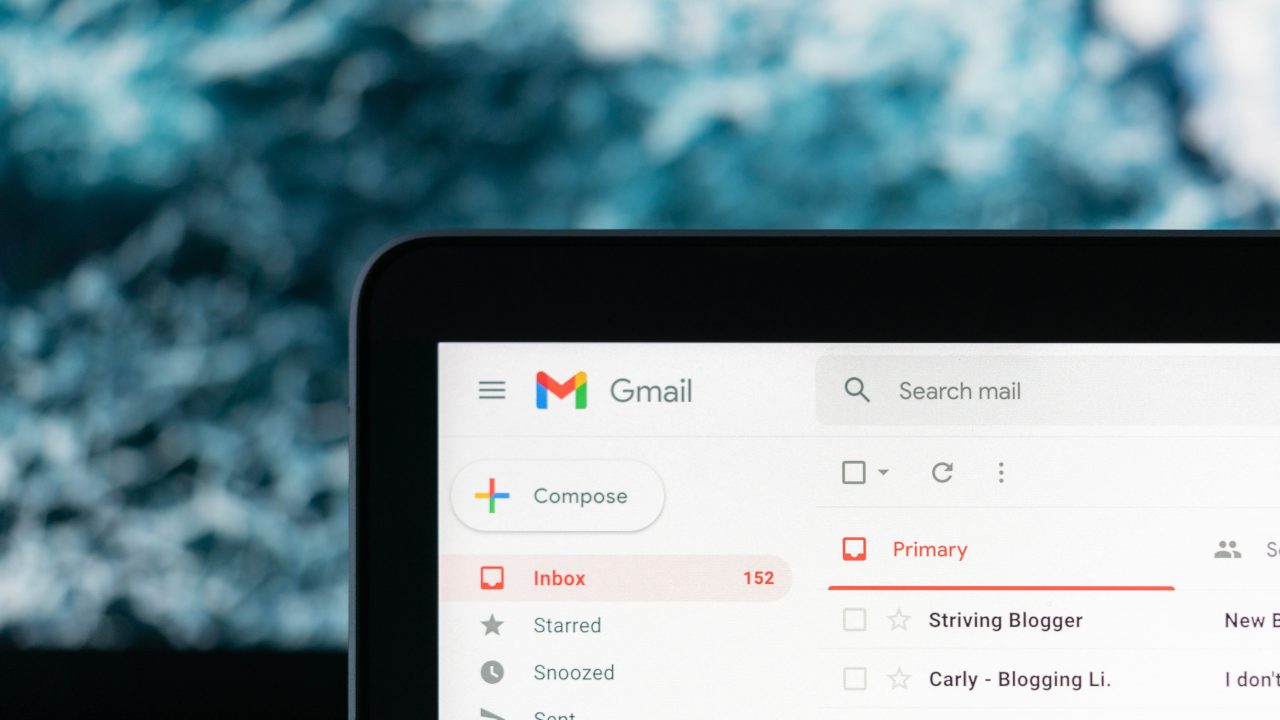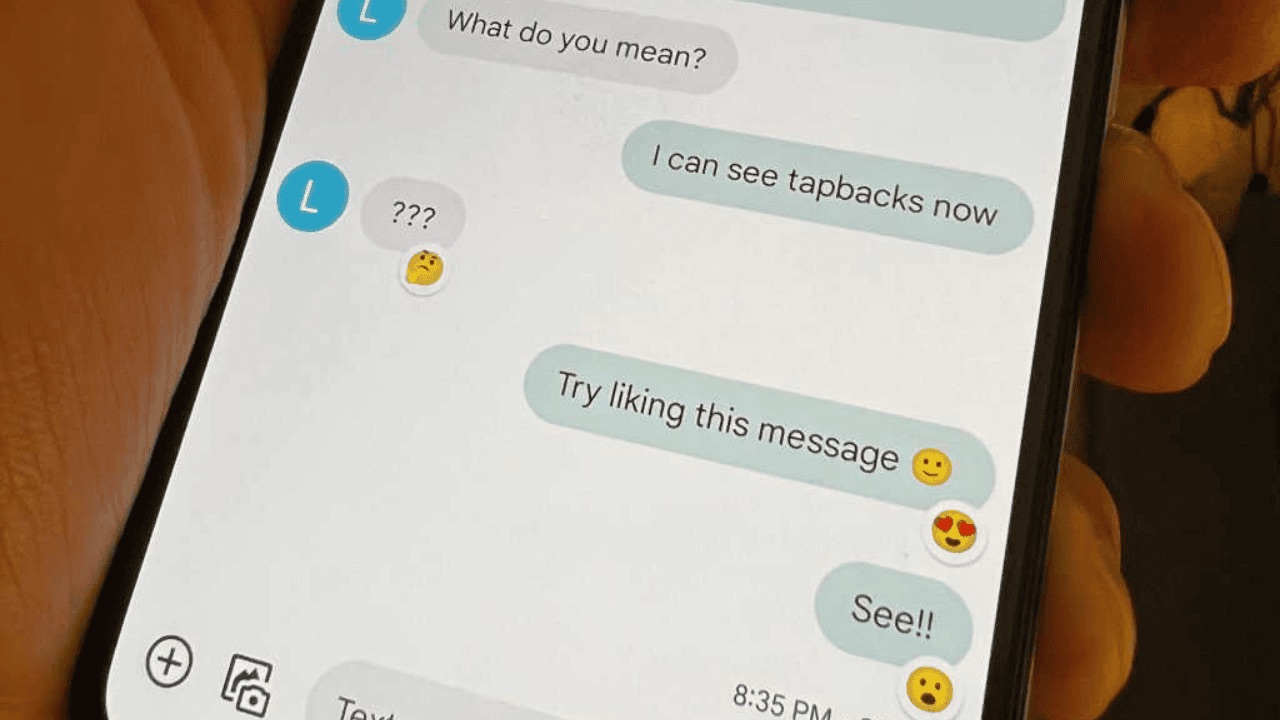
A spam account is an unwanted, suspicious, or abusive sender account that messaging apps let you report or block. Understanding what a spam account is helps you protect your privacy by removing these accounts from Apple Messages, Gmail, and Google Messages.
What is a spam account?
A spam account is a sender account that is unwanted, suspicious, or abusive, and that the app lets you report or block. Apple documents spam and suspicious messages as unwanted messages you can report from Messages or Mail, while Google documents spam reporting in Gmail and Google Messages.
How to identify a spam account
Apple says messages from unknown senders can show a Report Spam link at the bottom after you open them. Google Messages shows a suspected spam or scam warning, and you can tap Report spam or Report not spam on that warning. Gmail’s spam controls apply to email accounts and messages that you believe are unwanted or suspicious, with the action labeled Report spam. Apple’s security page advises treating messages that look like they are from Apple as suspicious if they ask you to sign in, provide personal information, or take urgent action, and to report them through the Apple-specific channels.
How to report a spam account on iPhone
Apple Messages
- Open the message from the unknown sender.
- Tap Report Spam.
- Tap Delete and Report Spam.
Apple limits the on-screen Report Spam link to messages from unknown senders that have already been opened. For carrier-level scam texts, forward the message to 7726 after selecting it in the Messages app.
Apple Mail
Mark the message as Junk or move it to the Junk folder in iCloud Mail.
Reporting Apple-phishing SMS
If a text appears to be from Apple, take a screenshot and email it to reportphishing@apple.com. Apple also lets you report suspicious Apple-looking SMS by emailing a screenshot to that address. For general help with phone numbers and calling help, Apple’s Phone Numbers, Calling and Messaging Help page covers related topics.
How to report a spam account on Android
Google Messages
- Touch and hold the conversation.
- Tap Block.
- Tap Report spam.
- Tap OK.
Alternatively, open the conversation, tap More options, tap Details, tap Block & report spam, then tap OK.
Gmail
- Open the email.
- Tap More.
- Tap Report spam.
For bulk reporting from the inbox, select multiple emails, then tap More and Report spam.
Supported devices and limits
Apple documents the Messages spam-reporting flow for iPhone. Google documents Gmail spam reporting for iPhone & iPad, Android, and computer. Google documents Google Messages spam reporting for Android phone or tablet and for computer in a separate help page.
Gmail spam reporting works on iPhone, Android, and computer. Google Messages spam reporting works on Android and computer.
Frequently Asked Questions
Can I report spam from a computer in Apple Messages?
No. Apple documents the Messages spam-reporting flow only for iPhone. On a computer, you can report spam in Gmail or Google Messages.
What happens after I report a spam account?
The app typically removes the message from your inbox and sends a copy to the service’s spam team for review. The sender may be blocked from contacting you again.
Will reporting a spam account affect my own account?
No. Reporting spam is anonymous and does not impact your account status or message delivery to legitimate contacts.
Can I report a spam account that is not from an unknown sender?
In Apple Messages, the Report Spam link only appears for messages from unknown senders. For known senders, you can block the contact manually but not report as spam through the same on-screen link.
Does reporting spam in Gmail also block the sender?
Reporting spam in Gmail moves the message to the Spam folder and helps train the filter, but it does not automatically block the sender. To block, use the block sender option in Gmail settings.
Related reading: How To Block Emails On Android, How To Block Email On Samsung Phone, and How To See Blocked Emails On Gmail Mobile.