Regaining access to locked phones and locating misplaced devices. This page is for anyone who has been locked out of their own Android phone, forgotten a PIN or password, or needs to find a silent or lost handset. The guides cover practical steps for dealing with common lock screens and recovery scenarios, without requiring special tools or technical expertise.
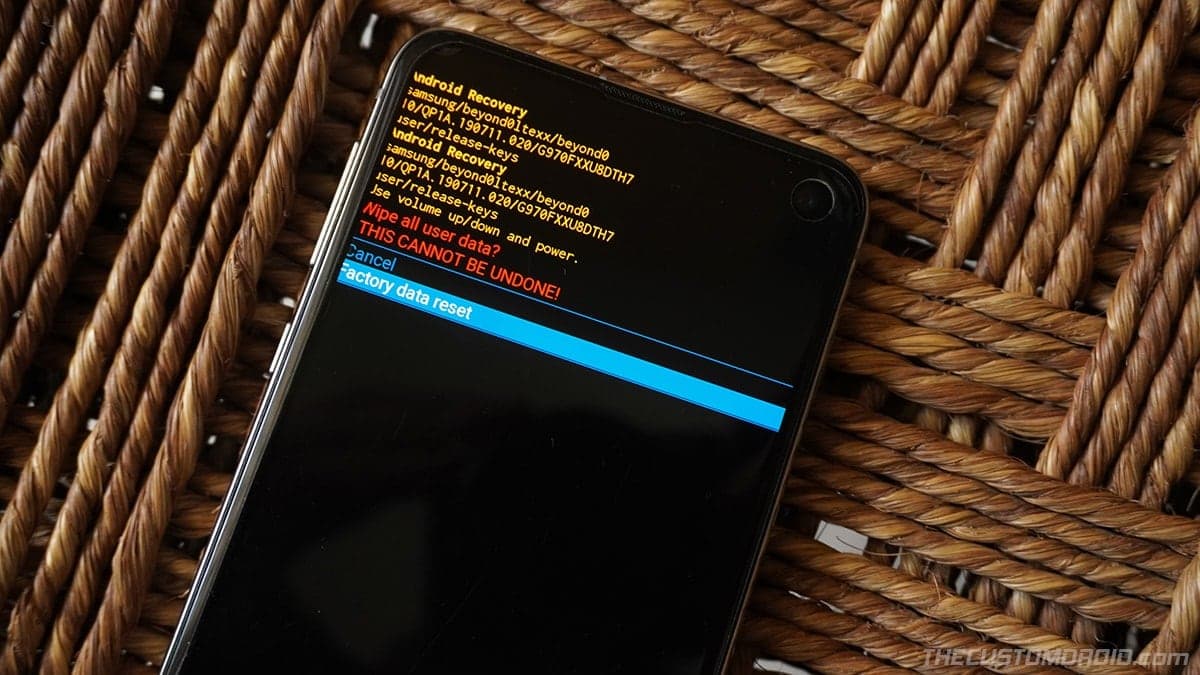
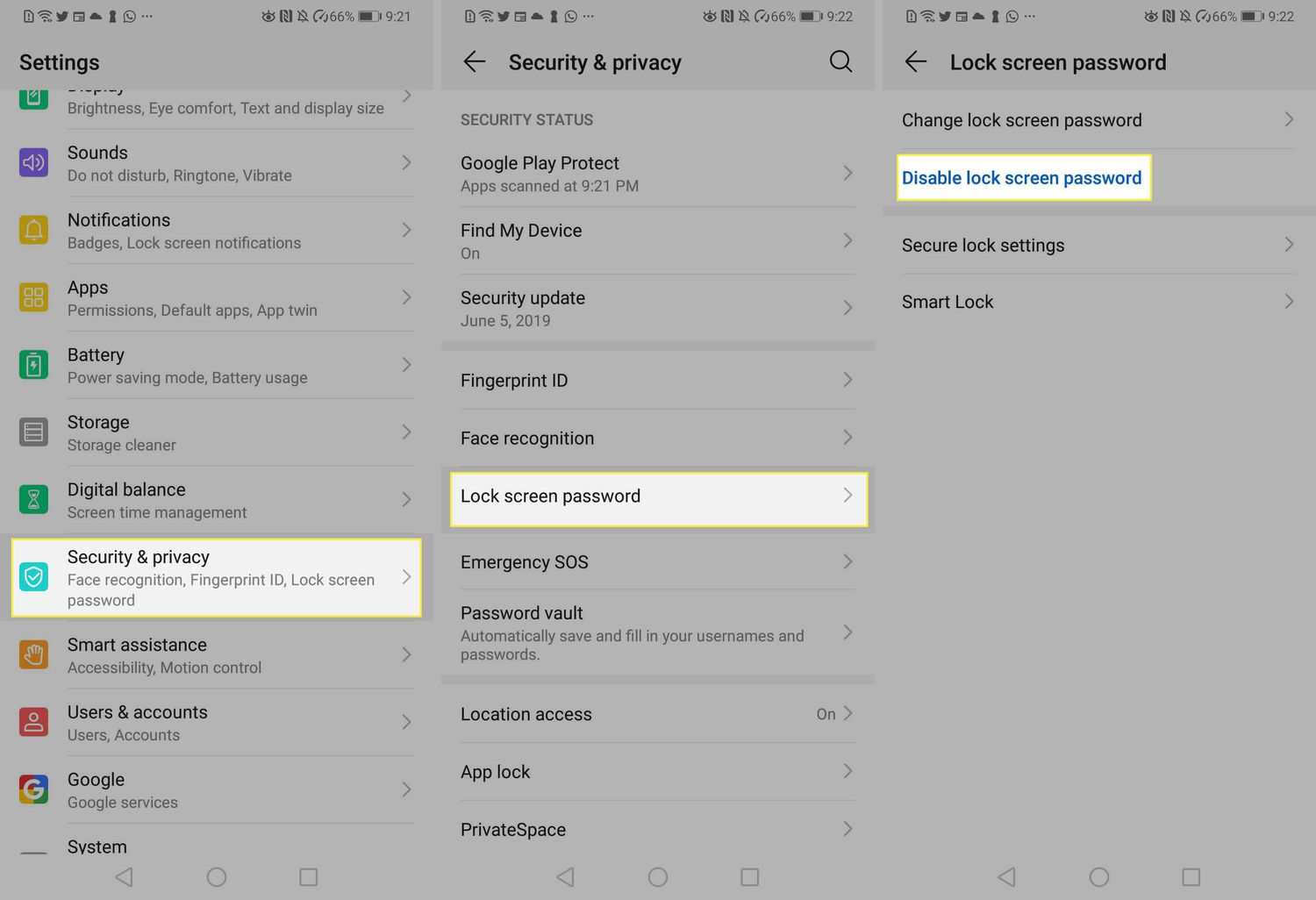
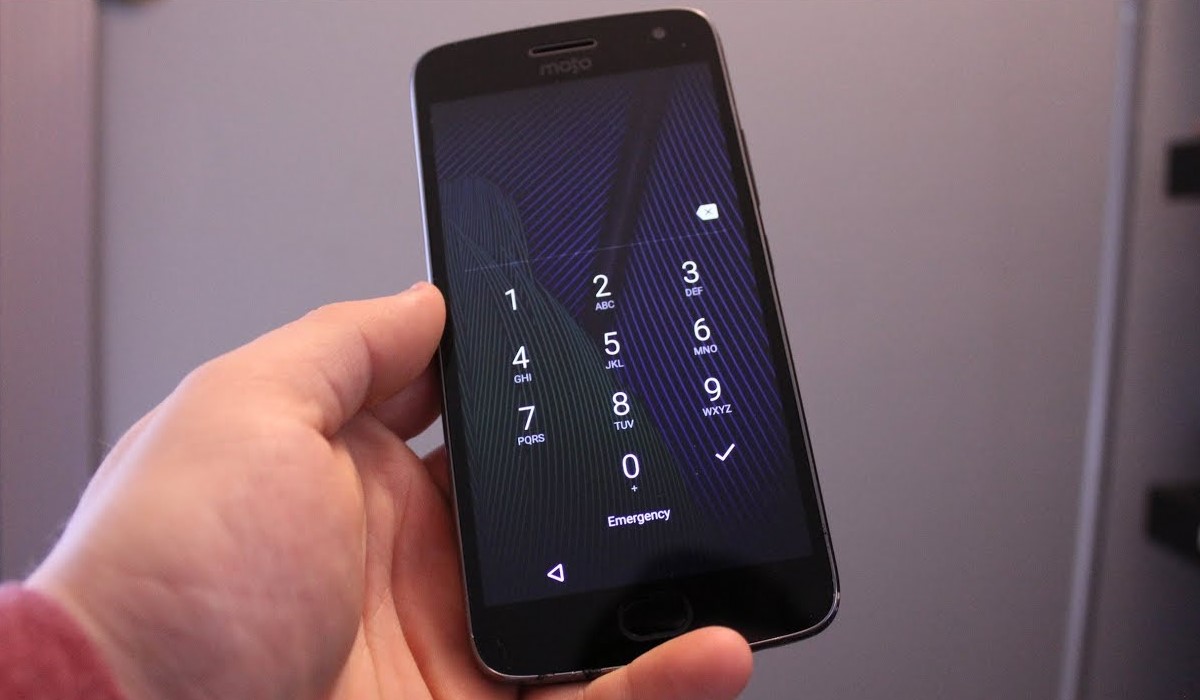
The articles address two main types of problems. First, several guides help you unlock or reset a phone when you cannot get past the lock screen. You can learn how to unlock a ZTE phone password, how to unlock a Coolpad phone without the password, and how to remove a PIN on an Android phone. For more stubborn cases, there are instructions on how to factory reset a locked Samsung phone and how to break into a Motorola phone. Second, other articles focus on finding a phone that is not locked but is simply out of reach or silent. These show you how to find an Android phone on silent, how to ping an Android phone for free, and how to ping a Samsung phone specifically. There is also a guide on how to find your phone on T-Mobile, which can help locate a device using carrier services.
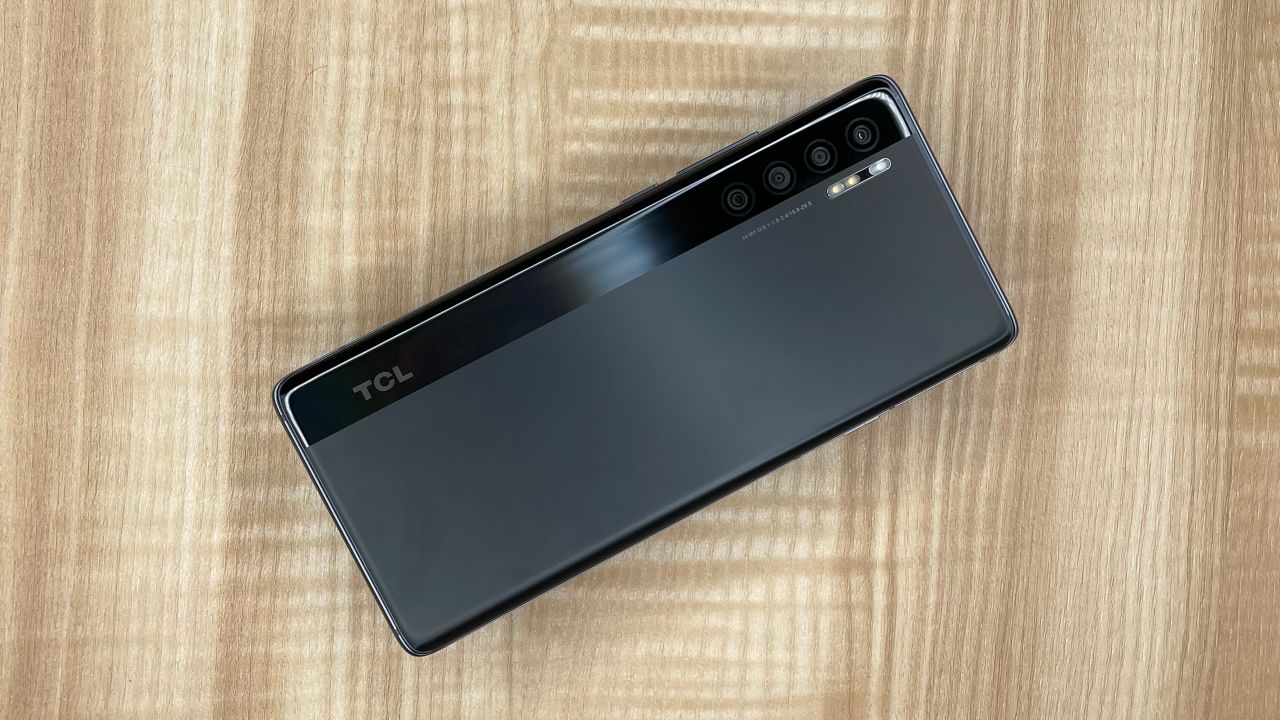
Beyond unlocking and locating, the tag includes broader recovery methods. You will find instructions on how to reset a TCL phone, how to reset a Motorola phone that is locked, and a general guide on factory resetting phones. Each article gives clear, actionable steps so you can get back into your device or track it down without unnecessary hassle.