Before you reset: what a factory reset phone actually erases
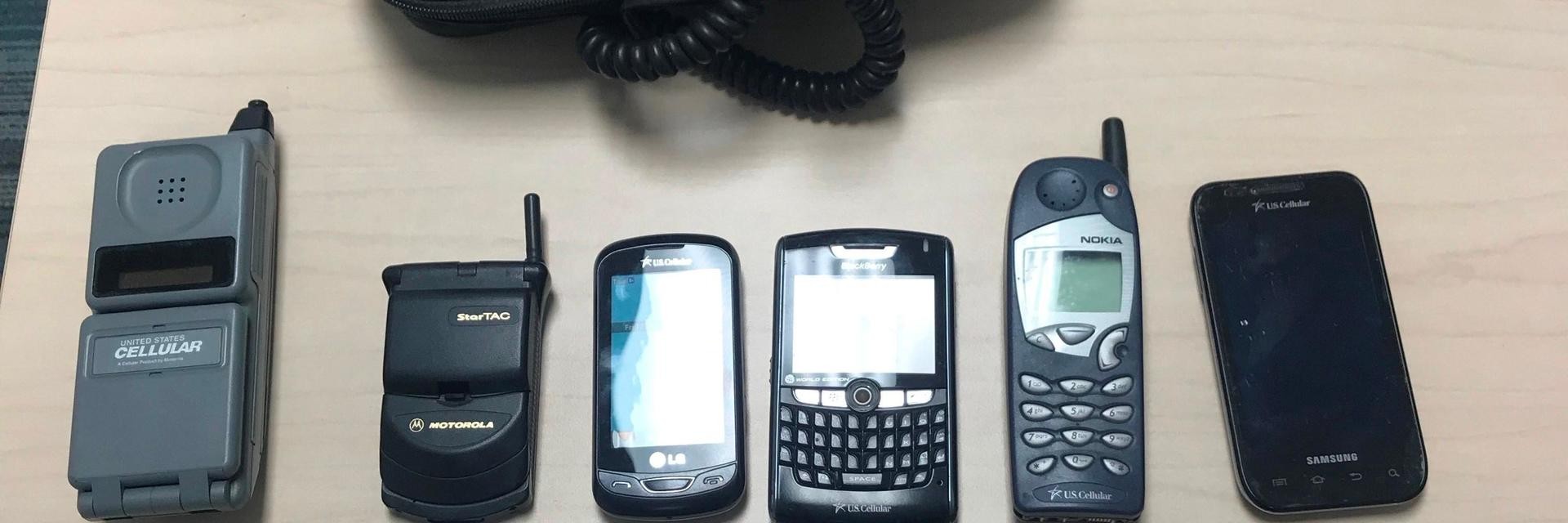
A factory reset phone procedure scrubs your personal information, downloaded apps, and system configuration while returning the device to its out-of-box state, though what actually gets deleted depends on the operating system. On an iPhone, running the erase from the Transfer or Reset menu removes your data, content, and preferences. One detail that catches people off guard is that restoring an iPhone via a computer does not automatically delete your eSIM, so you still need to handle your cellular plan separately. If you need to wipe your Android phone or tablet properly, an official remote path relies on Google's Find My Device tool, which requires the device to be powered on, connected to the internet, and visible on Google Play before the secure erase will work. You will likely need a carrier-specific sequence to clear old flip phone models, because no universal menu path applies to those devices. Regardless of platform, a reset does not disable activation locks tied to a previous owner's account, so signing out of linked services and confirming you have the necessary credentials before you start is the step that determines whether the phone remains usable afterward.
Reset any Samsung phone or tablet
Before starting the process to factory reset a Samsung Galaxy a tablet or phone, ensure the device has sufficient battery charge, at least 50%. The wipe can take some time and you do not want it dying midway. On recent Galaxy phones including the Galaxy S21 series, the on-screen path lives under Settings > General management > Reset > Factory data reset. The final confirmation button is often labelled Delete all. If you need to factory reset my Galaxy S21 or the higher-end factory reset Galaxy S21 Ultra, the menu sequence is identical. You will still be stopped cold if you cannot supply the Samsung account password or lock-screen credential afterward. The landscape shifted slightly when resetting a Samsung phone in 2024. Any device running Android 5.1 or later is covered by Google’s factory reset protection, which ties the phone to the original owner’s account until those credentials are entered. For older hardware, the procedure changes. To factory reset a Samsung Galaxy S8 or S8 Plus you typically need a recovery-mode key combination. Then you select Wipe data/factory reset from the menu. Some older tablets follow a different on-screen path via the system configuration under Settings > General management > Reset. There the final button reads Delete all.
Reset any Motorola or Moto phone
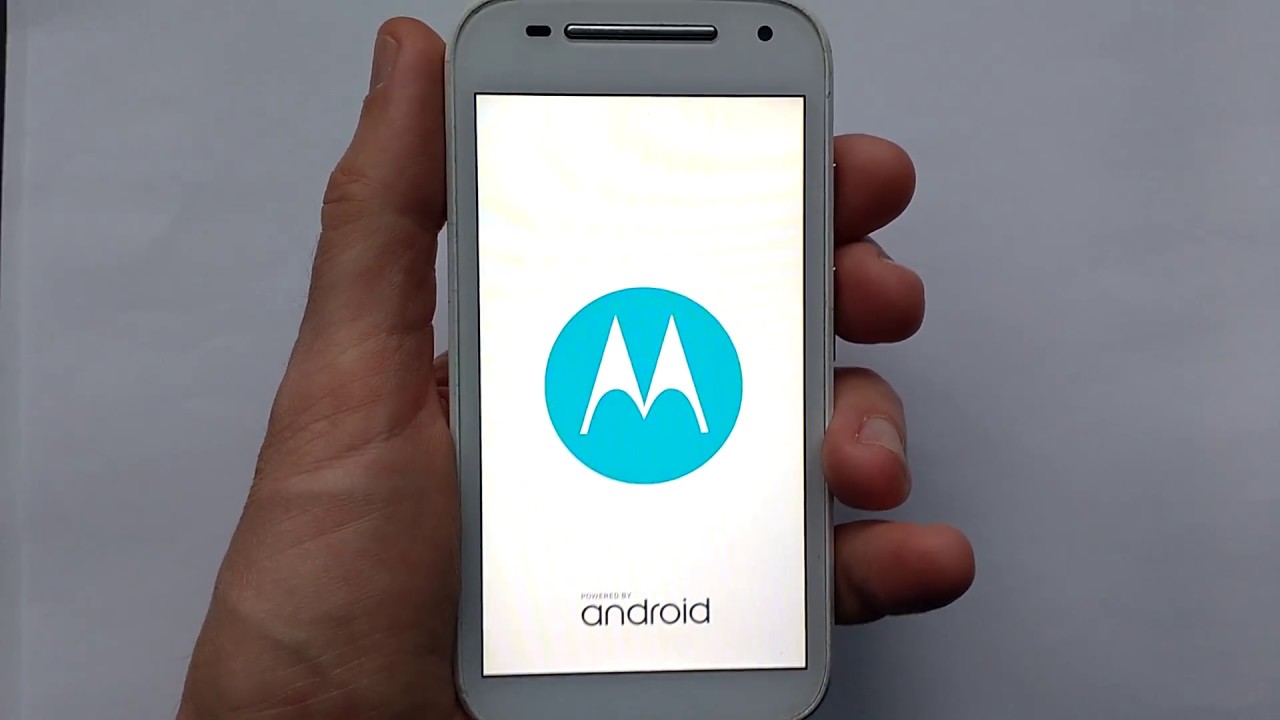
If you need to factory reset a Moto G play or factory reset the Moto G stylus, the process follows the standard on-device path through Settings > System > Reset options > Erase all data, though exact wording may shift slightly depending on your software version. When you need to erase Motorola phone data completely, the system asks for your lock-screen credential before scrubbing personal information, downloaded apps, and customized preferences. To factory reset Motorola edge models, you can use that identical configuration path, but if the phone is unresponsive you will need the recovery-mode method instead. That alternative involves powering the device off, then holding Volume Down and Power together until the bootloader or Fastboot Flash mode screen appears. Before hard resetting a Moto G through recovery mode, charge the battery to at least thirty percent, and once you see the robot icon with the 'No Command' message, hold Power and tap Volume Up once to reveal the wipe data option.
Reset Moto G Power and Pure models
When you need to factory reset a Moto G pure, go to Settings > System > Reset options > Erase all data (factory reset). To factory reset Moto G power 2021, go to Settings > System > Advanced > Reset options > Erase all data (factory reset) > Reset Phone, and to factory reset Moto G power 2022, follow that same menu path. If the screen is frozen or the phone will not boot, all three models share a hardware key method. The battery must be charged to at least 30% before you begin. Power the device off completely, then hold Volume Down and Power together until it turns on. Use the volume keys to highlight Recovery mode and press Power to select it. On the recovery screen, if an Android robot with a 'No Command' message appears, press and hold Power, then tap Volume Up once to show the menu options, then choose Wipe data/factory reset. Keep in mind that completing the wipe does not disable any activation lock tied to a previous owner’s Google account.
Reset LG, TCL, and other Android brands
If you need to factory reset Google phone models like the Pixel series, the most direct path is opening the system configuration panel and tapping System. Then choose Reset options followed by Erase all data. The phone will prompt for your lock-screen credential before it begins scrubbing personal information. The wipe does not disable Factory Reset Protection. The original owner’s Google account password remains the key that unlocks the device afterward. If you are looking for a dedicated walkthrough, you can read the article titled how to facory reset Google phone to see the exact steps for your specific model.
When you need to wipe LG phone hardware, the on-screen path typically starts in Settings, then under the General tab or System menu. There you select the reset option, which may be labeled Backup & reset or Reset options, and then Factory data reset or Erase all data. Supported models also offer a hardware-key method. Hold the required hardware button combination for your LG model from a powered-off state, then confirm on the factory reset screen. For brands where the exact menu labels shift between software versions, the common thread is that the reset erases only user data and configuration files while leaving any activation lock intact.
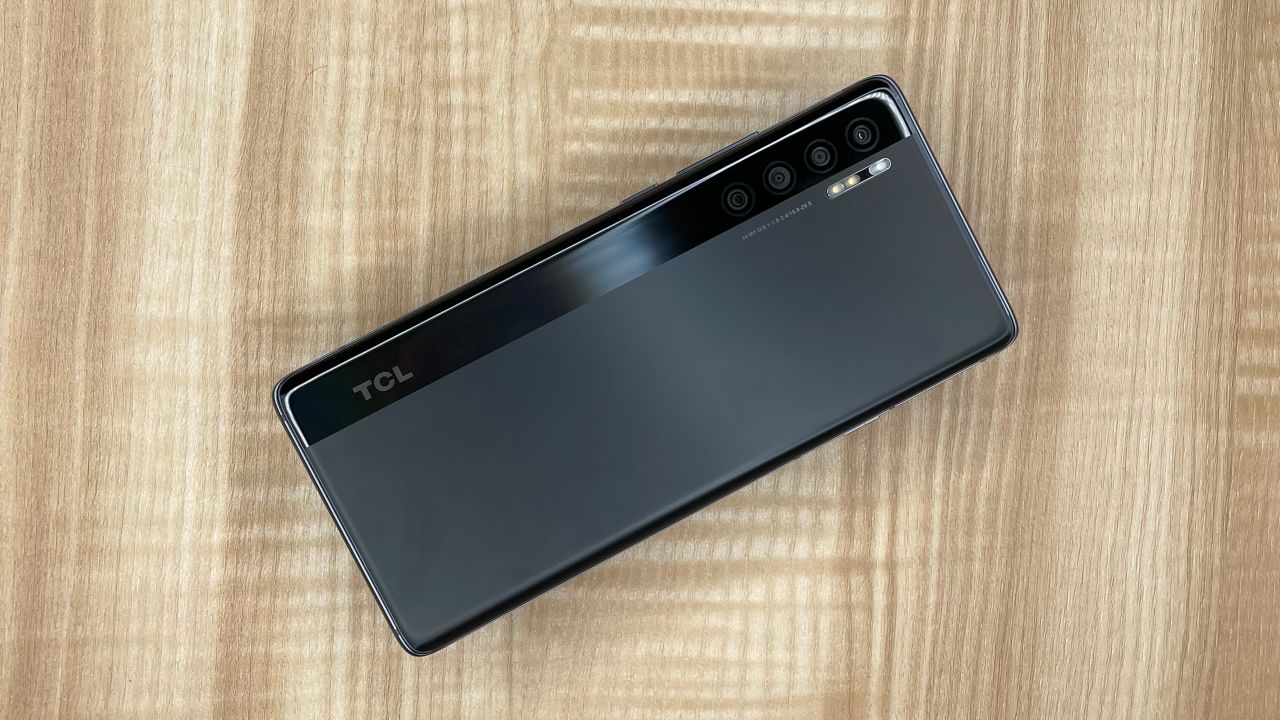
The same principle applies across a group of near-identical guides that walk you through the process for specific manufacturers. Those articles cover Kyocera, BLU, Cloud Mobile, and several other brands. Pick the one that matches the label on your device to see the precise button sequence and any model-specific prerequisites. How to factory reset Kyocera phone hardware using the powered-off method. A separate walkthrough shows how to factory reset my Blu phone. You can also learn to factory reset a cloud mobile phone. The collection even includes instructions to factory reset a qlink hot pepper phone. Finally, the article for a factory reset a TCL Android phone outlines the process.
Reset carrier-locked and prepaid phones
Resetting a phone that came through a carrier subsidy program or a prepaid provider adds one extra layer of concern. You need to be certain the device is fully released from the original service before you wipe it. On a Cricket or Assurance Wireless device, a standard Android recovery key combination will typically get you to the wipe data option from a powered-off state. The phone must already be unlocked if you intend to move it to a different network afterward. The same caution applies when you need to know how to reset a Cricket Android phone that was purchased on an installment plan. The carrier can block reactivation on a new account until the financial obligation is settled. For Q Link and Assurance Wireless customers, the subsidized handset often remains tied to the lifeline account. You must contact support and request a formal release. Running the erase routine without that step leaves you with a clean but network-restricted device.
Walmart work accounts managed via the Me@Walmart app introduce a different dependency. The company’s mobile-device management policy can automatically reapply restrictions after a wipe. You must first have your manager or IT administrator disenroll the phone from the work profile. Once those account-level ties are severed, the local reset behaves like any other Google-powered device wipe. It clears your personal files and configurations while leaving the FRP lock intact. The exact button sequence and menu labels vary by manufacturer. Model-specific walkthroughs covering Cricket, Assurance Wireless, TCL, and other common prepaid handsets can provide the precise recovery-mode steps and any eligibility prerequisites.
Carrier-locked devices often hide the network-release check behind a few support pages. You should verify the SIM status before you begin any destructive procedure. Visit the carrier portal or dial a dedicated shortcode to confirm the subsidy lock has been lifted. A phone that still shows a restricted status will simply refuse a new SIM after the wipe completes. This turns your freshly cleared device into a Wi-Fi-only slab. The unlock process for prepaid operators usually requires a set number of months of active service. You may also need to settle a final bill. Meeting these terms triggers an automatic server-side release that updates the handset’s network profile.
Corporate enrollment profiles present a similar gatekeeping function. The Me@Walmart hub and other enterprise portals tie the hardware identifier to a management server. A standard factory data reset cannot sever this link. The device checks in during the setup wizard and immediately pulls down the old policy. You end up right back inside the managed environment. The disenrollment step is mandatory. Your administrator removes the device serial number from the console. Only then does the local wipe produce a truly unmanaged phone. Skipping this coordination loop wastes time and can flag your account for a compliance review.
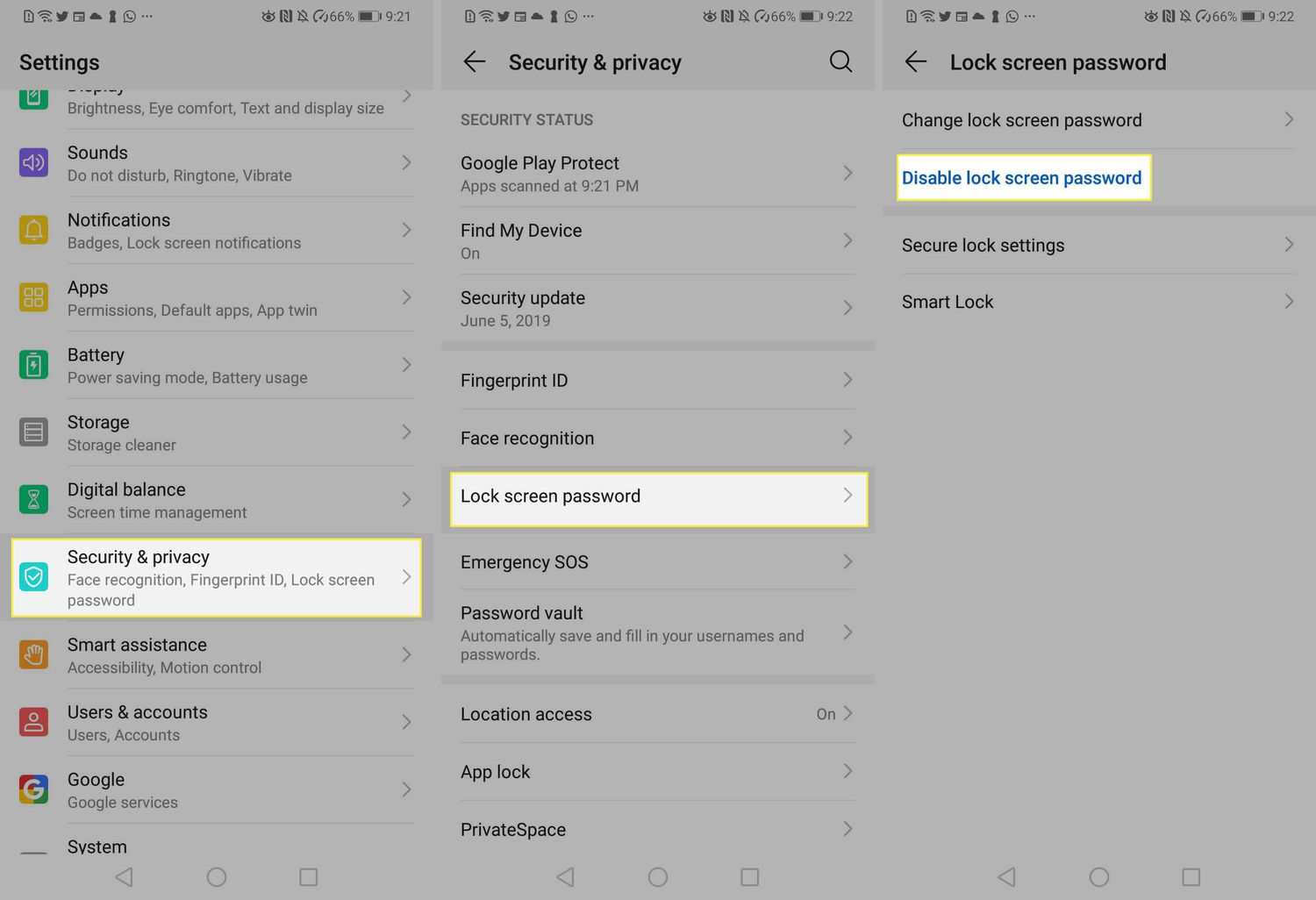
Google’s Factory Reset Protection remains active regardless of the carrier or corporate status. This security layer asks for the last synced account credentials after a wipe. It prevents a thief from simply erasing and reselling a device. You can disable this protection manually before you start. Open the account section and remove every Google profile from the handset. This step tells the server that the hardware is no longer associated with those credentials. The setup wizard will then let you proceed without a verification challenge. If you forget this step, you must have the original username and password ready. You will also need a working internet connection to pass the post-reset verification.
Different manufacturers tweak the recovery environment, so the button hold pattern is not universal. A common approach uses a physical key combination pressed while the device is completely off. You then navigate a text-based menu using the volume rocker. The power button confirms your selection. Some brands replace the standard recovery with a minimal graphical interface. Others bury the wipe command inside a submenu labeled repair or diagnostic. The fundamental outcome is identical across all implementations. The phone deletes the userdata partition and reboots into a first-time setup state. Your preloaded system apps and the operating system version remain untouched.
Prepaid plans complicate things further for a bundled reset a Cricket phone. The handset IMEI stays flagged in the carrier database until the unlock criteria are met. A wipe performed before unlocking does not remove this flag. The phone will continue to reject non-Cricket SIM cards. You can confirm the unlock status by inserting a SIM from a different operator after the reset. If the network name appears and calls connect, the release was successful. If you see an invalid SIM message, you must contact support to finalize the subsidy removal.
Lifeline program participants face a similar restriction when they need to reset Assurance wireless phone hardware that is still under the benefit period. The device remains locked to the service provider until you complete a formal deactivation request. The reset procedure itself is standard. You hold the correct buttons and select the wipe option from the recovery list. The limitation appears only when you attempt to activate the phone on a different network. A clean operating system does not override the carrier-level lock. Always request the release confirmation number from the support agent. This reference helps resolve any disputes if the unlock fails to propagate to the device.
TCL models sold through prepaid channels use a slightly modified recovery menu. The option to wipe data may be listed under a different label in the recovery menu. The navigation keys remain the same. You press Volume Up and Down to move the cursor and Power to select. When you need to reset TCL phone units that show a carrier splash screen, you should first back up any media to an external SD card or a cloud service. The internal storage is fully erased during the process. Be careful not to select diagnostic options by mistake, as some may run tests that require a battery pull or a long power press to exit. Be careful not to select that option by mistake.
Motorola’s approach to the recovery environment is closer to the standard build. The robot graphic appears first, and you then press a combination to reveal the menu. When you need to reset a Motorola phone that was acquired through a carrier deal, check the bootloader status in the developer options first. A locked bootloader does not prevent a standard wipe. It only matters if you plan to reflash the firmware later. The factory reset command is clearly labeled and executes quickly. The device restarts with the familiar hello setup screen. Your carrier bloatware remains because it lives in the system partition.
OnePlus devices use a custom recovery interface for newer models. The interface differs from the stock Android recovery, which is why you might need a dedicated guide when you need to reset a OnePlus phone. Following the correct key combination for your specific model ensures you reach the wipe menu without triggering fastboot mode or a diagnostic loop. Once you select the factory reset option, the device clears the user data and reboots to the setup screen. The custom recovery also offers advanced wipe options, but the standard reset is sufficient for most scenarios.
Reset app data without wiping the phone
When you only need to wipe progress inside a single game rather than the whole device, the steps usually live on the server side. For example, if you host a world and need to reset player data Minecraft, you must locate the player's UUID, delete the matching .dat file inside the world's playerdata folder, and restart the server; one source recommends stopping the server before making changes. Some server setups also store advancements and stats as separate UUID-tagged files you can remove. This operation clears that player's inventory, location, and other vanilla information on the server without touching the game client installed on your phone. On mobile devices, this reset is a server-side operation, so you manage files via a server control panel or an FTP connection rather than through the phone's operating system configuration panels. Because you are only altering server-side records, the phone's activation lock and factory reset protection are completely unaffected, and you never touch the system recovery menu or any carrier-specific unlocking requirement. If you want to learn the exact file names and commands for each edition, you would read the article on how to reset player data Minecraft to avoid corrupting the world.
Frequently Asked Questions
Does restoring an iPhone with a computer delete my eSIM?
No, restoring an iPhone through Finder, Apple Devices, or iTunes does not automatically delete your eSIM. You must handle your cellular plan separately, and if you choose to erase the eSIM you will need to contact your carrier to reactivate service.
What is the recovery mode key combination for a Samsung Galaxy S8?
Power off the device, then press and hold Volume Up, Power, and Home simultaneously. Release the buttons when the menu appears, then use Volume down to highlight Wipe data/factory reset and confirm with the Power button.
How do I disable Factory Reset Protection before wiping my Android?
Open the account section in Settings and remove every Google profile from the handset. This tells the server the hardware is no longer associated with those credentials, allowing the setup wizard to proceed without a verification challenge after the wipe.
What happens if my Moto G Power shows a No Command screen during reset?
When the Android robot with a No Command message appears, press and hold the Power button, then tap Volume Up once to reveal the menu options. From there you can select Wipe data/factory reset using the volume keys to navigate.
Will a factory reset remove my Walmart work profile from the phone?
A standard factory data reset cannot sever the link to the company's mobile-device management server. The device checks in during setup and immediately pulls down the old policy, so you must have your manager or IT administrator disenroll the phone first.
Readers comparing a separate eSIM can browse uPhone eSIM plans and verify destination coverage, data allowance, and validity before buying.
More eSIM resources: Browse our eSIM guides and troubleshooting resources for compatibility, setup, travel-data and account-safety advice.