Practical guides for anyone who wants to create or modify visuals directly on their phone or tablet. Whether you are a casual social media user, a mobile gamer, or someone learning digital art on the go, these articles are built around the real tasks you face when working with images on a mobile device. The focus is on doing specific jobs, making wallpapers, thumbnails, stickers, and decals, without needing a desktop computer.
The articles here solve problems that fall into a few clear categories. One group helps you prepare images for sharing or posting, such as learning how to make a thumbnail on mobile or how to make stickers on Discord Mobile. Another set tackles game-related customization, like how to make your own decal in Roblox on mobile. A third group deals with the technical side of editing within a drawing app, including how to cut out an image in Procreate, how to crop an image on Procreate, and how to resize an image in Procreate. Each guide walks you through a single, focused task so you can get the result you need without extra fluff.
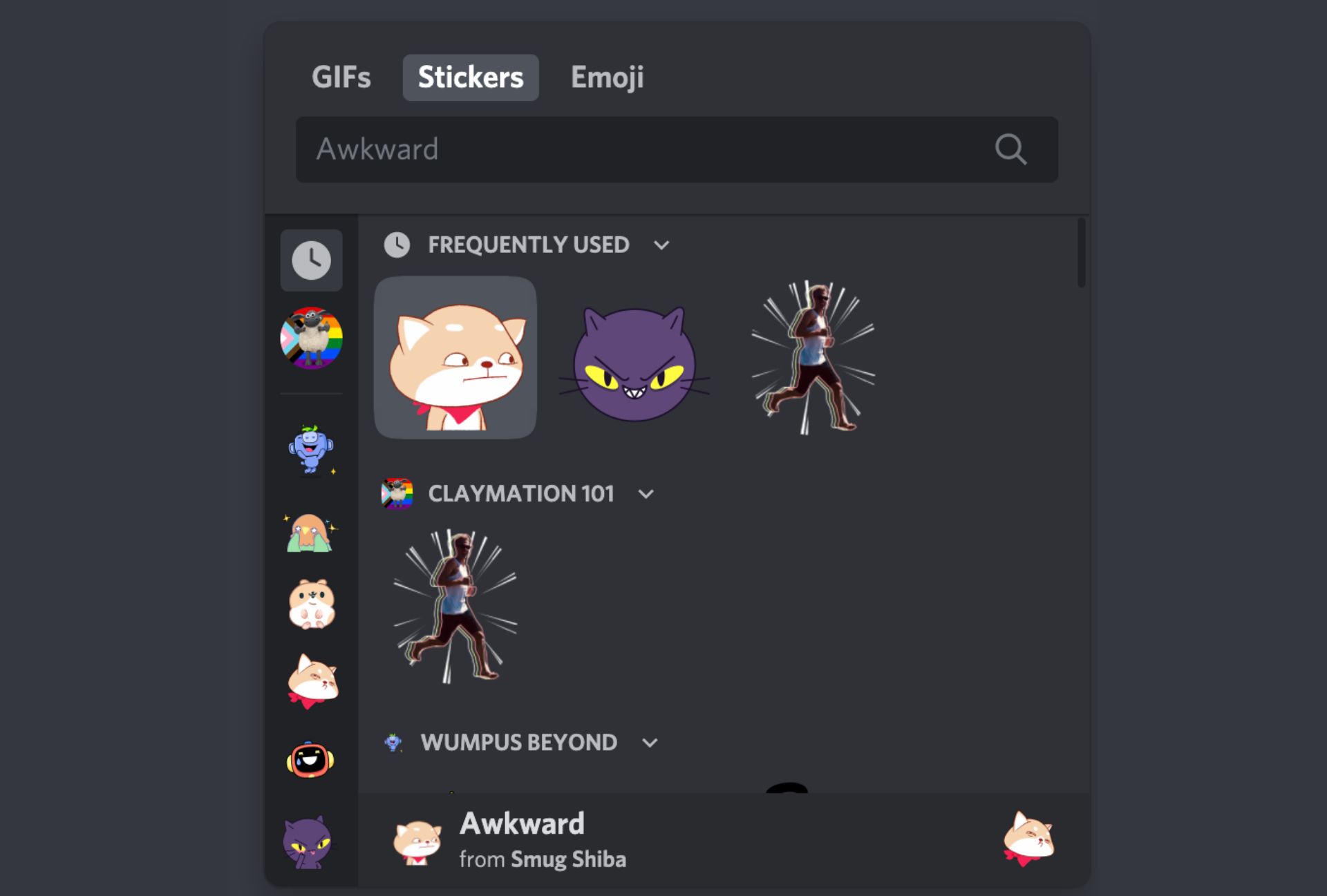
You cannot make stickers on Discord mobile by uploading them directly through the app. The Discord mobile app does not support custom sticker uploads, so you need a workaround using...
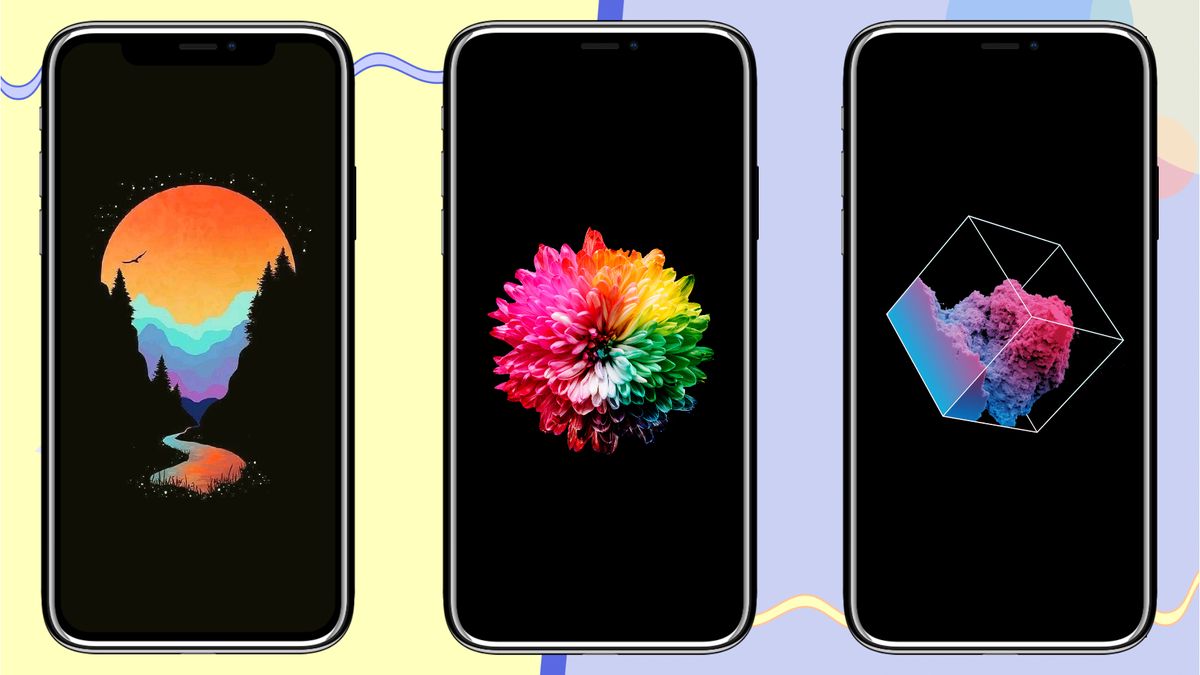
To make a wallpaper for your phone, you don't need complex design skills, you only need to pick the right photo, size it to your screen's resolution, and set it...
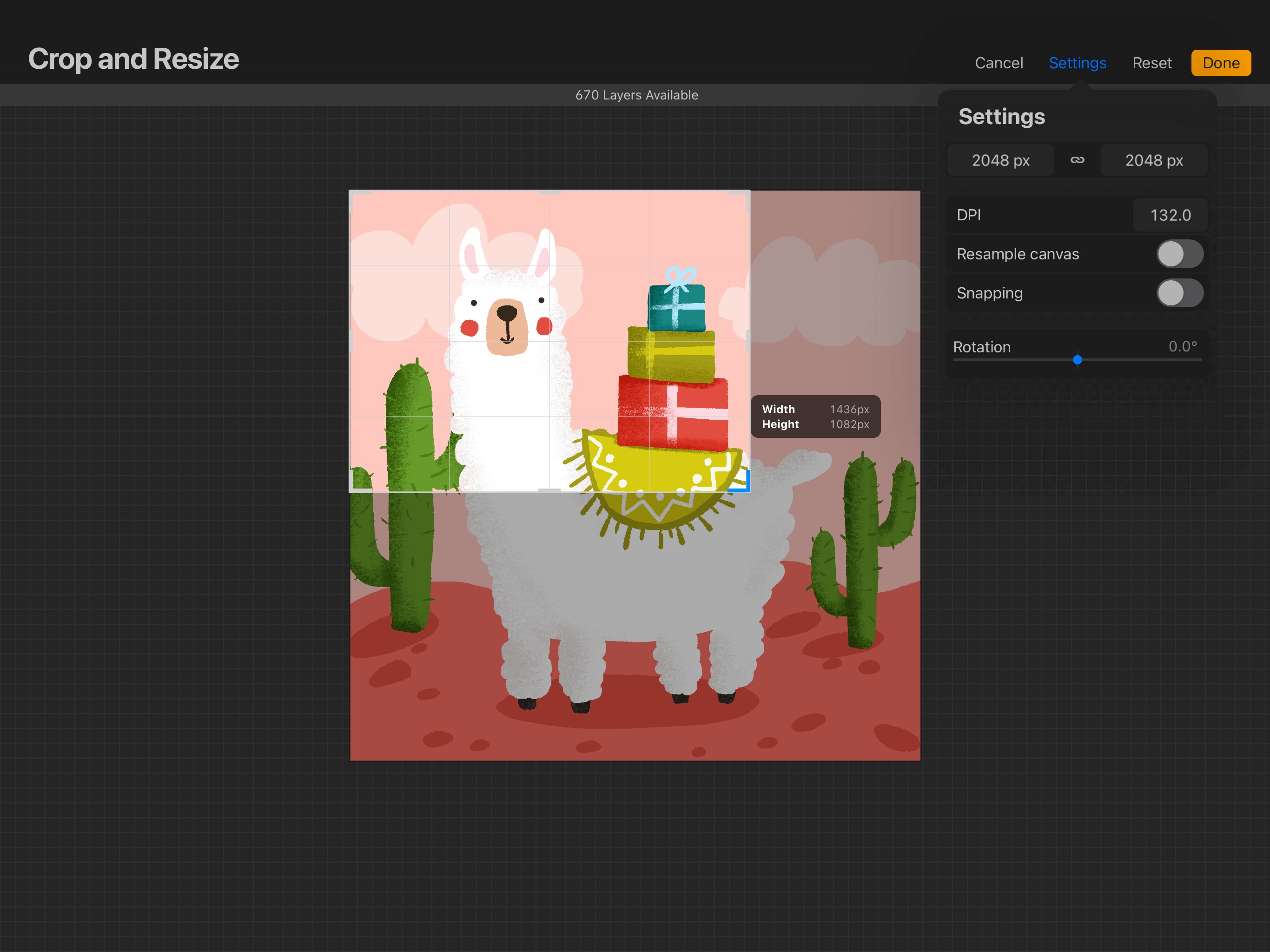
To resize an image in Procreate, you need to choose between two methods depending on whether you want to change the entire canvas or just a single layer. Resizing the...
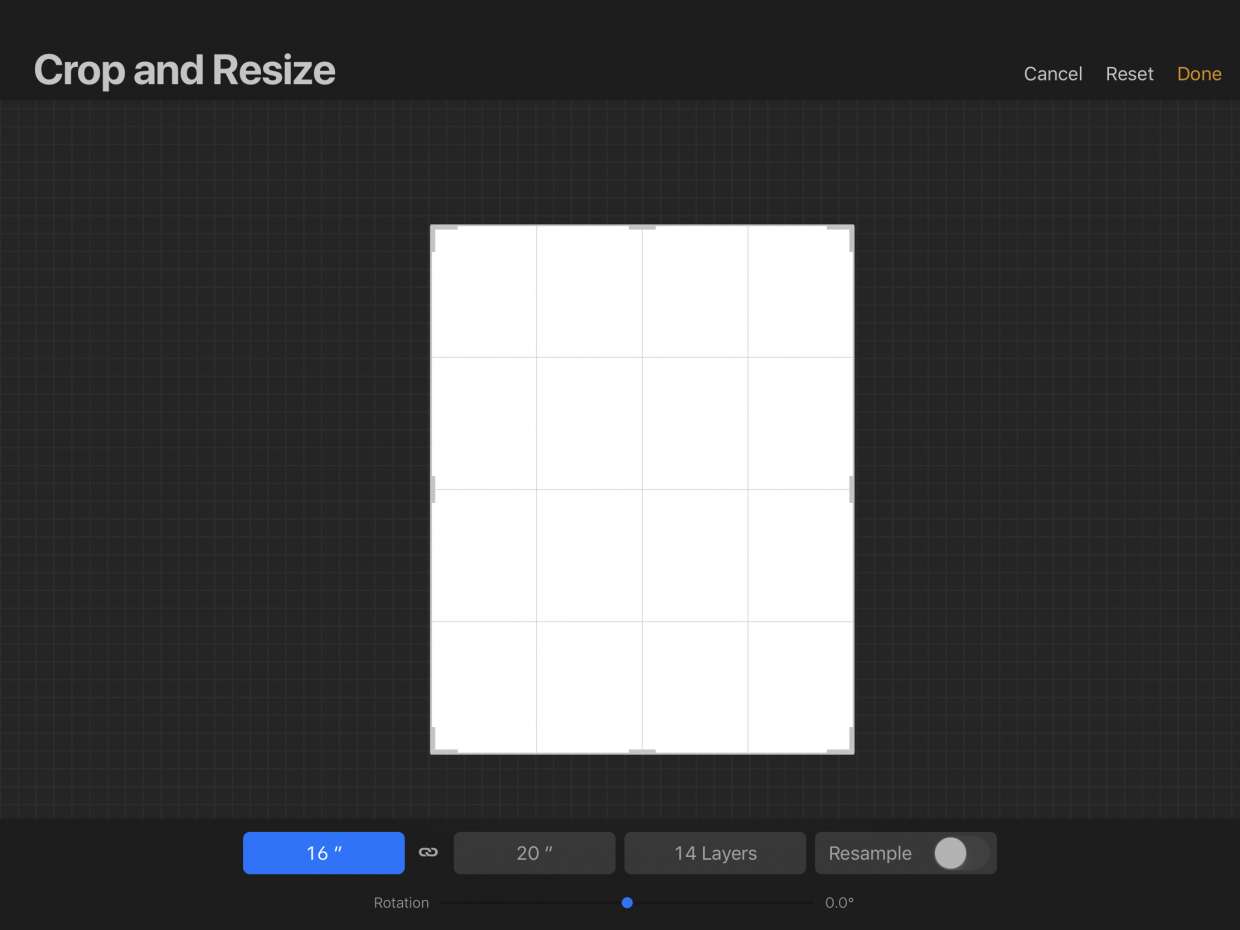
To crop an image on Procreate, open your artwork and tap Actions (wrench icon), then Canvas, then Crop & Resize. Drag the boundary handles or corner points to adjust the...
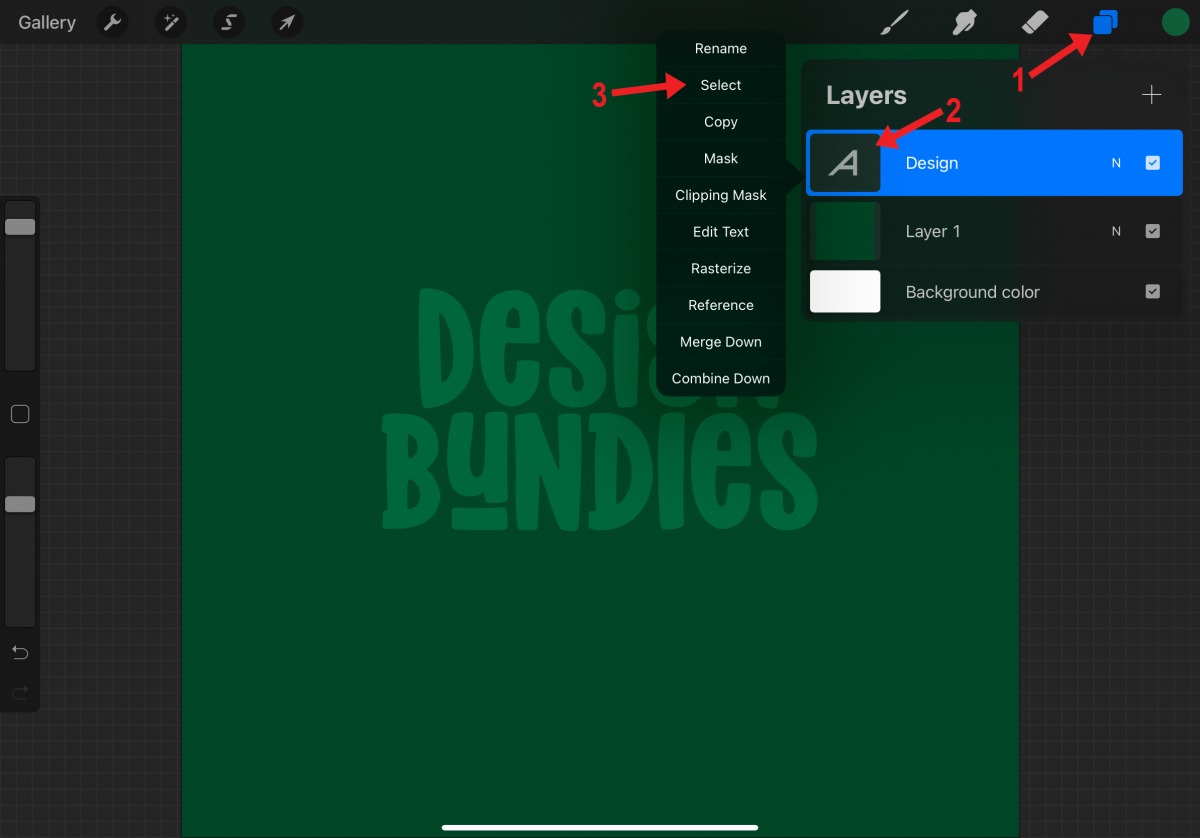
To cut out an image in Procreate, you make the canvas background transparent by turning off the Background Color layer in the Layers panel, then export the file as a...
You can make a thumbnail on mobile using the built-in Photos app on an iPhone, or by using a third-party design app like Canva on any smartphone. The quickest method...
To make your own decal in Roblox on mobile, you need to design an image in a separate app and then upload it through the Roblox mobile app's asset system....